
Skip to content
  • Recent
  • Tags
  • Popular
  • Users
  • Search
Skins
  • Light
  • Brite
  • Cerulean
  • Cosmo
  • Flatly
  • Journal
  • Litera
  • Lumen
  • Lux
  • Materia
  • Minty
  • Morph
  • Pulse
  • Sandstone
  • Simplex
  • Sketchy
  • Spacelab
  • United
  • Yeti
  • Zephyr
  • Dark
  • Cyborg
  • Darkly
  • Quartz
  • Slate
  • Solar
  • Superhero
  • Vapor

  • Default (No Skin)
  • No Skin
Collapse

Lay Theme Forum

  1. Home
  2. General Discussion
  3. TRANSLATED MENUS

TRANSLATED MENUS

Scheduled Pinned Locked Moved General Discussion
6 Posts 2 Posters 189 Views 2 Watching
  • Oldest to Newest
  • Newest to Oldest
  • Most Votes
Reply
  • Reply as topic
Log in to reply
This topic has been deleted. Only users with topic management privileges can see it.
  • C Offline
    C Offline
    cschm.tz
    wrote last edited by cschm.tz
    #1

    Hi @arminunruh I am currently finalising the page and i seem to have hit a wall when it comes to having a translated menu.

    the navigation and link edits i do on one language seem to be carried across to the other language event though qt translate seems to be working fine in all other scenarios.

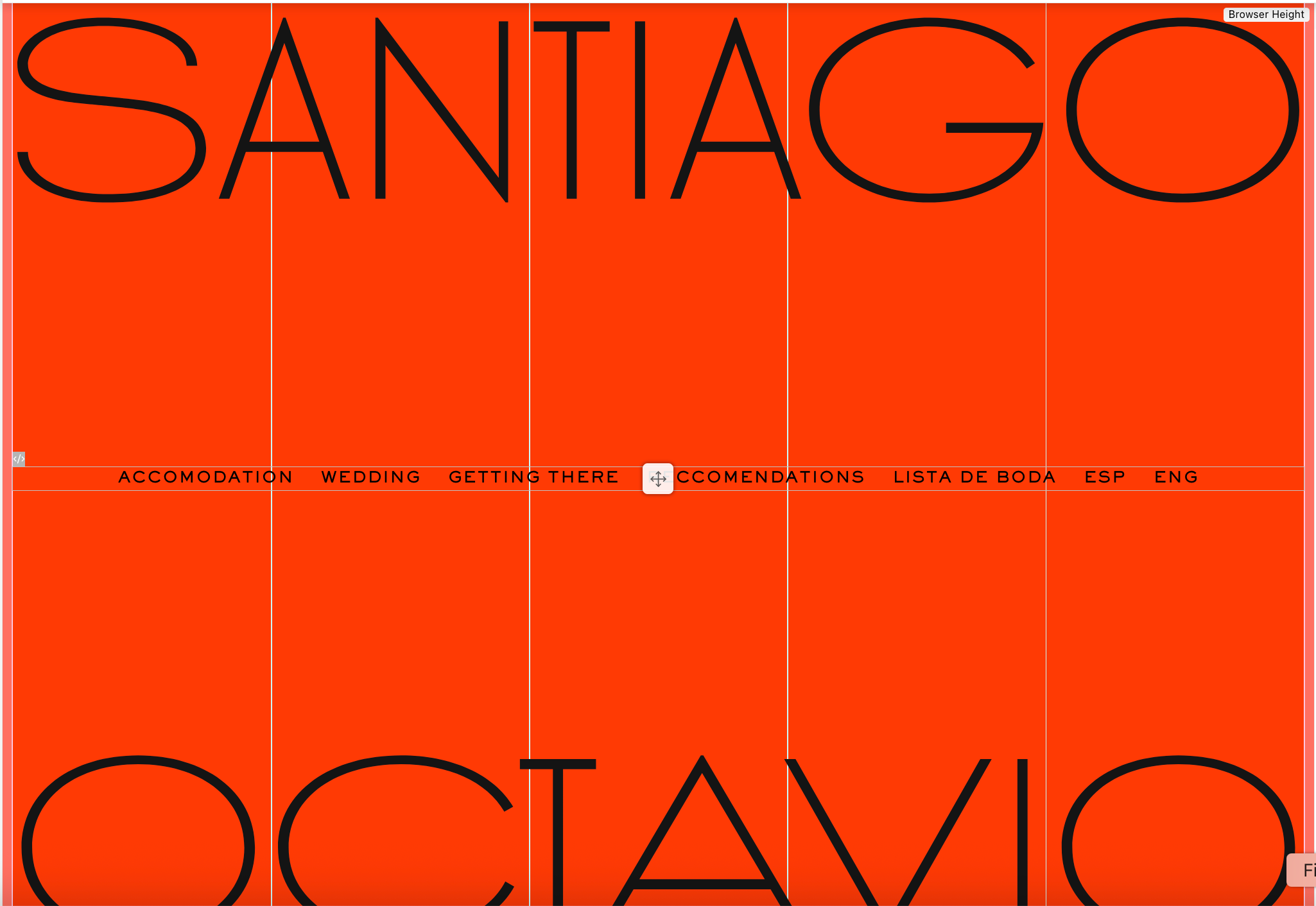
    This spanish home, when clicking on ENG:
    https://santiagoctavio.com/home-esp/?lay_preview=true&preview_post_id=59&preview_nonce=8b13011e04&t=1783954108419

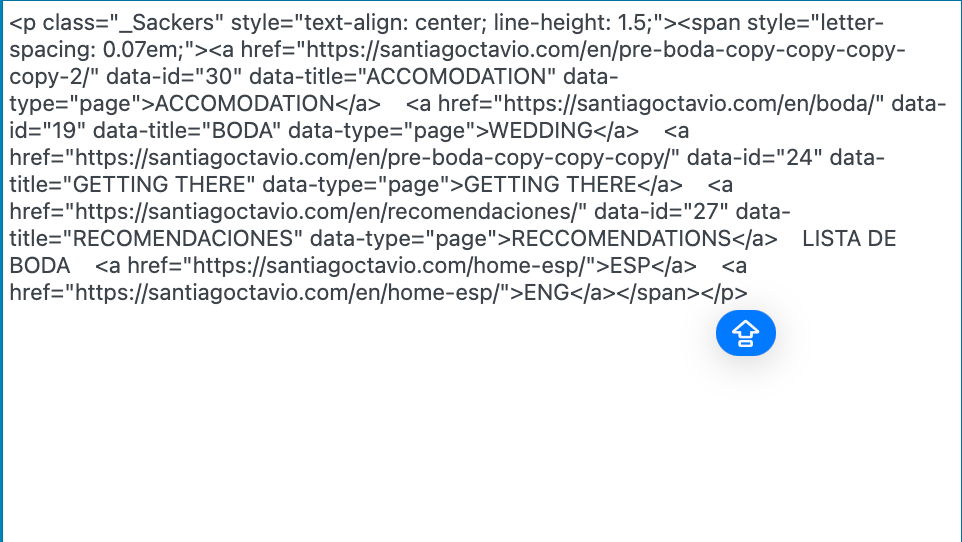
    Should be taking me here, as per the code:
    Captura de pantalla 2026-07-13 a las 16.51.55.png

    Captura de pantalla 2026-07-13 a las 16.51.33.png

    But instead is taking me here (the current front page):

    Captura de pantalla 2026-07-13 a las 16.53.08.png

    What am I doing wrong and what is the easiest way of solving these 2 homes that seem to currently be incompatible?

    1 Reply Last reply
    0
    • arminunruhA Offline
      arminunruhA Offline
      arminunruh
      Global Moderator
      wrote last edited by
      #2

      Hi!

      I think the issue is that the ESP and ENG links were added as regular links. qTranslate therefore doesn’t recognise them as language-switcher links and may automatically change their destinations.

      The easiest solution would be to use qTranslate’s built-in Language Switcher instead of creating the ESP and ENG links manually.

      Also, I would recommend using only one homepage and translating its content with qTranslate, rather than creating separate Spanish and English homepage pages.

      You can add the qTranslate Language Switcher to your WordPress menu, or use this shortcode in Lay Theme:

      [qtranslate_language_switcher type="text"]

      You can then style it with CSS to match the rest of your navigation.

      1 Reply Last reply
      0
      • arminunruhA Offline
        arminunruhA Offline
        arminunruh
        Global Moderator
        wrote last edited by
        #3

        also, you know,

        qtranslate works like this:
        you have one page

        and it contains all translations.
        then the language switcher determines which language is shown.
        but i think you create different pages for different languages maybe? thats not how it works for qtranslate.

        1 Reply Last reply
        0
        • C Offline
          C Offline
          cschm.tz
          wrote last edited by
          #4

          Thanks Armin, my only question is:

          I need two forms of menus:
          —The one that is centred for the Home (the one currently not working shown in the above message).
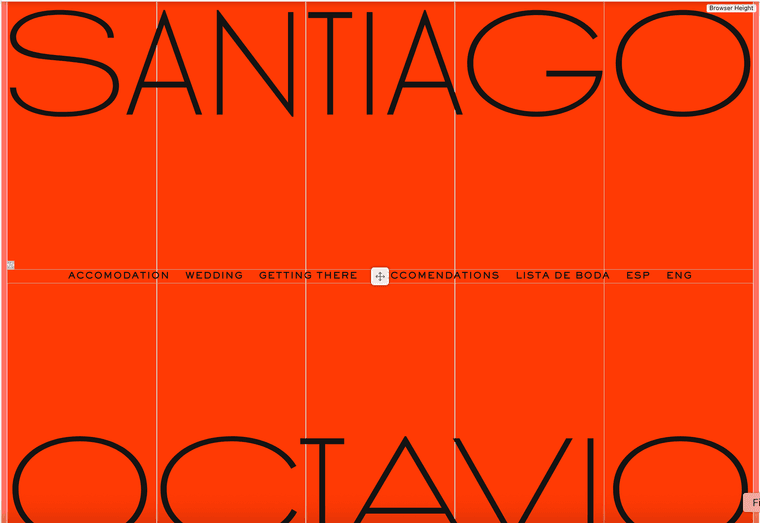
          —The one on the base which is working fine as per the image below

          How do I make sure these work side by side without entering in conflict?

          https://santiagoctavio.com/en/pre-boda-copy-copy-copy-copy-2/?lay_preview=true&preview_post_id=30&preview_nonce=075245e45d&t=1783952886750

          Captura de pantalla 2026-07-14 a las 14.55.06.png

          1 Reply Last reply
          0
          • C Offline
            C Offline
            cschm.tz
            wrote last edited by
            #5

            I think I found a way through Secondary Menu and hiding menus whenever necessary through the specific page CSS

            1 Reply Last reply
            0
            • arminunruhA Offline
              arminunruhA Offline
              arminunruh
              Global Moderator
              wrote last edited by
              #6

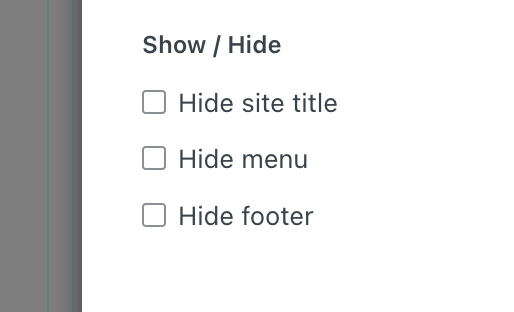
              you can hide and show menus here when you click "page settings" in the gridder top right:
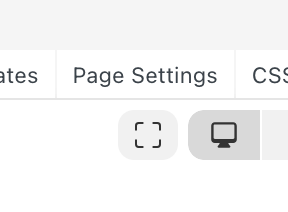
              grafik.png

              grafik.png

              but yea i have to add a setting to show/hide not all menus but certain menus

              1 Reply Last reply
              0
              Reply
              • Reply as topic
              Log in to reply
              • Oldest to Newest
              • Newest to Oldest
              • Most Votes


              We also code custom websites or bespoke Lay features. Drop me a line at info@laytheme.com or check out my work at arminunruh.com.

              Want to support my work? paypal.me/arminunruh

              Before you post:
              1. When using a WordPress Cache plugin, disable it or clear your cache.
              2. Update Lay Theme and all Lay Theme Addons
              3. Disable all Plugins
              4. Go to Lay Options → Custom CSS & HTML, click "Turn Off All Custom Code", click "Save Changes"

              This often solves issues you might run into

              When you post:
              1. Post a link to where the problem is
              2. Does the problem happen on Chrome, Firefox, Safari or iPhone or Android?
              3. If the problem is difficult to explain, post screenshots / link to a video to explain it
              Online Users
              Forgot your key, lost your files, need a previous Lay Theme or Addon version? Go to www.laykeymanager.com
              laytheme.com
              • Login

              • Don't have an account? Register

              • Login or register to search.
              • First post
                Last post
              0
              • Recent
              • Tags
              • Popular
              • Users
              • Search