Skip to content
  • Recent
  • Tags
  • Popular
  • Users
  • Search
Skins
  • Light
  • Brite
  • Cerulean
  • Cosmo
  • Flatly
  • Journal
  • Litera
  • Lumen
  • Lux
  • Materia
  • Minty
  • Morph
  • Pulse
  • Sandstone
  • Simplex
  • Sketchy
  • Spacelab
  • United
  • Yeti
  • Zephyr
  • Dark
  • Cyborg
  • Darkly
  • Quartz
  • Slate
  • Solar
  • Superhero
  • Vapor

  • Default (No Skin)
  • No Skin
Collapse

Lay Theme Forum

  1. Home
  2. General Discussion
  3. lots of bugs

lots of bugs

Scheduled Pinned Locked Moved General Discussion
4 Posts 2 Posters 20 Views 2 Watching
  • Oldest to Newest
  • Newest to Oldest
  • Most Votes
Reply
  • Reply as topic
Log in to reply
This topic has been deleted. Only users with topic management privileges can see it.
  • P Offline
    P Offline
    paubo
    wrote last edited by
    #1

    With the latest update I'm having a lot of issues.

    On the homepage I use a fullscreen slider so that images and text can slide horizontally in separate blocks. I have to do this by embedding the image inside a text box because, as you know, it's not possible to place one element on top of another within the same row.

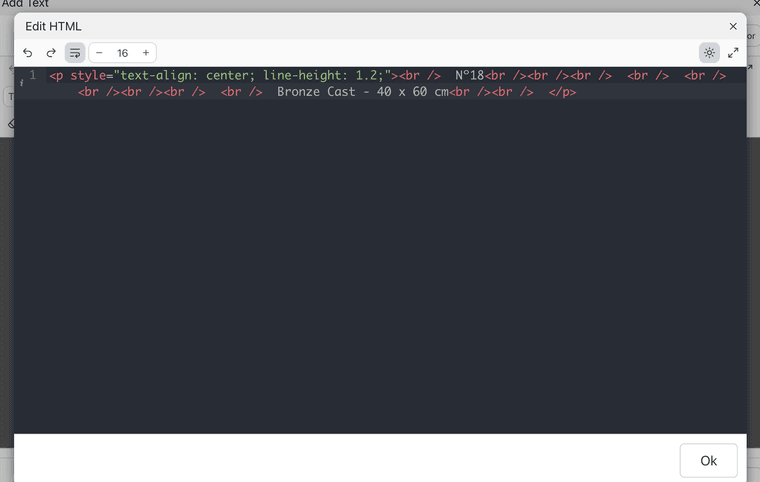
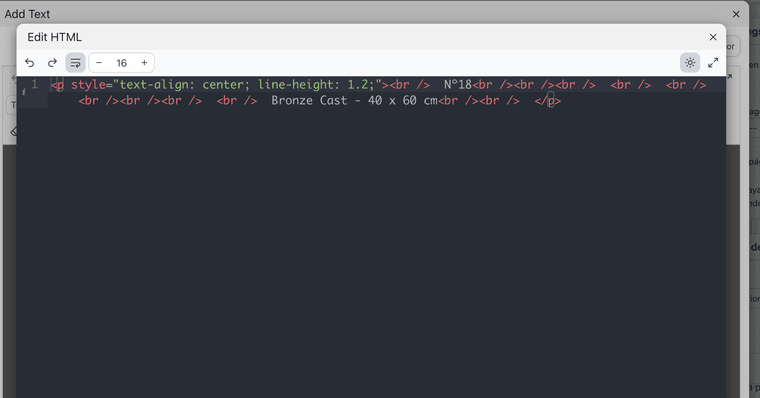
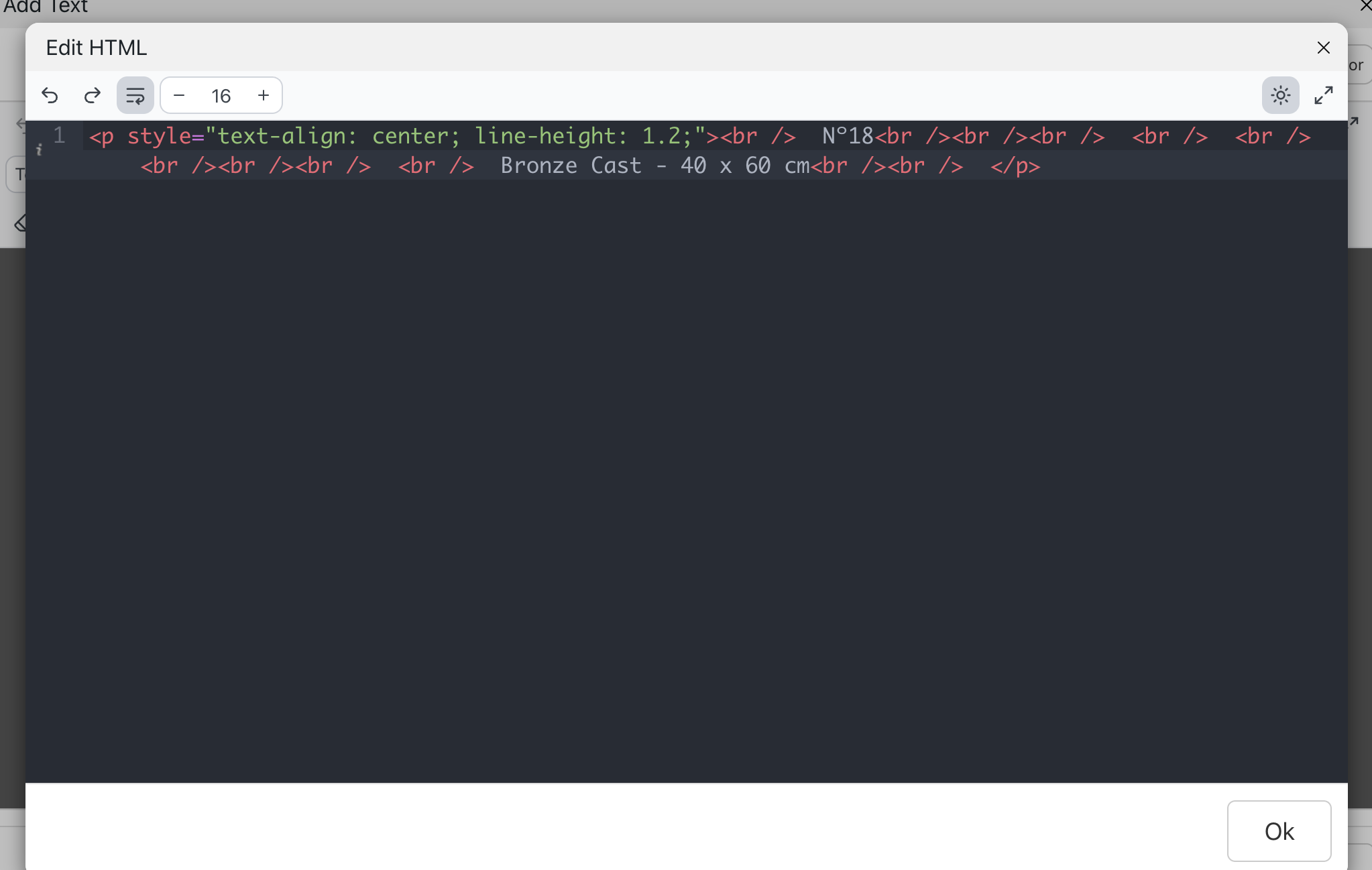
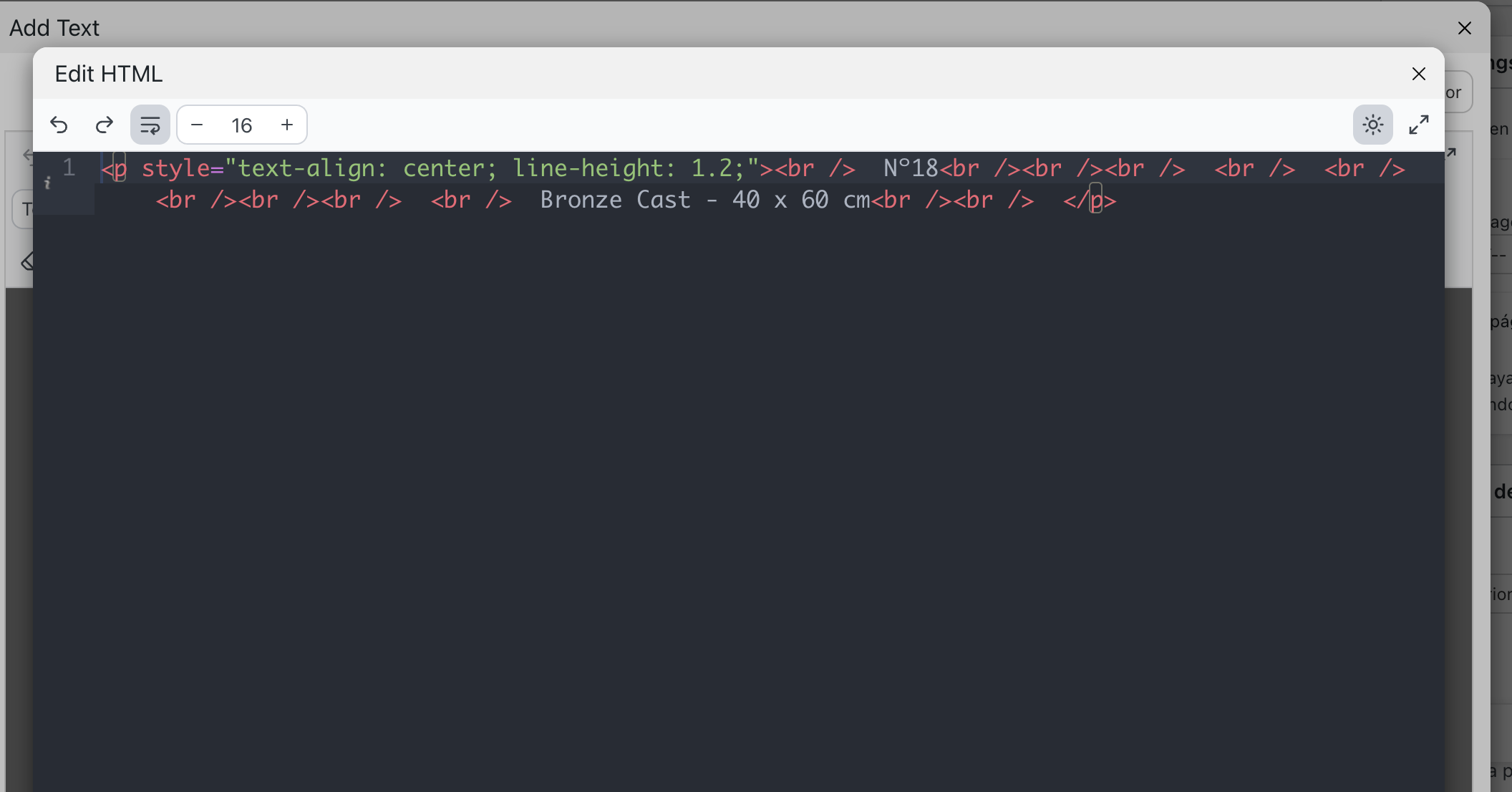
    The problem is that when I open the text editor in HTML mode, the image embed code disappears. It gets automatically deleted as soon as I try to edit it.

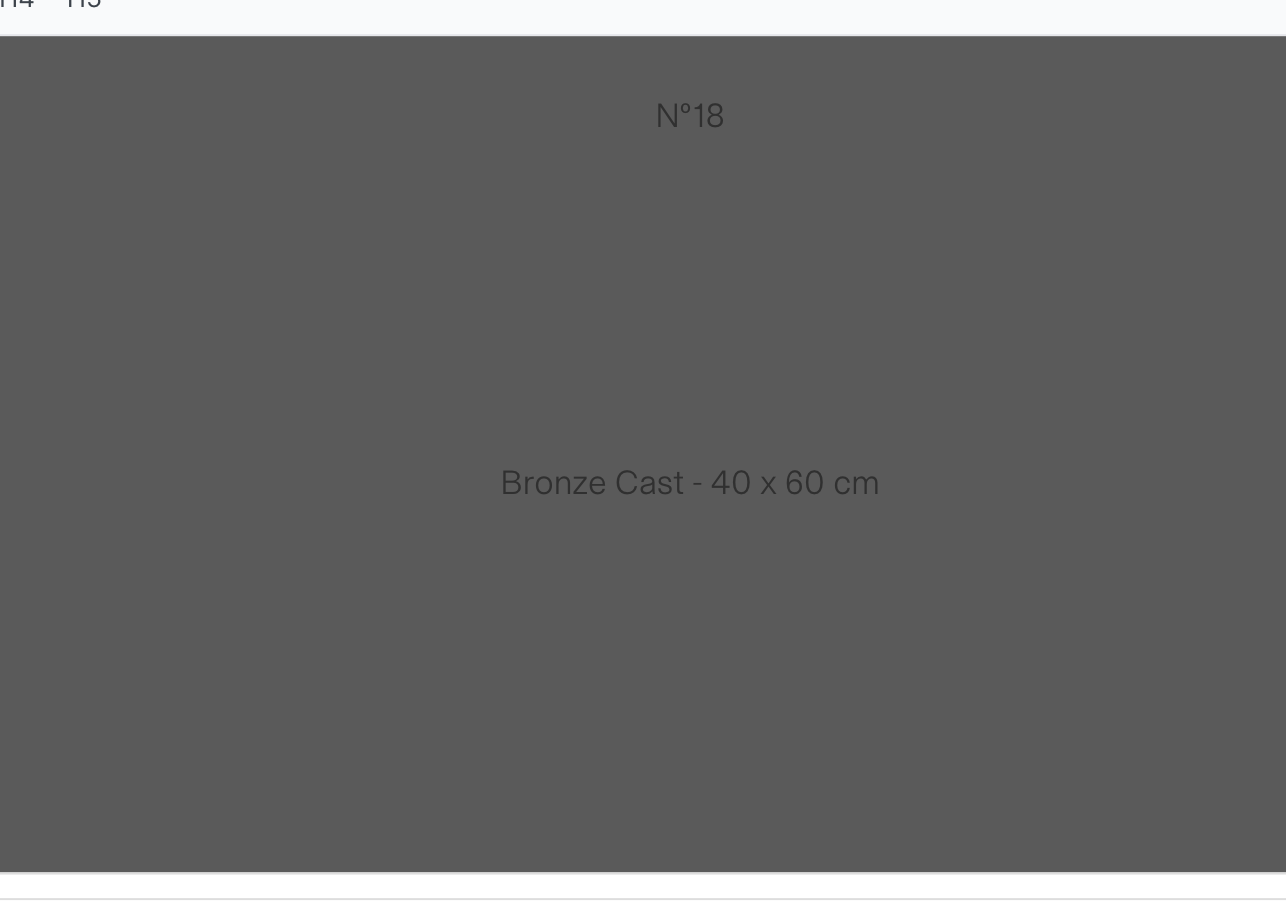
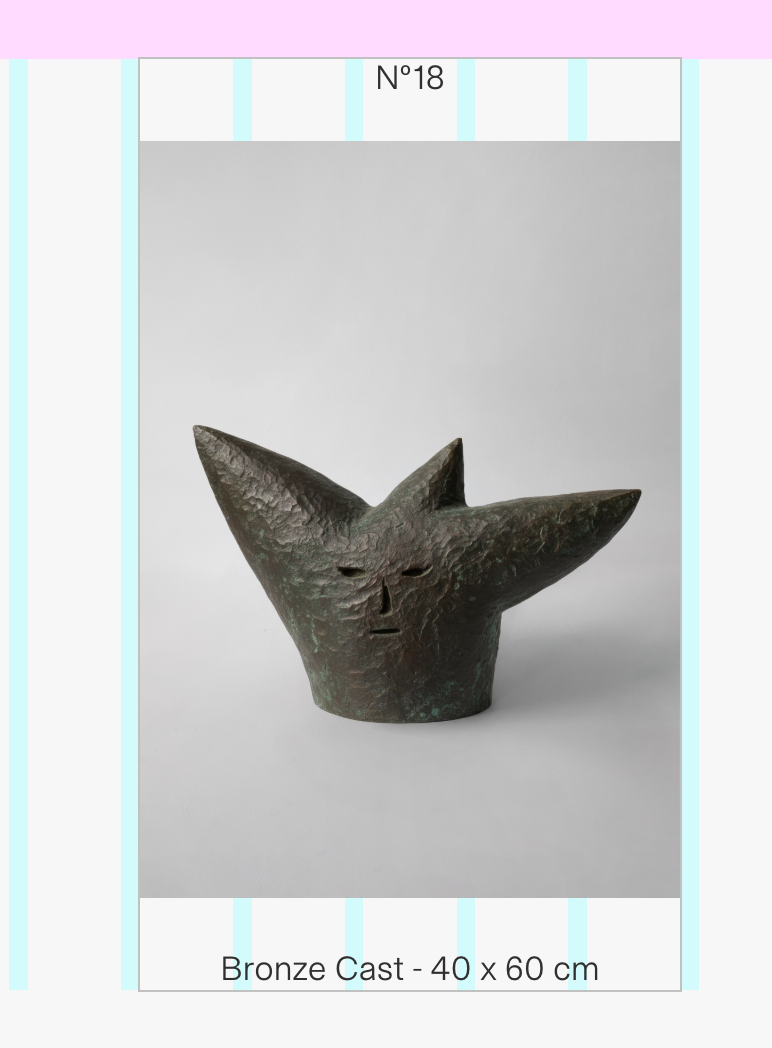
    On top of that, the fullscreen slider is also behaving incorrectly. It's mixing different rows together and placing them underneath each other with resized formatting.

    You can see the issue here: www.paubonet.comCaptura de pantalla 2026-07-17 a las 11.17.07.png

    Captura de pantalla 2026-07-17 a las 11.18.06.png Captura de pantalla 2026-07-17 a las 11.18.18.png Captura de pantalla 2026-07-17 a las 11.18.22.png Captura de pantalla 2026-07-17 a las 11.18.14.png

    1 Reply Last reply
    0
    • arminunruhA Offline
      arminunruhA Offline
      arminunruh
      Global Moderator
      wrote last edited by arminunruh
      #2

      I'm sorry that you're having a lot of issues with the latest update! we have a new text editor. You can always switch back to the old editor when you click this button: "Switch to old editor" on the top right in the text editor.

      If you don't need updates and are happy with your site, you can always disable updates in Lay Options. You can also just use an older version of Lay Theme, which you can download on laykeymanager.com.

      On the homepage I use a fullscreen slider so that images and text can slide horizontally in separate blocks. I have to do this by embedding the image inside a text box because, as you know, it's not possible to place one element on top of another within the same row.

      That's not quite true because you can use the stack/group element in +more

      Oh yeah, of course, about the image in your HTML. Let me check.

      1 Reply Last reply
      0
      • arminunruhA Offline
        arminunruhA Offline
        arminunruh
        Global Moderator
        wrote last edited by
        #3

        So it seems that in your custom HTML there is one style tag that is not properly closed with a "

        it looks like this:

        <span style="font-size: 14px; font-family:
        </p></div></div></div>

        So that's why it's breaking the HTML and creating a different structure. This may be the reason why you see the order of the slides being wrong at the moment.

        it seems to be in the HTML in the first row

        1 Reply Last reply
        0
        • arminunruhA Offline
          arminunruhA Offline
          arminunruh
          Global Moderator
          wrote last edited by
          #4

          ok if you update lay theme now, the texteditors html modal will work with the image tag too!
          then you can fix the html of the first slide and then the slideshow should look correct too

          1 Reply Last reply
          0
          Reply
          • Reply as topic
          Log in to reply
          • Oldest to Newest
          • Newest to Oldest
          • Most Votes


          For paid 1-on-1 Lay Theme Coaching, contact Audrey (audrey@cyberslayers.work) or me (info@laytheme.com).

          We also code custom websites or bespoke Lay features. Drop me a line at info@laytheme.com or check out my work at arminunruh.com.

          Want to support my work? paypal.me/arminunruh

          Before you post:
          1. When using a WordPress Cache plugin, disable it or clear your cache.
          2. Update Lay Theme and all Lay Theme Addons
          3. Disable all Plugins
          4. Go to Lay Options → Custom CSS & HTML, click "Turn Off All Custom Code", click "Save Changes"

          This often solves issues you might run into

          When you post:
          1. Post a link to where the problem is
          2. Does the problem happen on Chrome, Firefox, Safari or iPhone or Android?
          3. If the problem is difficult to explain, post screenshots / link to a video to explain it
          Online Users
          Forgot your key, lost your files, need a previous Lay Theme or Addon version? Go to www.laykeymanager.com
          laytheme.com
          • Login

          • Don't have an account? Register

          • Login or register to search.
          • First post
            Last post
          0
          • Recent
          • Tags
          • Popular
          • Users
          • Search