Mobile version – Second project thumbnail
-
Hi Armin, a suggestion and not necessarily a bug: it would be awesome to have the opportunity to set a second "project thumbnail" (image or mp4 or gif). E.g. for mobile devices it's nice to change the size and use another project thumbnail (image or mp4 or gif).
thanks for considering..
Best, Annette -
hey great idea! do you just want to use a different aspect ratio on mobile?
or do you want to use a different image / video for mobile in general?if you use the project thumbnail gridm you do already have this setting
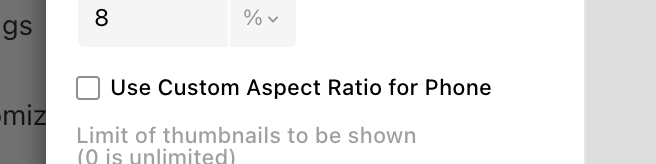
which you can use specifically for phone,
if you click the phone symbol here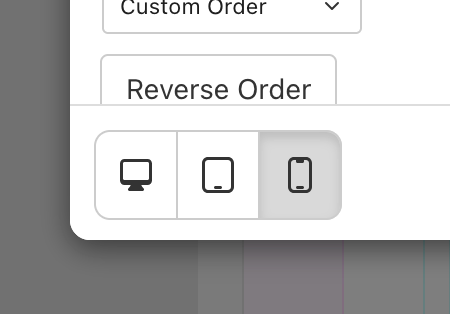
-
I use a different approach for my project thumbnails for desktop and mobile devices, see here: https://www.annette-fischer.com/work/
I had a look at the thumbnail grid and think this layout can`t be done with it.See current custom layout:
I wanna decide if I use 1 landscape format image per row
OR
2 portrait formats next to each other per row.
OR
if I wanna insert a custom "animated logo" (linked to the project by individual set link):-)
On the desktop version e.g. my thumbnail for project #1 image is landscape format OR e.g. custom made linked animated logos work fine, BUT on the mobile device I wish I could insert a (different!) second thumbnail for project #1 but in portrait (or my own image ratio) format. Different ratio won´t do it cause the "sweet spot" of the image won t always be the best and I might wanna change/select my own detail/close-up OR maybe another motif.
So to answer your question:
I d like (see screenshot) another option to put a second thumbnail here. Would be awesome. This might would come of course as well with another option for the thumbnail mouse over for this second thumbnail.(also I guess when I first used lay theme the thumbnail grid was not there yet?? hahah ;-))
thanks for this smooth conversation & problem solving!
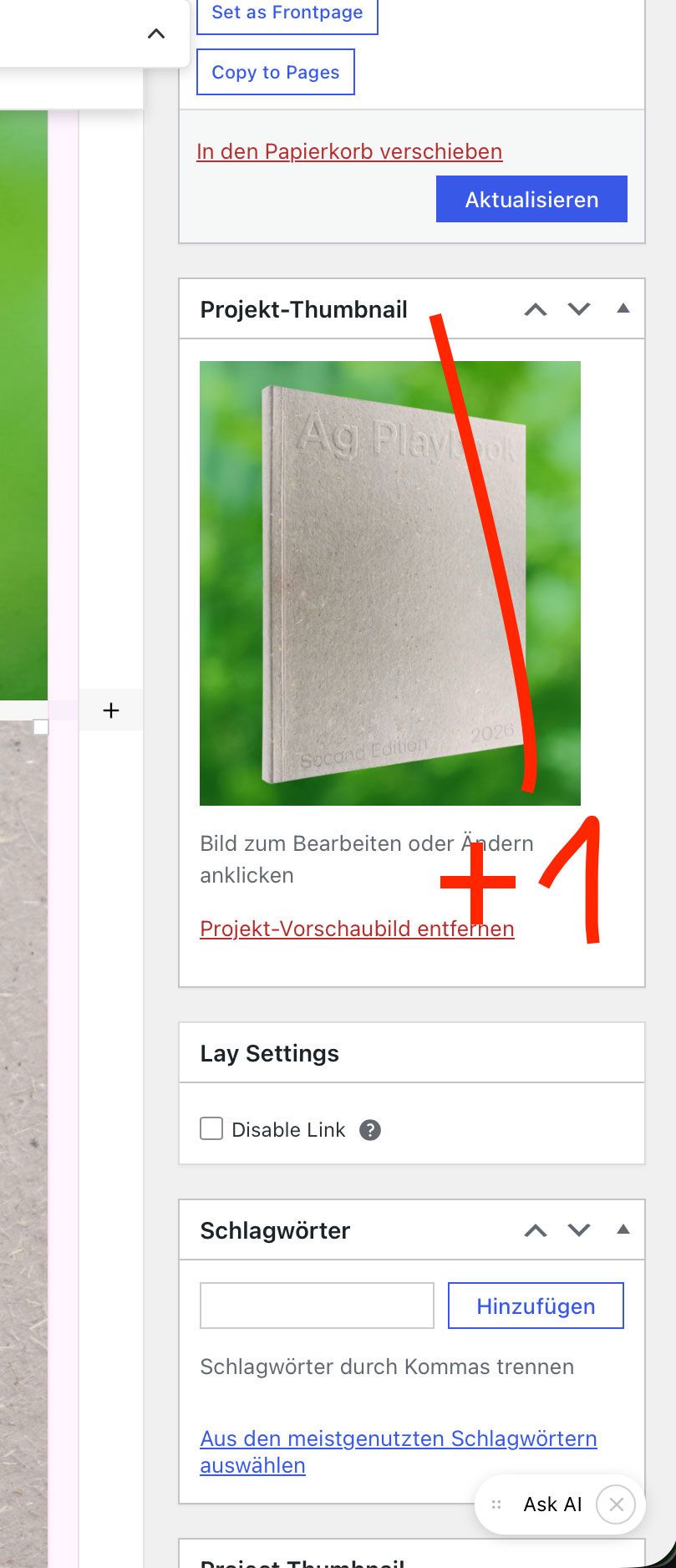
-
Okay, so if you put the project thumbnail as a project thumbnail element into the Gridder, at the moment, you can right-click it and then just choose a different image.
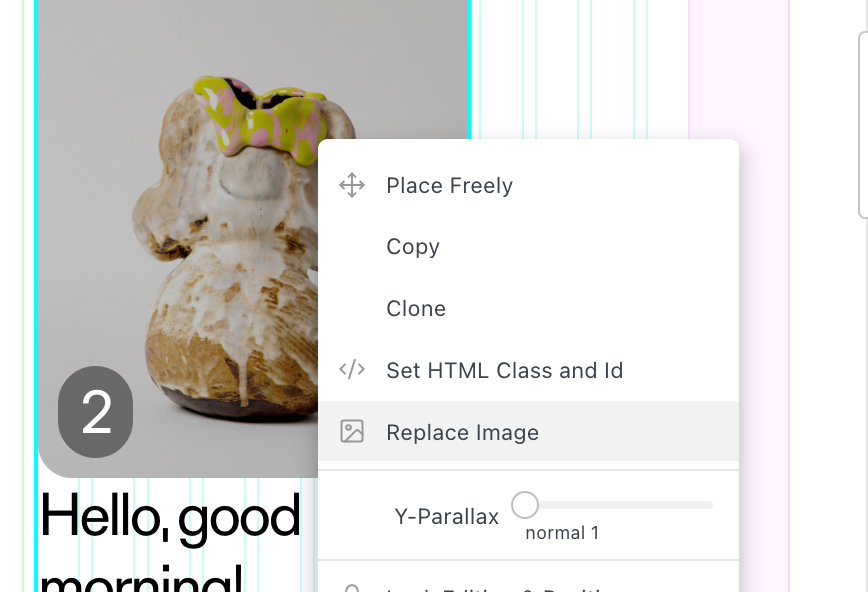
Maybe that helps. If you need to be able to set different videos, different images, and so on for each project for the mobile version, that's a feature I can add to Lay Theme for you for my hourly rate (90€ per hour), for example.

Hello! It looks like you're interested in this conversation, but you don't have an account yet.
Getting fed up of having to scroll through the same posts each visit? When you register for an account, you'll always come back to exactly where you were before, and choose to be notified of new replies (either via email, or push notification). You'll also be able to save bookmarks and upvote posts to show your appreciation to other community members.
With your input, this post could be even better 💗
Register Login