Skip to content
  • Recent
  • Tags
  • Popular
  • Users
  • Search
Skins
  • Light
  • Brite
  • Cerulean
  • Cosmo
  • Flatly
  • Journal
  • Litera
  • Lumen
  • Lux
  • Materia
  • Minty
  • Morph
  • Pulse
  • Sandstone
  • Simplex
  • Sketchy
  • Spacelab
  • United
  • Yeti
  • Zephyr
  • Dark
  • Cyborg
  • Darkly
  • Quartz
  • Slate
  • Solar
  • Superhero
  • Vapor

  • Default (No Skin)
  • No Skin
Collapse

Lay Theme Forum

  1. Home
  2. Bug Reports
  3. Element Grid — overlapping items block reordering

Element Grid — overlapping items block reordering

Scheduled Pinned Locked Moved Bug Reports
5 Posts 2 Posters 140 Views 2 Watching
  • Oldest to Newest
  • Newest to Oldest
  • Most Votes
Reply
  • Reply as topic
Log in to reply
This topic has been deleted. Only users with topic management privileges can see it.
  • ksedK Offline
    ksedK Offline
    ksed
    wrote last edited by
    #1

    Hi,

    I've run into a bug in the new version of Laytheme, in the "Edit Element Grid" panel.

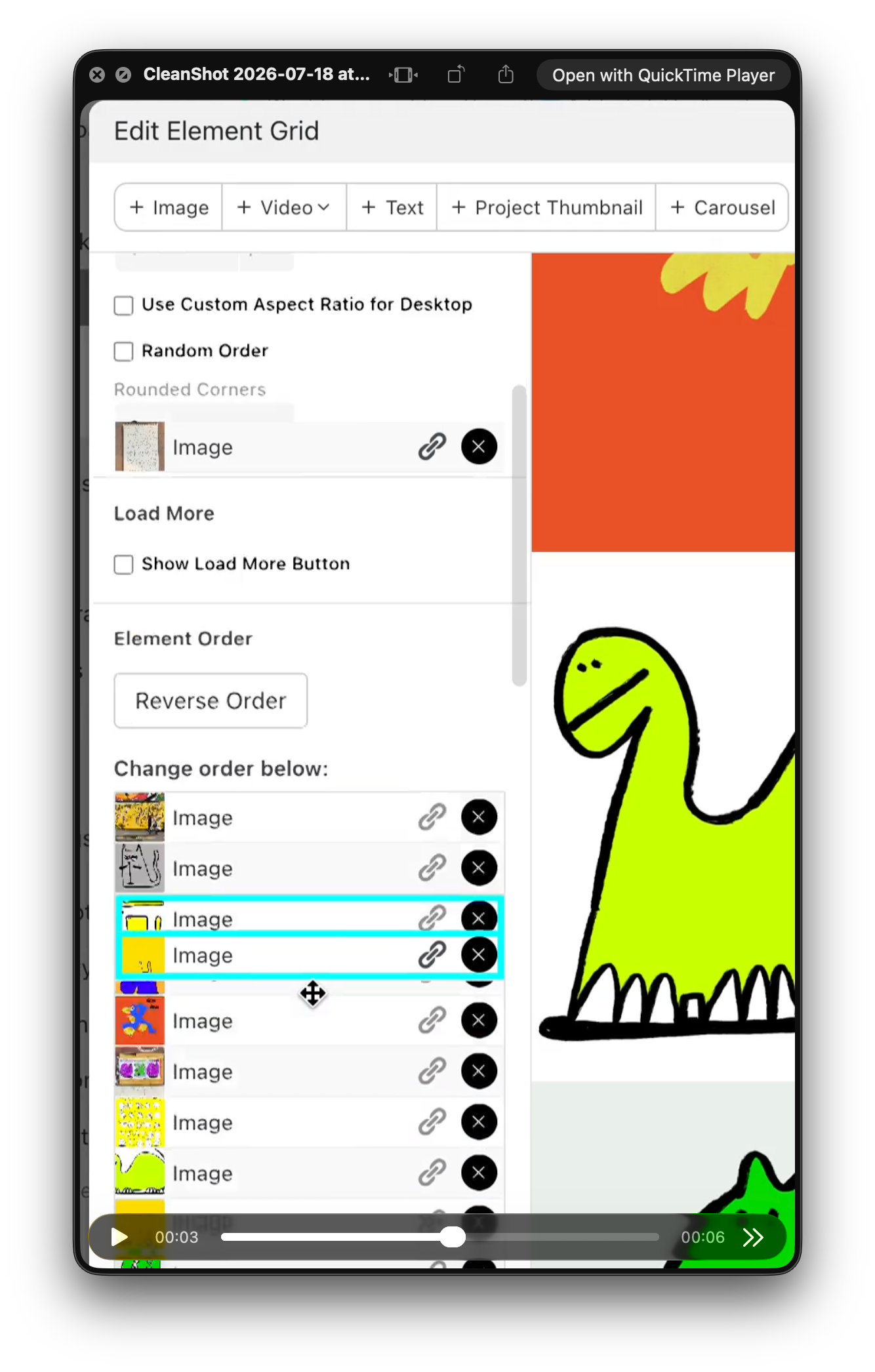
    When reordering elements in the "Change order below" list, some items overlap with the rest of the UI. An image row renders on top of the settings above (Rounded Corners, Random Order, etc.) and stays stuck there. Once that happens, elements can't be selected or dragged properly, which makes reordering a grid with many images almost impossible.

    Steps to reproduce:

    1. Open a page with an element grid containing a large number of images
    2. Open "Edit Element Grid" and scroll to "Change order below"
    3. Start dragging an item up or down the list
    4. The dragged item (or its duplicate) detaches and overlaps the settings section higher up, and can no longer be moved or selected

    I'm attaching a few screenshots showing the overlapping elements.

    Setup: macOS, latest Laytheme version.

    A small suggestion while I'm here, it would be much easier if we could reorder elements directly from the grid preview on the right, rather than through the list. But even just fixing the overlap would already help a lot.

    Thanks,
    Screenshot 2026-07-18 at 23.32.36.png

    1 Reply Last reply
    0
    • arminunruhA Offline
      arminunruhA Offline
      arminunruh
      Global Moderator
      wrote last edited by
      #2

      hello @ksed,
      thanks for the detailed report and screenshots! i fixed the issue where items could overlap the settings while reordering. i’ll release an update shortly, after updating it should work properly again, also with alot of images. let me know if you still run into it!

      1 Reply Last reply
      0
      • ksedK Offline
        ksedK Offline
        ksed
        wrote last edited by
        #3

        Screenshot 2026-07-24 at 17.35.38.png

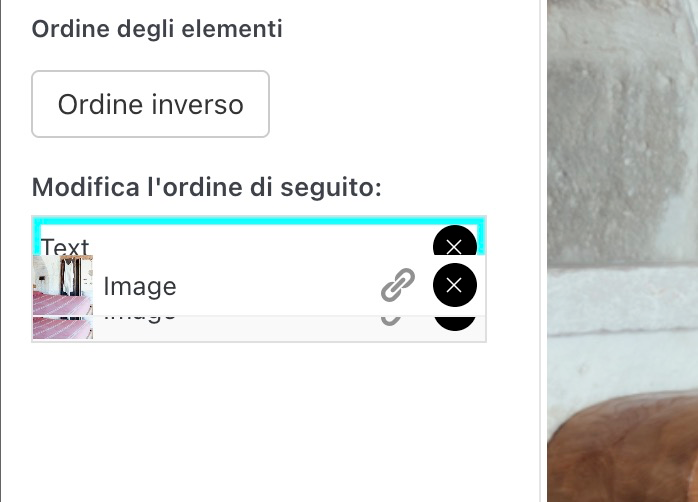
        Still happenning it seems!

        PS: Congrats on the new website!

        1 Reply Last reply
        0
        • ksedK Offline
          ksedK Offline
          ksed
          wrote last edited by
          #4

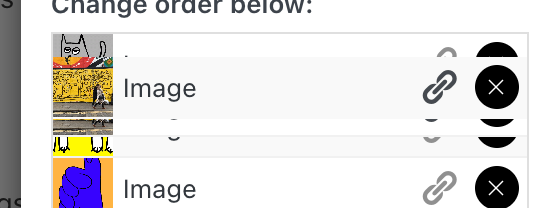
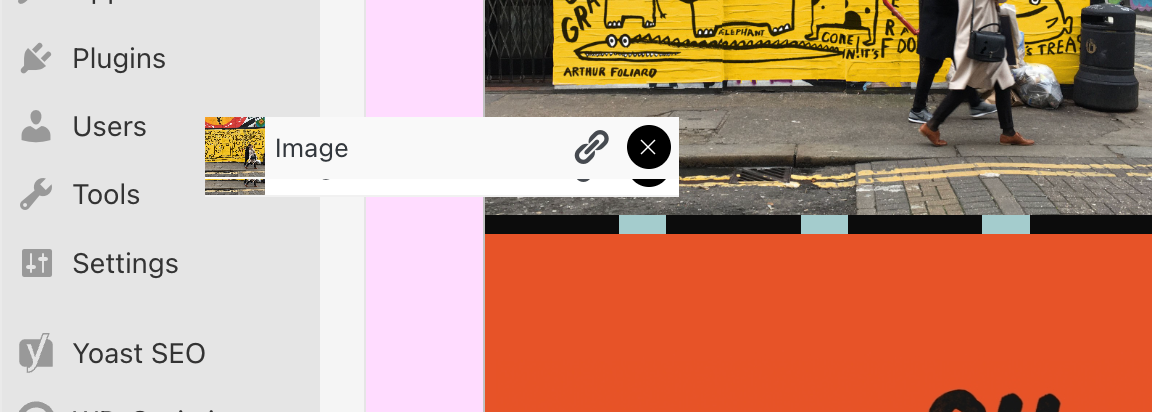
          It even stays visible after I closed the plage

          Screenshot 2026-07-24 at 17.36.55.png

          1 Reply Last reply
          0
          • arminunruhA Offline
            arminunruhA Offline
            arminunruh
            Global Moderator
            wrote last edited by
            #5

            hey @ksed, thanks for the follow-up! i found the remaining issue: the drag preview was attached outside of the modal, which is why it could overlap the settings and even stay visible after closing the page. this is fixed now and will be included in the next update. please test it again after updating and let me know if it still happens!

            xD

            1 Reply Last reply
            0
            Reply
            • Reply as topic
            Log in to reply
            • Oldest to Newest
            • Newest to Oldest
            • Most Votes


            We also code custom websites or bespoke Lay features. Drop me a line at info@laytheme.com or check out my work at arminunruh.com.

            Want to support my work? paypal.me/arminunruh

            Before you post:
            1. When using a WordPress Cache plugin, disable it or clear your cache.
            2. Update Lay Theme and all Lay Theme Addons
            3. Disable all Plugins
            4. Go to Lay Options → Custom CSS & HTML, click "Turn Off All Custom Code", click "Save Changes"

            This often solves issues you might run into

            When you post:
            1. Post a link to where the problem is
            2. Does the problem happen on Chrome, Firefox, Safari or iPhone or Android?
            3. If the problem is difficult to explain, post screenshots / link to a video to explain it
            Online Users
            Forgot your key, lost your files, need a previous Lay Theme or Addon version? Go to www.laykeymanager.com
            laytheme.com
            • Login

            • Don't have an account? Register

            • Login or register to search.
            • First post
              Last post
            0
            • Recent
            • Tags
            • Popular
            • Users
            • Search