preview image / google
-
Hello, I have a question: as ‘post images’ aren’t permitted in Laytheme, Google search results for pages created with Laytheme are displayed without a preview image (even if you’re using Yoast). Is it possible to add this retrospectively, or is there a workaround?
Many thanks -
Hey! You’re right that regular pages in Lay Theme don’t have a Featured Image field.
Only projects have the "Project Thumbnail" image:
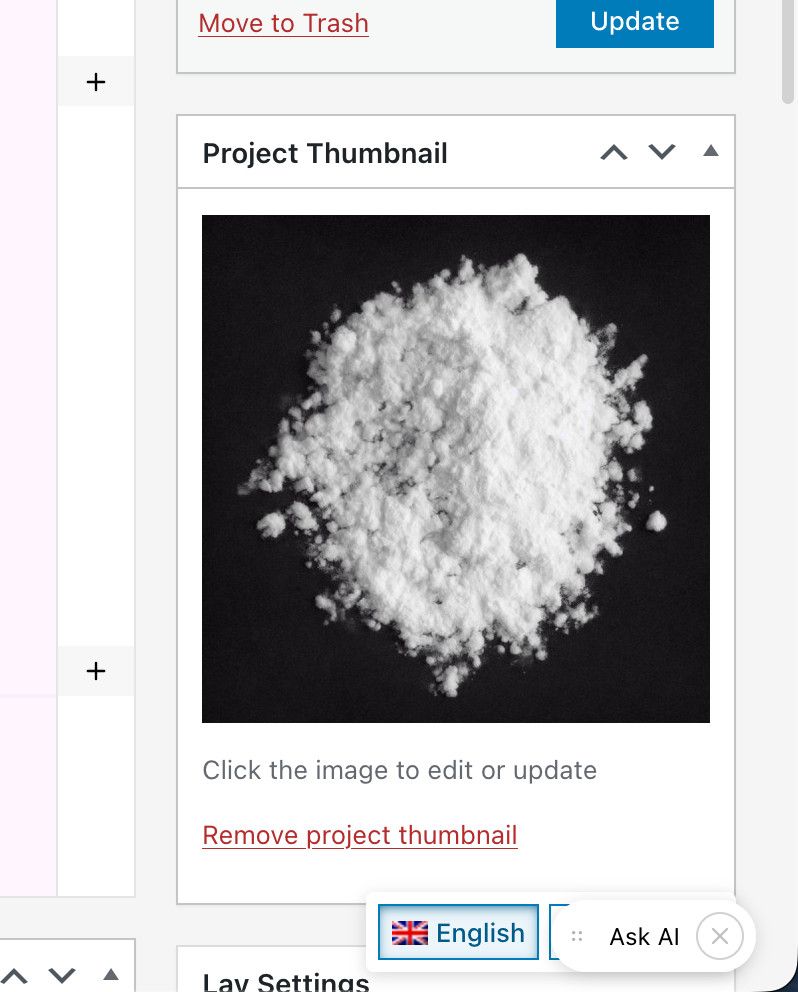
Google can still pick up images from the page itself.
You can also set a preferred image on an existing page. Edit the page, open Social media appearance in Yoast, choose an image and update the page. Yoast adds it as an og:image tag, which Google can use as a hint. Google decides whether to show a preview image and which one to use.
If you share the URL of an affected page, I can check what image metadata it’s currently sending.
This is the thing. just because you specified an image doesnt mean google will actually use it.
Its the same with images on your website in general. When you google your name, google wont show all images of your website even if all of them have alt tags with your name. it will decide by itself which images and how many it will show
-
lol that image i posted is from a makeup website and shows some ingredients of that makeup :D
-
lol that image i posted is from a makeup website and shows some ingredients of that makeup :D
@arminunruh oh yes of course it is
-
Hey! You’re right that regular pages in Lay Theme don’t have a Featured Image field.
Only projects have the "Project Thumbnail" image:
Google can still pick up images from the page itself.
You can also set a preferred image on an existing page. Edit the page, open Social media appearance in Yoast, choose an image and update the page. Yoast adds it as an og:image tag, which Google can use as a hint. Google decides whether to show a preview image and which one to use.
If you share the URL of an affected page, I can check what image metadata it’s currently sending.
This is the thing. just because you specified an image doesnt mean google will actually use it.
Its the same with images on your website in general. When you google your name, google wont show all images of your website even if all of them have alt tags with your name. it will decide by itself which images and how many it will show
@arminunruh thanks for your answer, I will have a look at this

Hello! It looks like you're interested in this conversation, but you don't have an account yet.
Getting fed up of having to scroll through the same posts each visit? When you register for an account, you'll always come back to exactly where you were before, and choose to be notified of new replies (either via email, or push notification). You'll also be able to save bookmarks and upvote posts to show your appreciation to other community members.
With your input, this post could be even better 💗
Register Login