Fonts not displaying correctly
-
Dear Armin & Marius
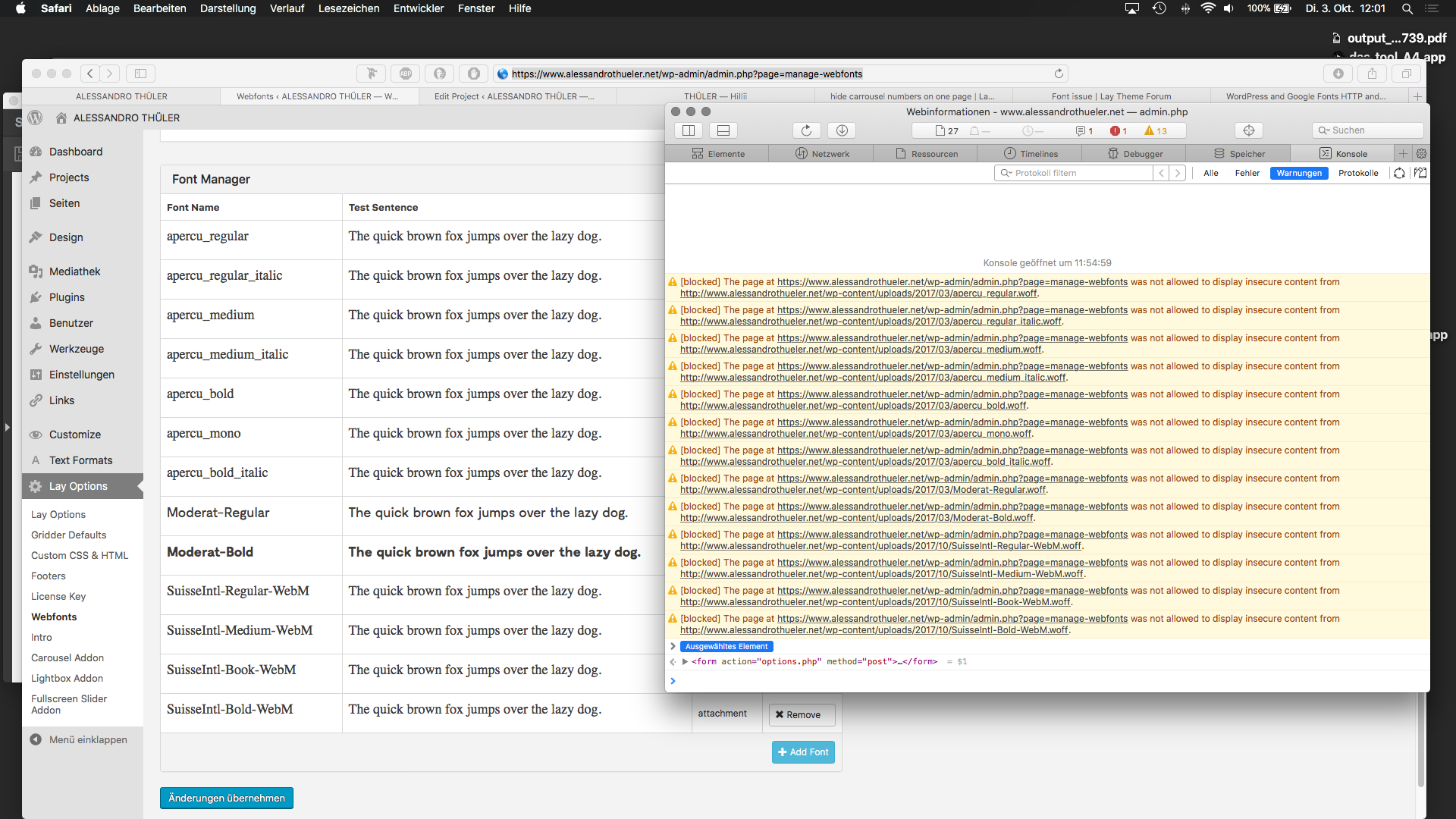
I'm having trouble with fonts. Almost every font I try to upload is not displaying correctly.
I own the weblicense so that shouldn't be the problem.Upon further investigation, I found out that the browser (Safari or Chrome doesn't matter) is not allowed to display the font because it's 'insecure content'.
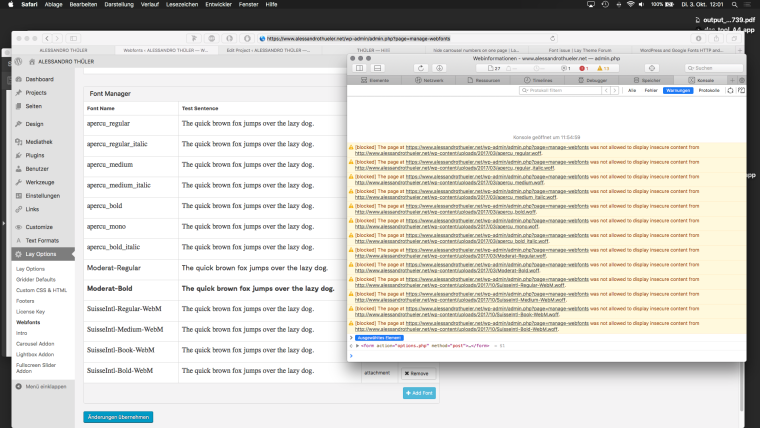
Since I recently bought an ssl certificate for my website I'm guessing that the problem has something to do with http:// and https://
Also: right now I'm using the font Moderat which seems to work. But on mobile it displays only on the http:// version and not the https://
Not sure how to fix this. Can you help me?
Cheers,
AlessandroEDIT:
The plug-in Really Simple SSL seems to do the trick for me.
Basically it forces my uploaded content to have https:// in the URL. I reinstalled all the fonts and now it works.
I'm sure there is a 'cleaner' solution to achieve this but for the moment I'm happy.
Sorry for bothering you! -
Hi @a-macht
Exactly. That was the issue!The plugin adds a piece of code into the htaccess.
http://laythemeforum.com/topic/1598/embedding-font-does-not-work/4Soon this will be fixed in Laytheme on default.
All the best and thank you for using LayTheme!
Best!
Marius


Hello! It looks like you're interested in this conversation, but you don't have an account yet.
Getting fed up of having to scroll through the same posts each visit? When you register for an account, you'll always come back to exactly where you were before, and choose to be notified of new replies (either via email, or push notification). You'll also be able to save bookmarks and upvote posts to show your appreciation to other community members.
With your input, this post could be even better 💗
Register Login