Navigation arrow buttons on carousel
-
-
-
-
So I managed to do it with this code here:
.flickity-prev-next-button.previous {
display: none !important;
}What I am trying to do now is to make it applicable to only one of my carousels. Does anyone know how to do this? Would I have to add a custom class to the carousel? How would I insert that into the above code?
Thank you for the help :)
What I would also like to do is make another carousel unresponsive to clicking on its images (as opposed to it moving onto the next image when it is clicked, as it does currently). So it is more like a video slideshow of images in the background of the page. Any ideas on how to do this would be really appreciated.
-
Hi @fm
ok. I try to help!
- You can add a class to every element here:
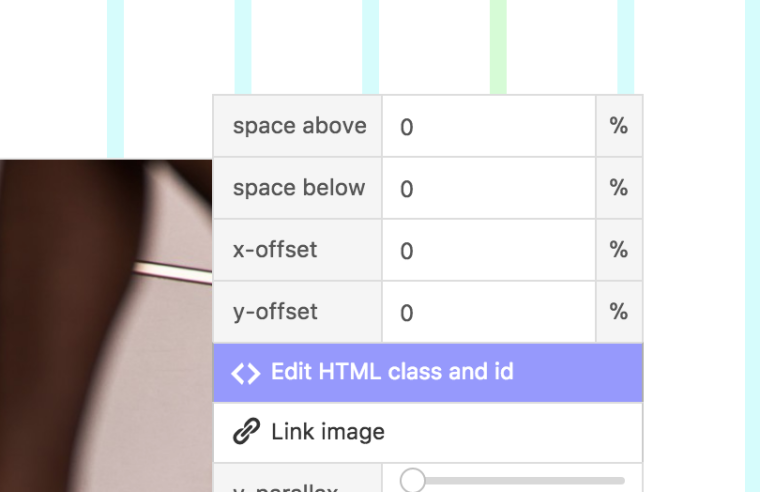
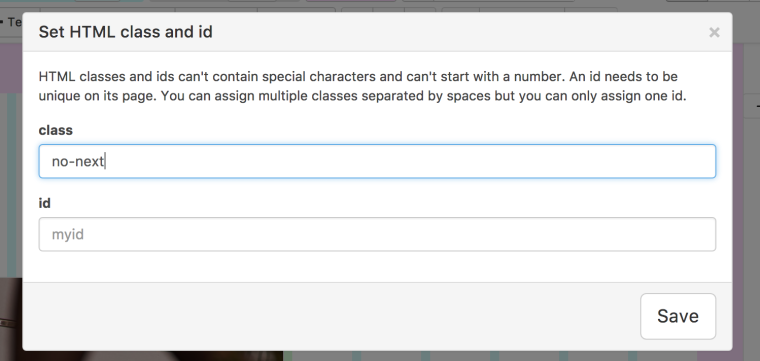
.no-next .flickity-prev-next-button.previous { display: none !important; }- Add a class to the carousel as well called for example
no-click.
.no-click .flickity-prev-next-button.previous {
pointer-events: none;
}
I did not test the code but I think it should work.
Best!
Marius
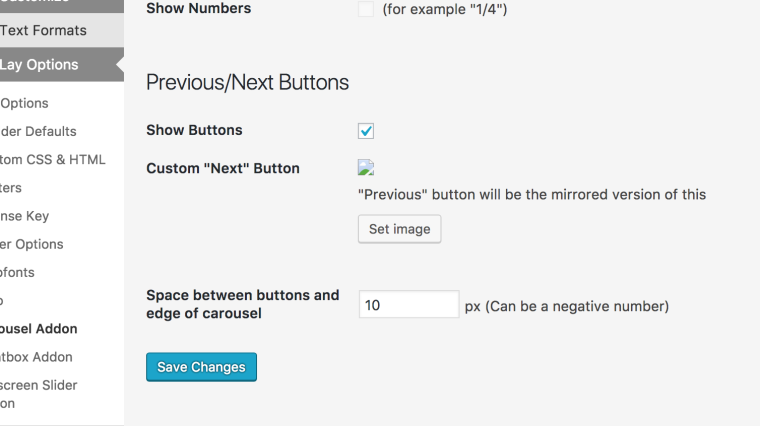
- You can add a class to every element here:

Hello! It looks like you're interested in this conversation, but you don't have an account yet.
Getting fed up of having to scroll through the same posts each visit? When you register for an account, you'll always come back to exactly where you were before, and choose to be notified of new replies (either via email, or push notification). You'll also be able to save bookmarks and upvote posts to show your appreciation to other community members.
With your input, this post could be even better 💗
Register Login