feature request: image on top of image please
-
Hi, I can put the image on top of "row background" image, but I can't put the image on top of "normal" image. It says: "Can't put element here". It's such a simple thing, and can be so useful, surprised it's still not there. Would appreciate if you could fix it up, thank you so much!
-
@pavloradich have you tried this:
-
@pavloradich have you tried this:
@felix_rabe thank you for your suggestion. Yes, I have. Forgot to mention — I would love them both to stick to the grid.
-
@pavloradich here are more possibilities to achieve that, maybe that works?
-
when u right click on an image and choose "position freely", then you can place it anywhere

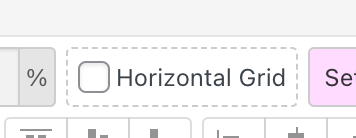
or if you activate horizontal grid´
or if you use browser height row or custom row height on a row, you can place things on a row on top of each other: right click row → choose "use browser height for row height"
