caption position project thumbnails
-
Hi @arminunruh how are you?
I am currently trying to develop a project grid with two optional filters: film and experience.
The idea would be that the caption for each thumbnail appears at the top of the site upon hovering on the thumbnail. This would show two different kinds of attached info, the big title of the project on the top right and the small basic info next to the menu. This would mean detaching the permanent caption underneath the thumbnail.Please find the design below
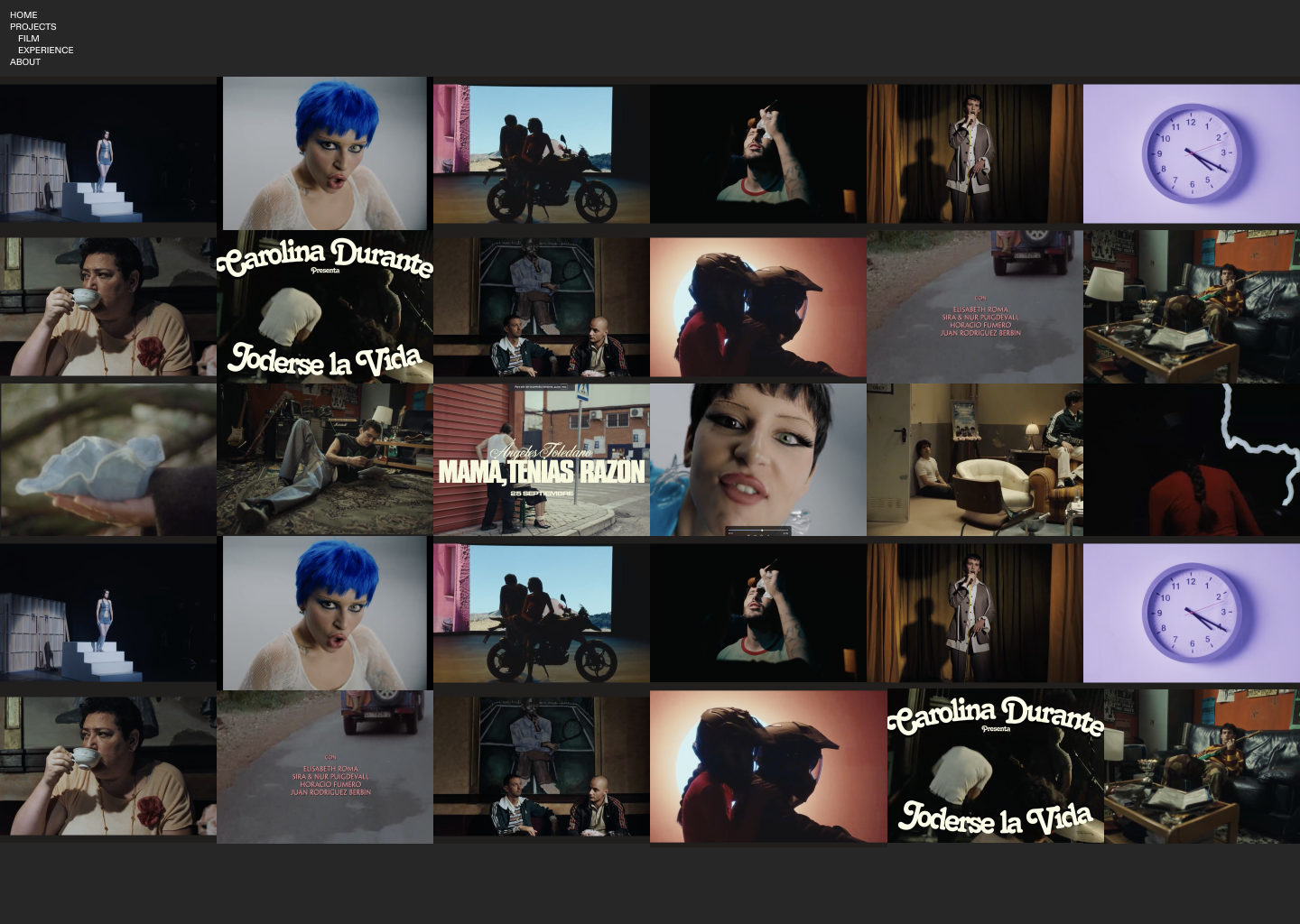
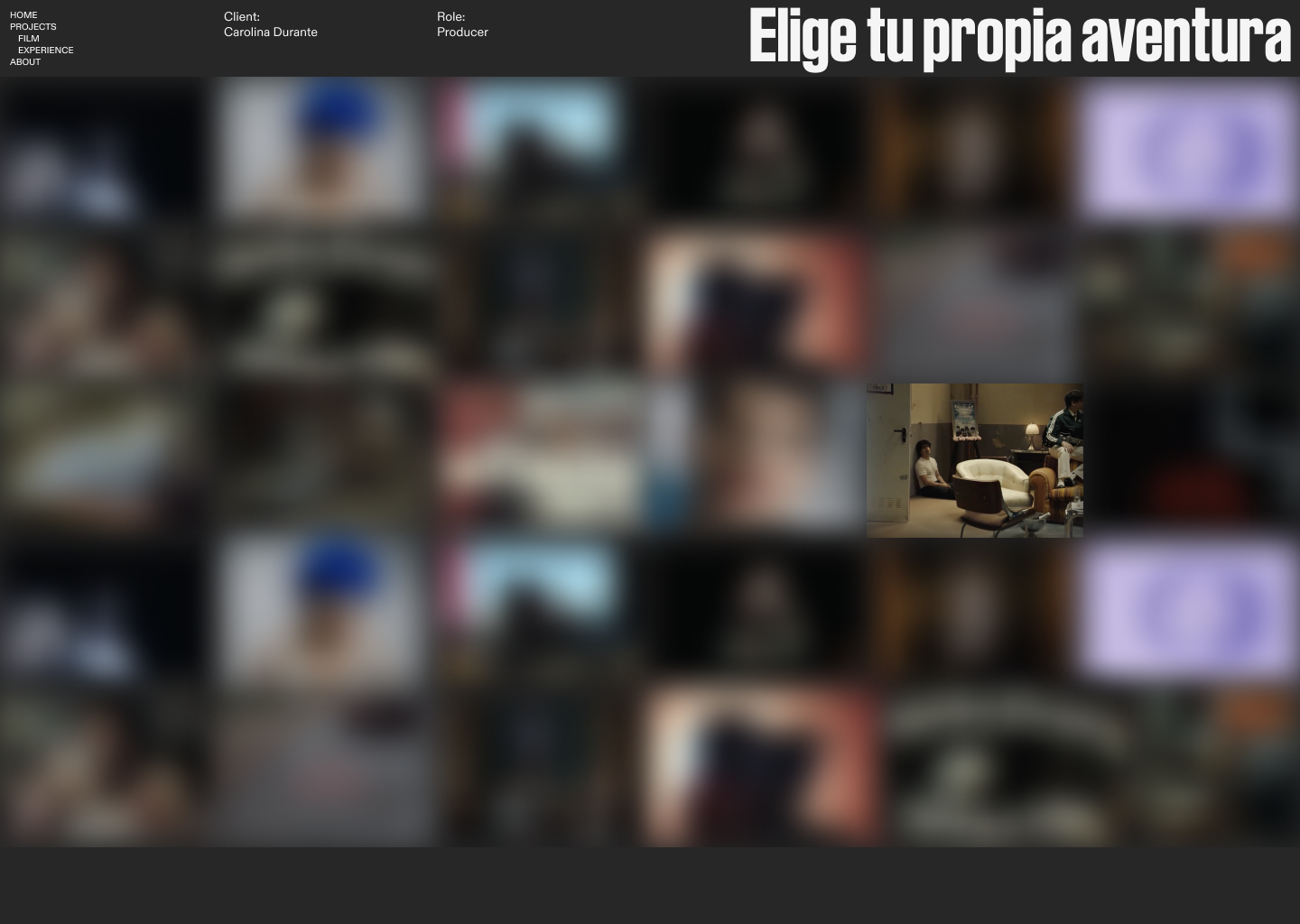
Is this possible/is there any way you could help me determine this positioning/hierarchy define this with css?
This is the link to the page:
https://www.j-i.live/projects-copy/#category-filmThanks so much either way for your time!
Hope is all well your side :) -
hey you need to use javascript to do that!
on mouseenter on .thumb get the text in its .title container, then place this text into a box in the top right.
so you'd need to add some custom html where u have a box at the top right and then use js to target that box and insert the text

Hello! It looks like you're interested in this conversation, but you don't have an account yet.
Getting fed up of having to scroll through the same posts each visit? When you register for an account, you'll always come back to exactly where you were before, and choose to be notified of new replies (either via email, or push notification). You'll also be able to save bookmarks and upvote posts to show your appreciation to other community members.
With your input, this post could be even better 💗
Register Login