making thumbnails the same size
-
-
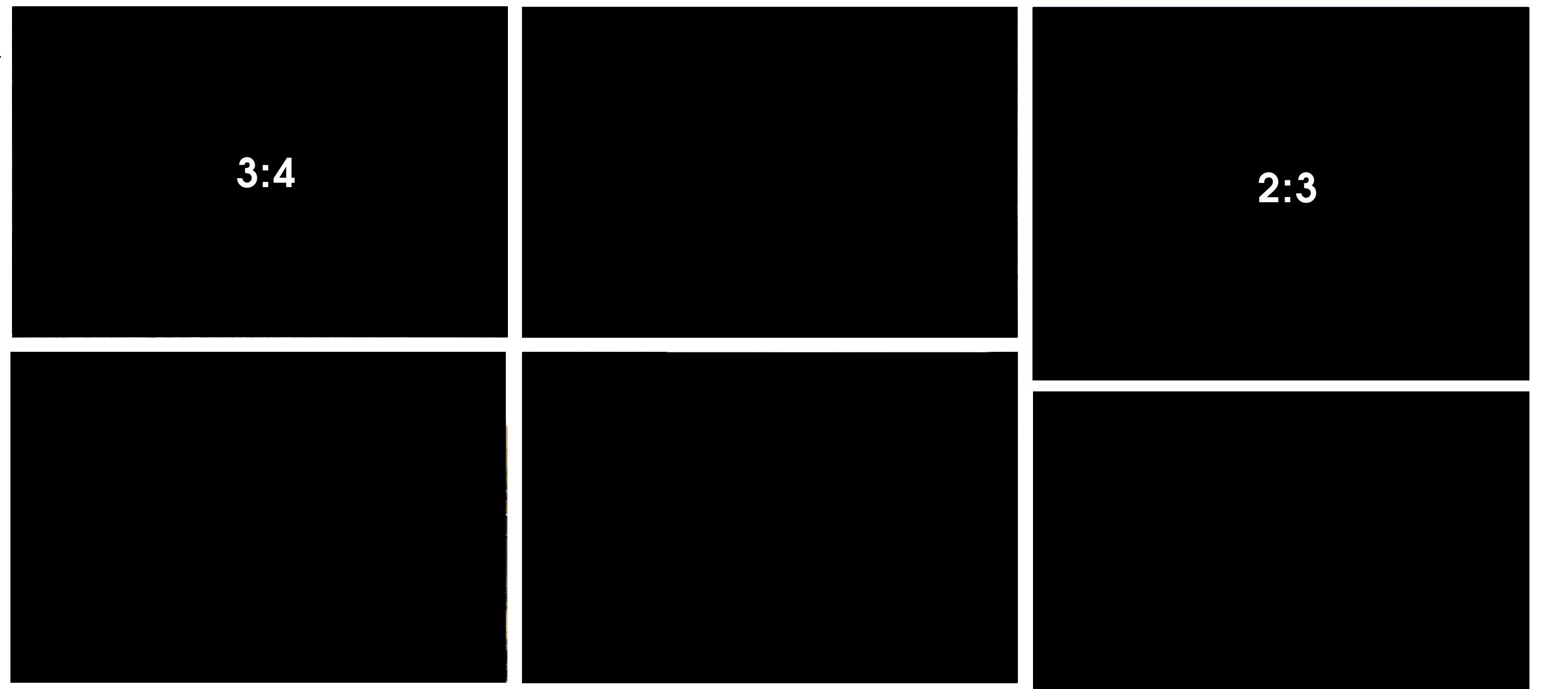
I used this code for a website I'm working on. It creates a 3:4 ratio for every thumbnail regardless of the original thumbnail dimensions. Add it to your Desktop & Mobile CSS:
.thumb-collection .ph {
position: relative;
width: 100%;
padding-bottom: 75% !important; /* 3 / 4 = 0.75 = 75% */
overflow: hidden;
}.thumb-collection .ph img,
.thumb-collection .ph video {
position: absolute;
top: 0;
left: 0;
width: 100% !important;
height: 100% !important;
object-fit: cover !important;
object-position: center !important;
} -
-
.element-wrap .ph{
    padding-bottom: calc(9 / 16 * 100%)!important;
}
.element-wrap img,
.element-wrap video{
    aspect-ratio: 16 / 9!important;
    object-fit: cover;
    object-position: center;
}
this is for 16:9 for example.
Enter this css in "lay options" -> "custom css & html" -> "custom css"
@zxhxri thanks a lot for your help! your css is correct, but its the right one for thumbnailgridsbut he uses an elementgrid
-
 image url)
Hello! It looks like you're interested in this conversation, but you don't have an account yet.
Getting fed up of having to scroll through the same posts each visit? When you register for an account, you'll always come back to exactly where you were before, and choose to be notified of new replies (either via email, or push notification). You'll also be able to save bookmarks and upvote posts to show your appreciation to other community members.
With your input, this post could be even better 💗
Register Login