Skip to content
  • Recent
  • Tags
  • Popular
  • Users
  • Search
Skins
  • Light
  • Brite
  • Cerulean
  • Cosmo
  • Flatly
  • Journal
  • Litera
  • Lumen
  • Lux
  • Materia
  • Minty
  • Morph
  • Pulse
  • Sandstone
  • Simplex
  • Sketchy
  • Spacelab
  • United
  • Yeti
  • Zephyr
  • Dark
  • Cyborg
  • Darkly
  • Quartz
  • Slate
  • Solar
  • Superhero
  • Vapor

  • Default (No Skin)
  • No Skin
Collapse

Lay Theme Forum

  1. Home
  2. Bug Reports
  3. MP4 Videos don't work in Safari but do work in Chrome and Firefox

MP4 Videos don't work in Safari but do work in Chrome and Firefox

Scheduled Pinned Locked Moved Bug Reports
13 Posts 3 Posters 259 Views 2 Watching
  • Oldest to Newest
  • Newest to Oldest
  • Most Votes
Reply
  • Reply as topic
Log in to reply
This topic has been deleted. Only users with topic management privileges can see it.
  • D Offline
    D Offline
    Dani_MB
    wrote on last edited by
    #1

    https://www.mueller-brunke.com

    1 Reply Last reply
    0
    • arminunruhA Offline
      arminunruhA Offline
      arminunruh
      Global Moderator
      wrote on last edited by
      #2

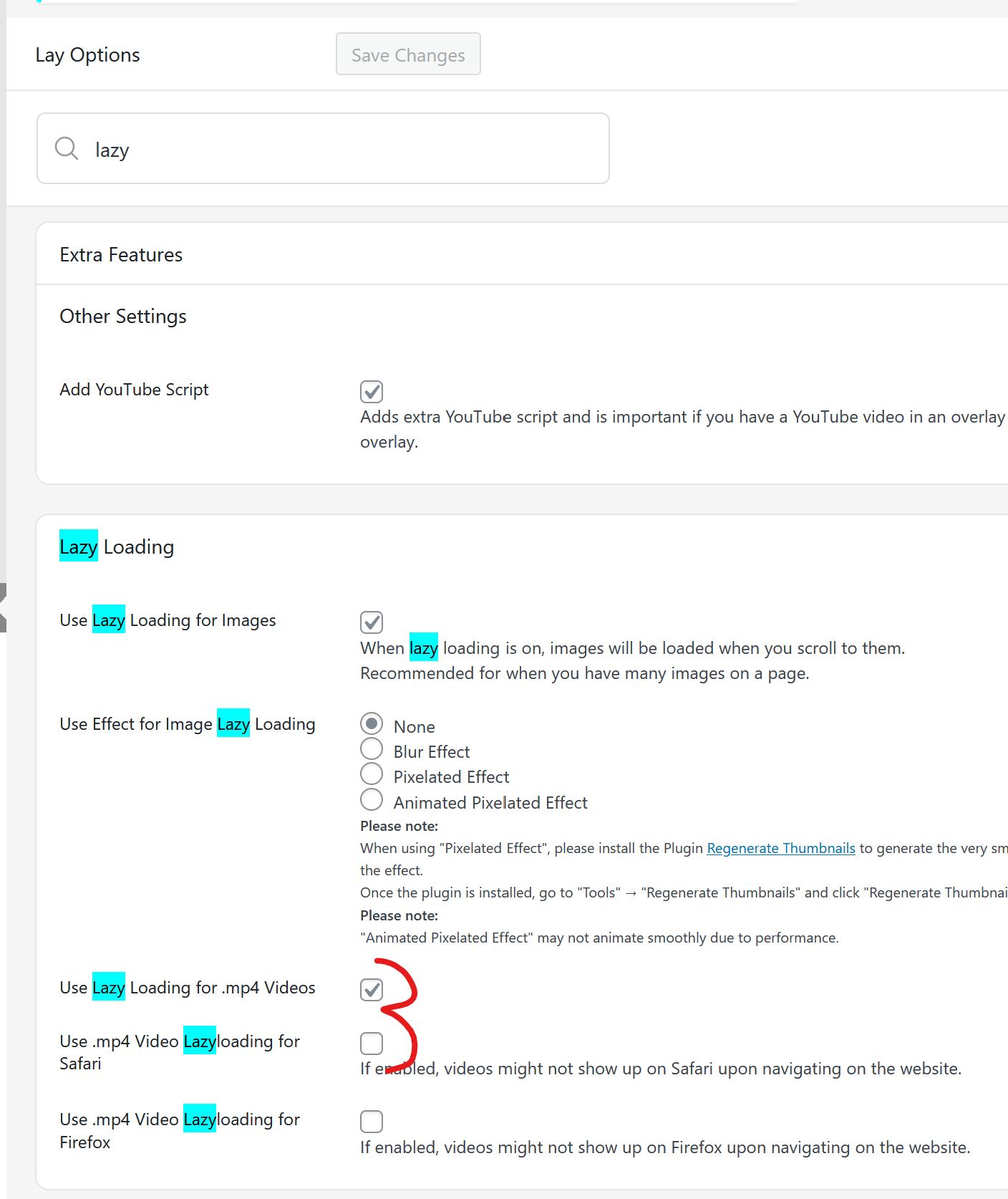
      can u try to turn off these 3 boxes?
      in lay options

      image.png

      D 1 Reply Last reply
      0
      • arminunruhA arminunruh

        can u try to turn off these 3 boxes?
        in lay options

        image.png

        D Offline
        D Offline
        Dani_MB
        wrote on last edited by
        #3

        @arminunruh Hi there, these boxes are not turned on. Any other ideas are welcome!

        1 Reply Last reply
        0
        • arminunruhA Offline
          arminunruhA Offline
          arminunruh
          Global Moderator
          wrote on last edited by
          #4

          ok can you try to export one of the videos that dont play in safari using
          https://handbrake.fr/

          and try to use some web preset. so it should for example be a .mp4 video, with h.264 codec

          also make sure your iphone and your macbook dont have low power mode enabled

          D 1 Reply Last reply
          0
          • arminunruhA arminunruh

            ok can you try to export one of the videos that dont play in safari using
            https://handbrake.fr/

            and try to use some web preset. so it should for example be a .mp4 video, with h.264 codec

            also make sure your iphone and your macbook dont have low power mode enabled

            D Offline
            D Offline
            Dani_MB
            wrote on last edited by
            #5

            @arminunruh Hi Thanks for your reply. all the videos are this format : MPEG-4 AAC, H.264 so that should not be the problem. Also regarding the low power mode, these videos not only not working on my safari but also on other peoples Safari.

            D 1 Reply Last reply
            0
            • D Offline
              D Offline
              Dani_MB
              wrote on last edited by
              #6

              also if i drag the video into safari it works so it has to be a Laytheme issue

              1 Reply Last reply
              0
              • D Dani_MB

                @arminunruh Hi Thanks for your reply. all the videos are this format : MPEG-4 AAC, H.264 so that should not be the problem. Also regarding the low power mode, these videos not only not working on my safari but also on other peoples Safari.

                D Offline
                D Offline
                Dani_MB
                wrote on last edited by
                #7

                just to add to this. The Videos are MP4 files with the codec being MPEG-4 AAC H.264

                1 Reply Last reply
                0
                • arminunruhA Offline
                  arminunruhA Offline
                  arminunruh
                  Global Moderator
                  wrote on last edited by
                  #8

                  hey!

                  https://test2.laytheme.com/video-element-test/

                  look, here this video works on safari (when u scroll down).
                  but on your website, the videos dont work on safari.

                  like for example, the first one here:
                  https://www.mueller-brunke.com/category/fashion/

                  can u make sure u have the latest lay theme version installed?
                  can u try just as a test, to use this video and see if it works on safari:
                  https://test2.laytheme.com/wp-content/uploads/2023/12/intro_schrauben.mp4

                  1 Reply Last reply
                  0
                  • D Offline
                    D Offline
                    Dani_MB
                    wrote last edited by
                    #9

                    Hi Armin, sorry for the late reply. The video with the screws works on my safari. This is not a Safari problem, as my website videos also don't work on a number of other peoples Safari.

                    1 Reply Last reply
                    0
                    • D Offline
                      D Offline
                      Dani_MB
                      wrote last edited by Dani_MB
                      #10

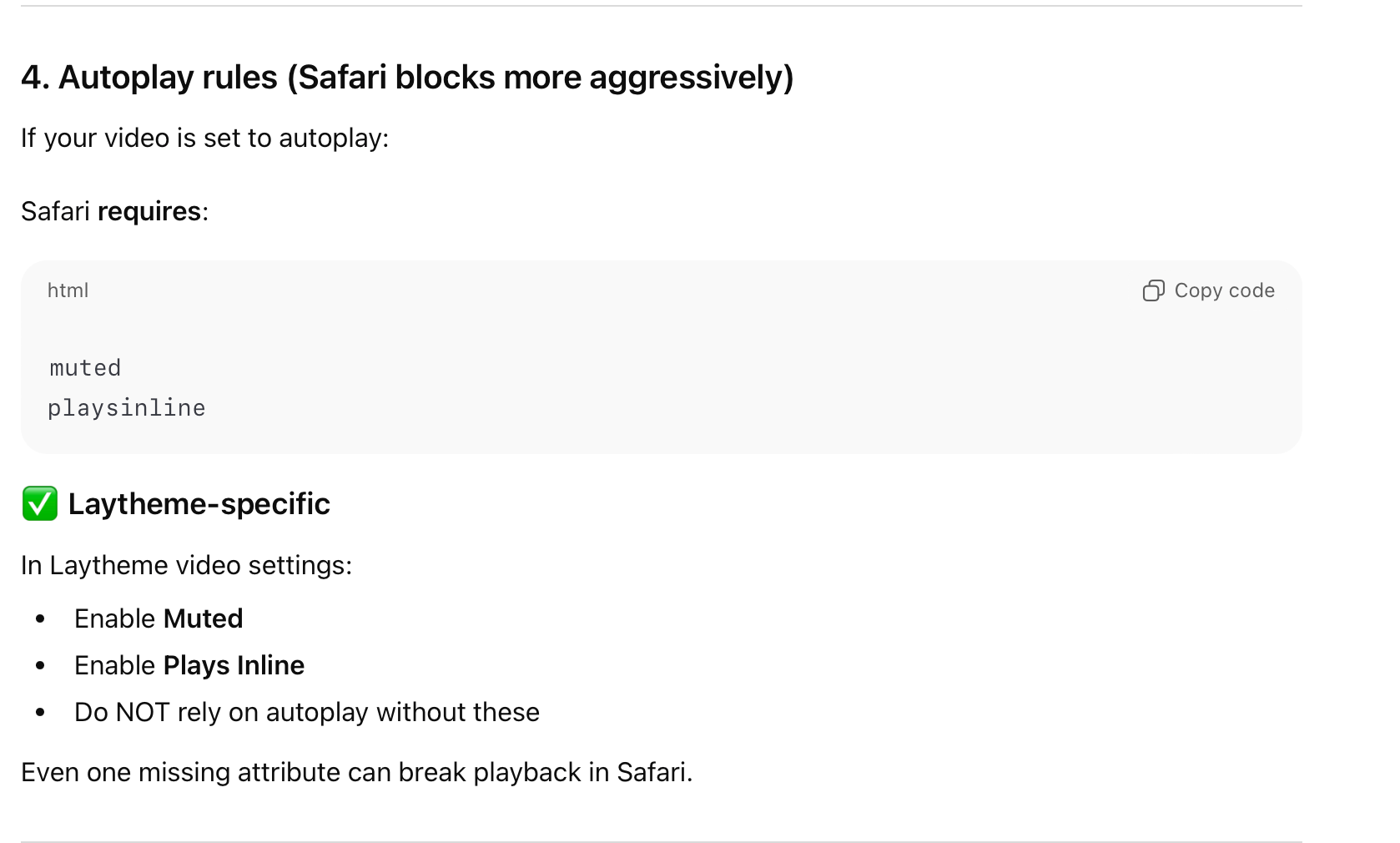
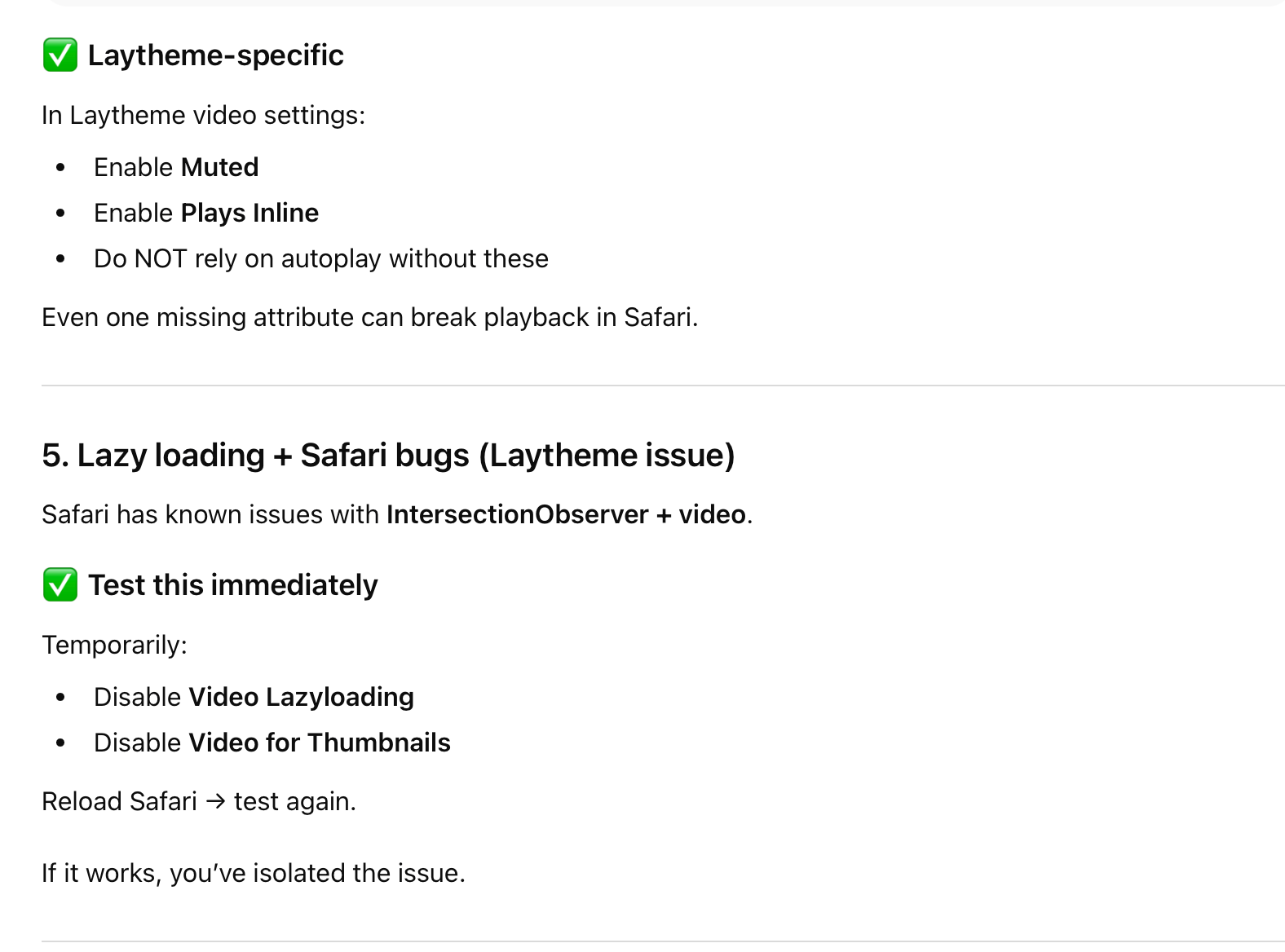
                      The AI Bot in lay them suggested these option:
                      • Activate Video for Thumbnails
                      • Disable Video for Thumbnails on Touch Devices
                      • Enable Video Lazyloading for Safari

                      Non of it worked

                      1 Reply Last reply
                      0
                      • emgeofficeE Offline
                        emgeofficeE Offline
                        emgeoffice
                        wrote last edited by
                        #11

                        Sorry to ask, but is it a problem with the autoplay that is activated in your video? I also wonder why autoplay is there as a CSS class. Is that a Lay thing?

                        If you open the video via link it does not work on Safari (macOS) while it should at least here if I am correct. It almost seems like the video is not available while all the images are listed in "sources".

                        https://www.mueller-brunke.com/wp-content/uploads/2018/11/Vignette1.mp4

                        1 Reply Last reply
                        0
                        • arminunruhA Offline
                          arminunruhA Offline
                          arminunruh
                          Global Moderator
                          wrote last edited by
                          #12

                          Hello! @emgeoffice has a point.

                          If i open one of your videos in safari, just by its URL, it doesn't work:
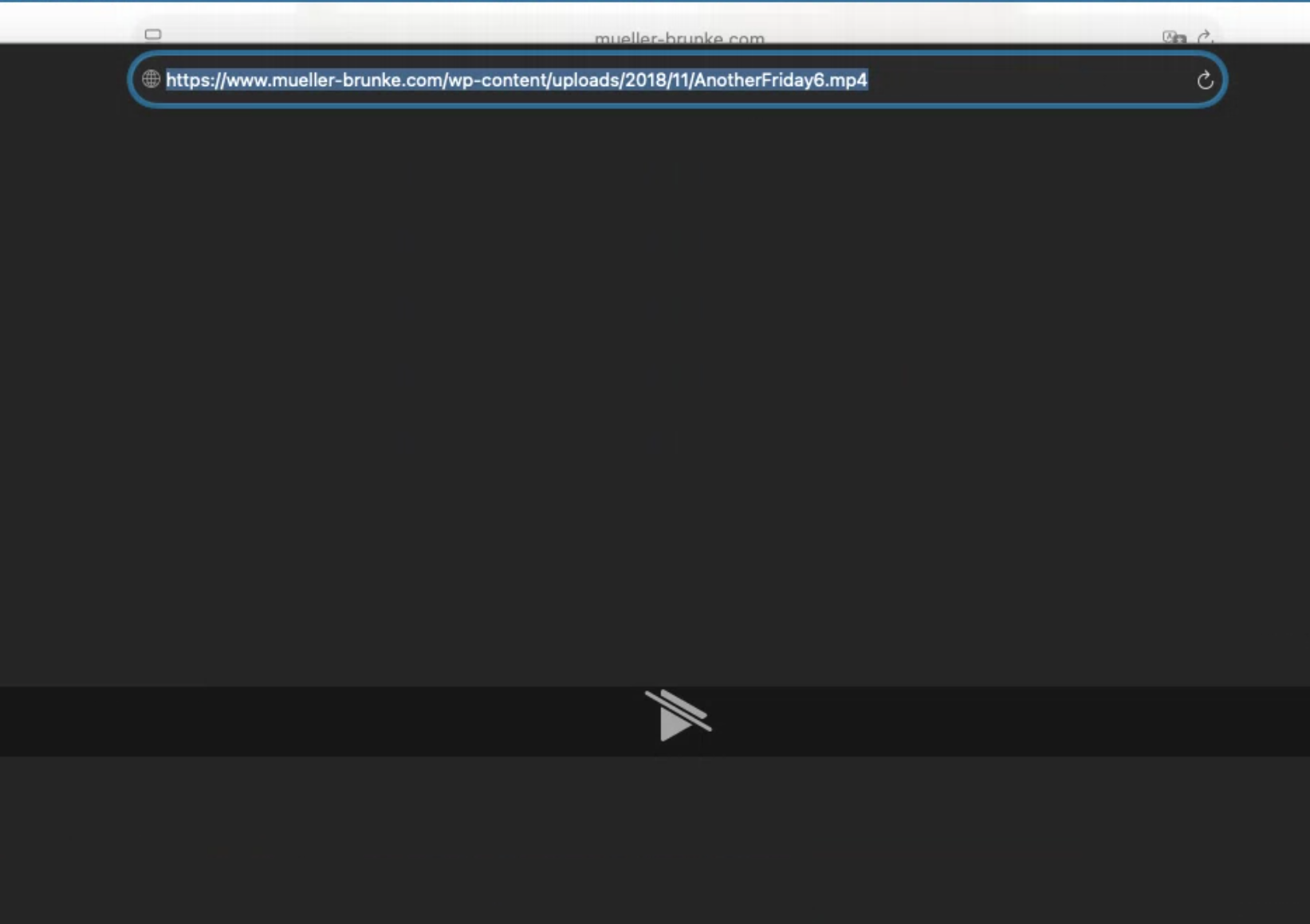
                          image.png

                          https://www.mueller-brunke.com/wp-content/uploads/2018/11/AnotherFriday6.mp4

                          This means there is likely an issue with the video itself.
                          You may want to use this free app:
                          https://handbrake.fr/

                          And convert your video to a H.264 .mp4 video and then try that exported/converted video.

                          1 Reply Last reply
                          0
                          • arminunruhA Offline
                            arminunruhA Offline
                            arminunruh
                            Global Moderator
                            wrote last edited by
                            #13

                            ps: the ai chatbot is good at finding the places of different settings, but its not really smart enough to do much more than that :O

                            1 Reply Last reply
                            0
                            Reply
                            • Reply as topic
                            Log in to reply
                            • Oldest to Newest
                            • Newest to Oldest
                            • Most Votes


                            I also code custom websites or custom Lay features.
                            💿 Email me here: 💿
                            info@laytheme.com

                            Our Web Development company: 100k.studio

                            Want to tip me? https://www.paypal.com/paypalme/arminunruh

                            Before you post:
                            1. When using a WordPress Cache plugin, disable it or clear your cache.
                            2. Update Lay Theme and all Lay Theme Addons
                            3. Disable all Plugins
                            4. Go to Lay Options → Custom CSS & HTML, click "Turn Off All Custom Code", click "Save Changes"

                            This often solves issues you might run into

                            When you post:
                            1. Post a link to where the problem is
                            2. Does the problem happen on Chrome, Firefox, Safari or iPhone or Android?
                            3. If the problem is difficult to explain, post screenshots / link to a video to explain it
                            Online Users
                            Forgot your key, lost your files, need a previous Lay Theme or Addon version? Go to www.laykeymanager.com
                            laytheme.com
                            • Login

                            • Don't have an account? Register

                            • Login or register to search.
                            • First post
                              Last post
                            0
                            • Recent
                            • Tags
                            • Popular
                            • Users
                            • Search