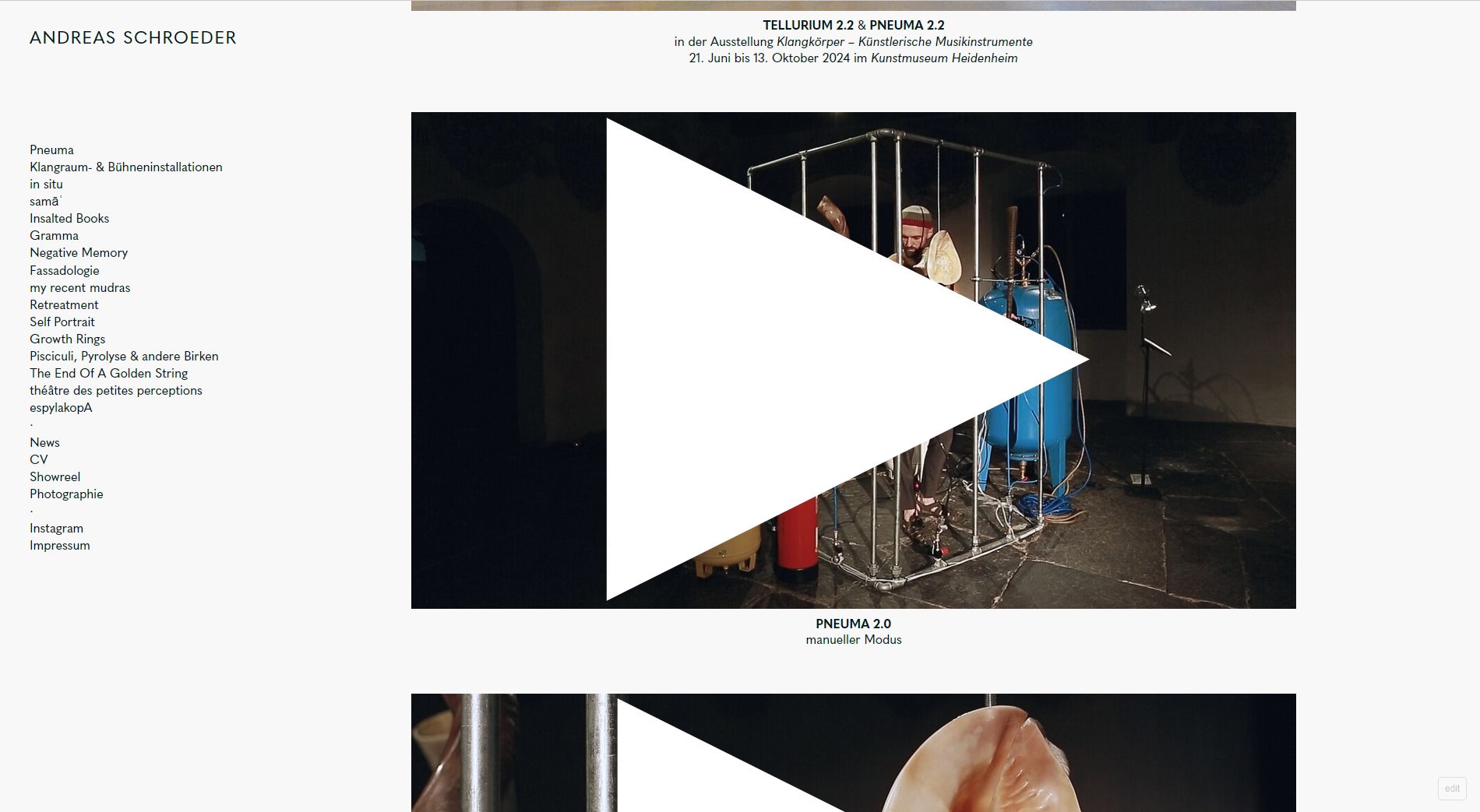
weird display of the Custom "Play" Icon after Update
-
-
It appears on Firefox as well as Chrome.
Here a link to the site:
https://www.schroeder-andreas.com/pneuma/ -
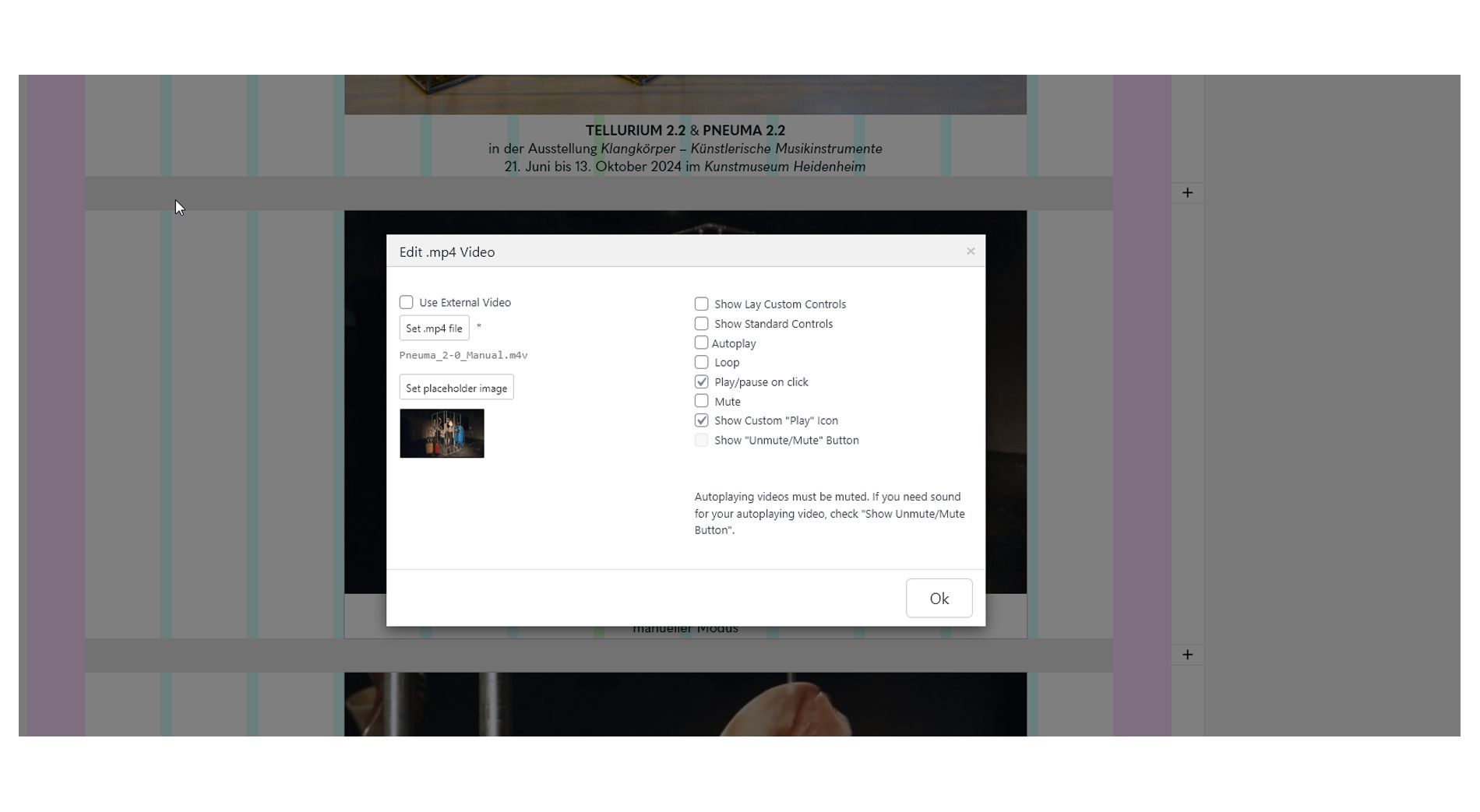
Changed it to: Show Lay Custom Controls.

Then it shows a small play icon

But doesnt play the video, just the sound. The video remains as still image.
Another try:
To change first to Play/Pause on click

Then save the changes, and then again go to settings and change to "Show Standard Controls" (without saving the previos step, Play/pause on click and "Show Standard Controls" cant be choosen together.. don't ask me why.)

The problem is that there is now play button displayed, which makes it not recognizable for the user to distinguish if is a video.

-
unfortunately i cant replicate any of this, on my lay installation all of this works fine
Can you please send:
- a link to this forum topic
- your website address
- /wp-admin/ username and password
to: info@laytheme.com
-
Ok I was able to fix the issues
-

Hello! It looks like you're interested in this conversation, but you don't have an account yet.
Getting fed up of having to scroll through the same posts each visit? When you register for an account, you'll always come back to exactly where you were before, and choose to be notified of new replies (either via email, or push notification). You'll also be able to save bookmarks and upvote posts to show your appreciation to other community members.
With your input, this post could be even better 💗
Register Login