Row Video Background from Vimeo?
-
hey!
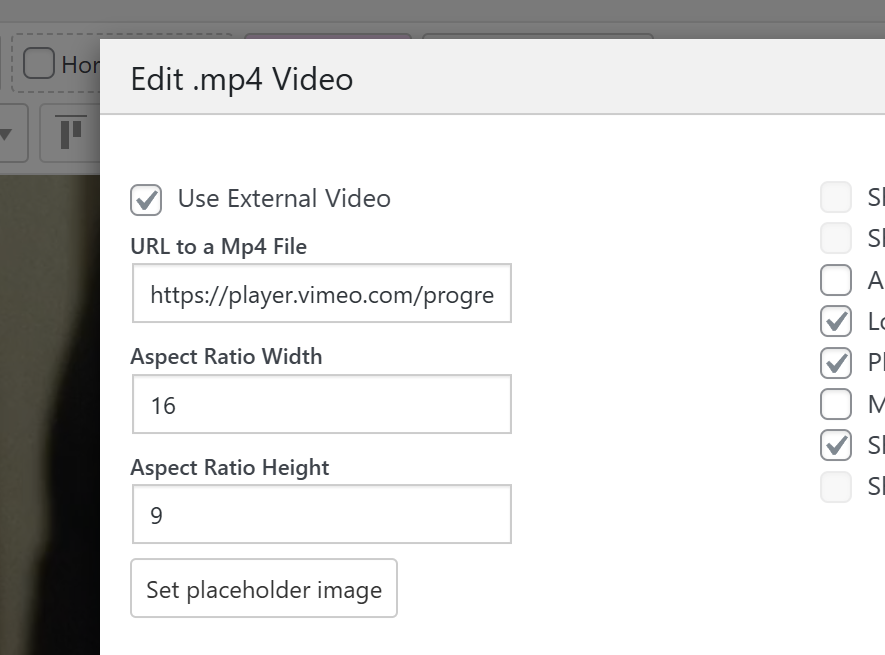
so for vimeo, you can for example, if your client has vimeo pro,
you can use the setting "use external video"and in his vimeo pro account, he can get playback links directly that look like this:
and then you can use those here:
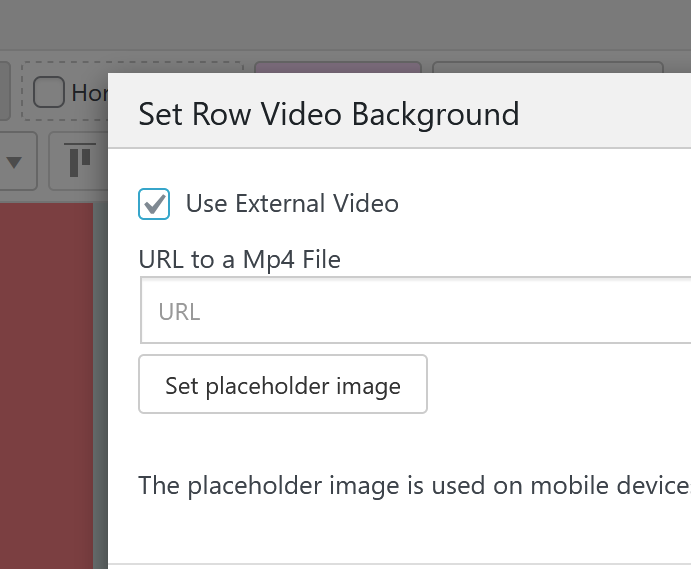
these will actually load faster than using a vimeo embed, cause an embed creates an iframe that contains lots of javascript, css and html and takes like a few seconds to load, while this will load much faster
-
@arminunruh Thank you very much! Works great :)
PS
Last question - if I use “Row Video Background” is it possible to load with sound?
-
oh didn't see your last message!
noo, thats not possible, browsers dont allow videos to autoplay when they are not muted
-
@arminunruh ok, I understand. And if I insert a Vimeo video normally (not as a “Row Background Video”), can I use CSS to set the video to fill the entire browser window? (e.g., 100vw, 100vh)
-
mmh good question! i havent tried that but im not sure how well that works!
-
@arminunruh Sounds good :) My client would really like his projects to open in full screen with the option to turn on sound. They don't have to start automatically—we can use the video player that comes with LayTheme. I've temporarily used “Row Video Background,” but if the video player could be stretched to fill the entire browser window, that would be great and would solve all the problems.
Here you can see the website:
https://warsawproduction.com/PS
I think this small feature could potentially open LayTheme up to websites for production houses and video artists ;)
-
i see!
im going to release a new update now.
after you updated, create a .mp4 video element (+video -> +mp4 video)like this:
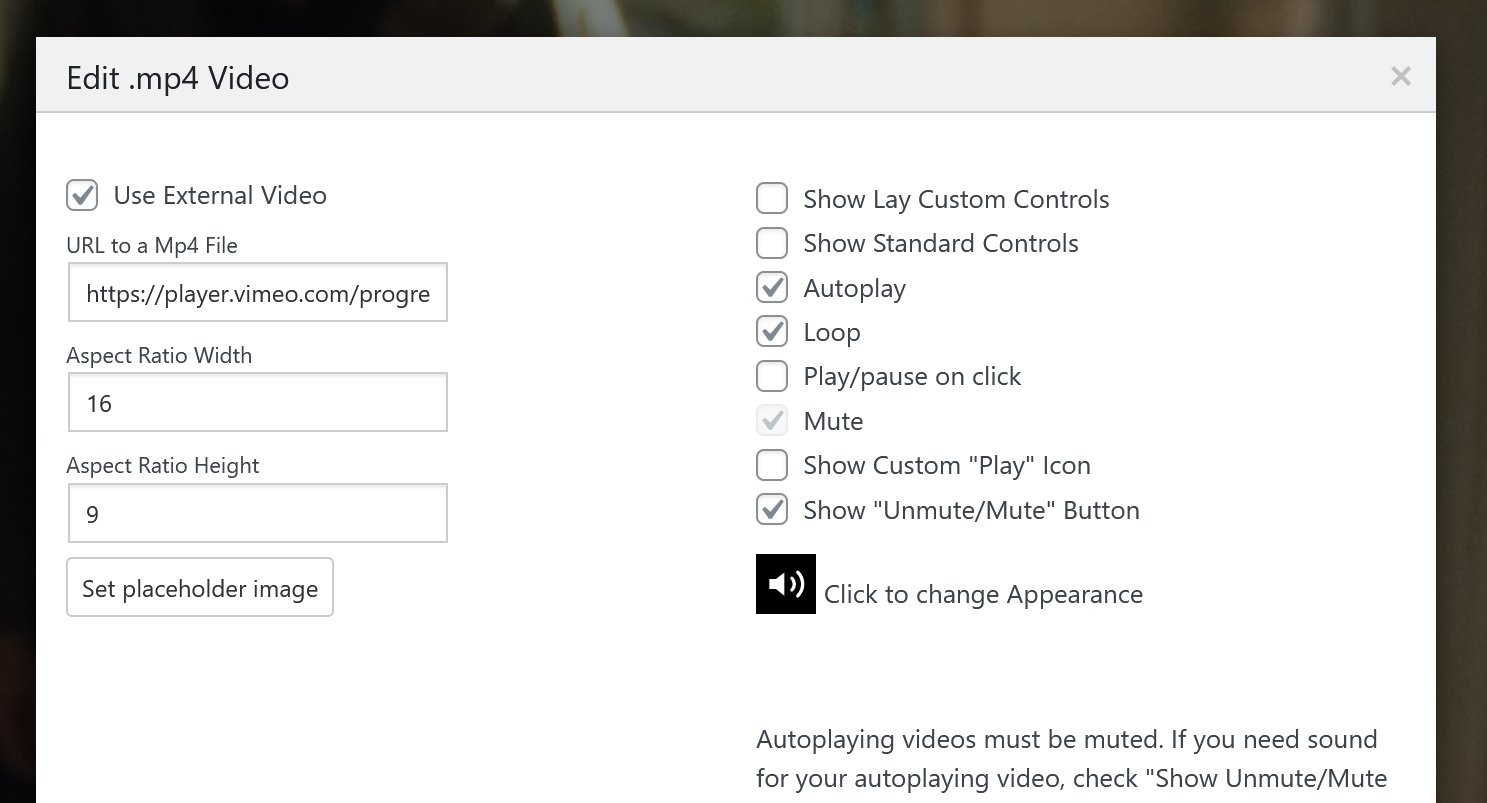
or use:
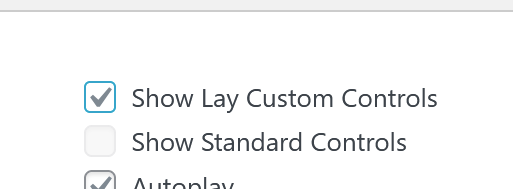
lay custom controls:
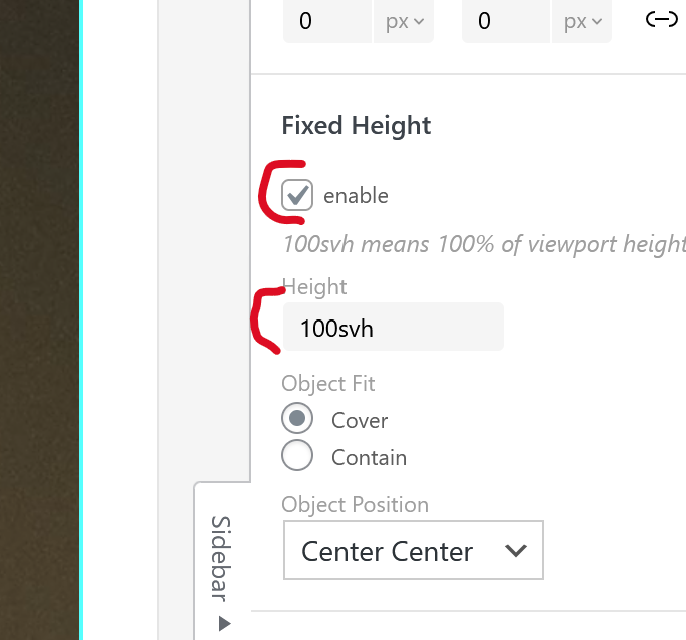
now in the gridder, select the video and in the sidebar check fixed height and set it to 100svh:
if you right click the row or the bar next to the row, you can also set the row to be browser height:
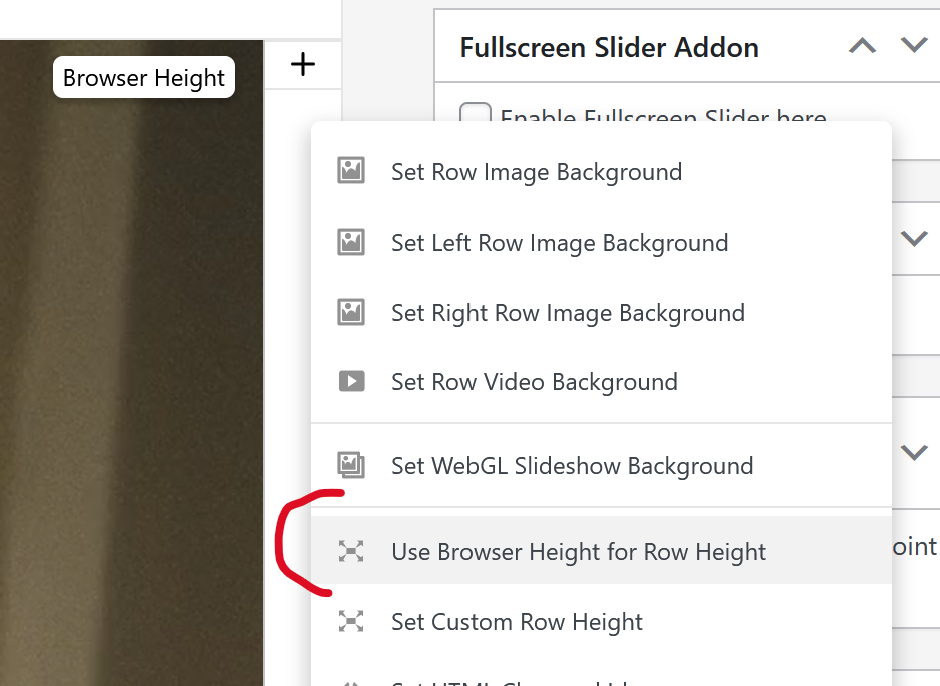
if you do, then you can insert texts on top of the video too
-
i see!
im going to release a new update now.
after you updated, create a .mp4 video element (+video -> +mp4 video)like this:
or use:
lay custom controls:
now in the gridder, select the video and in the sidebar check fixed height and set it to 100svh:
if you right click the row or the bar next to the row, you can also set the row to be browser height:
if you do, then you can insert texts on top of the video too
@arminunruh This solution is just what i was looking for! I followed every step you mentioned here but the video appears empty on the gridder, and doesnt show on the page... What could be the problem? Thanks for everything!!
-
do u have a link?
-
and are u sure u entered the right url?

it shouldnt be a embed url, but if u have a vimeo pro account, you should be able to get a streaming link or download link of the video that looks similar to:
-
ah i understand, yes thats probably it
-
Hey! I got my client to upgrade to Vimeo Premium, now i can get this type of link.
I have done as you kindly explained here and the video plays with sound, but it disenables the fullscreen slider navigation, and it just seems to get stuck on the video row... any idea of what i could have done wrong?
Here is a link to my site. https://www.polvorafilms.es/
Thanks!
-
pro tip:
instead of using vimeo pro, you can upload the video to bunny cdn
https://bunny.net/and get the mp4 link from there. apparently thats cheaper than vimeo pro.
ok let me think about that
-
next update will get this:
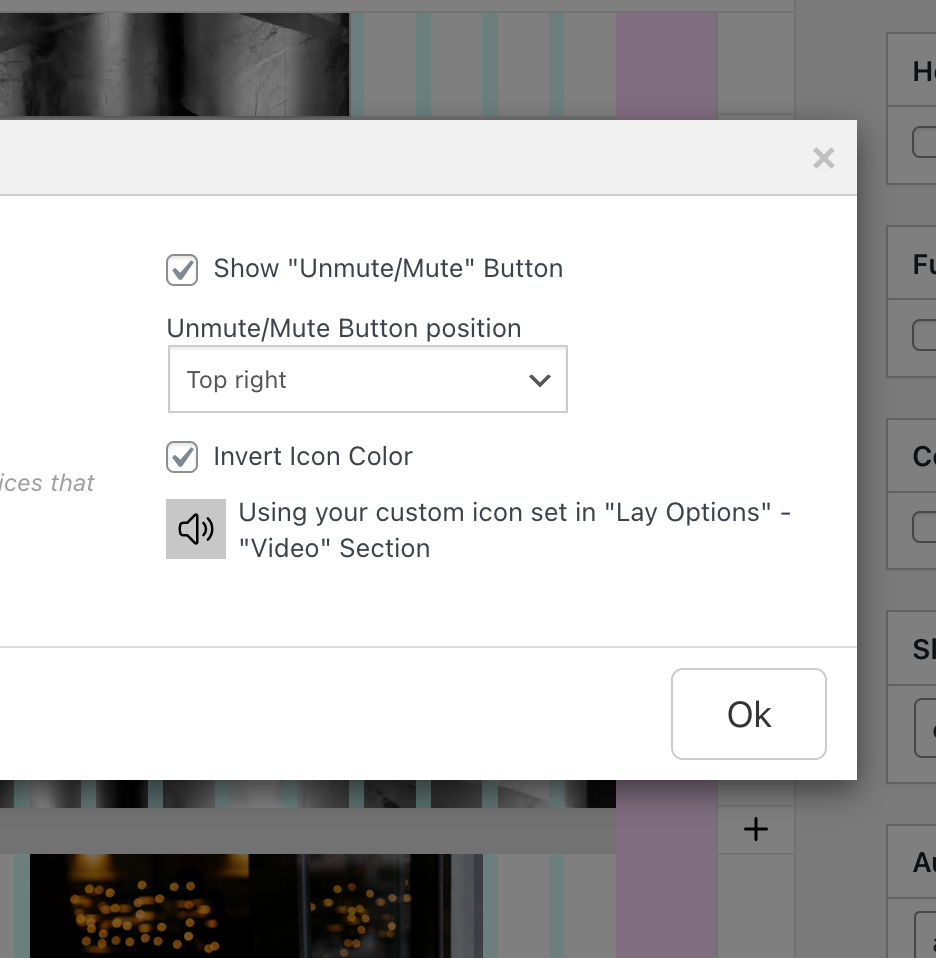
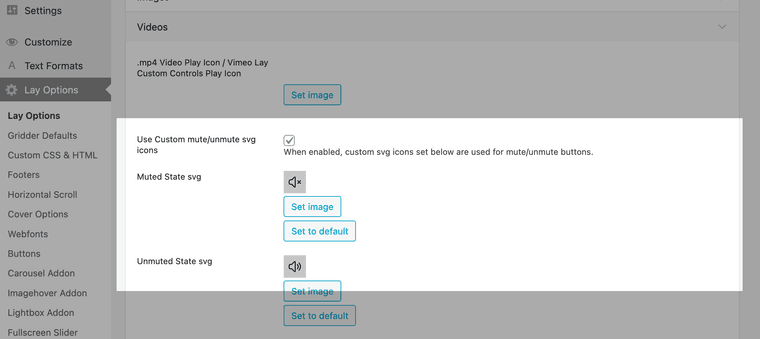
and in the next version you'll need to enable this setting and set custom icons, in lay options, new video section:
-
Hey! I checked the new update, and i think that having the option for customising the size and position of the mute/unmute icon could be super helpful, just as in every other icon. Anyway, this is a huge improvement!
Meanwhile, is there any way of making this with code?
Thank you so much :)
