text and image alignment
-
Dear @arminunruh,
for https://axellestiefel.com/test6/ I have two questions for the landing page.
-
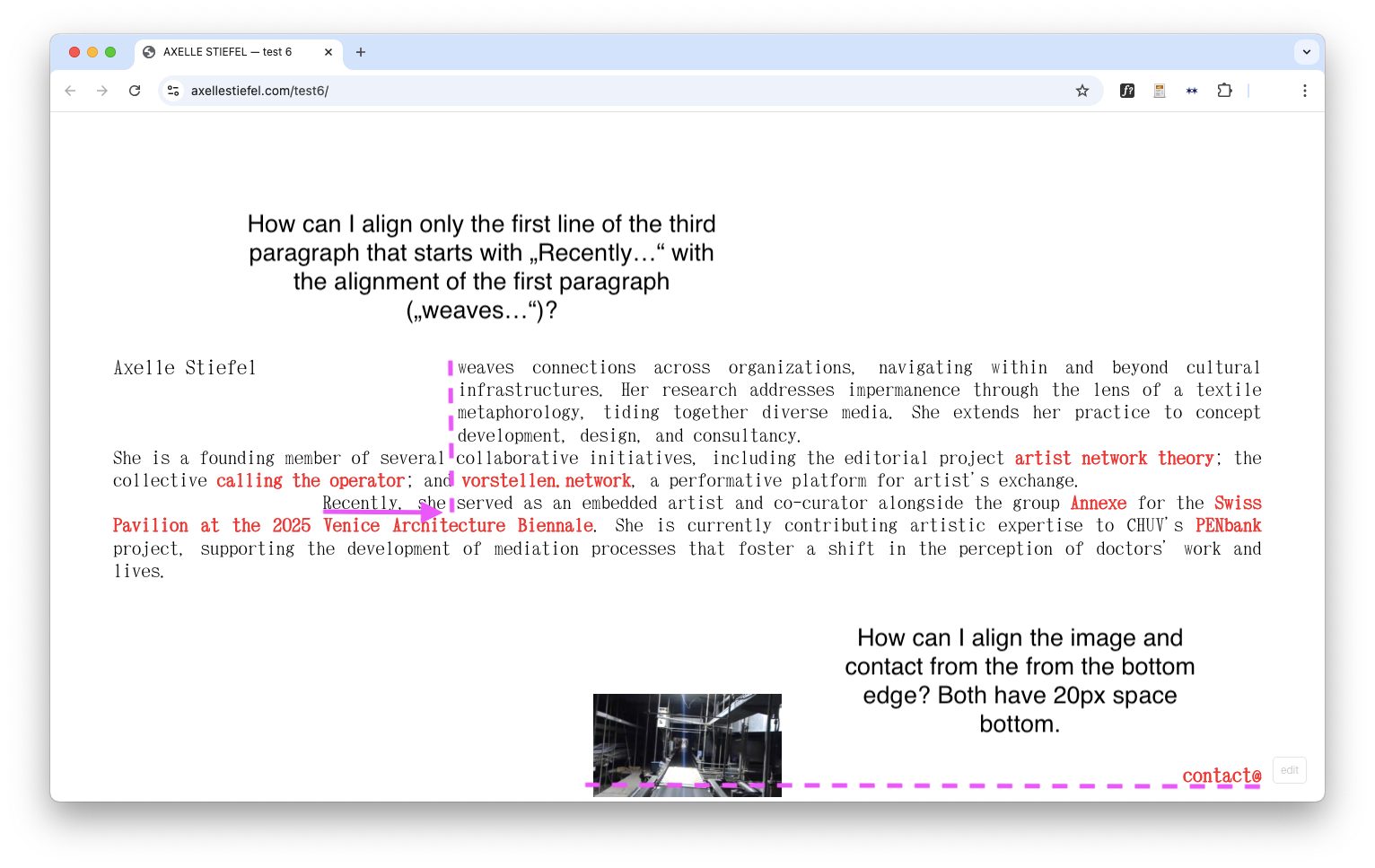
How can I align only the first line of the third paragraph that starts with „Recently…“ with the alignment of the first paragraph („weaves…“)?
-
How can I align the image and "contact" from the from the bottom edge? Both have 20px space bottom.
Thanks a lot !
XD
-
-
- this one:
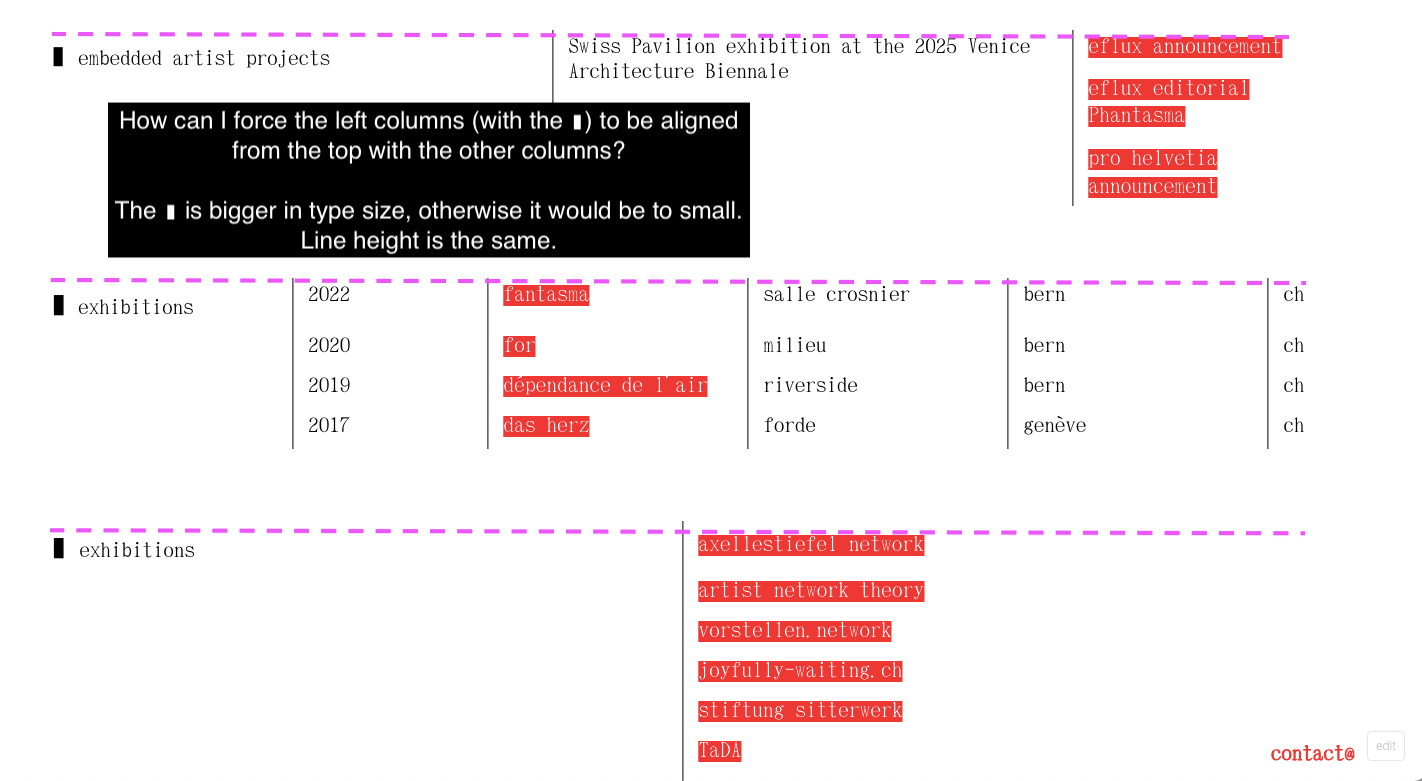
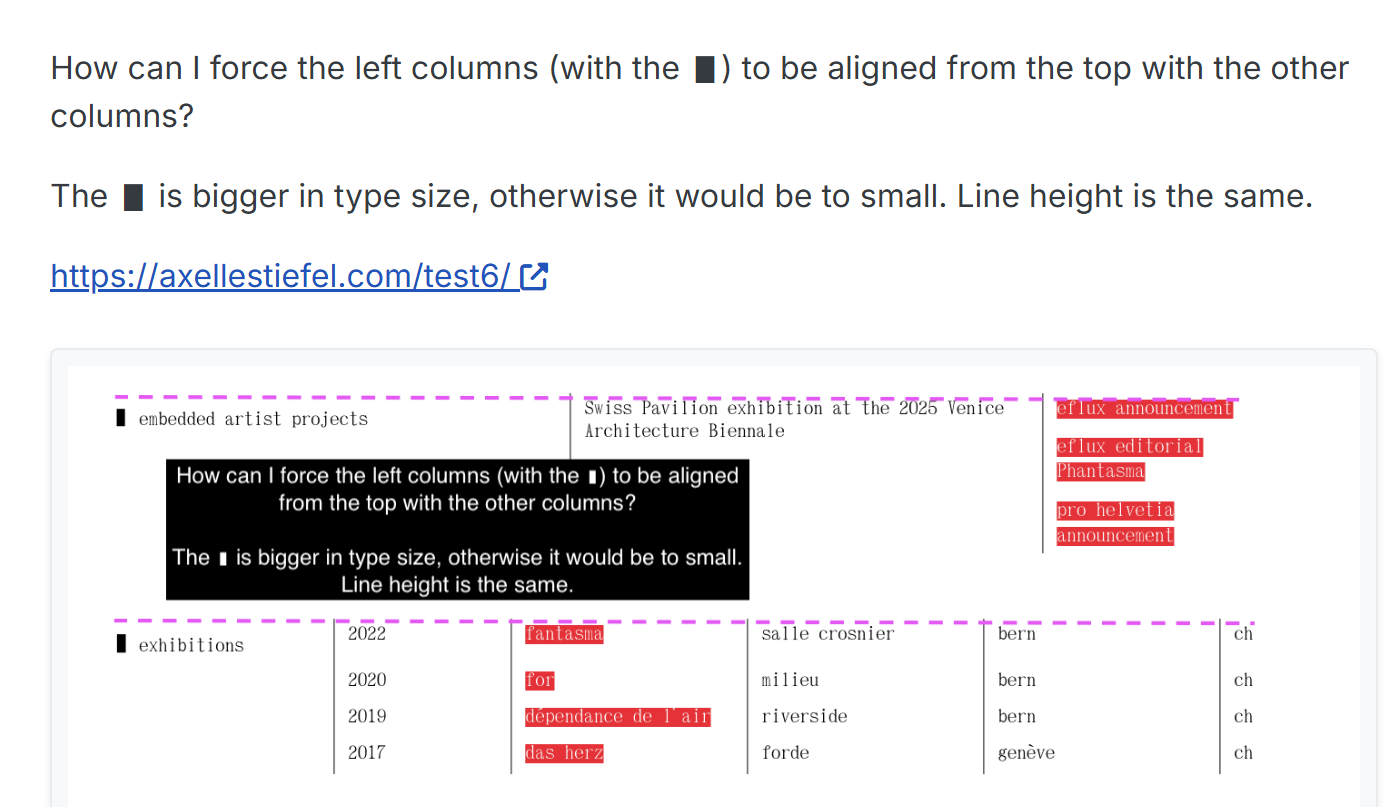
How can I force the left columns (with the ▮) to be aligned from the top with the other columns?
The ▮ is bigger in type size, otherwise it would be to small. Line height is the same.
https://axellestiefel.com/test6/
-
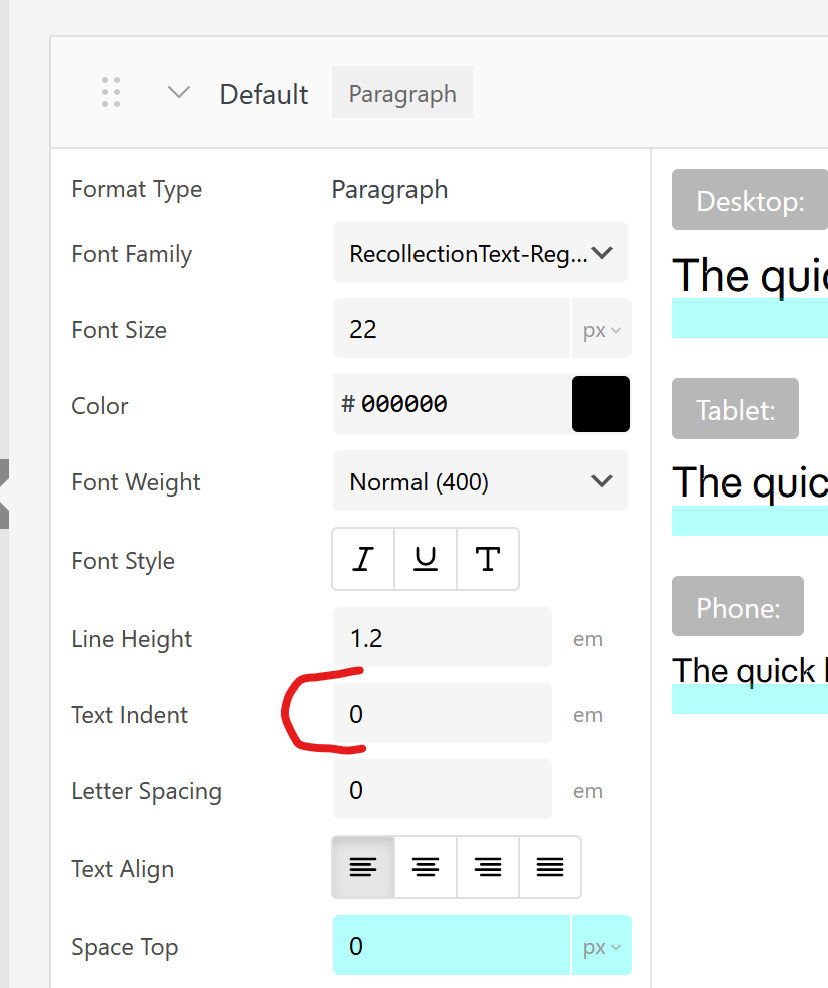
i think you're looking for textindent:
about the other issue:
how about you try to create a table element or multiple table elements.
then you can make the leftmost column some width like 20%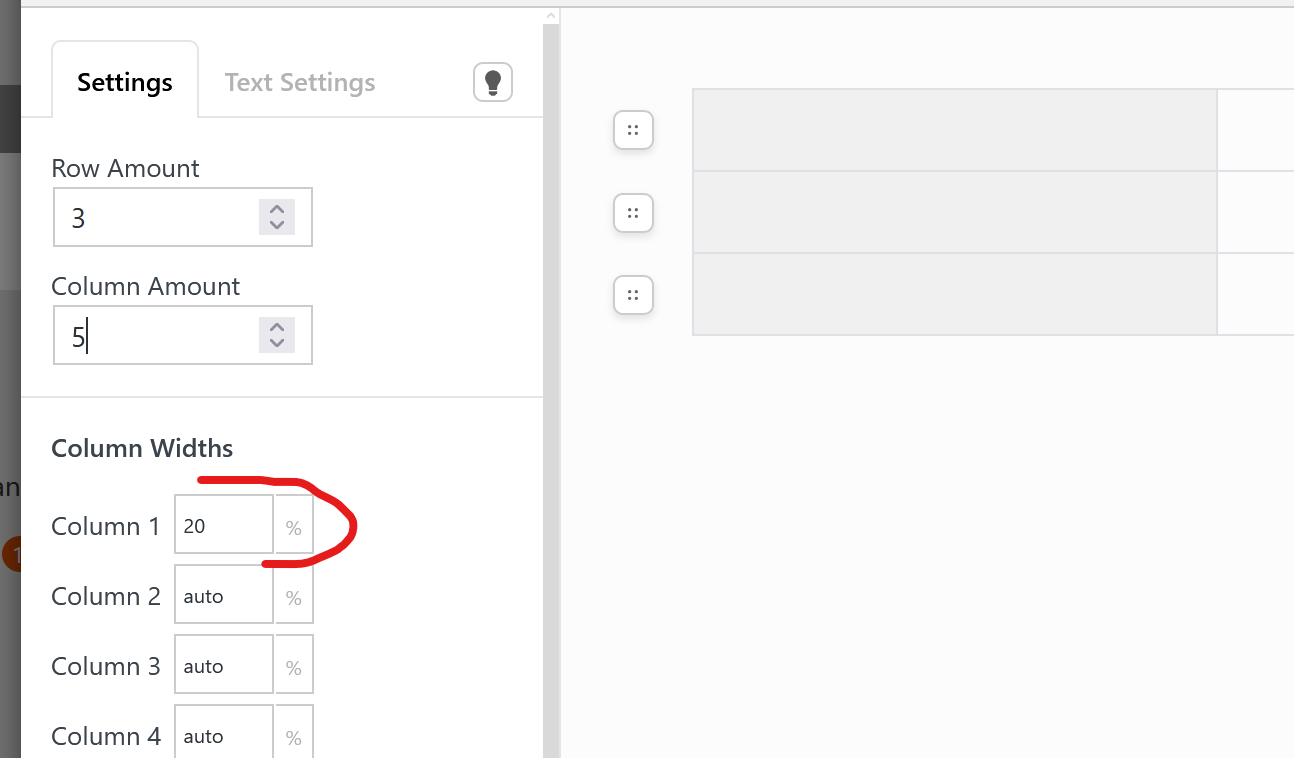
but actually i dont really understand the issue here:
if you want you can also describe it to me in german if thats easier.
you want theahh maybe i understand!
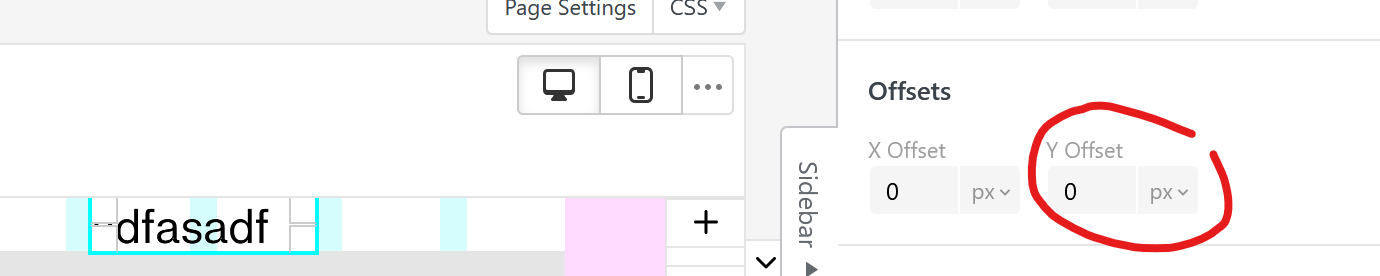
you can select the text and in the sidebar use a negative y-offset:
-
Danke @arminunruh
-
Ich habe den Text-Indent angewandt, er funktioniert auch nach mehren Versuchen nicht. Hast du eine Idee, woran es liegen könnte? Der Text-Indent zieht nur die erste Zeile ein, richtig? Ich suche ja ein Tool, womit nur die erste Zeile einen Einzug bekommt.
-
Hattest du diese Frage gesehen? Wie kann ich das Bild und den „Contact“ am unteren Rand ausrichten? Damit beide Elemente an der Unterkante auf der selben Höhe sind (über die gestrichelten Linie). Beide haben unten einen Abstand von 20 Pixeln.
-
Die linke Kolumne ist Teil einer Tabelle (mit den anderen Kolumnen zusammen). Dann müsste ich die erste Kolumne mit dem ▮ wohl herauslösen und separat als einzelnen Text platzieren?
Vielen Dank!
-
-
-
Dear @arminunruh hattest du evtl. Zeit, einen Blick drauf zu werfen? danke
-
Can you please send:
- a link to this forum topic
- your website address
- /wp-admin/ username and password
to: info@laytheme.com
i wanna try and see if maybe i can create the layout in the way you wanted when i try myself
-
-
ok so first of all, i updated your lay theme, cause the older version you had had 2 problems:
- text indent wouldnt always work
- in browser height row, elements couldnt be positioned under / above a stack element
here is what i did to create the layout
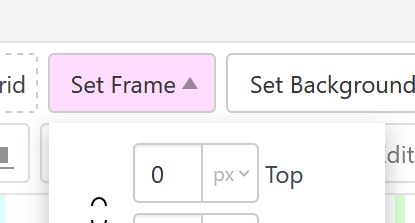
i set frame top to 0:
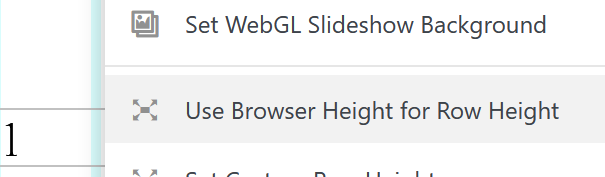
i set the first row to browser height:
i created a stack element with text elements next to each other and under each other:
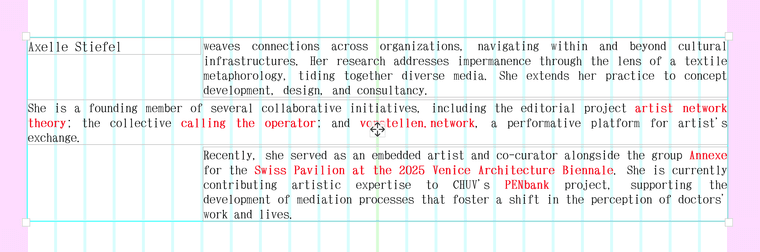
when selecting the stack element itself, i set a stack row gutter so we have some spacing between the text elements:
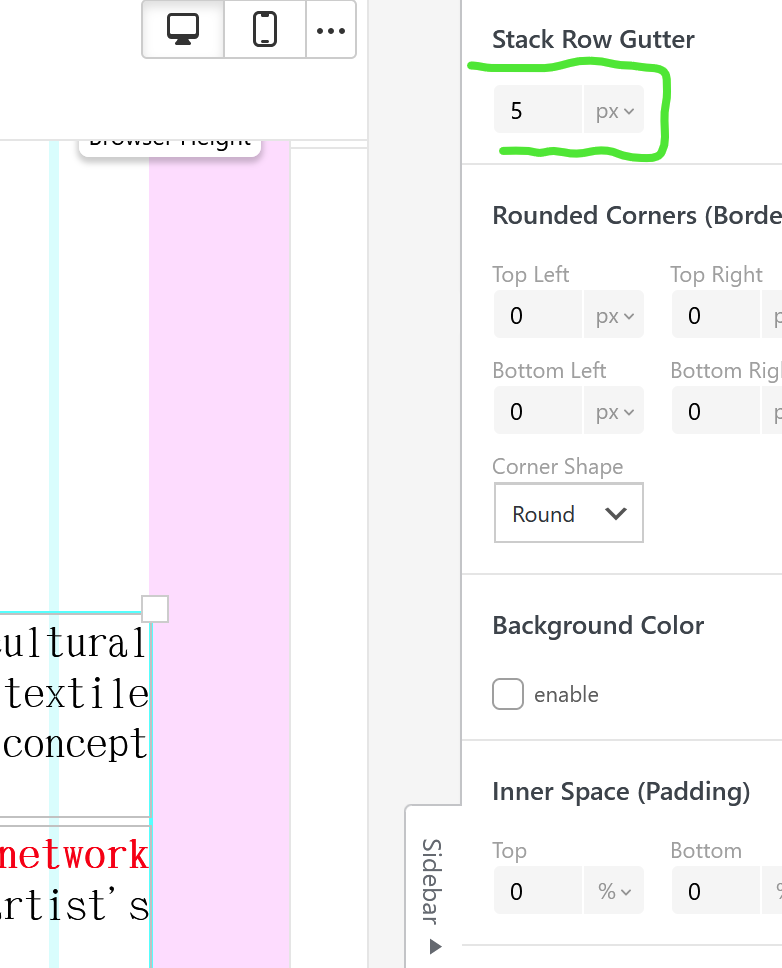
i set the default textformat text-indent to 0 in textformat, cause i think we dont need this anymore:
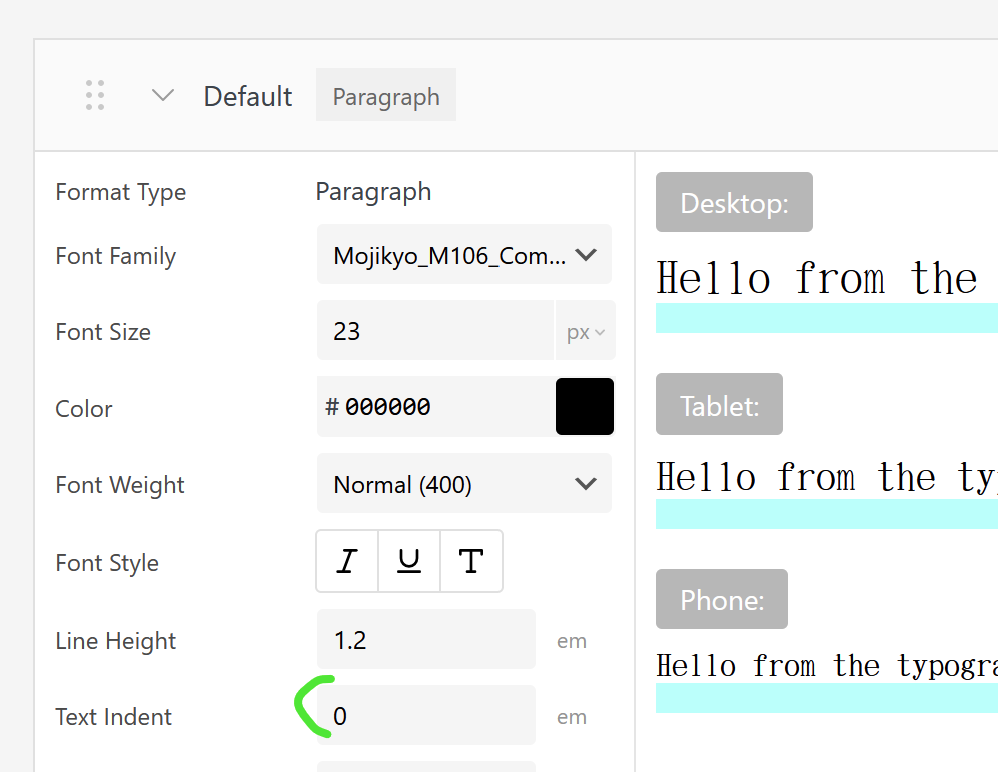
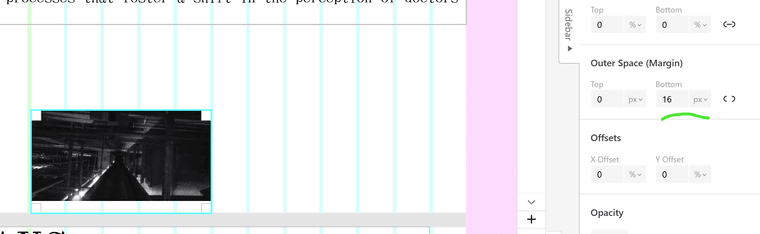
looking at your bottom right menu, i found out it has a space bottom of 16px:
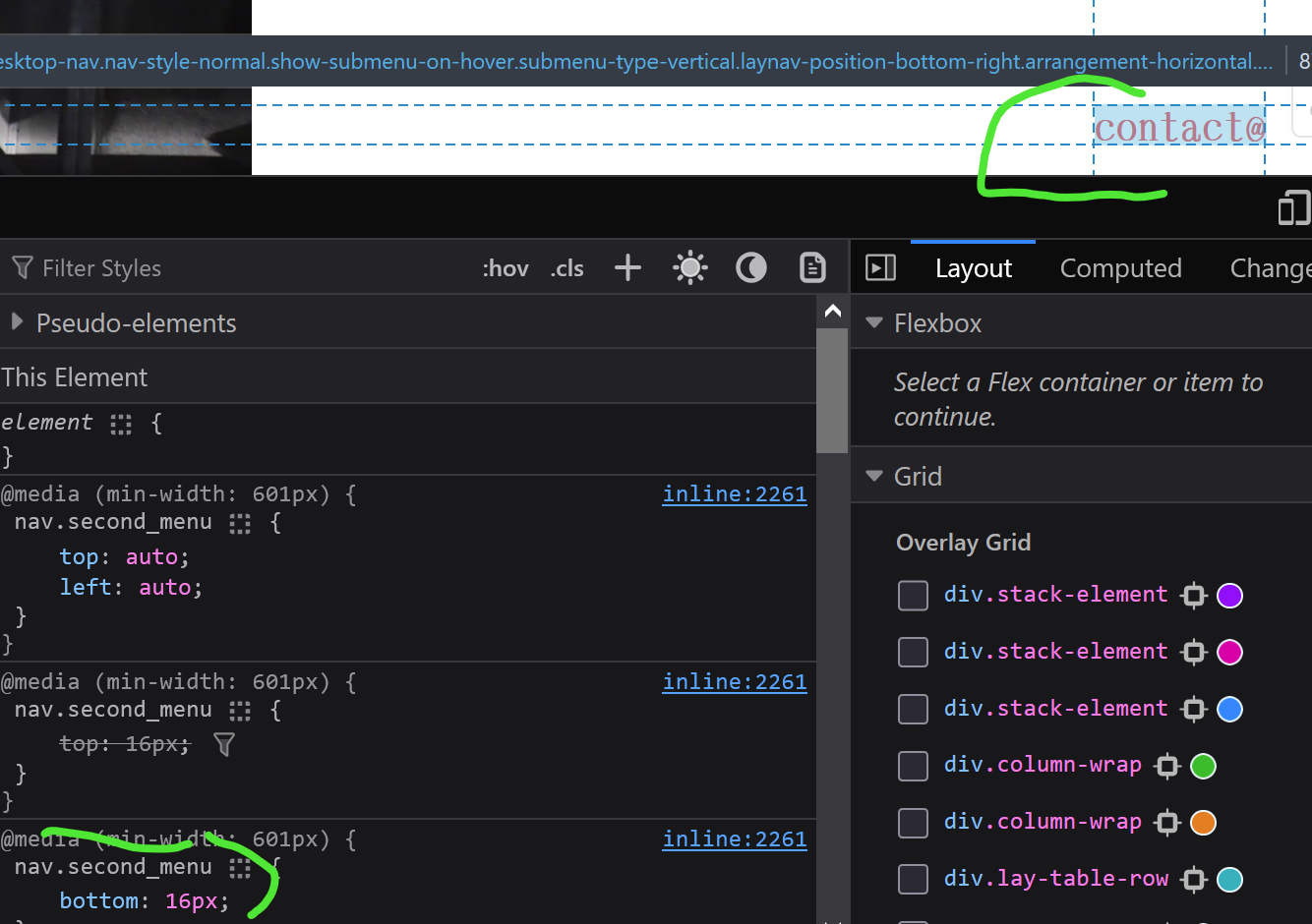
so i placed the image at the bottom of the first browser height row and set a space bottom: 16px in the sidebar:
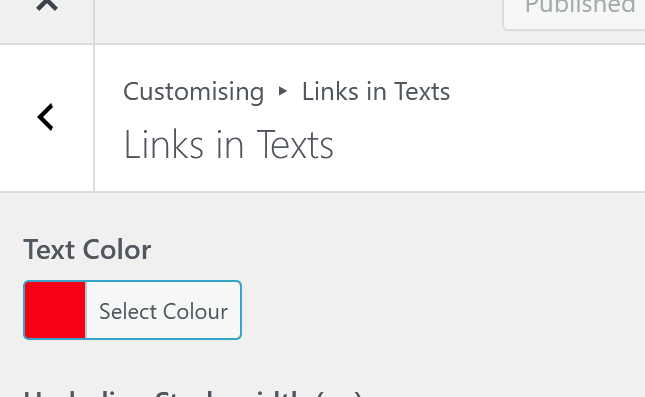
also in customize -> links in texts
i set the link color to red
this results in this layout:
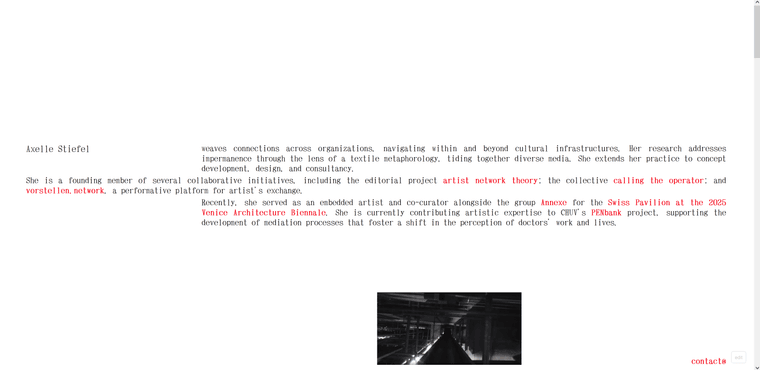
https://axellestiefel.com/test6-copy/i think thats what u wanted no?
-
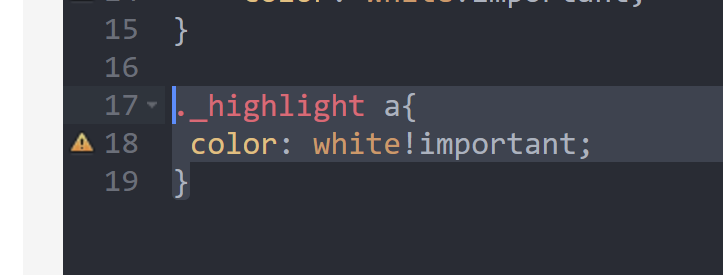
and i added this css, so links inside your highlighted text are white:
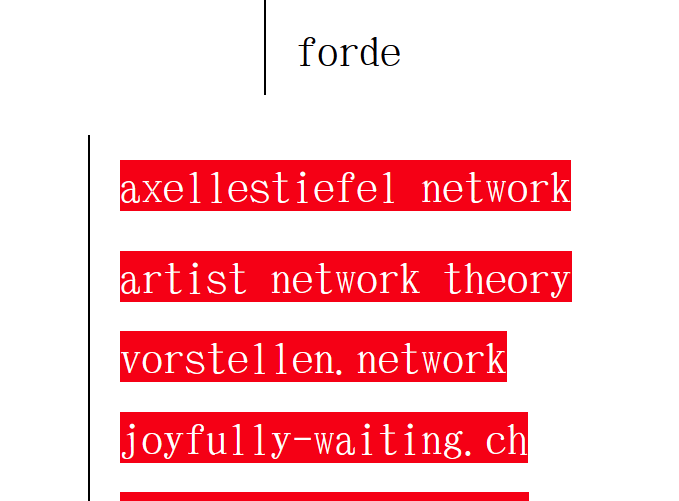
-
about the other alignment issue:
in lay options -> custom css & html:
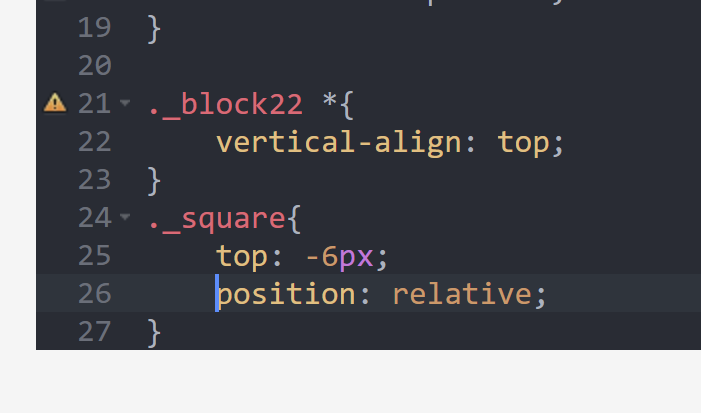
i added this css to top align the texts here, the rectangle and the text next to it. then i used -6px to move the square up a bit

-
@arminunruh thanks a thousand ! Only one thing - not sure if that is possible -
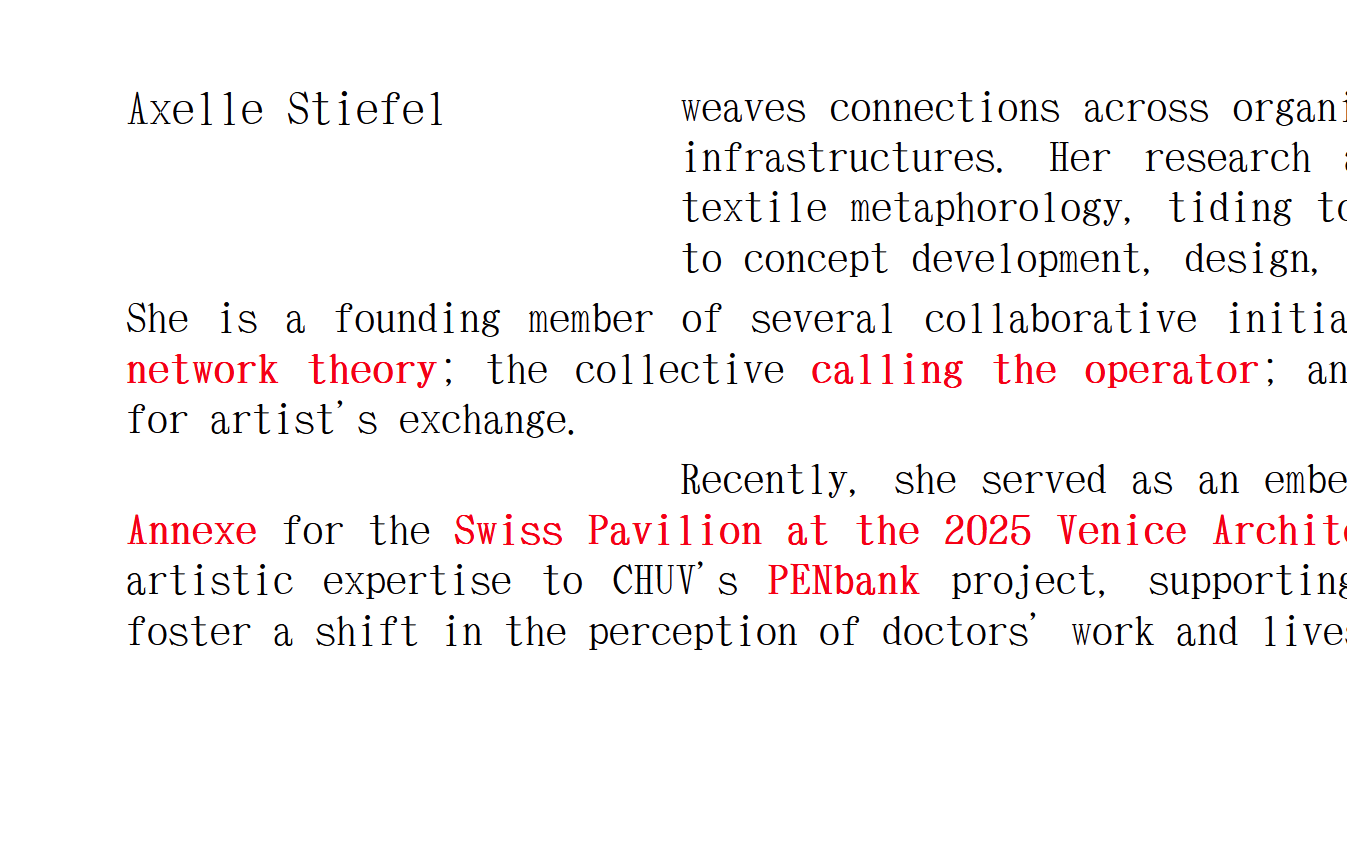
The last paragraph (on the landing page) should have an indent only in the first line. And that indent should have the same indent as the first paragraph. So to look like this:

Thanksxxx
-
yea thats not so easy to do
i had to see what kind of grid you set up and then calculate some things and write some css

then i set the html class of that text element:
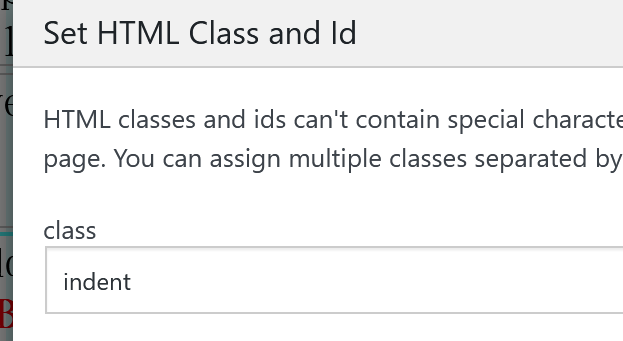
now it looks correct:
-
oh wow! thanks so much @arminunruh !

Hello! It looks like you're interested in this conversation, but you don't have an account yet.
Getting fed up of having to scroll through the same posts each visit? When you register for an account, you'll always come back to exactly where you were before, and choose to be notified of new replies (either via email, or push notification). You'll also be able to save bookmarks and upvote posts to show your appreciation to other community members.
With your input, this post could be even better 💗
Register Login