replacement text not showing correctly at expand/collapse with first area expanded?
-
I have a question concerning expand/collapse row and its replacement text when starting with an already expanded row:
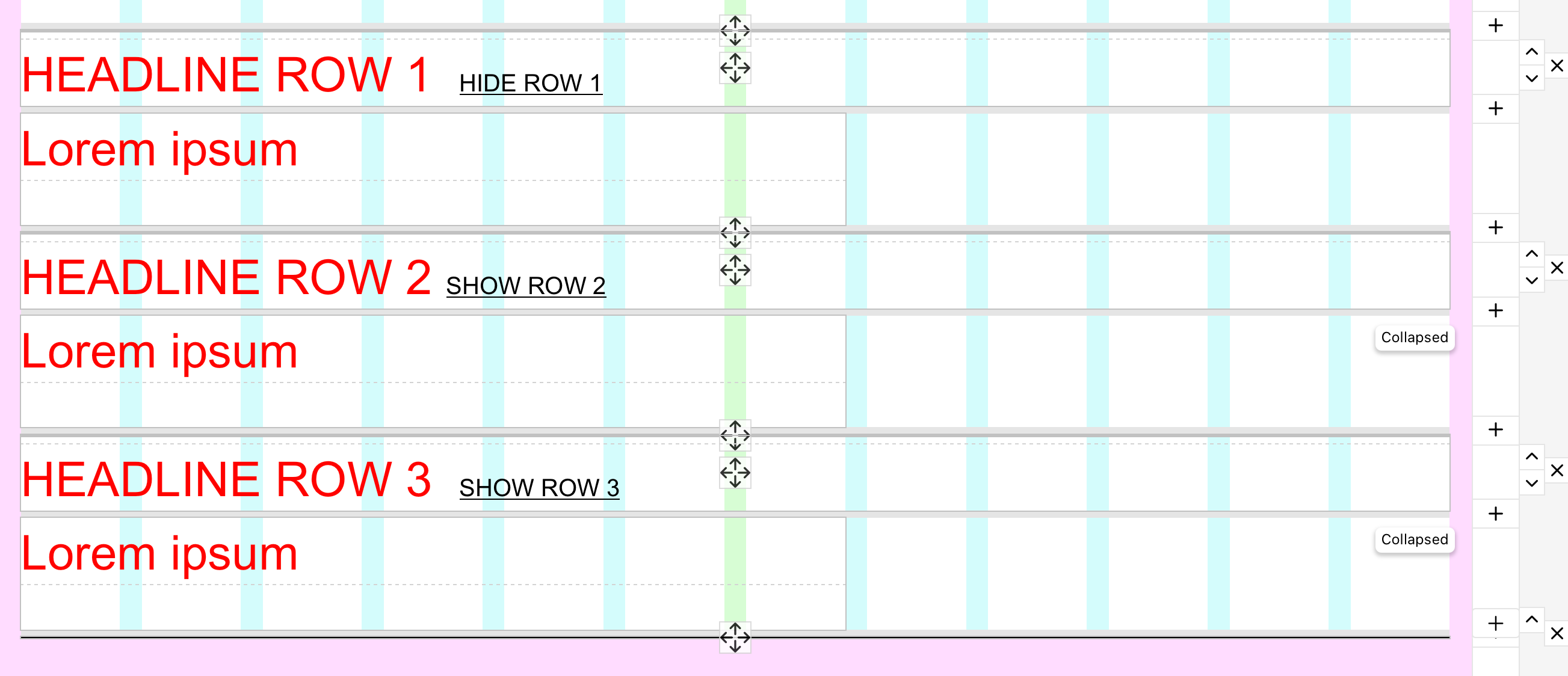
I want to create an accordion like element, that starts with an already opened first content area… plus only one row should be expanded at a time! So far that seemed doable with expand/collapse row feature. I only exchanged normal text and replacement text and vice versa, so it’s rendered correctly on load. (Because it seemed that the rendered text is bound to the link click and not the actual state of the expand/collaps of the row?!)
See my current layout here:
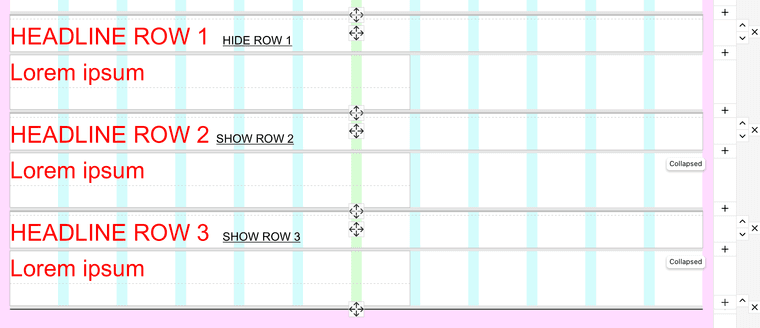
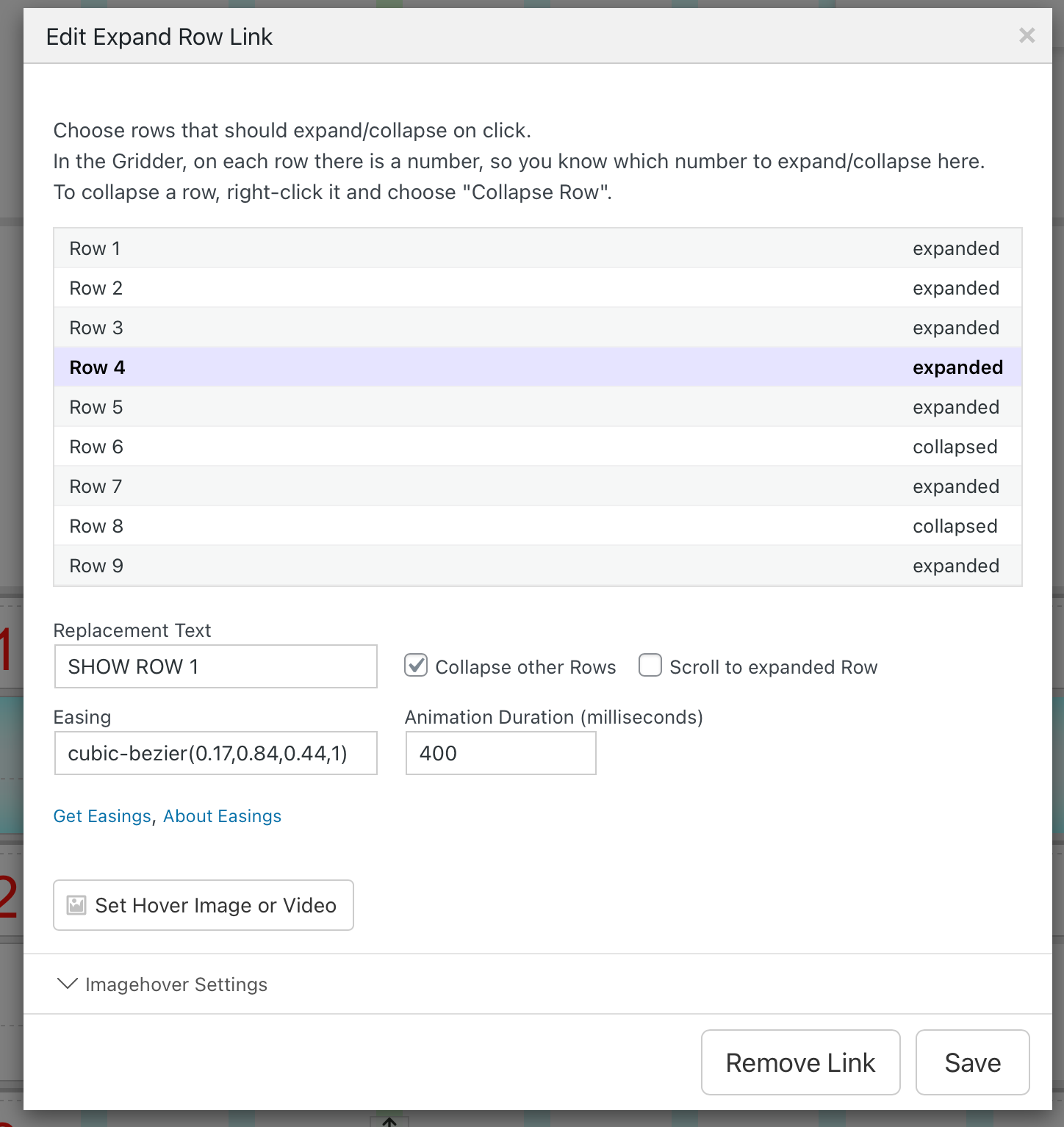
So far so good, but that only partially worked out haha
I noticed if I open area 2 or 3 without collapsing the area 1 manually by clicking on the expand/collapse link still the regular text and not the replacement text is shown… even though the row closed „itself“ automatically because of the setting "Collapse other Rows". Do you know what I mean?
See also video here.
Do you have an idea for a workaround? Is it a bug? Am I missing out on something?
FYI I used the the expand/collaps row on purpose, and not the actual accordion element for design reasons :)I hope you can help me somehow <3
(happens in all browsers, also happens without custom code, newest Wordpress + Laytheme installed, can’t share a link as it’s still on Local)
-
can u send me the link?
u can send it to info@laytheme.com if you likewith a link to this post

Hello! It looks like you're interested in this conversation, but you don't have an account yet.
Getting fed up of having to scroll through the same posts each visit? When you register for an account, you'll always come back to exactly where you were before, and choose to be notified of new replies (either via email, or push notification). You'll also be able to save bookmarks and upvote posts to show your appreciation to other community members.
With your input, this post could be even better 💗
Register Login