stack row gutter mobile
-
Hello!
I’m trying to set a different value for the gap between items inside a stack for desktop and mobile. Since there is no option for ‘Stack Row Gutter’ in mobile, I tried using a bottom padding for every item, but the mobile value doesn’t override the desktop one or even appear in the CSS. The Stack Row Gutter approach seems like the better way to do it, could you please add the mobile option for it?
Thanksss!
-
are you using a custom phone layout?
-
or are u using the mobile tab of the sidebar?
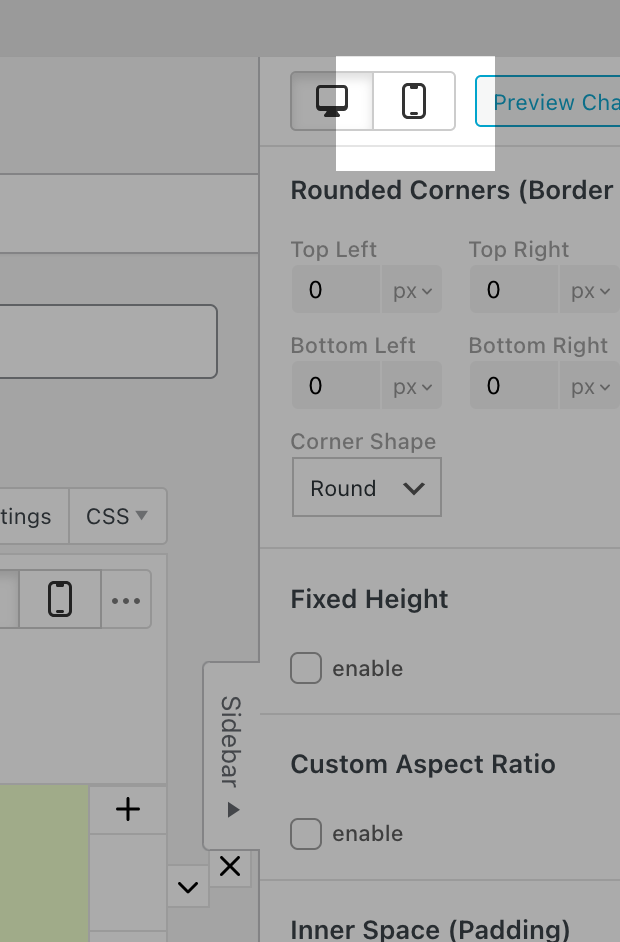
-
if u use a custom phone layout, you can set the row gutter independently of one another.
if you dont use a custom phone layout, then you use the automatically generated phone layout which puts all elements on top of one another.
In that case, the spacing of the elements is determined by the spacing you set in Customize > Mobile > Mobile Spaces
But right now I see that unfortunately the spacing you set in the customizer for the automatically generated phone layout is used for the elements within the stack. But additionally, the stack row gutter is added to them as well.
Is that maybe the source of your problem? The space gets too large?
But of course I can also code a mobile setting for this. I'm just trying to understand better what your setup is so I can identify what needs to be done better.
-
With the next Lay Theme update, the issue where Stack row gutters lead to too big spaces in stacks for automatically generated phone layouts will be fixed.
-
Sorry, I was away!
I just wanted to set a stack row gutter in desktop and a different one in mobile, without having to create a custom phone layout. And I think that having the option to do it in the mobile tab of the sidebar would be great.
I ended up solving it with some CSS, so no problem
Thank you very much!!
