project thumbnails Vertical alignment / tile view


-
Hi,
I'm trying to figure out how to arrange project thumbnails on a photography "work" page so they show as a tile view, but it seems to work only inconsistently.
Place freely doesn't seem to work consistently for this either, so my approach right now is to set Col Gutter to 2 and Row Gutter to 0 and using the horizontal grid, arriving at a layout like this:

The gridder view looks like this:

The project titles overlap depending on browser and resolution, also it's quite hard to actually place the thumbnails in the gridder - I'm frequently getting a "Can't put element there" error.
Is there a better approach? Is it possible to achieve a proper tile view with Lay Theme? If so, how?
Thanks for any tips!
-
yes! use the thumbnailgrid element or elementgrid element
then use masonry layout type!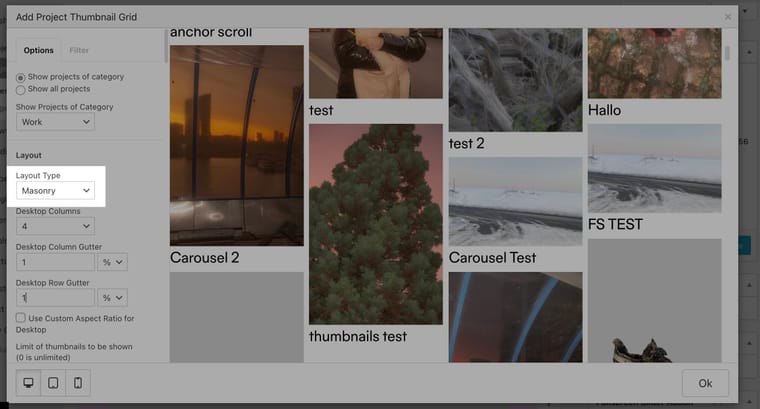
-
Thank you so much, @arminunruh ! :)
