Text width inside project overlay
-
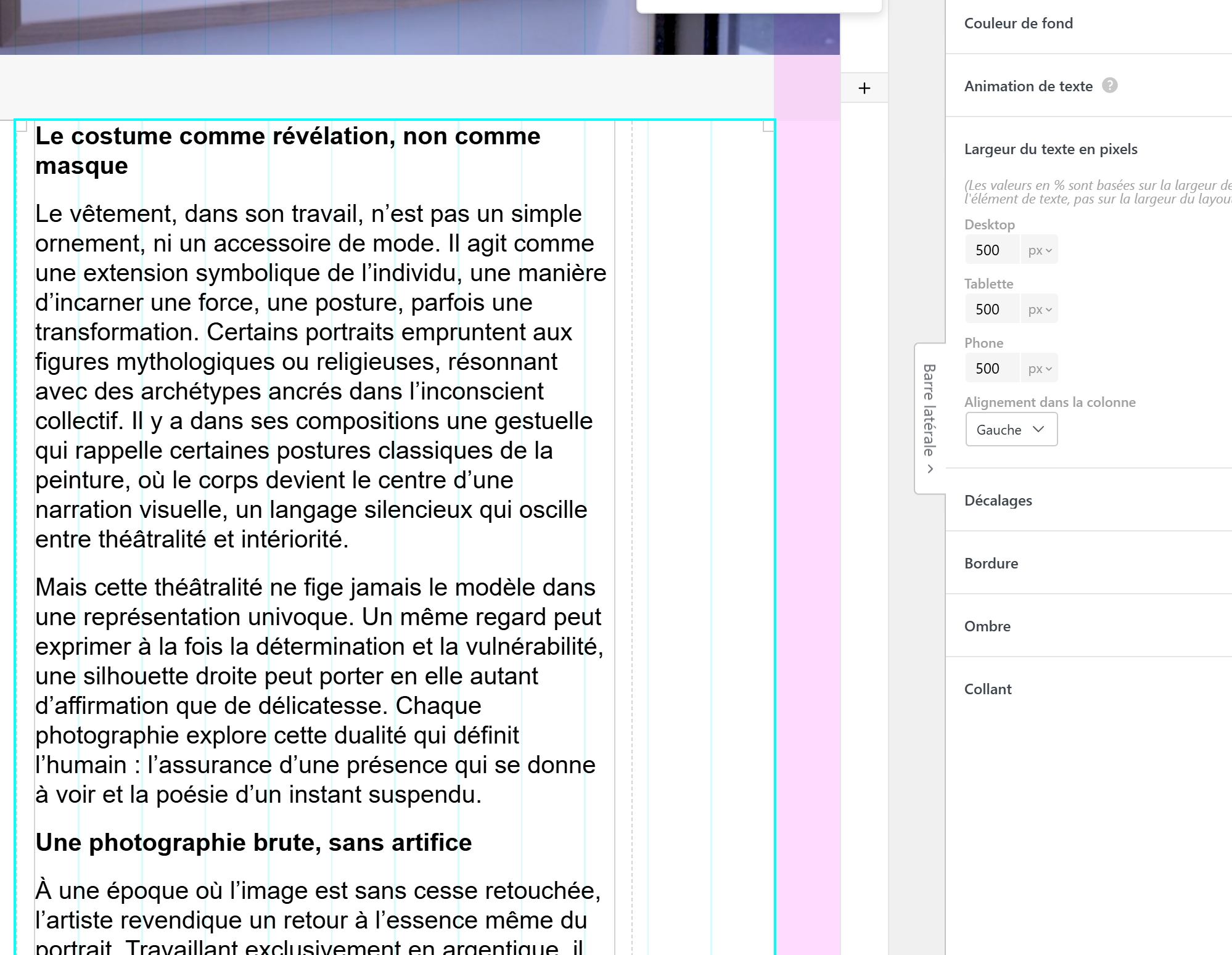
There is an issue when trying to set a max-width for text within the gridder settings (I love the feature btw) :
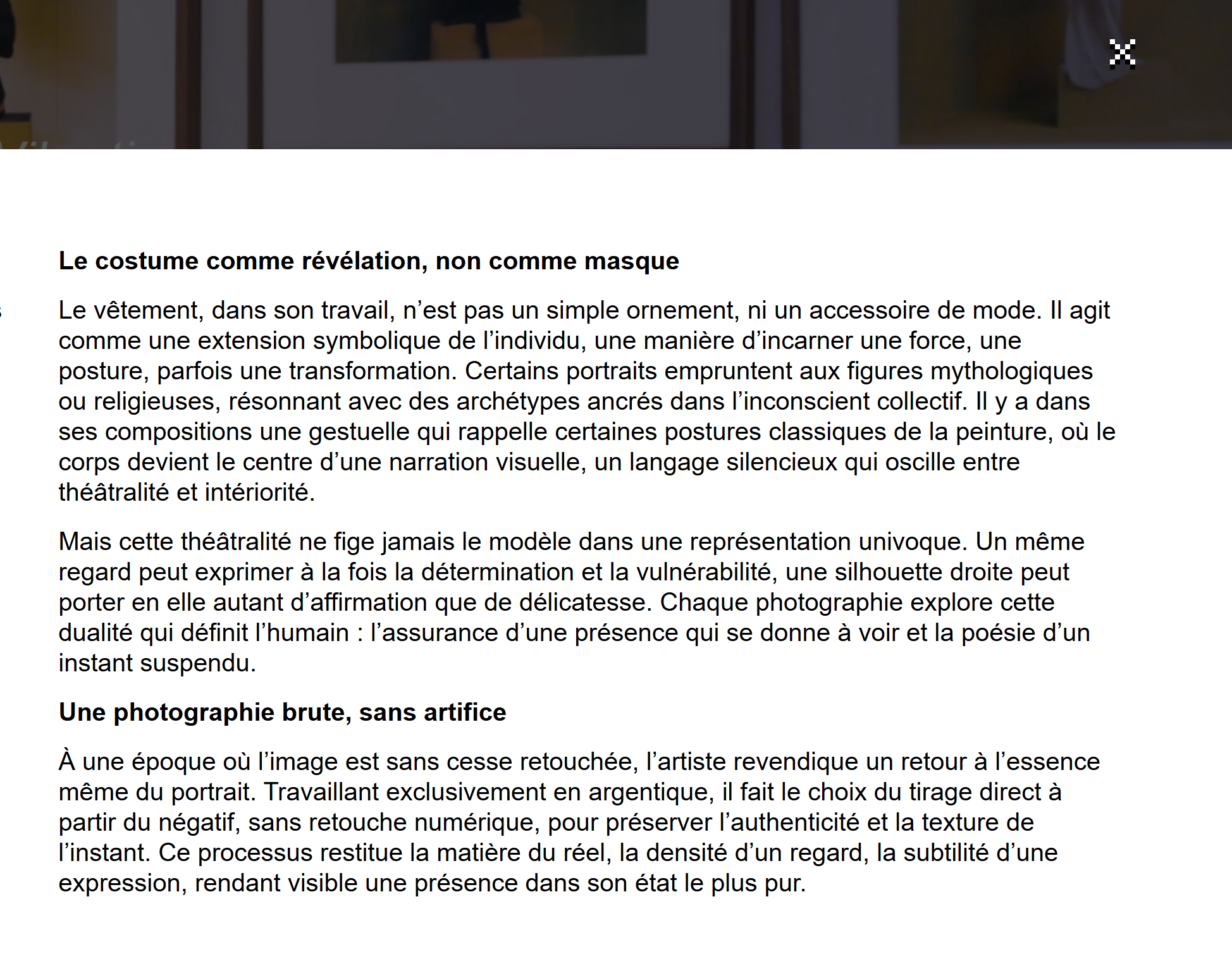
If the max-width is inside a project, on a website that uses project-overlays, It displays perfectly when navigating through the website. But if someone send you a link (or if you reload the page). The max-width will not apply at all. I am guessing it's a javascript sync issue
# In the editor (max-width 500px)
#On first navigation (works perfectly)

#On reload or if shared link (no max-width is set)
-
thank you for the heads up!
i will release the new update today or tomorrow i think please check again then, i think i fixed it in the new update, cause i cant repoduce it on my lay theme installation.if it doesnt work then please post the URL here.
