Social media image preview
-
Hello!
I have a technical question which i have been trying to solve on my
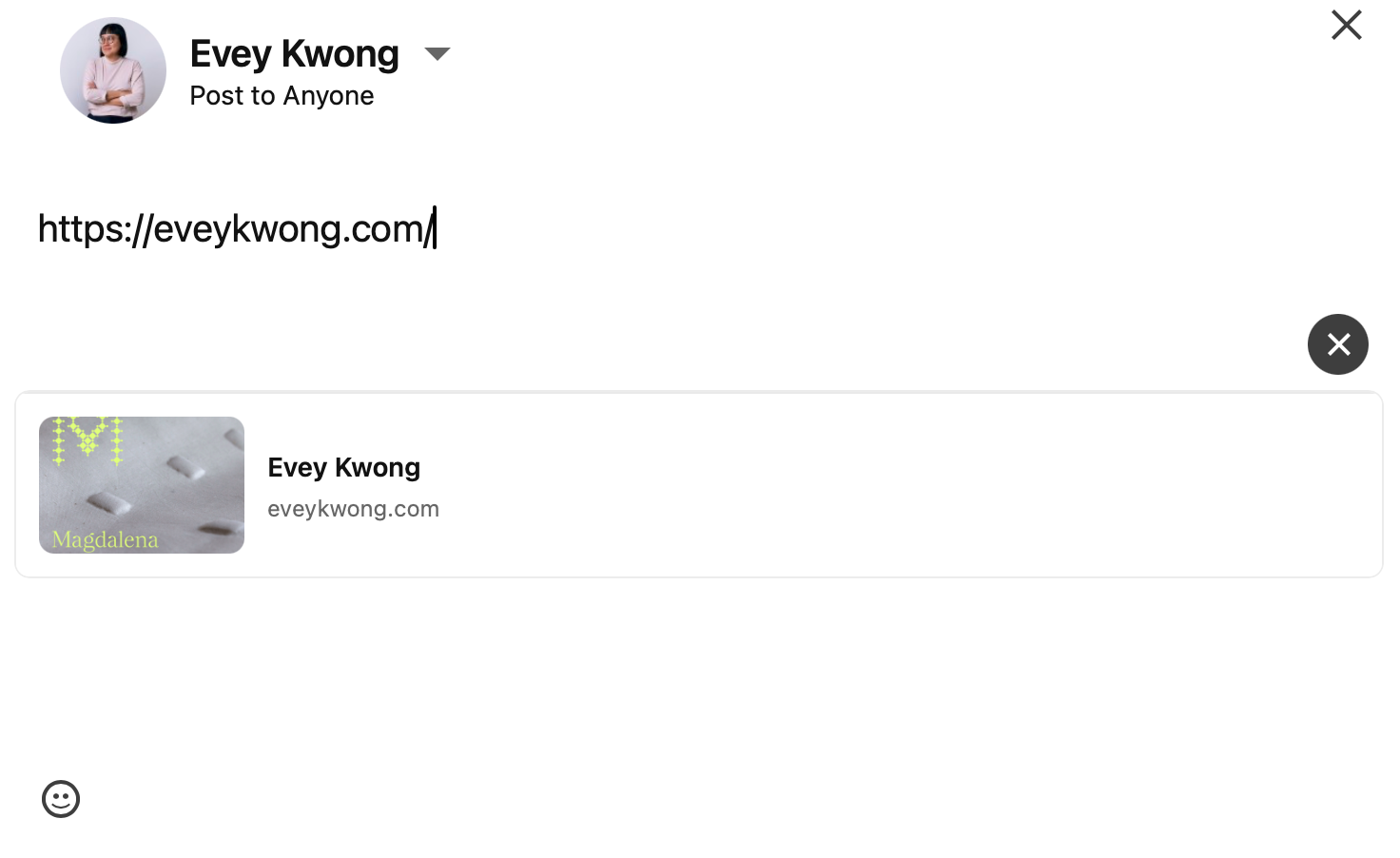
own without success:I would like to have a specific image for the web preview whenever I
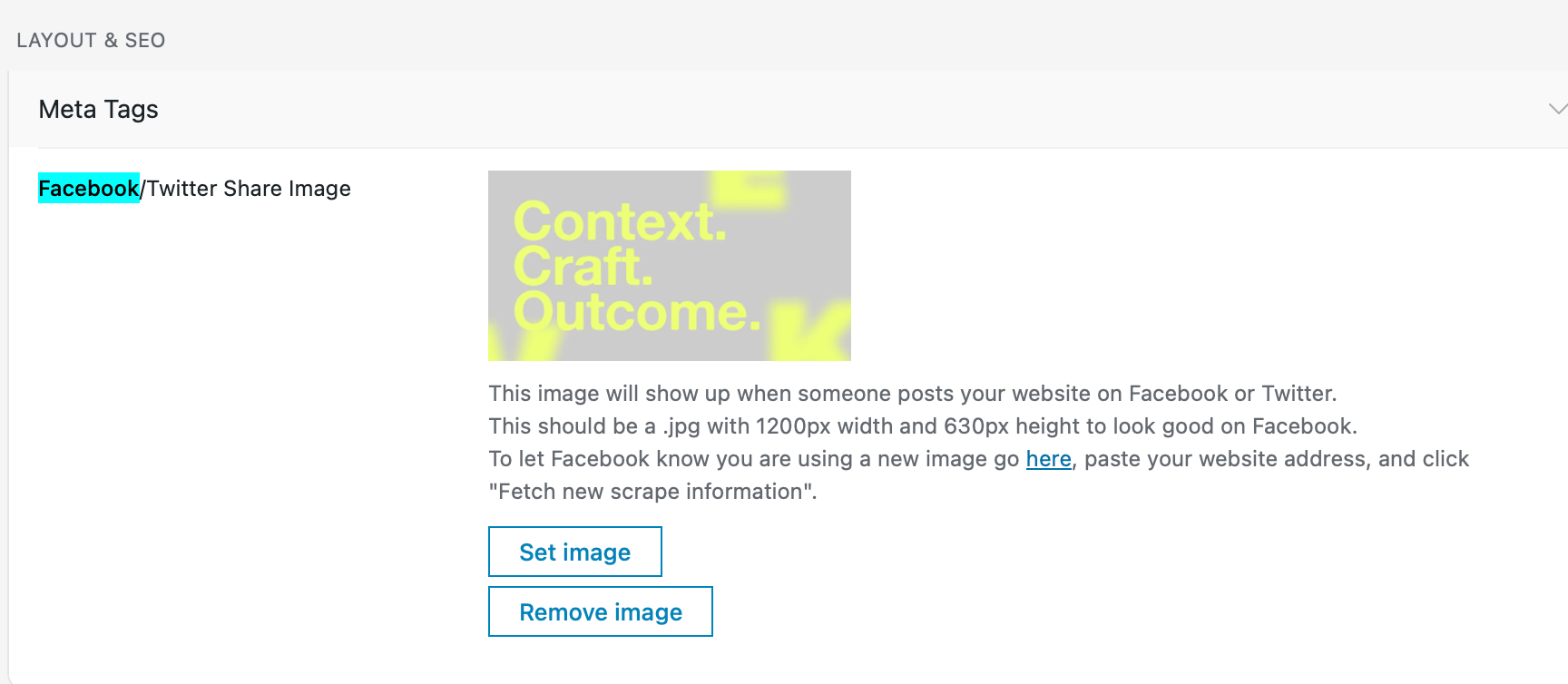
post my website on Social Media. I changed the image via Layout & SEO
with the Meta Tags, but I am still getting another image from my
website.I then tried installing Yoast SEO and changed it from there but it
still doesn't work. What do you think could be the problem?(see screenshots attached)
-
hey, we talked about this via email, so when using Yoast, you need to set the front page additionally in Settings > Reading.
If you don't, then Yoast does not pick up what page your front page actually is, because it doesn't know Lay Theme's custom front page settings, so it doesn't return the right image on the front page
There's also an info box that includes the description about that in the plugins.
However, with the new update, at least an image will be returned. The one that is set in Lay Options will be the fallback image.
