Custom HTML not reloading on AJAX navigation
-
Hii !
I'm using Laytheme and I've added a custom HTML div in the "Custom HTML at top" section of my homepage. It contains two images that fill the viewport on desktop.
The issue is that when I navigate through the site using AJAX navigation and then click on the site title (logo) to go back to the homepage, my custom div doesn't appear. I have to do a full page reload to see it again.
I assume this is because the custom HTML injected at the top of the body is not re-injected when AJAX navigation occurs.
Is there a way to disable AJAX navigation site-wide, or is there a hook/event I can listen to in order to re-inject my custom HTML after each AJAX page load?
Thanks in advance for your help!
-
so I can't really review this without a link to your website. I would need a link to your website.
If you just want some content on top of your whole website on all pages, you could also use this feature called "Fixed Header"
Which you can enable in Lay Options in the extra features section
If you just want fixed content on top of your front page, you can click a row on your front page to select it. Then in the sidebar, click Fix ROW.
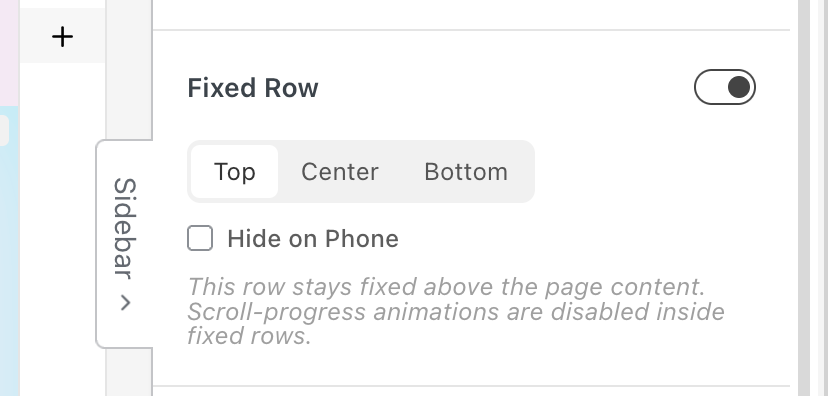
Other than that, if you have custom HTML in Lay Options, custom CSS and HTML, yes, that is HTML that should be there everywhere on your whole website.
Now it depends on what that HTML looks like, maybe some JavaScript you have or something, because usually this HTML should be everywhere, not just on one page. Maybe it has to do with CSS. I don't know. I can't debug this for you without a link to your website.
-
Hey, thank you for your help. Here is the link to my website :
You will notice that I have 2 images on the home page adapting to the viewport size. I couldn't manage to do this with laytheme so I added code. My problem is : it is working perfectly until I browse the website and click on "Anaïs Fernon" at the top left of my website to go back to the home page : I do land on the home page, but my HTML disappears, so I no longer see my two featured images; I only see the content that's supposed to be below them.
Do not hesitate if this isn't clear. Thank you very much
-
I just realized I have the same problem for my menu and website name, because I used HTML to control this as well. What is weird is it worked perfectly before I added code for my 2 viewport images of home page
-
hmm im sorry i cant really review the site because it only shows a preview page i think.
if you want an image that adapts to the viewport size:
if you mean for example, you want an image that always stays centered you can use "fixed height" in the sidebar, then use object fit contain.
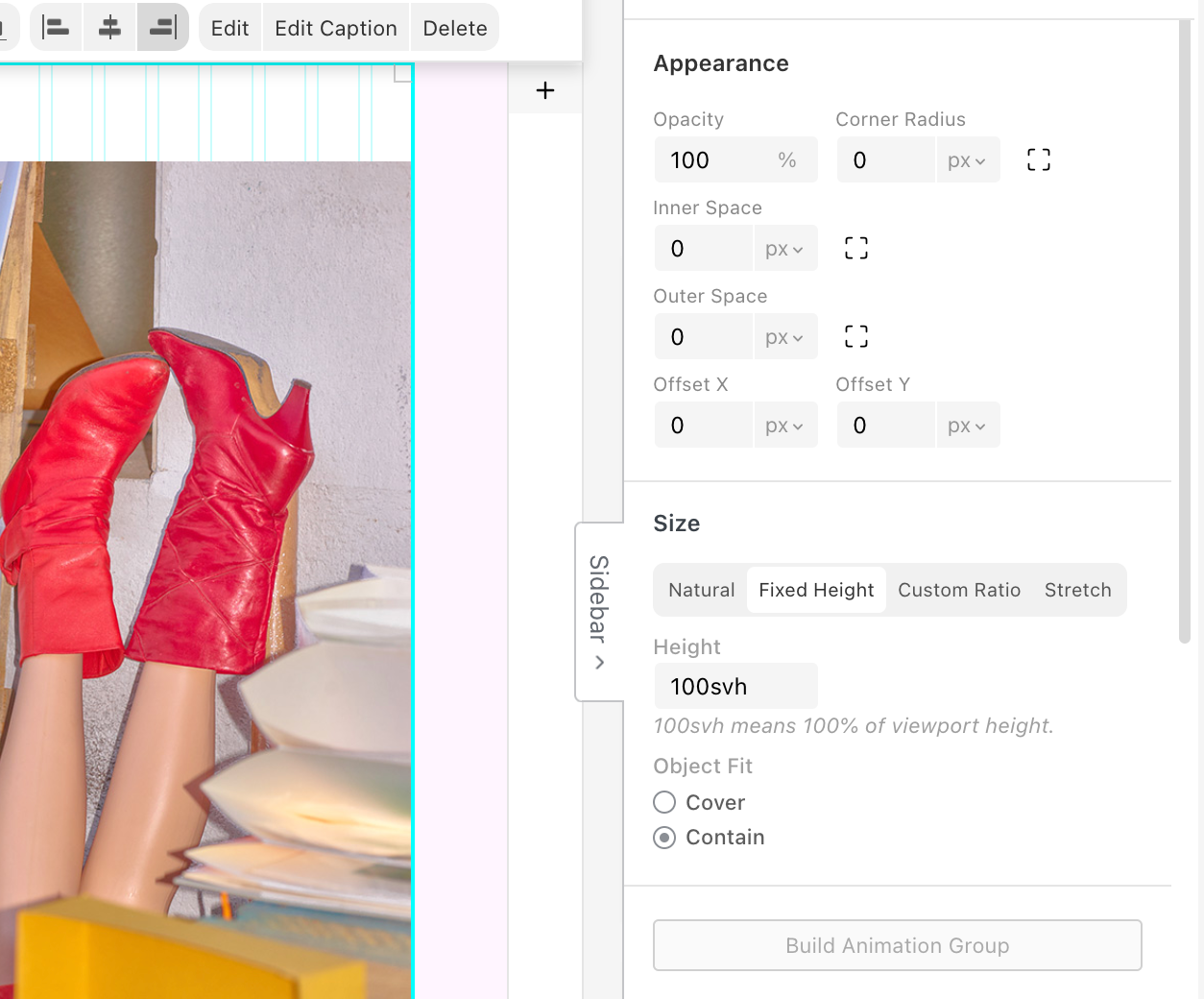
what exactly is the way you want your image to be sized?
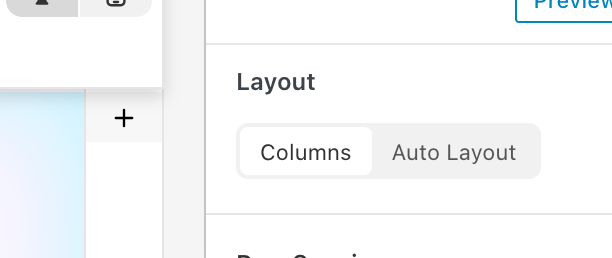
there is also this new way of sizing things called auto layout. explanation here:
https://laytheme.com/documentation/layout-modes.html#auto-layoutbut im just kinda guessing what you could want hm

Hello! It looks like you're interested in this conversation, but you don't have an account yet.
Getting fed up of having to scroll through the same posts each visit? When you register for an account, you'll always come back to exactly where you were before, and choose to be notified of new replies (either via email, or push notification). You'll also be able to save bookmarks and upvote posts to show your appreciation to other community members.
With your input, this post could be even better 💗
Register Login