tablet breakpoint doesn't work
-
Hello, okay, I'm gonna check it out!
-
so when I change the number in the tablet breakpoint here and save it, I can just save it normally, and the number stays that way too.
Did you have a problem with that? Is that what you meant?
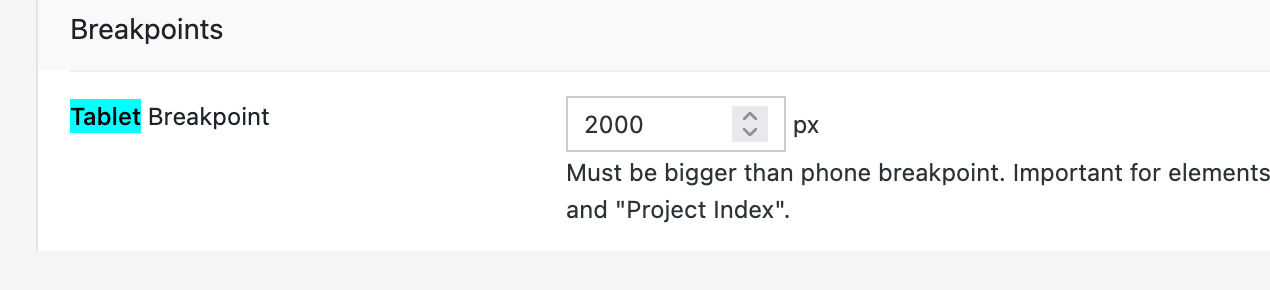
This is the tablet breakpoint and Lay Options:
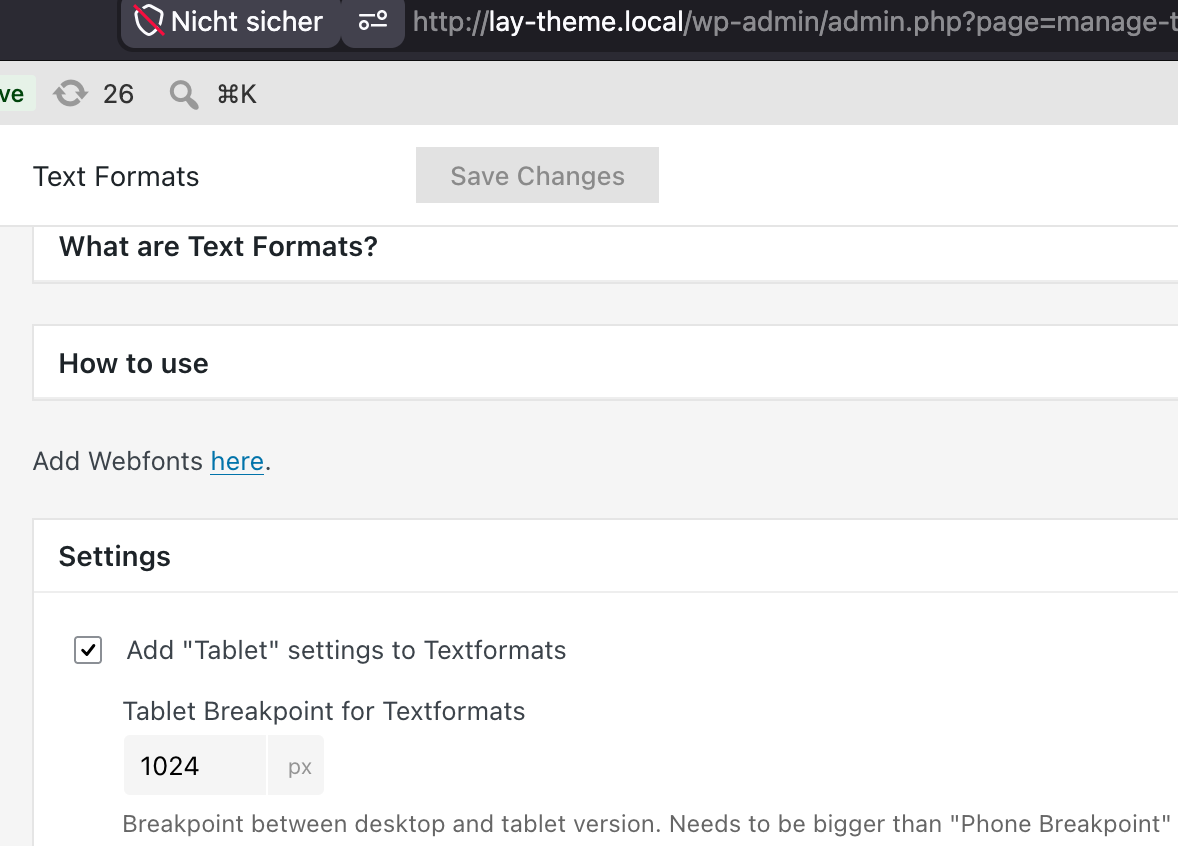
Or do you mean the tablet breakpoint for text formats?
-
one reason why it doesn't work could be that you made the phone breakpoint larger than the tablet breakpoint.
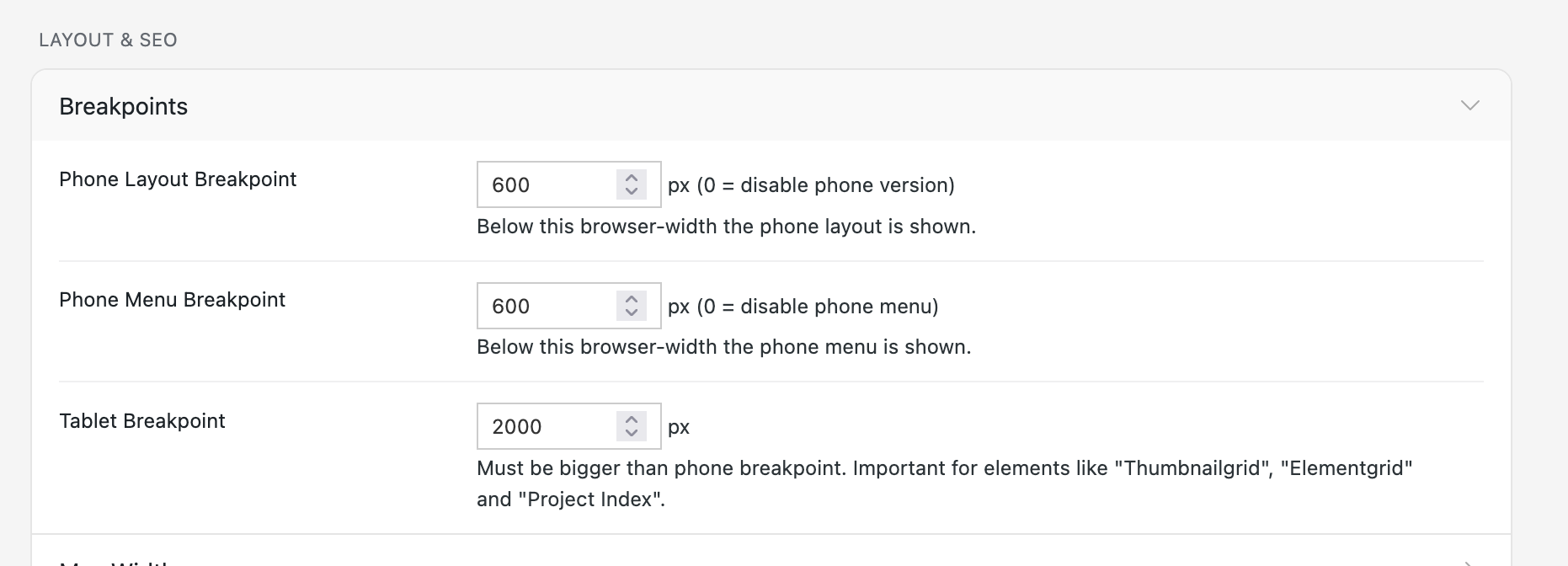
So here, make sure the very first field has a smaller number than the last tablet field.
-
Yeah, I will put the text formats tablet settings there too.
It's just tablet breakpoints for two different things:-
For the text formats
-
For elements that react to tablet, like thumbnail grid, element grid, and project index
-
-
That's true. That's why I'm creating blueprints now, so people don't have to know everything in every setting and they can just start from a point somewhere instead of having a blank canvas.
