tablet breakpoint doesn't work
-
-
Hello, okay, I'm gonna check it out!
-
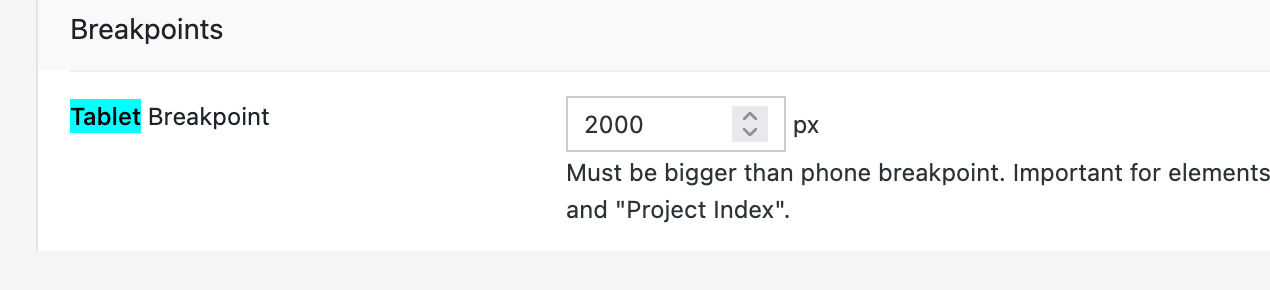
so when I change the number in the tablet breakpoint here and save it, I can just save it normally, and the number stays that way too.
Did you have a problem with that? Is that what you meant?
This is the tablet breakpoint and Lay Options:
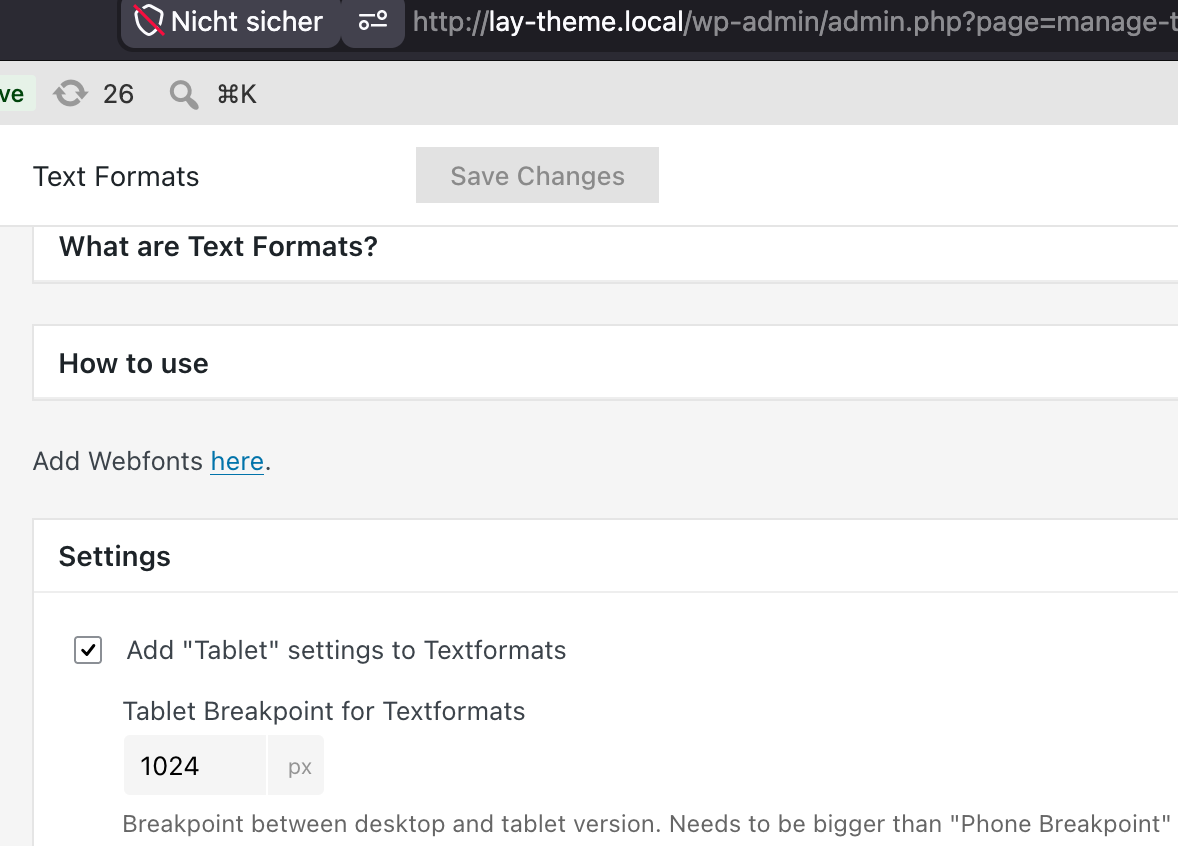
Or do you mean the tablet breakpoint for text formats?
-
one reason why it doesn't work could be that you made the phone breakpoint larger than the tablet breakpoint.
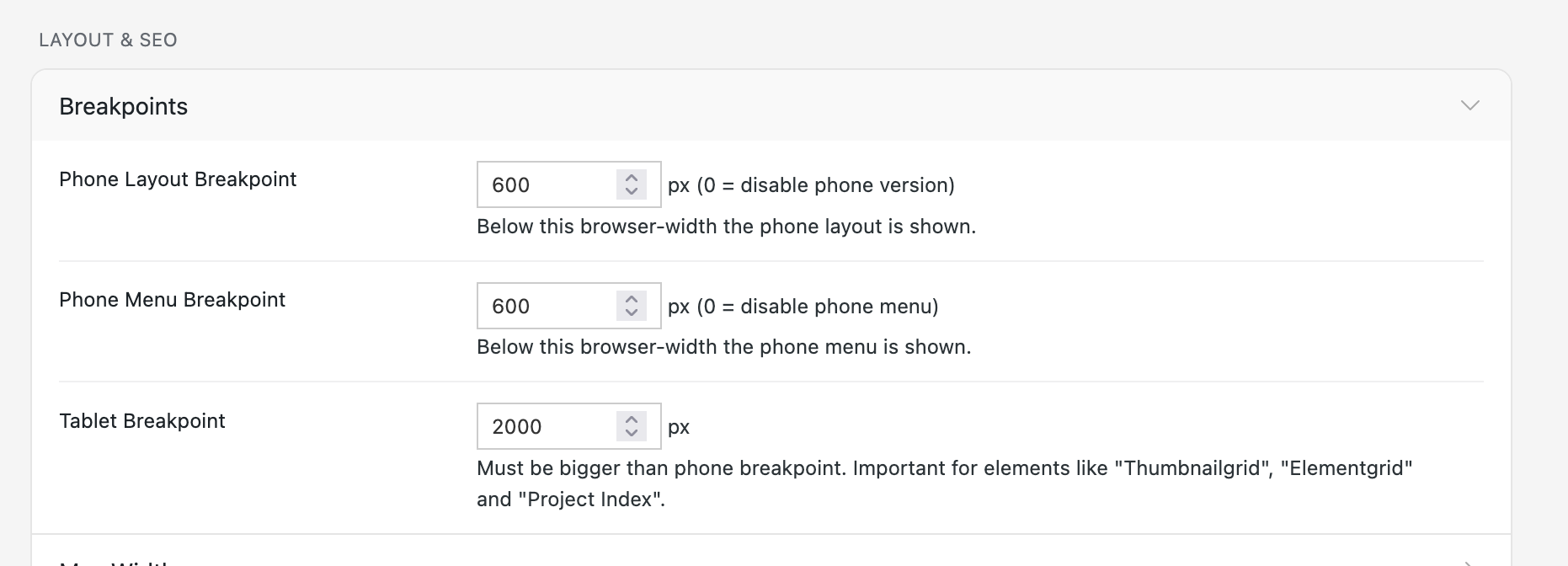
So here, make sure the very first field has a smaller number than the last tablet field.
-
-
Yeah, I will put the text formats tablet settings there too.
It's just tablet breakpoints for two different things:-
For the text formats
-
For elements that react to tablet, like thumbnail grid, element grid, and project index
-
-
-
That's true. That's why I'm creating blueprints now, so people don't have to know everything in every setting and they can just start from a point somewhere instead of having a blank canvas.

Hello! It looks like you're interested in this conversation, but you don't have an account yet.
Getting fed up of having to scroll through the same posts each visit? When you register for an account, you'll always come back to exactly where you were before, and choose to be notified of new replies (either via email, or push notification). You'll also be able to save bookmarks and upvote posts to show your appreciation to other community members.
With your input, this post could be even better 💗
Register Login