overlay issues after 11.4.3 update
-
Some Overlay options started to act weird after the update.
"Hide Menu" is checked on the Overlay options but the menu is still visible over the Overlay. Tried to force a z-index via CSS with no result.It seems to make conflict with the option to keep the site title always visible. It pushes the menu to be on top as well.
-
Oh yeah, I'm going to fix this now and release an update later today!
-
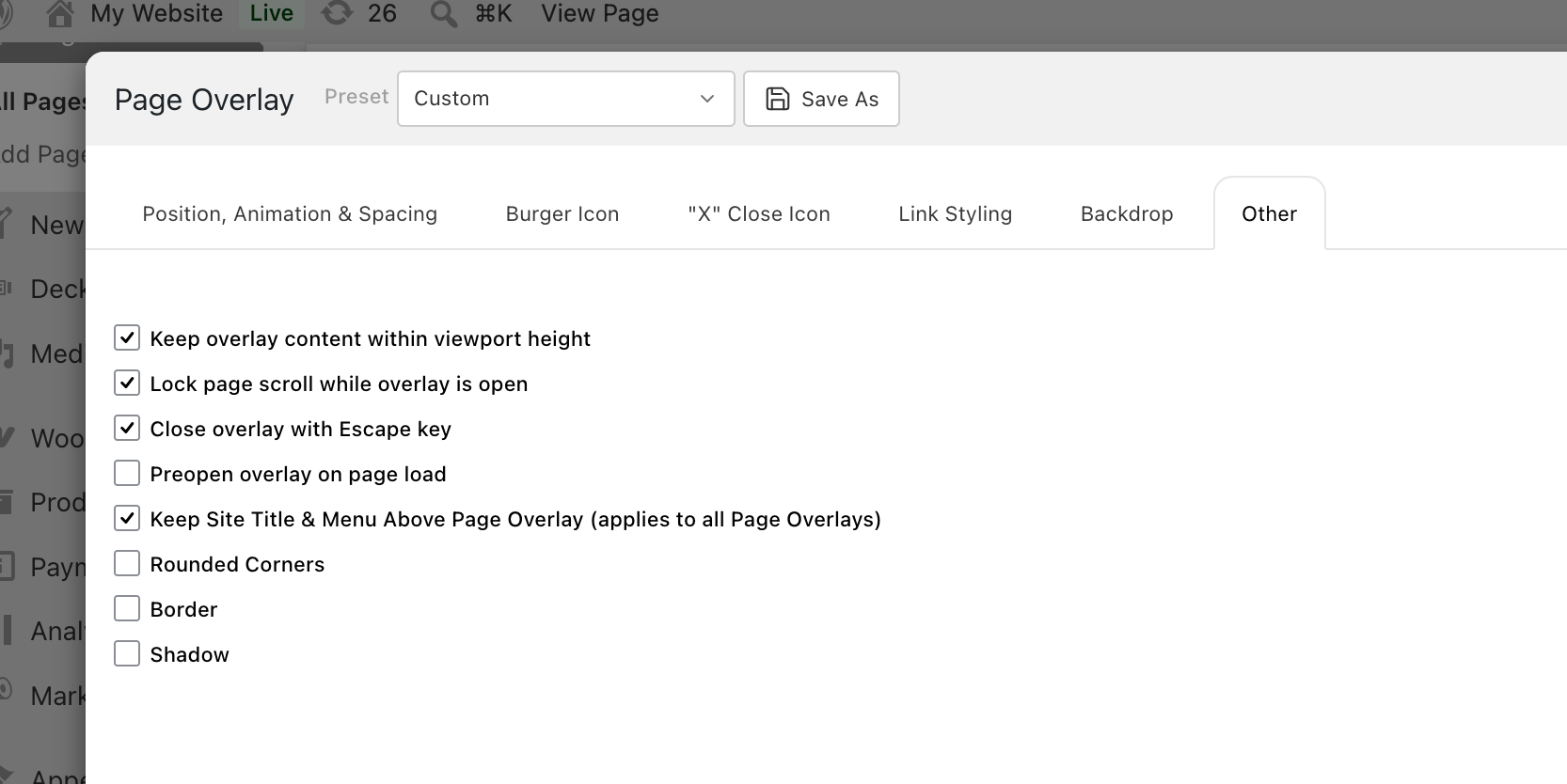
but i dont really see a "hide" setting here
-
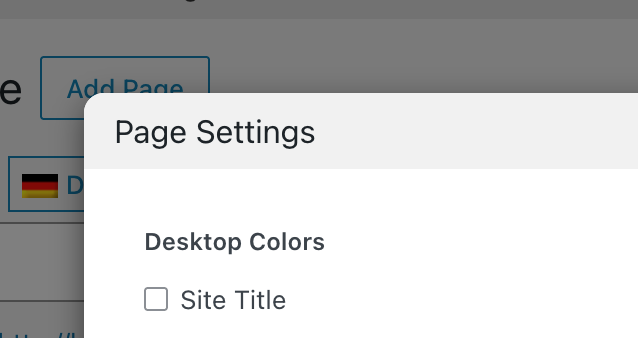
Ah, you probably mean in the page settings, right? Well, can you update Lay Theme again now and check if it works again?
-
I fixed it. It works now.
Thanks! -
Reporting another issue on version 11.5.1
So, im using a Page Overlay as menu (not fullscreen)
Plus, I set up a footer on all pages.The issue appears when you open the Page Overlay, for some reason the footer on the page below dissappears, until you close the Page Overlay.
-
thanks, will be fixed with the next update!


Hello! It looks like you're interested in this conversation, but you don't have an account yet.
Getting fed up of having to scroll through the same posts each visit? When you register for an account, you'll always come back to exactly where you were before, and choose to be notified of new replies (either via email, or push notification). You'll also be able to save bookmarks and upvote posts to show your appreciation to other community members.
With your input, this post could be even better 💗
Register Login