lazyload attributes saved into page content
-
after one of the recent updates on my site the cover image and the first project thumbnail on the homepage were not displayed when the page was loaded directly (in all browsers, on desktop and mobile). However, they did appear correctly when navigating to the homepage from a subpage (via AJAX navigation), and they also look fine in the Laytheme editor.
Claude found the problem and gave me a script to solve the problem for the moment.
<script>
document.addEventListener("DOMContentLoaded", function () {
document.querySelectorAll("img[data-src]").forEach(function (img) {
if (img.src.indexOf("data:image") === 0) {
img.removeAttribute("sizes");
img.src = img.getAttribute("data-src");
}
});
});
</script>But I guess it is a bug?
Thanks in advance for looking into this. -
-
hey, do you have a link?
-
@arminunruh
corporatefotografie.comrepair worked with
<script>
document.addEventListener("DOMContentLoaded", function () {
document.querySelectorAll("img[data-src]").forEach(function (img) {
if (img.src.indexOf("data:image") === 0) {
img.removeAttribute("sizes");
img.src = img.getAttribute("data-src");
}
});
});
</script>and with
@media (max-width: 600px){
.cover-region {
top: 0 !important;
}
}but I guess those were bugs?
-
thanks a lot!
i did try to fix this with the update i released yesterday.
you can try and see if that update fixed it for you.if you like you can also turn off updates in lay options -> disable updates
you can find the setting by searching for it in the search bar.
-
-
hey!
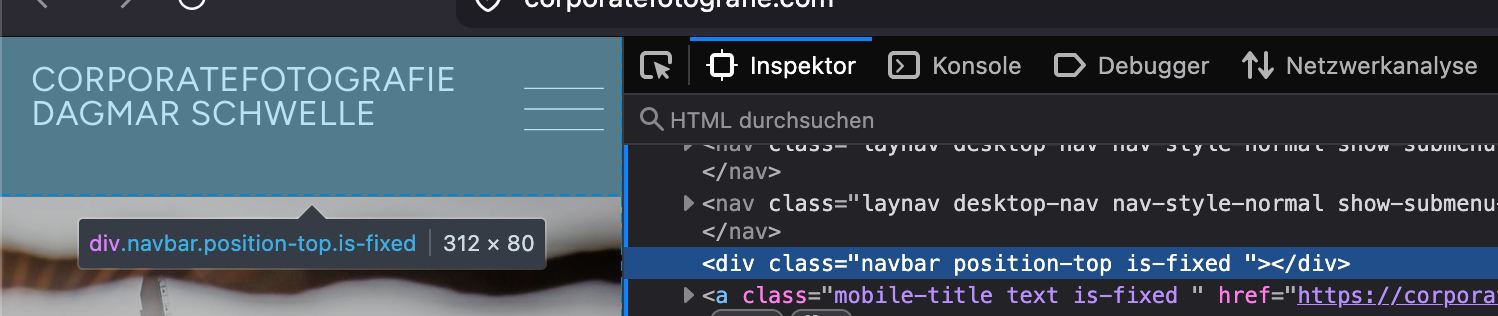
your website uses the mobile menubar.
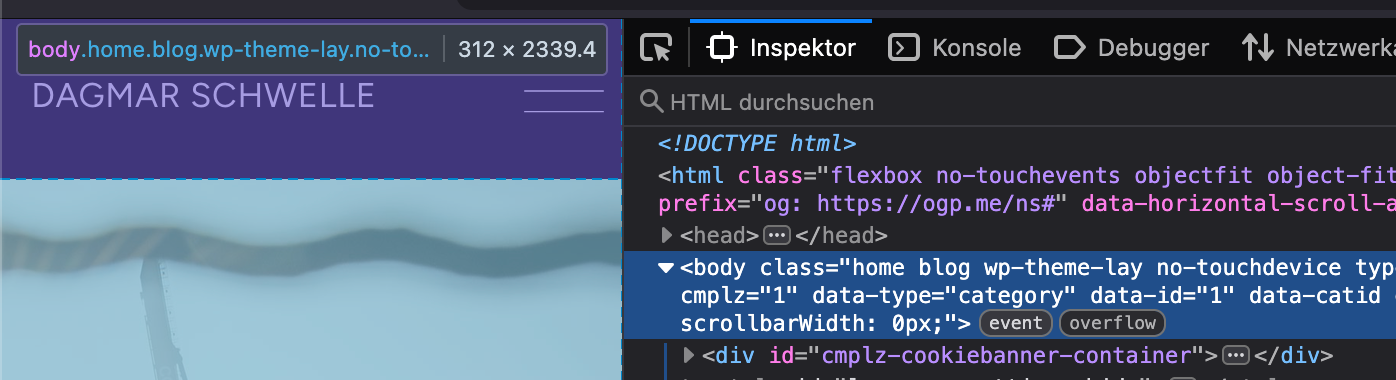
which you can show/hide in customize -> mobile -> mobile menu bar -> hideThis bar is overlaying the top of your mobile website. Usually, this bar pushes the whole layout down which is correct

Hello! It looks like you're interested in this conversation, but you don't have an account yet.
Getting fed up of having to scroll through the same posts each visit? When you register for an account, you'll always come back to exactly where you were before, and choose to be notified of new replies (either via email, or push notification). You'll also be able to save bookmarks and upvote posts to show your appreciation to other community members.
With your input, this post could be even better 💗
Register Login