FIX: Project Thumbnail Grid not visible
-
-
hey @FloMo, can you please send a link to the website? is the Project Thumbnail Grid still visible inside the Gridder editor, but missing only on the frontend?
please also update Lay Theme and all addons, clear all caches, disable plugins and temporarily turn off custom code. let me know if the grid is still missing afterwards.
-
Hey @arminunruh
Website: https://florianhauer.de/
it is just missing in the frontend, backend fully visible
Laytheme is updated as well as all plugins -
hey @FloMo, i checked the website and found a concrete JavaScript problem. the ONE.com/CDN optimization is modifying values inside inline scripts — for example it turns a numeric Carousel setting into 266.5?media=..., which creates a syntax error. there are also follow-up errors from the Carousel and EWWW lazy-loading scripts.
please temporarily disable ONE.com performance/asset optimization or JavaScript rewriting, clear its CDN/cache completely and test again. the project links and grids are present in the page markup, so this optimization error is the first thing that needs to be removed. -
Hi @arminunruh
i did as you said, unfortunately still does not work. Could you please let me know how to fix it. Many thanks -
hey!
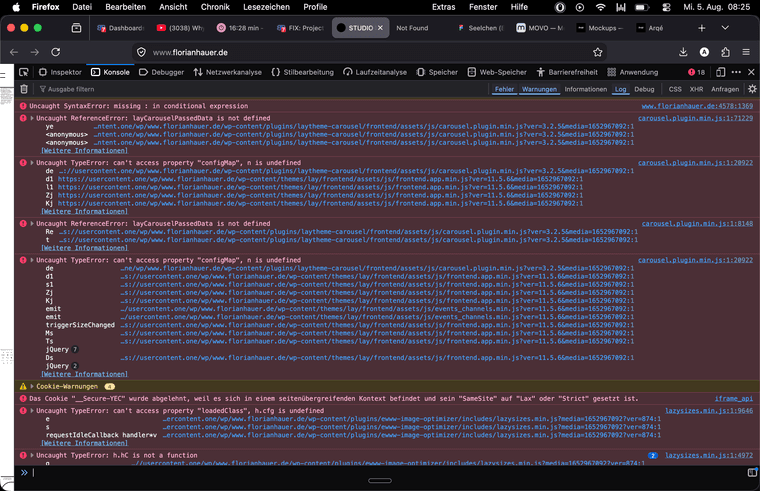
there are a lot of errors.
seems like theres a problem with the "ewww image optimizer" plugin!can you disable that plugin?
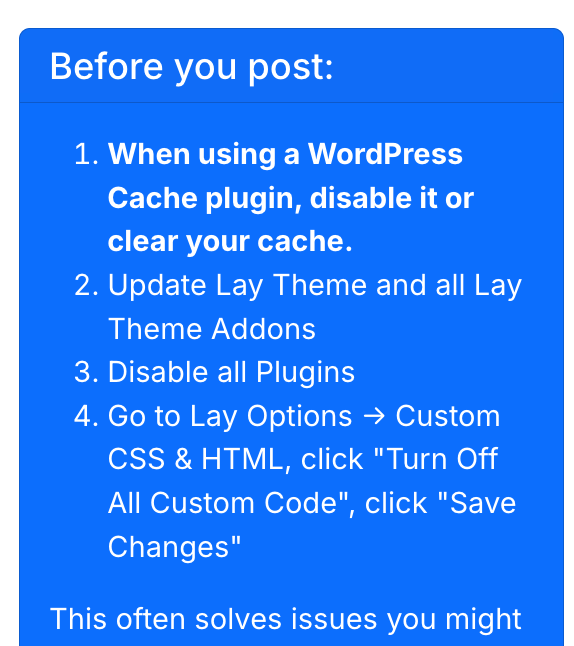
its point number 3 :D
-
do you have any other caching plugins by ONE that you can disable additionally?
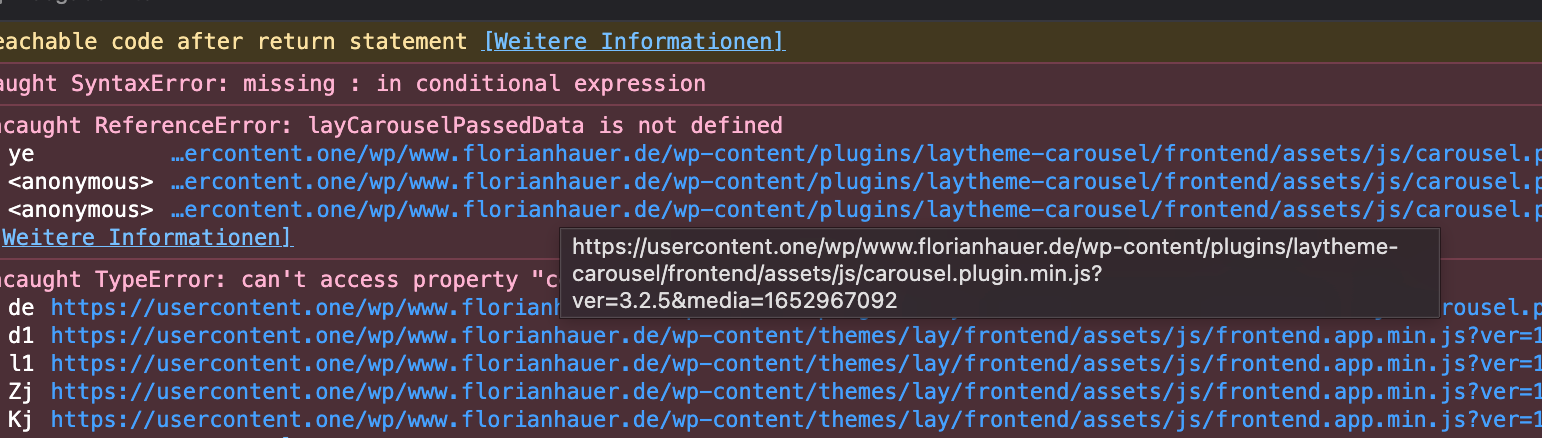
im not sure if the optimization is turned off.. ir still shows the same issues
-
seems to be still the: one.com-CDN/media optimization
if you have problems with turning it off, you can ask the support of one.com

Hello! It looks like you're interested in this conversation, but you don't have an account yet.
Getting fed up of having to scroll through the same posts each visit? When you register for an account, you'll always come back to exactly where you were before, and choose to be notified of new replies (either via email, or push notification). You'll also be able to save bookmarks and upvote posts to show your appreciation to other community members.
With your input, this post could be even better 💗
Register Login