Mobile menu issue with different browsers
-
tiranwillemse.com
mobile/ Safari and ChromeDear @arminunruh,
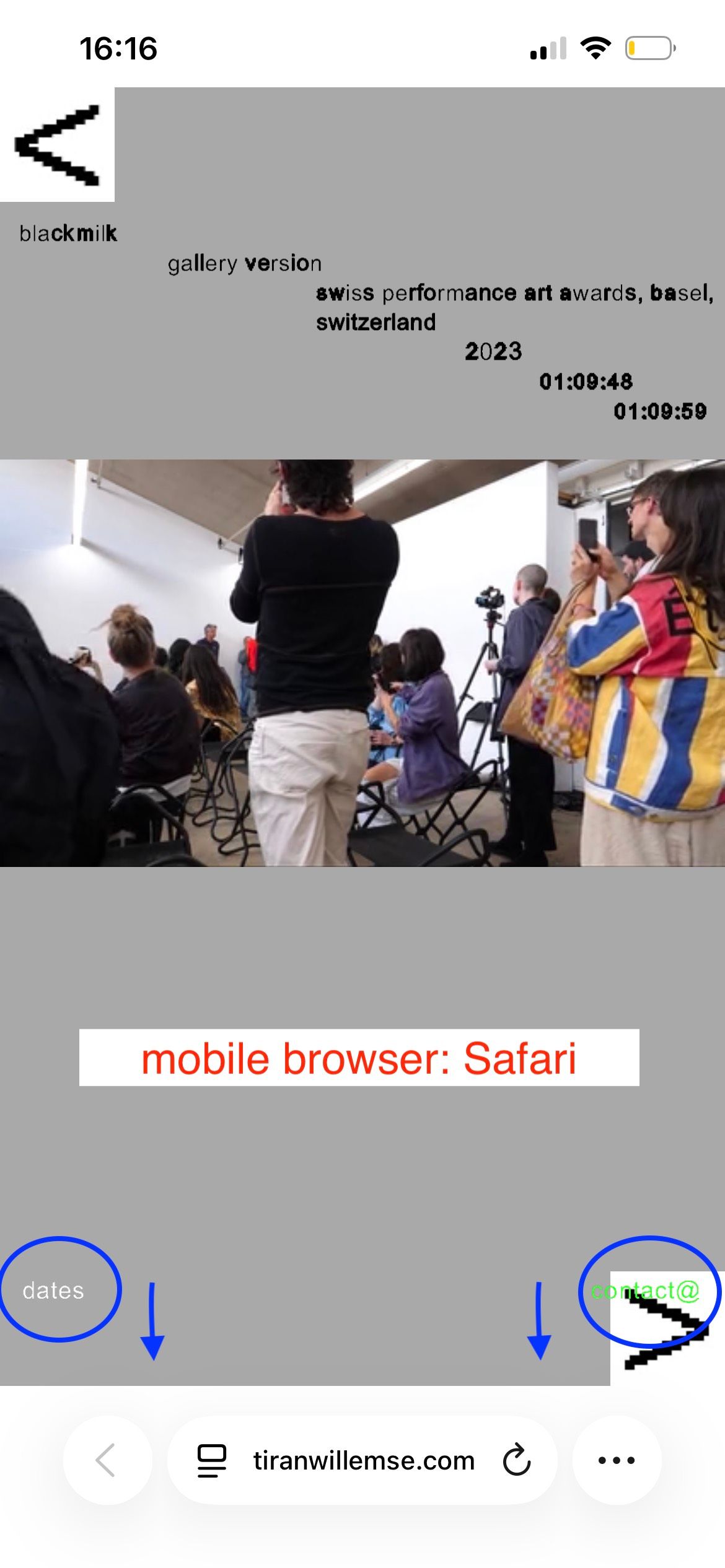
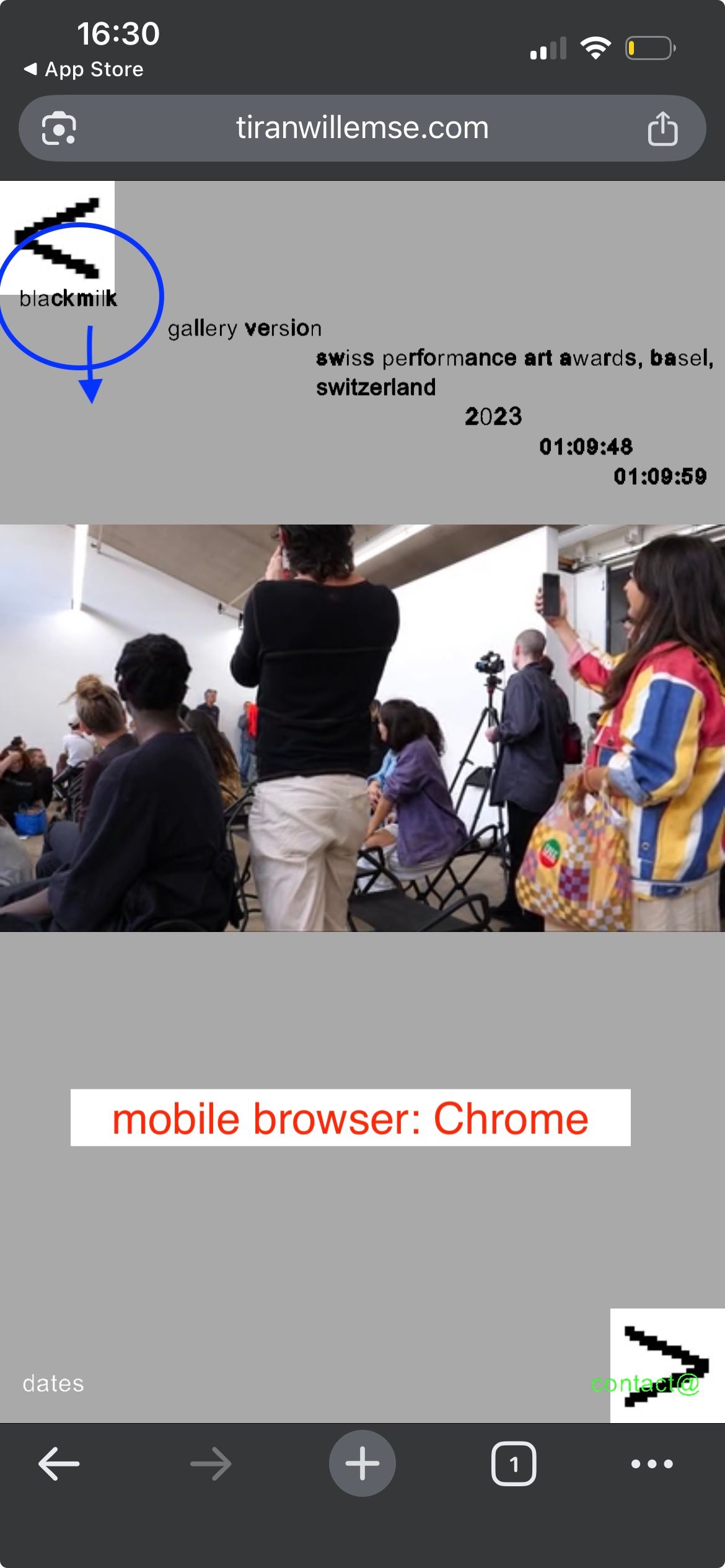
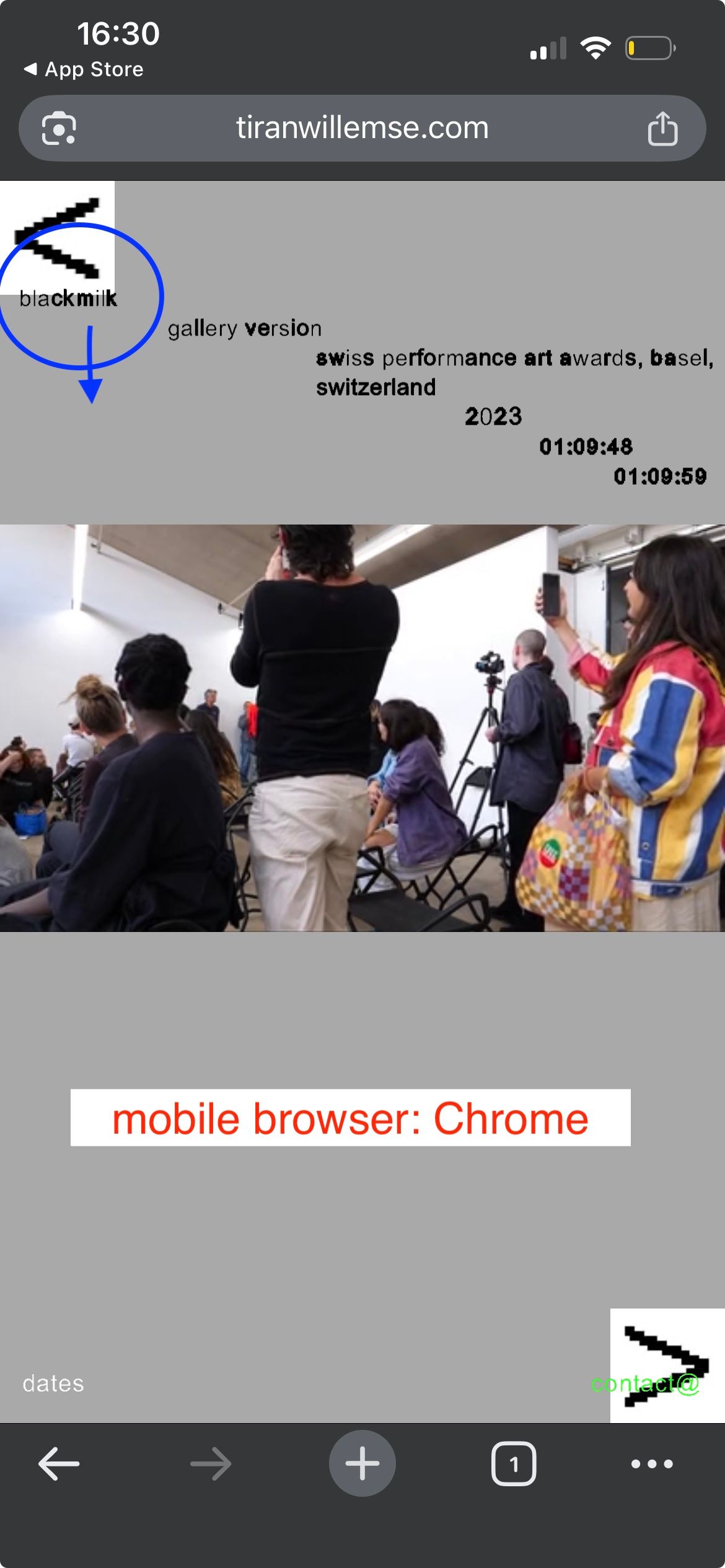
I noticed on tiranwillemse.com a different behaviour of the mobile menu between Safari and Chrome.
– Safari: bottom menu (date/ contact) sits to high
– Chrome: top menu (title) sits to highSee the images attached. Is there any solution to this?
Thanks so much!
Daniel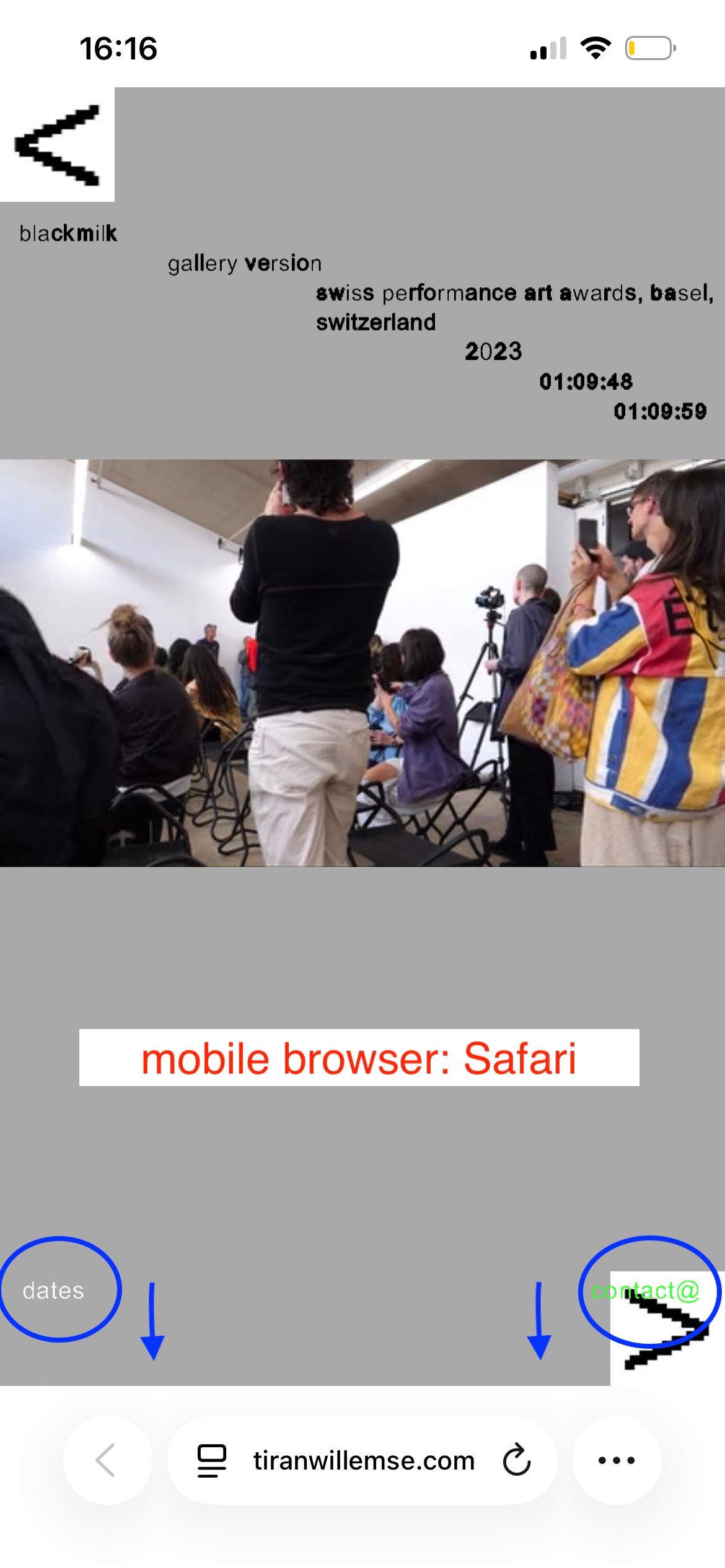
-
hey, so your mobile menu, you need to position it bottom in the customizer.
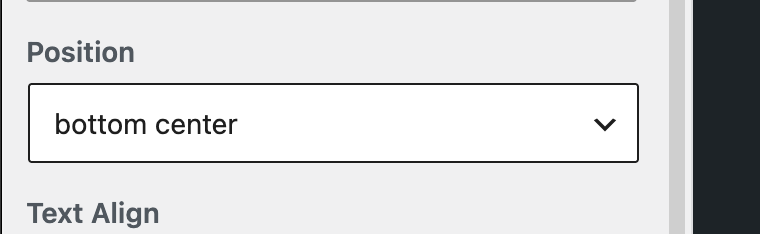
What you did is you used
position: top, and then you set the top value of 640 px, but the browser heights are different for iPhone and Chrome. Positioning based on a top value will create this result.heres how to fix it:
Please go to Customize → Mobile Menu, change the position to “Bottom Left” and use “Space Bottom” for the spacing instead of using 640px “Space Top”.
This should keep the Dates and Contact buttons consistently positioned near the bottom across browsers. -
Thanks so much @arminunruh ! Would you have a suggestion how to work out the video captions on the top in mobile Chrome? The mobile Chrome window is smaller then the Safari on, so it pushes the video captions over the arrow.
-
u mean this here
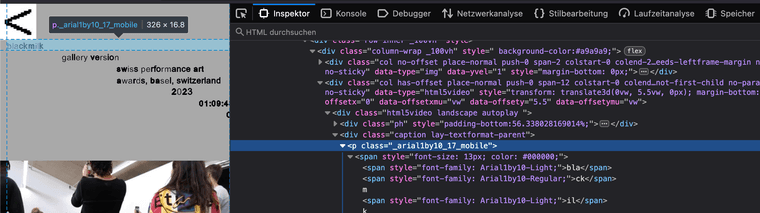
seems like you positioned it with a percentage Y offset
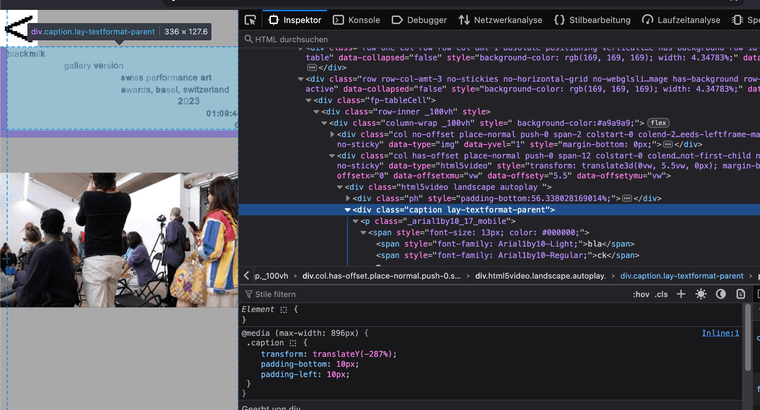
look, if i decrease the height of the browser it goes even further up:
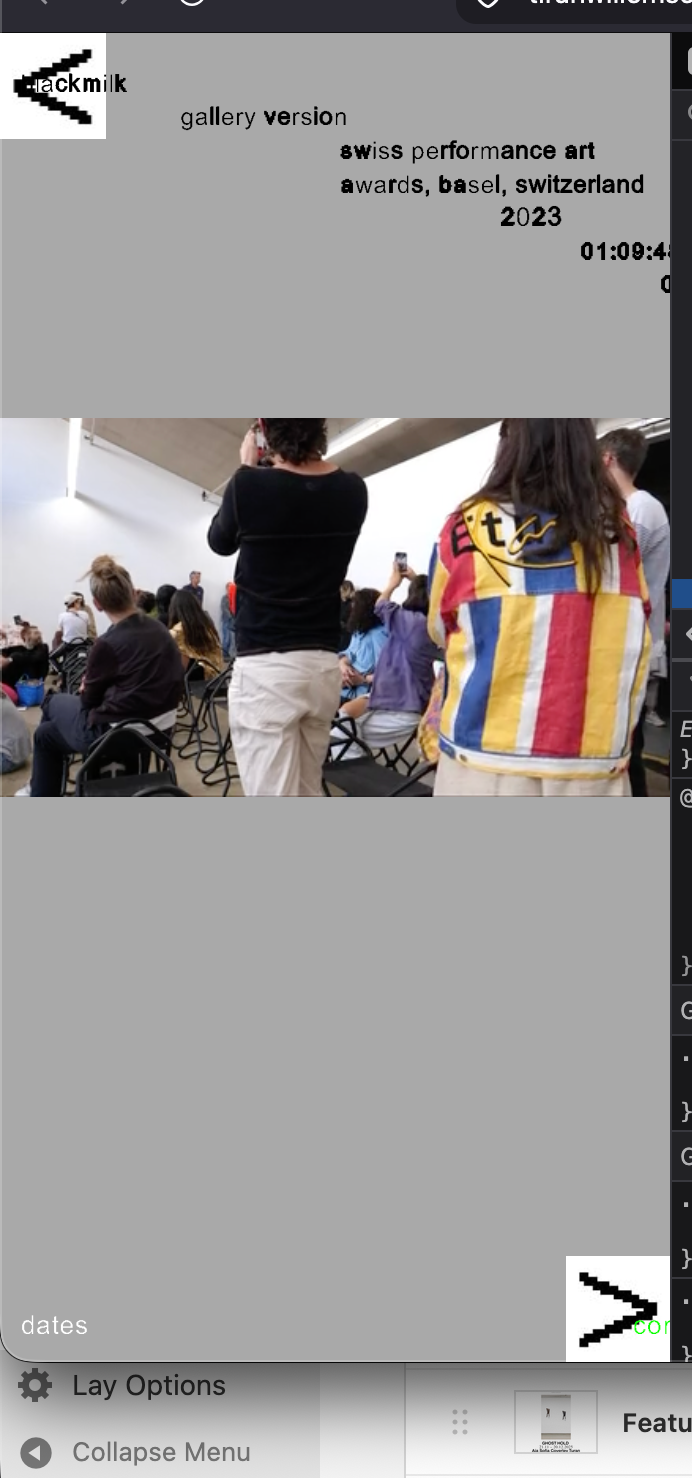
not sure if you use custom css to position the captions?
the way you set it up, it wont position correctly that way.i think you're using the fullscreen slider addon.
if you use the latest version of lay theme and the fullscreen slider, you could use
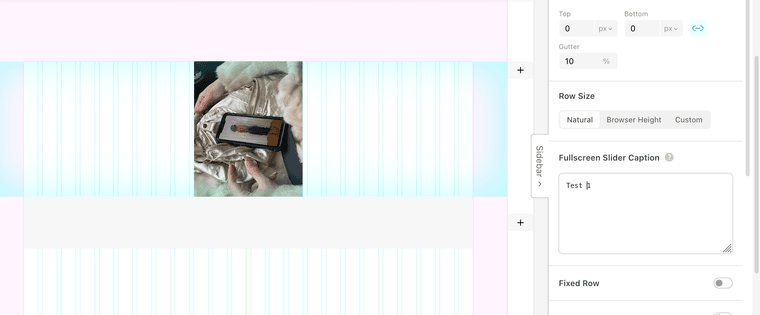
the fullscreen slider caption field and then in the fullscreen slider addon options
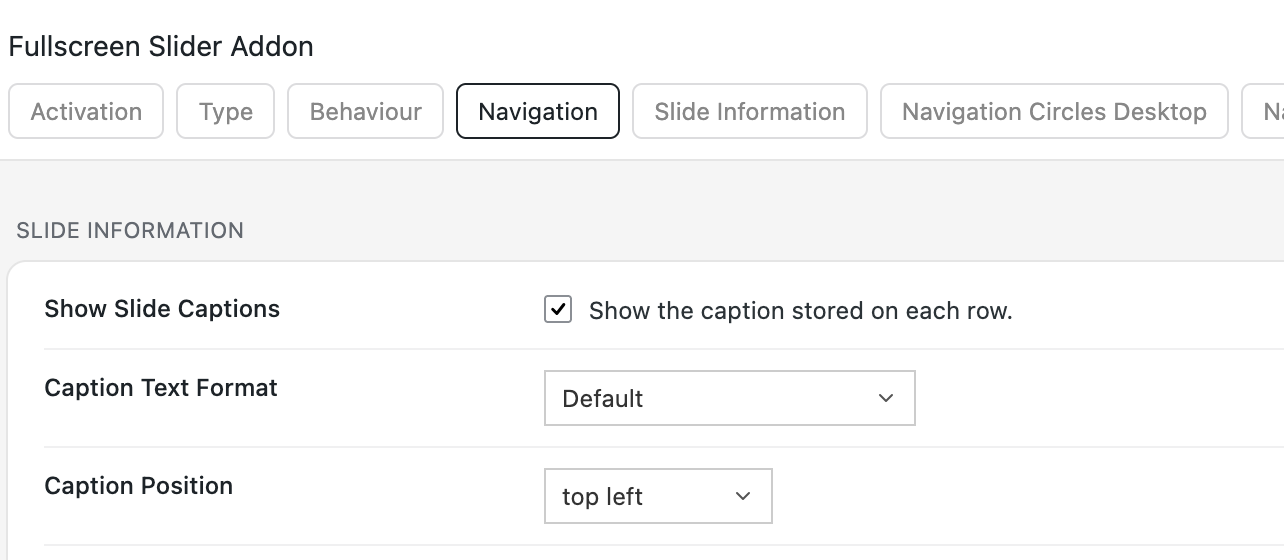
make the caption position top left
right now the way you set it up i think its actually not possible to positon it the way you want
-
thanks! you are totally right: I use the fullscreen slider addon and percentage Y offset for the captions. I don't use custom CSS for the captions.
the update is great! now I can position the image slides and video slides in the same way (I use stacks). the mobile version and the desktop are different in the design.
thanks a lot !

Hello! It looks like you're interested in this conversation, but you don't have an account yet.
Getting fed up of having to scroll through the same posts each visit? When you register for an account, you'll always come back to exactly where you were before, and choose to be notified of new replies (either via email, or push notification). You'll also be able to save bookmarks and upvote posts to show your appreciation to other community members.
With your input, this post could be even better 💗
Register Login