Carousel Custom Aspect Ratio BUG
-
Hi @mariusjopen,
can you please help me with this issue?
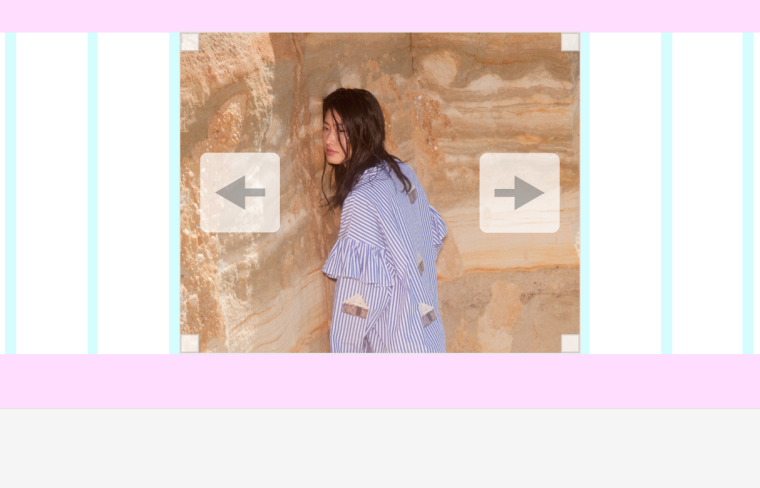
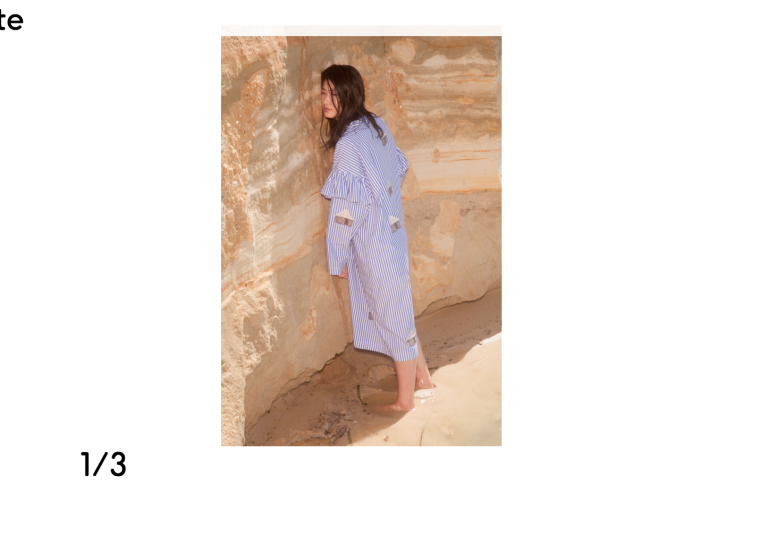
I am using images of various height and weight for the carousel. And if I try to organize it by "Use Custom Aspect Ratio" it wont apply.
I set it at 2:3
as you can see here: https://imgur.com/jCCCLIjBut it still shows the images full size
https://imgur.com/bOgvMkRIt works in another carusel that is set to 4:3 though
Any idea how can I manage it, so I can use different sizes for fixed carousel? Ideally, can the carousel act like a square thumbnail and mask the image?
Thank you very much!
Radim -
Dear @radim
this sets only the ratio of the carousel container.
That the image gets cropped in the preview is misleading.I will check that with Armin.
Best!
Marius
-
-
OK, thanks for explaining @mariusjopen !

Hello! It looks like you're interested in this conversation, but you don't have an account yet.
Getting fed up of having to scroll through the same posts each visit? When you register for an account, you'll always come back to exactly where you were before, and choose to be notified of new replies (either via email, or push notification). You'll also be able to save bookmarks and upvote posts to show your appreciation to other community members.
With your input, this post could be even better 💗
Register Login