Can't add Project Thumbnails on certain page
-
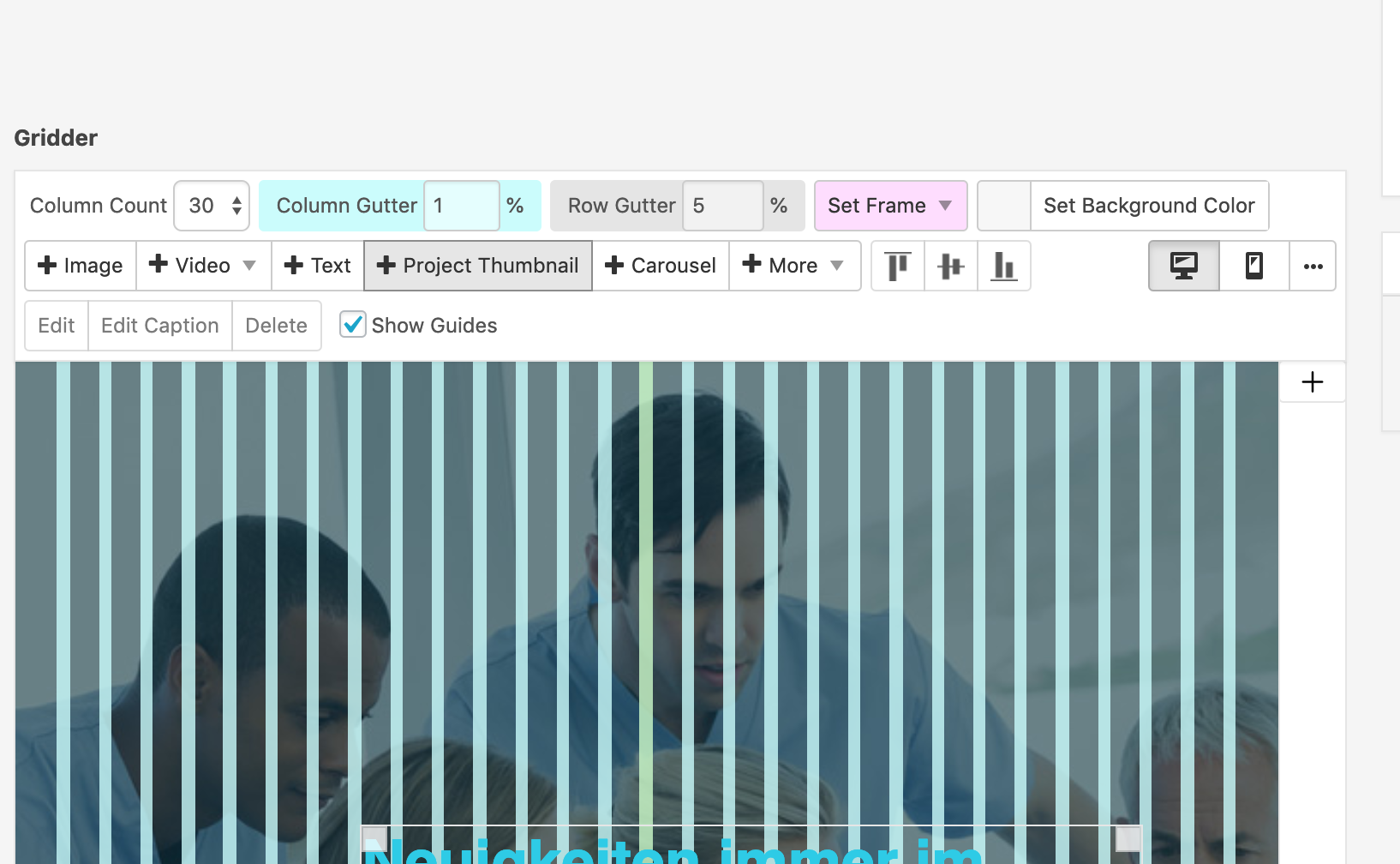
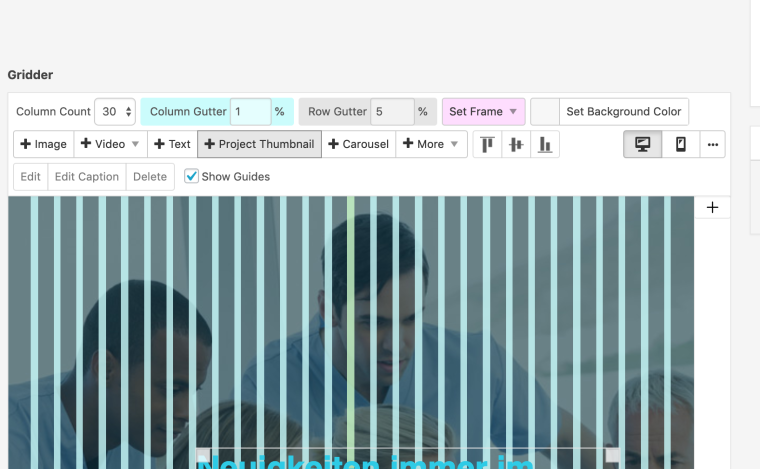
I can't add Project Thumbnails anymore on a certain page (on all other pages on this website it works). When I click on the button "Project Thumbnails", nothing happens.
(As you can see in the picture, the button turns dark grey when I click on it, but the pop-up with the project thumbnails does not open.)I use Safari and Chrome and have the problem in both Browsers.
Operating system: macOS Mojave (Version 10.14.3)URL where problem is experiences: http://dace-project.com/news/
(It works on the other pages, just not the news page. It used to work and then stopped working there.)What can I do to fix this?
-
Dear @lkcomjoo
what kind of CUSTOM JAVASCRIPT CODE do you use?
I see that something gets called.Best!
Marius
-
-
-
-
Dear @lkcomjoo
Best is if you write me a PM and include your username, password and a link to this conversation.Marius
-
Dear @lkcomjoo
I did not do it – but I would try to deactivate all the plugins you have installed.
Just to see if that is the problem.:-D
Best!
Marius

Hello! It looks like you're interested in this conversation, but you don't have an account yet.
Getting fed up of having to scroll through the same posts each visit? When you register for an account, you'll always come back to exactly where you were before, and choose to be notified of new replies (either via email, or push notification). You'll also be able to save bookmarks and upvote posts to show your appreciation to other community members.
With your input, this post could be even better 💗
Register Login