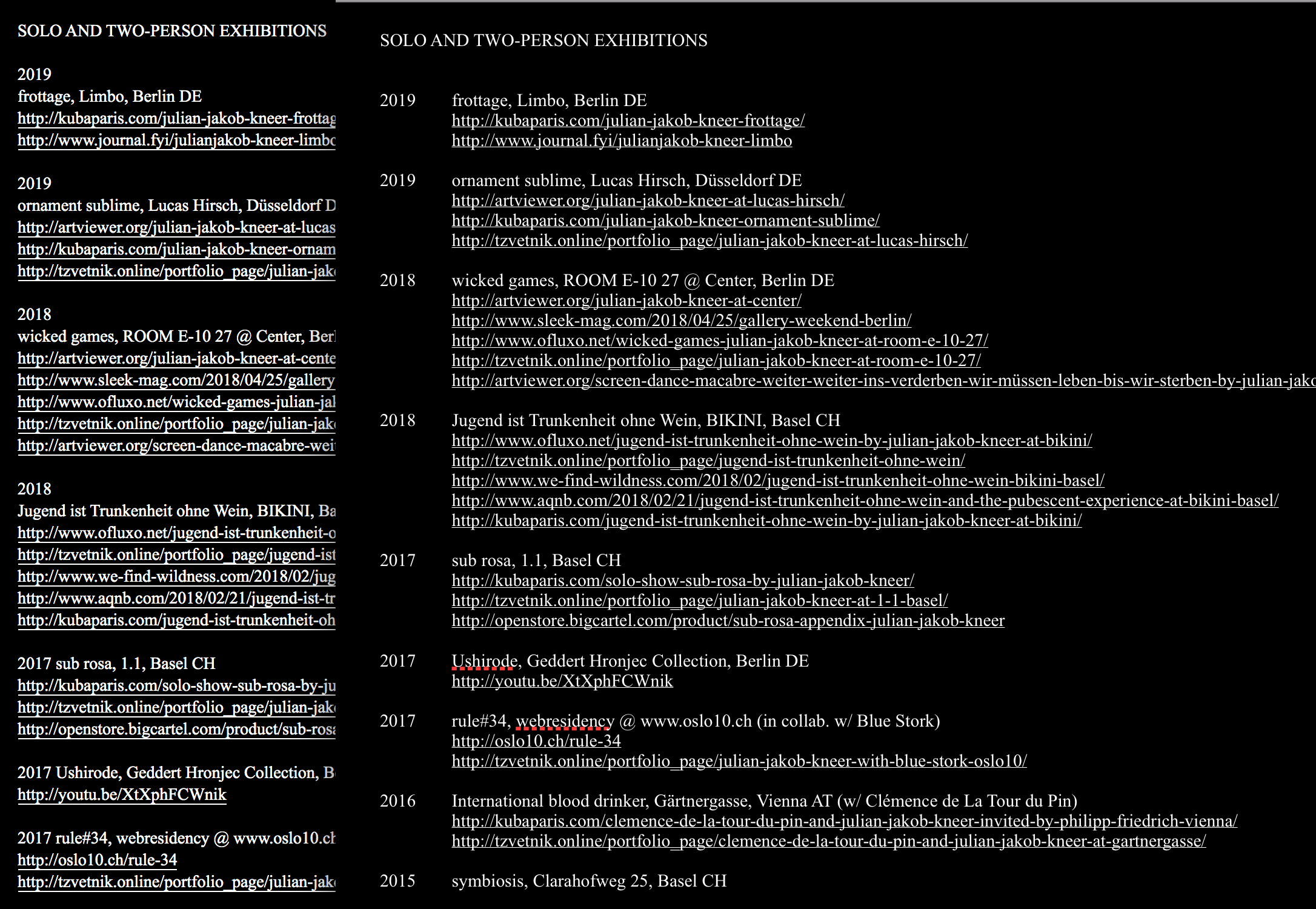
Times New Roman shown heaver than in pages (also in Chrome and not just Safari)
-
Hey Armin,
in my laytheme Times New Roman is shown heaver than in pages (also in Chrome and not just Safari). Is there a solution? Of course I tried all font weights in the Text Formats section but there is only standard and bold.
I also saw this thread (http://laythemeforum.com/topic/666/site-title-weight-different-from-from-browser-to-browser/2) but it doesn't help.
-
Unfortunately that’s perfectly normal since the font-rendering in browsers and desktop applications is wastly different. Especially when you are using white text on dark backgrounds – it bleeds.
Best is to choose a font that has a light weight as an option for these applications.
-
@edgrbnz
:-) Yes!


Hello! It looks like you're interested in this conversation, but you don't have an account yet.
Getting fed up of having to scroll through the same posts each visit? When you register for an account, you'll always come back to exactly where you were before, and choose to be notified of new replies (either via email, or push notification). You'll also be able to save bookmarks and upvote posts to show your appreciation to other community members.
With your input, this post could be even better 💗
Register Login