Code appears on top after update
Bug Reports
6
Posts
2
Posters
371
Views
-
Just updated to the latest Laytheme version, and this code pops up on the website.
e: code doesn't show up in the customizer
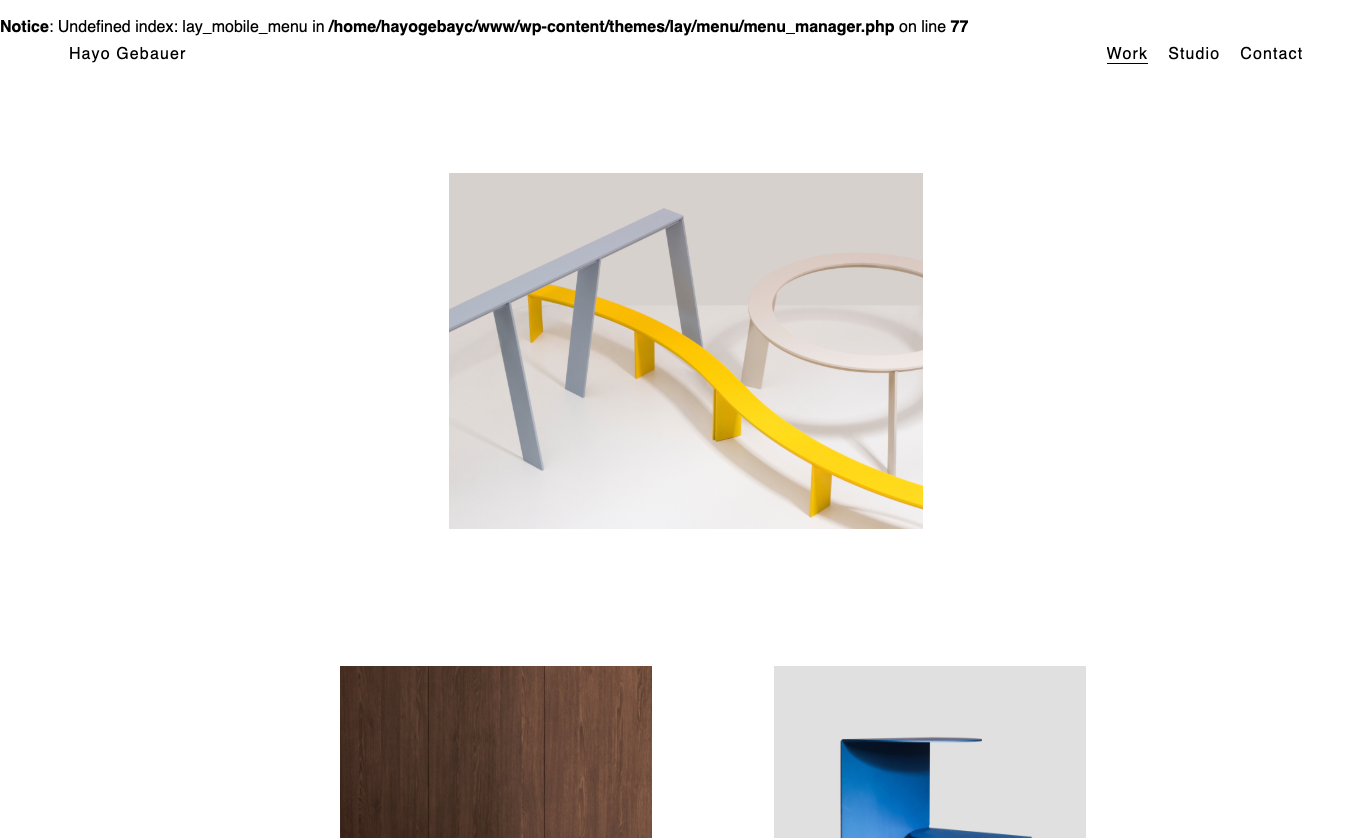
-
Dear @Hayo-Gebauer
Do you have any third-party plugins installed or CUSTOM JS code? Is it possible to deactivate it for a moment to see if the problem remains?
Marius
-
deleted all third party plugins. there's no custom jquery apart from google analytics..
(code is still there)
-
-
Dear @Hayo-Gebauer
ok, we will have a look.Best!
Marius@mariusjopen Random Code is gone after the Laytheme update, thank you!!
-
Dear @Hayo-Gebauer
Perfect! Glad to hear!Marius


Online Users
Forgot your key, lost your files, need a previous Lay Theme or Addon version?
Go to www.laykeymanager.com