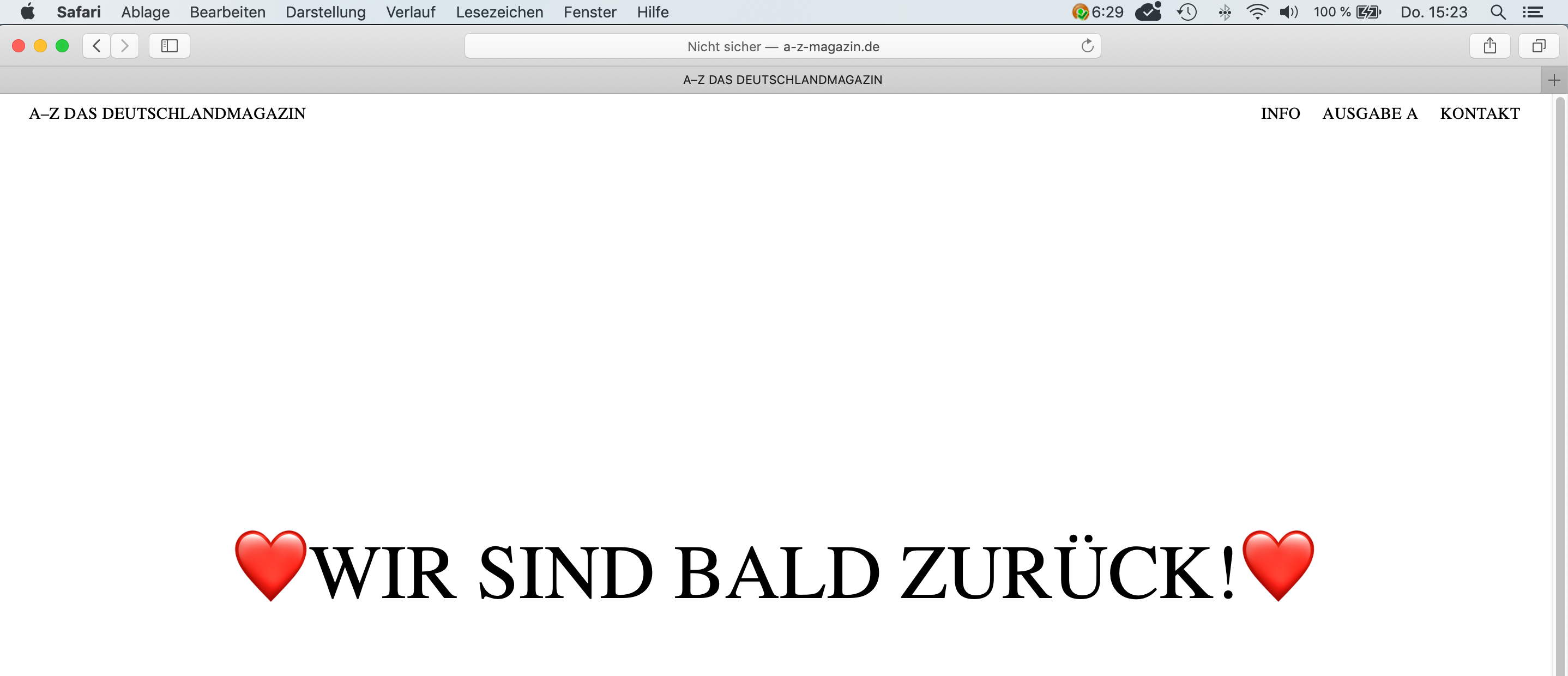
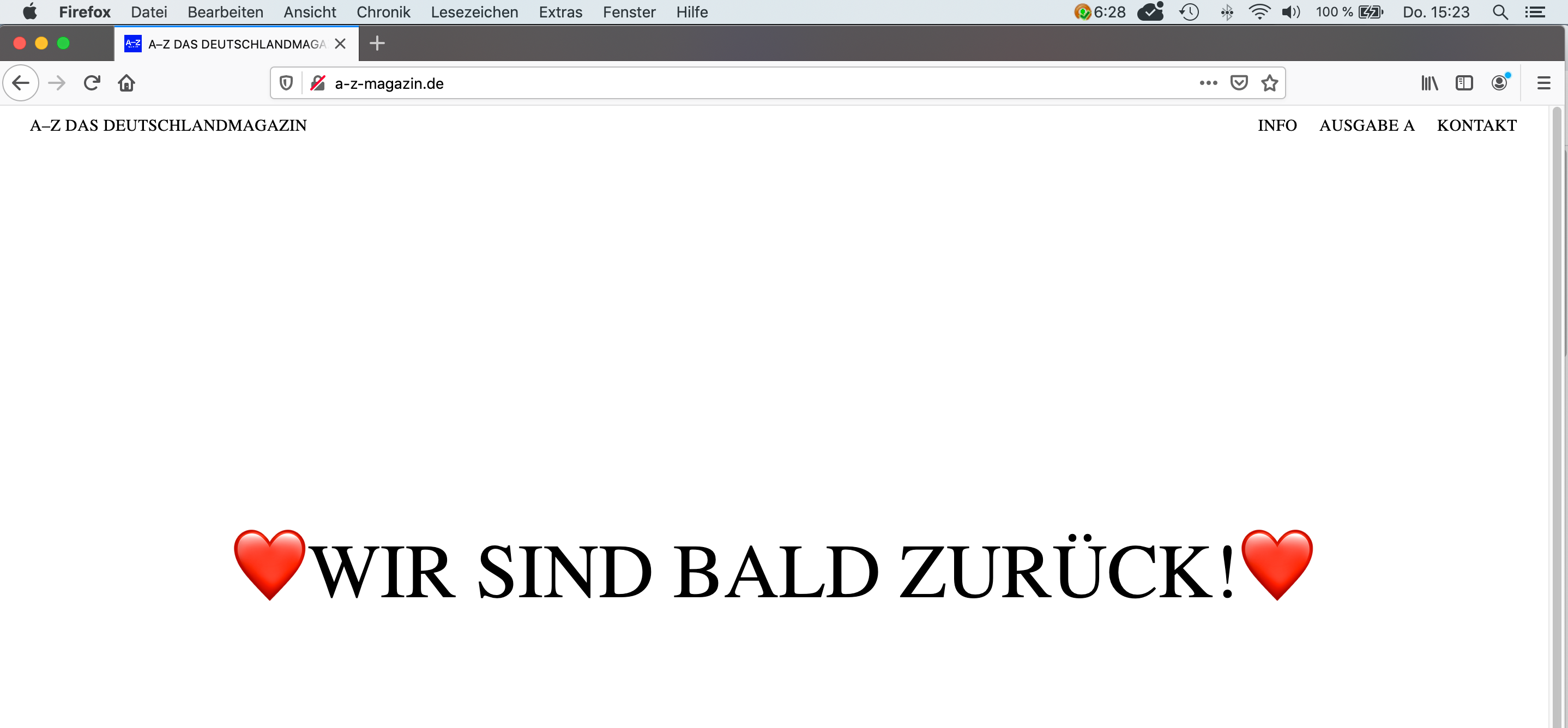
Web-Fonts don't work on Firefox and Safari
-
Hi :),
I am working on the website www.a-z-magazin.de
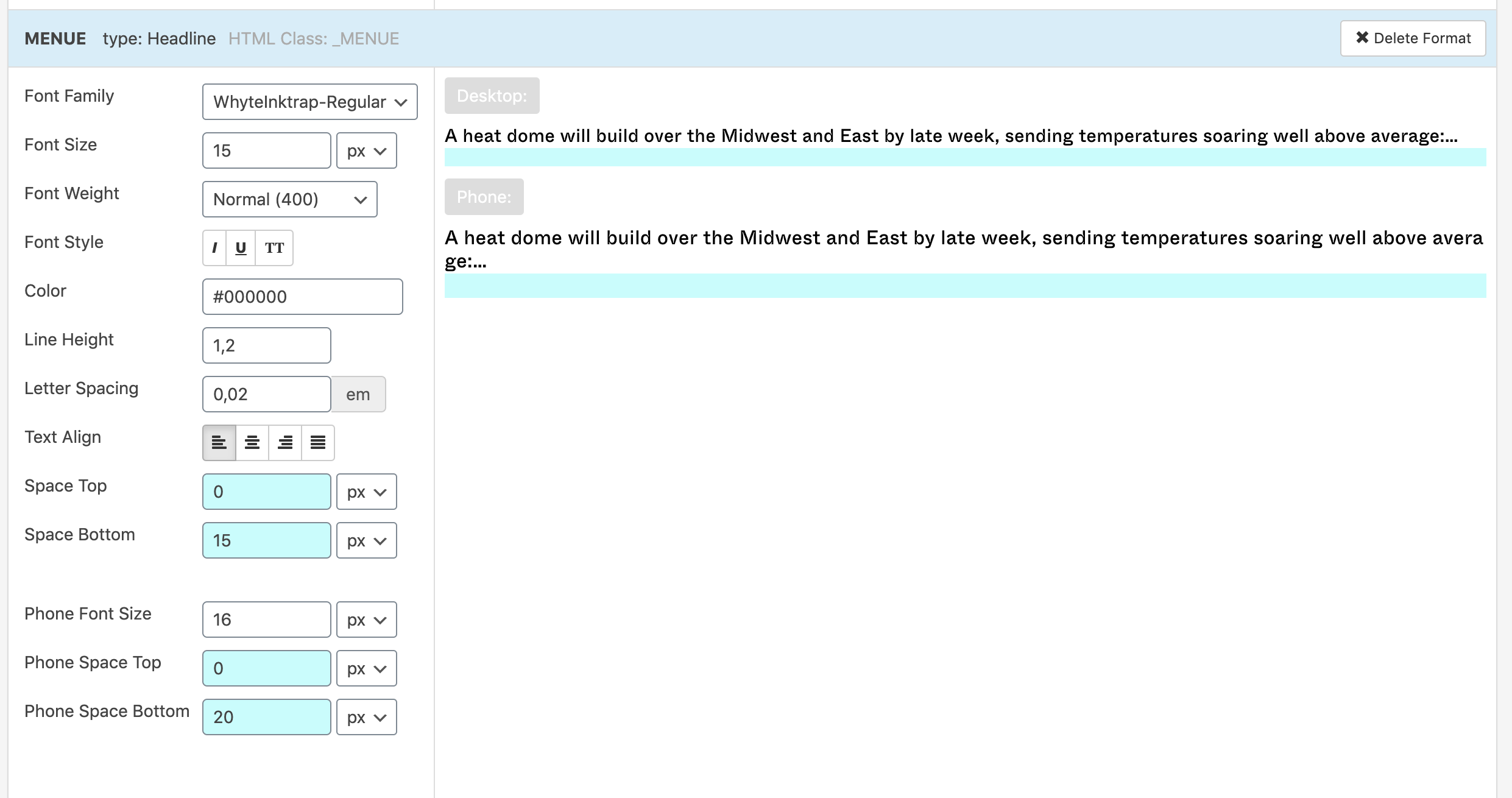
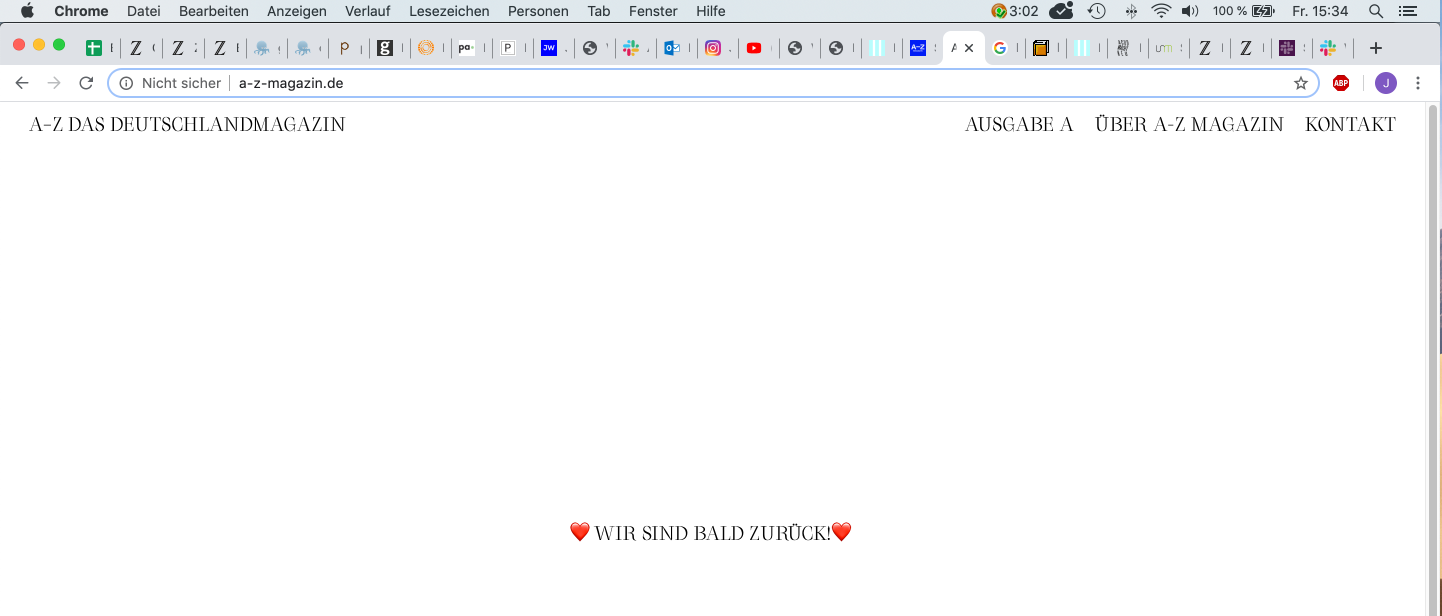
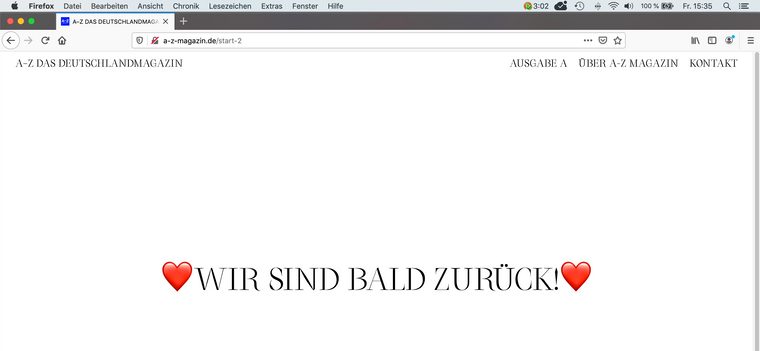
unfortunately the installed webfont (converted it to .woff) is not working in Firefox and Safari. I work in Chrome. The font is also not working on mobile devices. (Tested huawei p20 and i-phone 5s) The Font is WhyteInktrap which I have bought from abcdinamo typefoundry. Could you help me on this issue?
best,
JakobPS: after I posted this, I realised there was an update of laytheme, I updated it but Fonts are still not working on firefox and safari...
[link text](
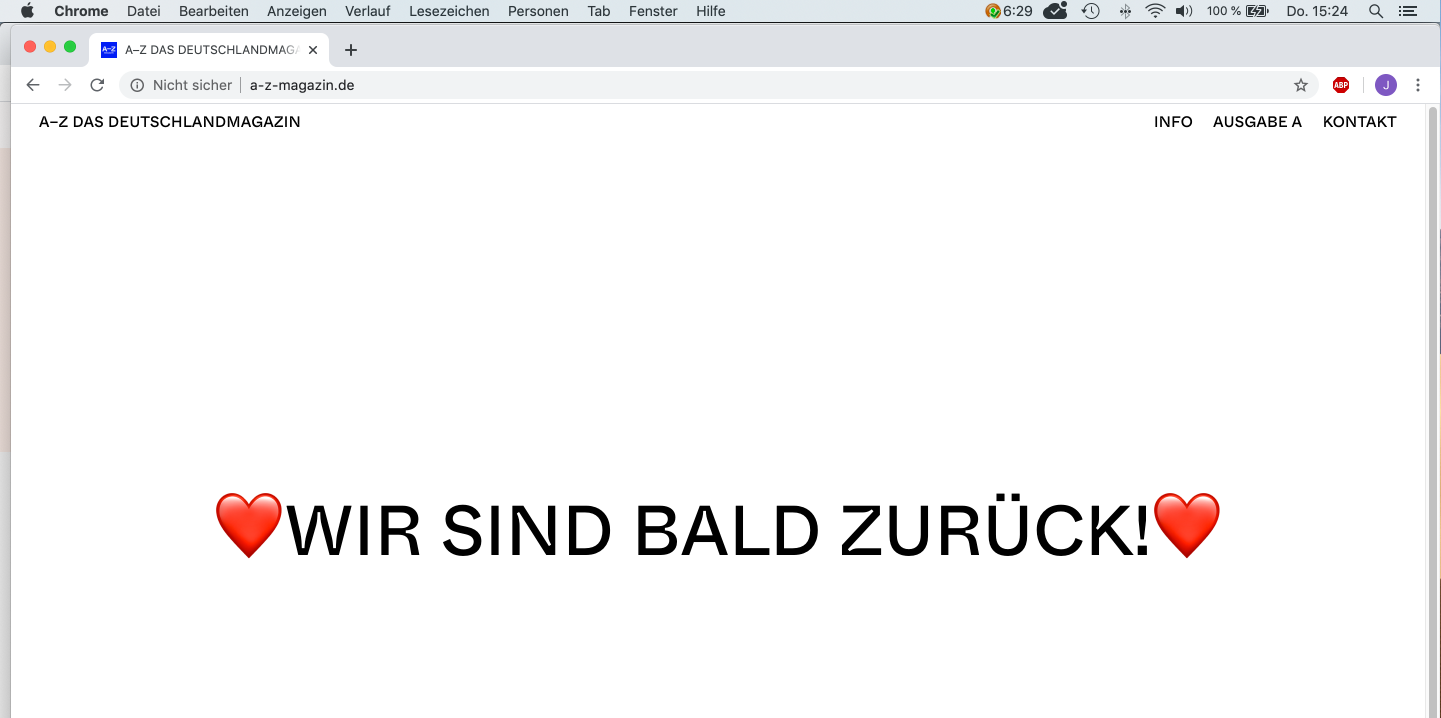
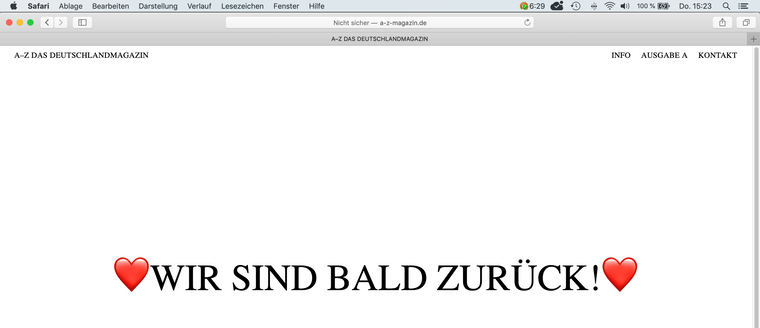
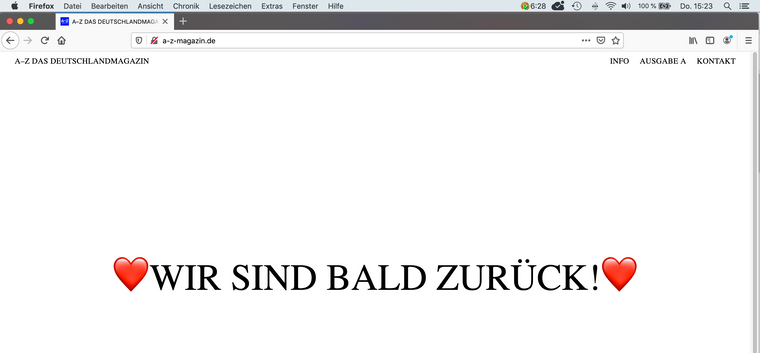 image url))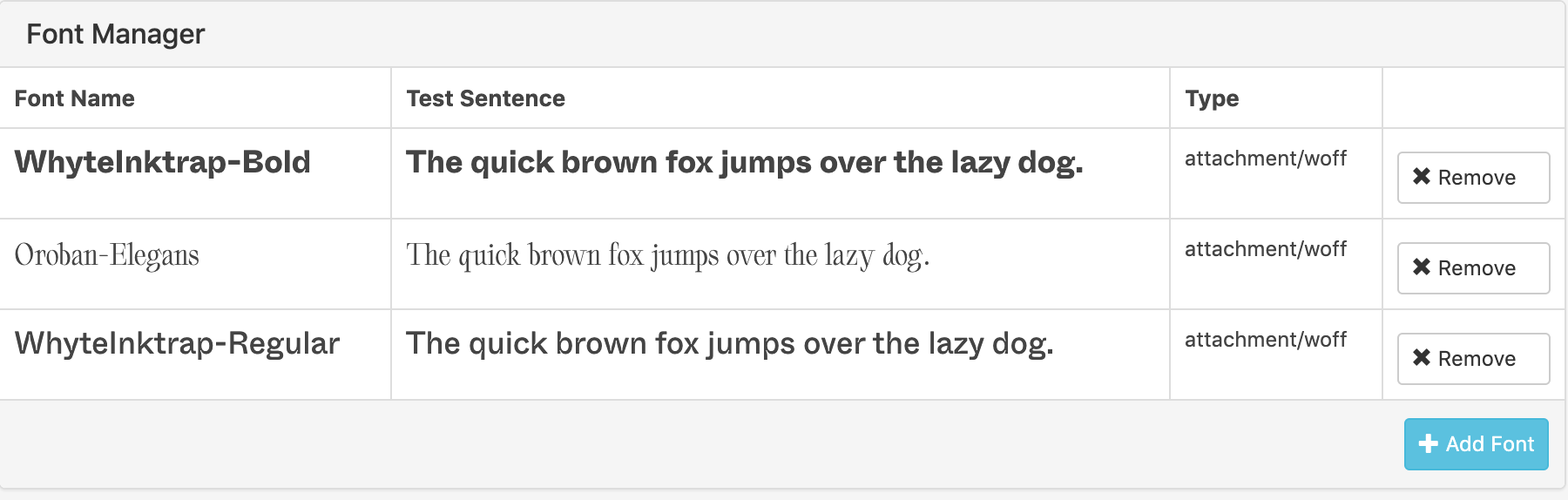

-
Dear @Jakob
do other fonts work?
Best!
Marius -
Hi @mariusjopen ,
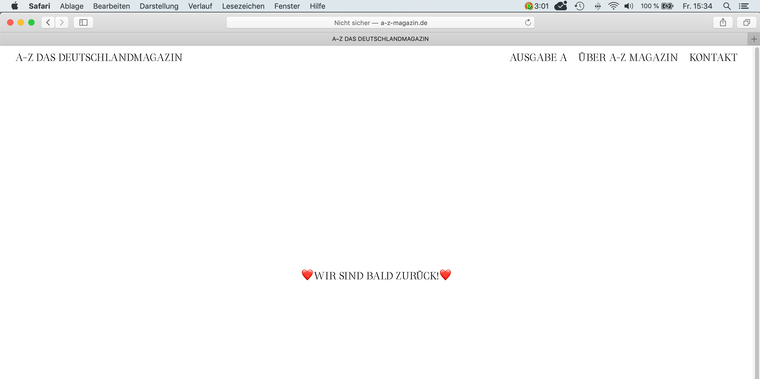
i tried it out with the Orobans font which I bought as well and installed it as .woff it works on firefox, safari and chrome. But obviously this is not the font we would love to work with ;). The "whyteinktrap" font we would like to use has two "styles". Bold and regular. The orobans only has one. Maybe thats an error-source?
-
-

Hello! It looks like you're interested in this conversation, but you don't have an account yet.
Getting fed up of having to scroll through the same posts each visit? When you register for an account, you'll always come back to exactly where you were before, and choose to be notified of new replies (either via email, or push notification). You'll also be able to save bookmarks and upvote posts to show your appreciation to other community members.
With your input, this post could be even better 💗
Register Login