How to position numbers on right side of carousel
-
Hello,
Is it possible to integrate the carousel numbers within the Gridder?
Below is a sketch of what I would like to do: currently, the numbers sit on top of the images, but I would like them to be positioned on the right, with the text.
I have limited custom CSS knowledge, any help would be deeply appreciated.
Thank you,
Emi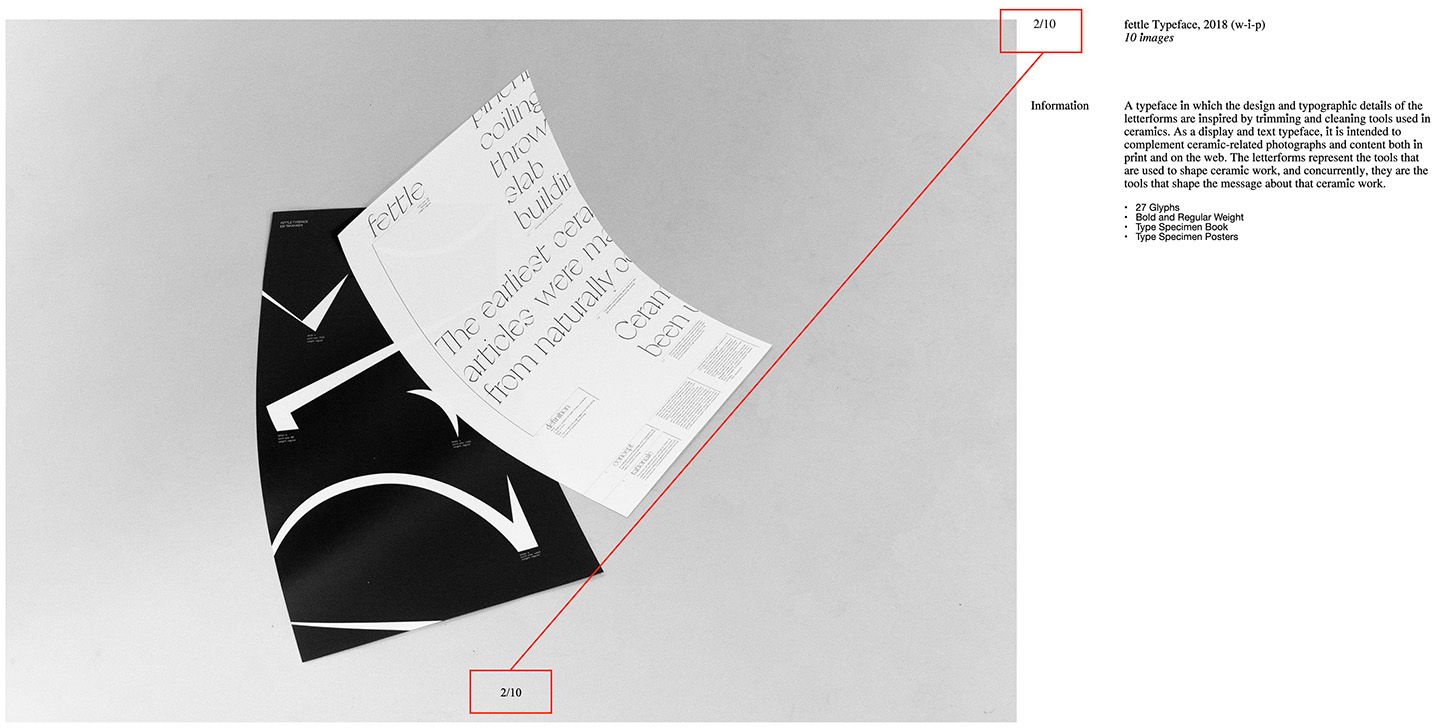
-
Dear @marskid
Are you familiar with CSS and a bit of jQuery? If not I would recommend to have a look into some tutorials at Codeacademy https://www.codecademy.com/.
It is for free for the basics. The effect you are trying to achieve requires some knowledge and brainpower :-)Have a look here to get more info about the carousel plugin: http://laytheme.com/carousel.html.
Best!
Marius -
Dear @marskid
Are you familiar with CSS and a bit of jQuery? If not I would recommend to have a look into some tutorials at Codeacademy https://www.codecademy.com/.
It is for free for the basics. The effect you are trying to achieve requires some knowledge and brainpower :-)Have a look here to get more info about the carousel plugin: http://laytheme.com/carousel.html.
Best!
MariusHi @mariusjopen ,
Thank you for your response, I really appreciate it. I will look into some tutorials!
Best,
Emi -
Dear @marskid
Happy to help!
Best!
Marius -
Hello,
Is it possible to integrate the carousel numbers within the Gridder?
Below is a sketch of what I would like to do: currently, the numbers sit on top of the images, but I would like them to be positioned on the right, with the text.
I have limited custom CSS knowledge, any help would be deeply appreciated.
Thank you,
Emi@marskid Maybe is too late / or you already figured it out but this is what I just did on a similar instance:
.lay-carousel-sink-parent {
         position: fixed!important;
         bottom: 0!important;
         right: 0!important;
	margin-bottom: 2vw;
	margin-right: 1.5vw;
  border: 0;
}
In your case you'll probably need to tinker with margin-top, etc...
(I had previously tried the span.numbers class with no luck, the key seems to be to move the container inside which the numbers are placed)
-
very good marcos!
-
@marskid Maybe is too late / or you already figured it out but this is what I just did on a similar instance:
.lay-carousel-sink-parent {
         position: fixed!important;
         bottom: 0!important;
         right: 0!important;
	margin-bottom: 2vw;
	margin-right: 1.5vw;
  border: 0;
}
In your case you'll probably need to tinker with margin-top, etc...
(I had previously tried the span.numbers class with no luck, the key seems to be to move the container inside which the numbers are placed)
thanks @marcos - this does work for moving the numbers. however it also moved the captions. any way to prevent it from affecting captions, and if possible to exclude some pages?
-

-
hey maybe u can use the chrome inspector to find the correct css class


Hello! It looks like you're interested in this conversation, but you don't have an account yet.
Getting fed up of having to scroll through the same posts each visit? When you register for an account, you'll always come back to exactly where you were before, and choose to be notified of new replies (either via email, or push notification). You'll also be able to save bookmarks and upvote posts to show your appreciation to other community members.
With your input, this post could be even better 💗
Register Login