Project arrows on mobile version keeps appearing
-
Hello,
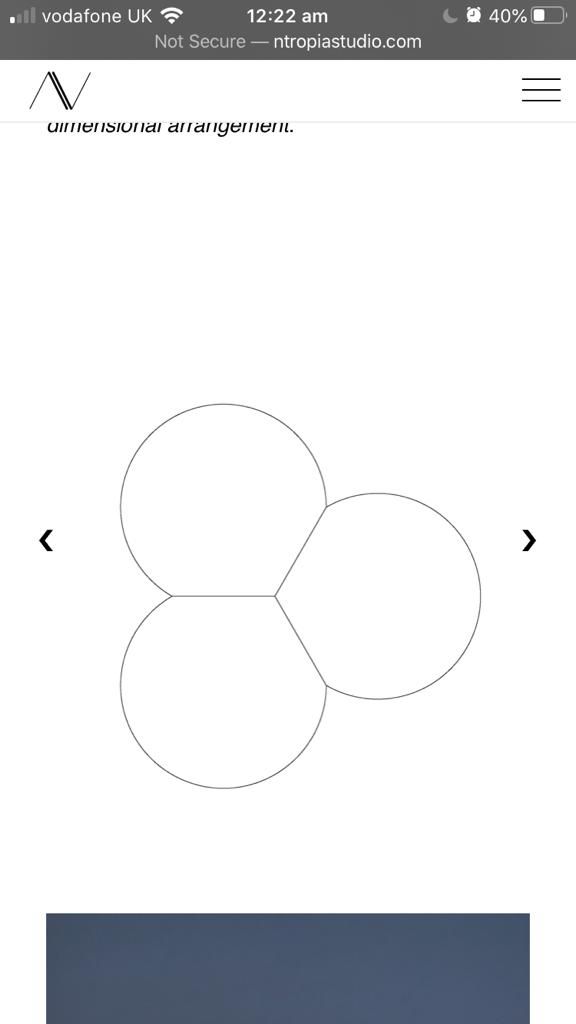
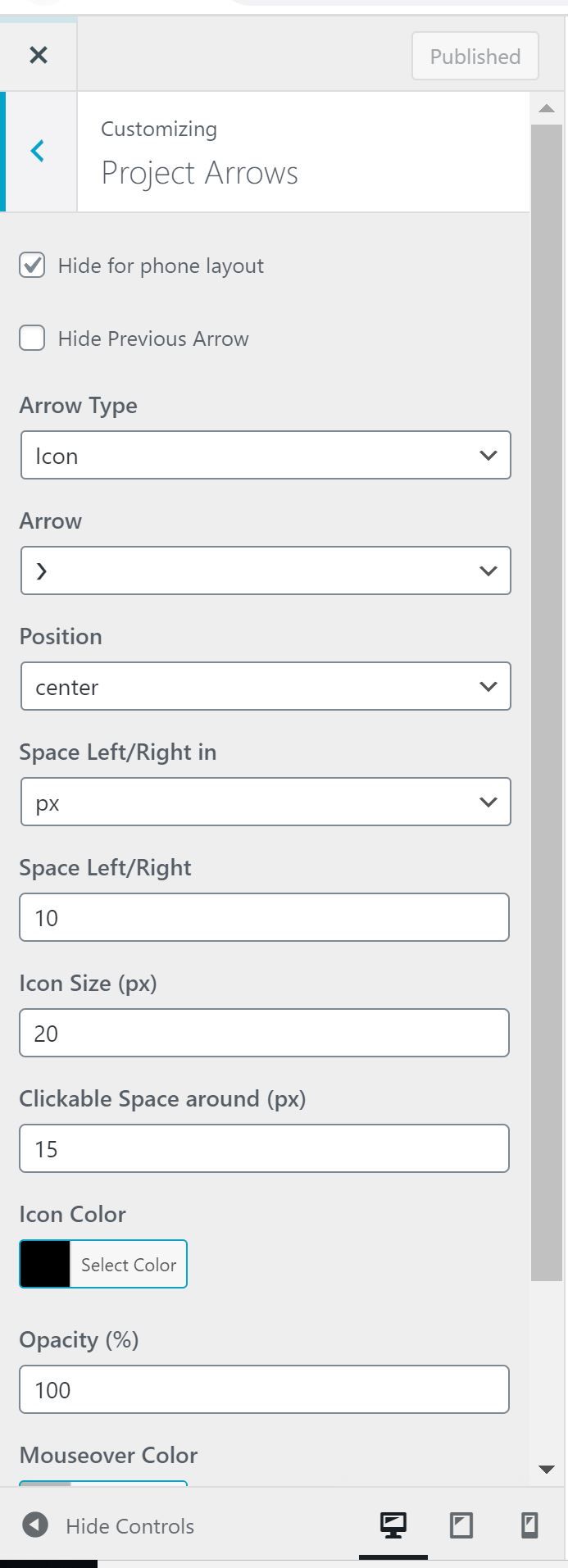
Project arrows keep appearing on my mobile version regardless of having selected 'hide for phone layout' in customize. Is there another way to get rid of them?
Thank you!
-
Dear @lucia-alonso
Do you have any Third-party plugins that when de-activated temporarily resolve this issue?
There are some errors in the Console with 'Contact From 7' as well:

Best wishes
Richard -
Hi @Richard-Keith
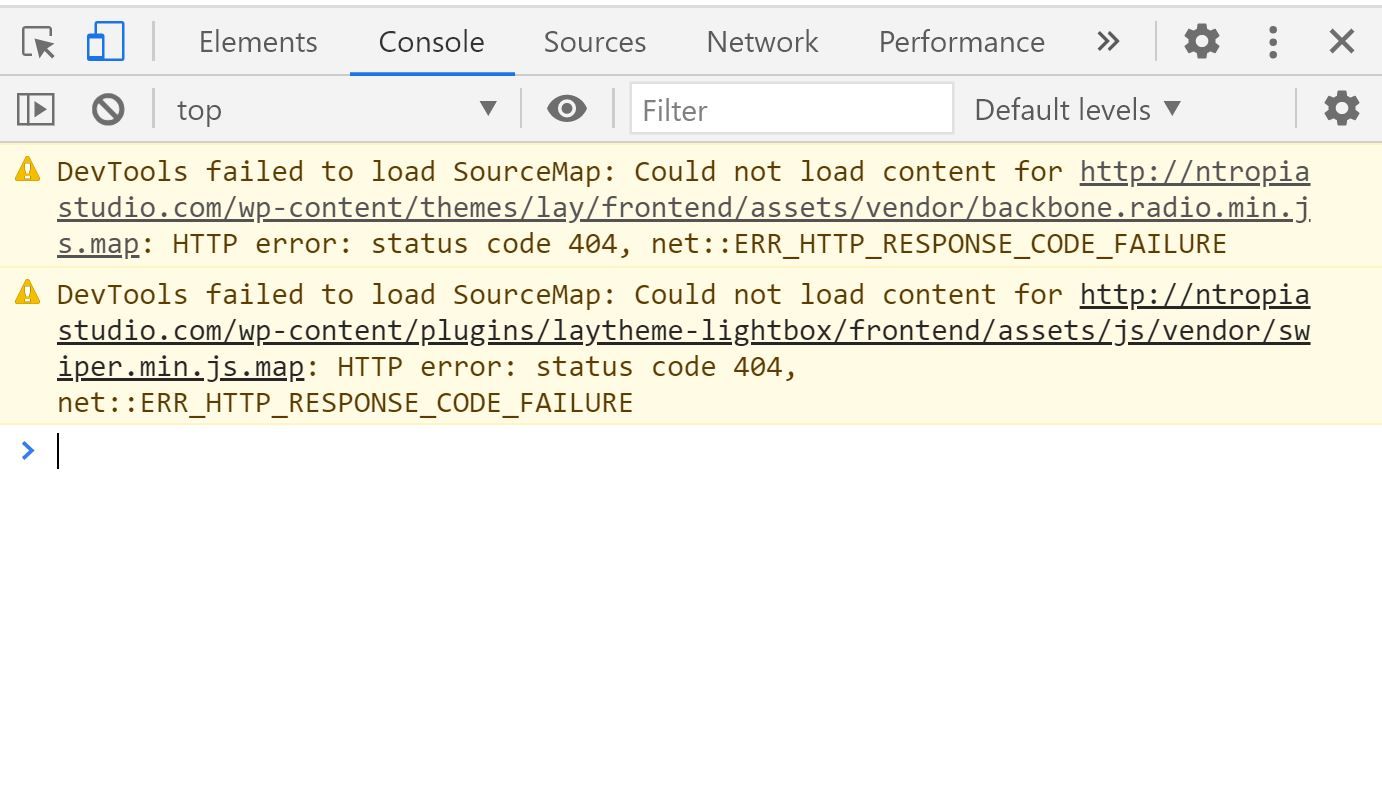
Thanks for the quick reply, I really appreciate it. I deleted 'Contact Form 7'.I deactivated all plugins except the Laytheme Lightbox but I still get the same errors in the Console and the project arrows keep showing on the mobile version.

 Any suggestions? Many thanks!
Lucia
-
Dear @lucia-alonso
If you not have any Custom CSS, HTML or JS that when temporarily removed resolves the issue &
Both Lay Theme and any Plugins are up to date -Could you please send your website address, /wp-admin/ username and password and a link to this topic to info@laytheme.com?
And a closer inspection can take place :)
Thank you for using Lay Theme and your patience with any issues
Best wishes
Richard -
It could be some custom css, could you remove your custom css and see if it works?
Yes actually this is your custom css that makes the arrows appear:
.center { display: block; margin-left: auto; margin-right: auto; } -
@arminunruh Great! Thanks for your help.


Hello! It looks like you're interested in this conversation, but you don't have an account yet.
Getting fed up of having to scroll through the same posts each visit? When you register for an account, you'll always come back to exactly where you were before, and choose to be notified of new replies (either via email, or push notification). You'll also be able to save bookmarks and upvote posts to show your appreciation to other community members.
With your input, this post could be even better 💗
Register Login