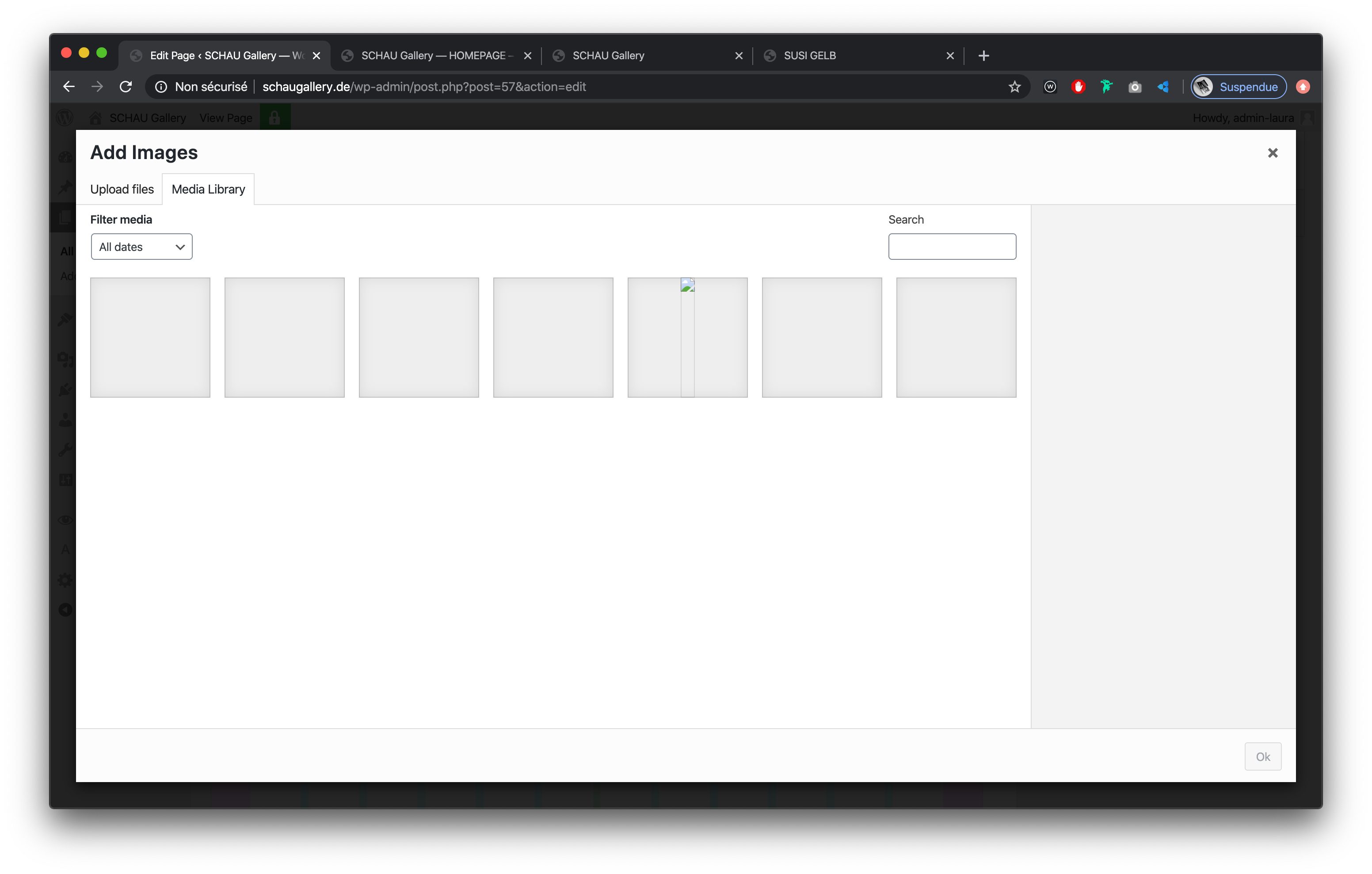
Medias / images not displaying
-
http://www.schaugallery.de/homepage-susi-gelb
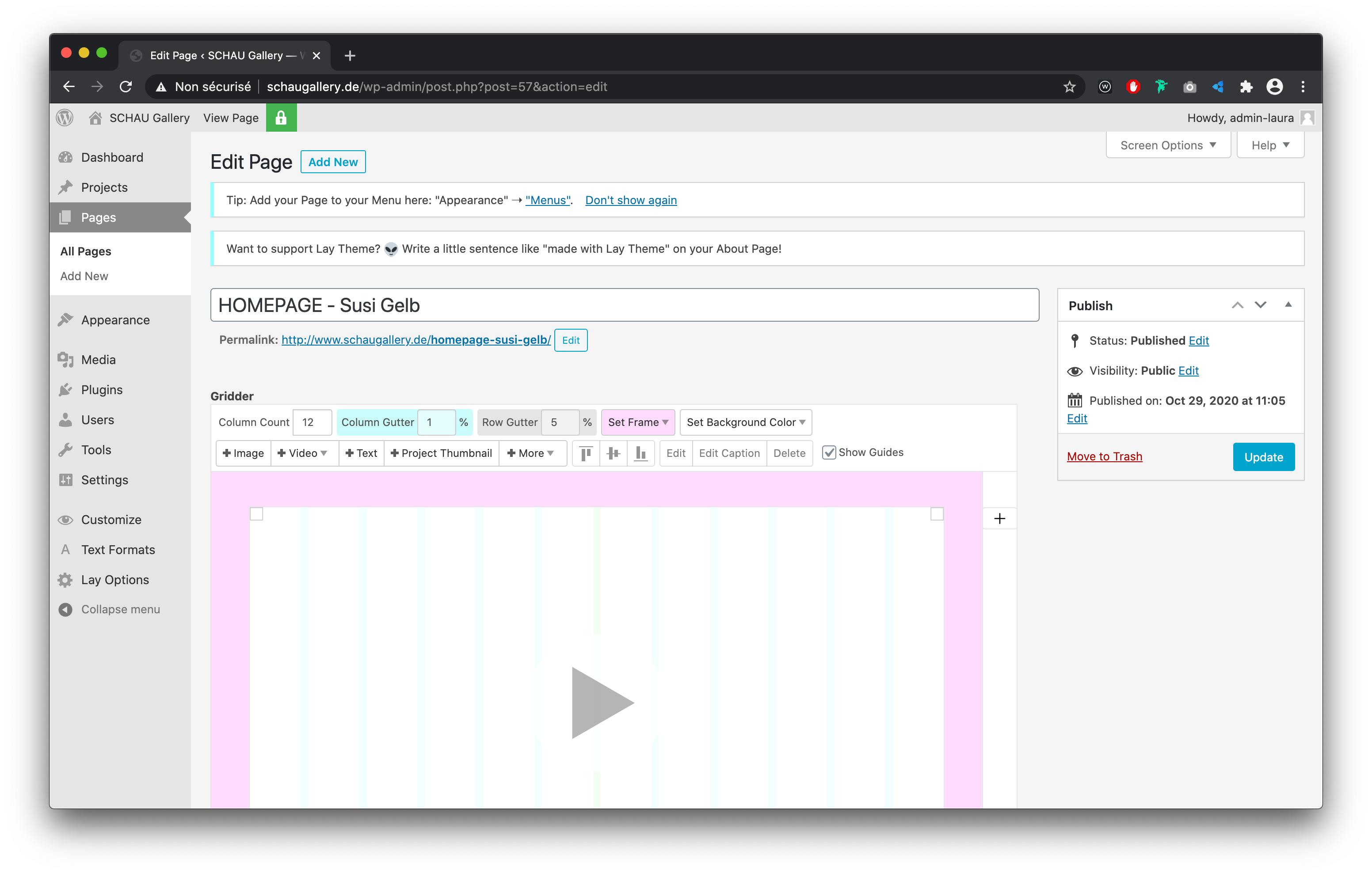
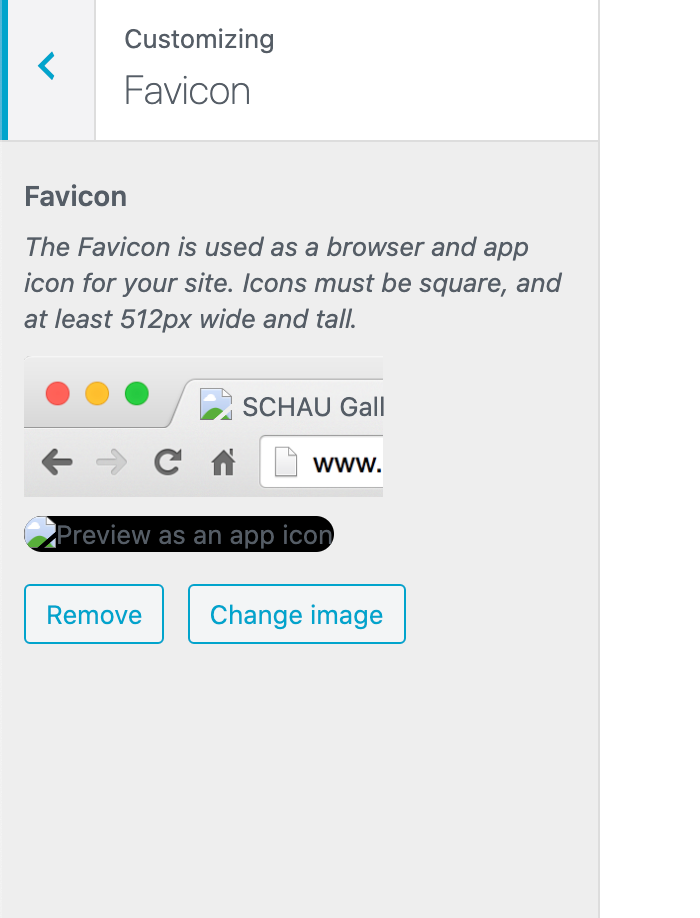
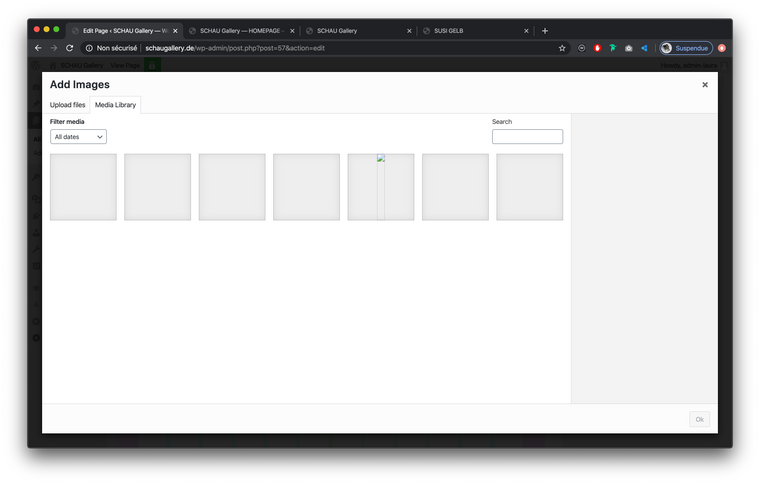
When uploading medias (images / videos), I can't see it on the website, neither on the 'Edit Page' and 'Media' and on 'Preview'. Same for favicon. This occurr with all images that I upload.
I tried to login via Chrome (86.0.4240.111) and Firefox (81.0.2) on Macbook pro Catalina.
I checked already:
- Permalinks
- Rights on FTP
- Plugin (I tried to disable the 'password protected' plugin, that doesn't change anything)
- contacted the hosting provider
-
Dear @global-former_user
Excuse me if i am wrong, but i am assuming that you have seen the troubleshooting page on the Lay Theme website:
https://laytheme.com/troubleshooting.html#empty-media-library
If that provides no change for your issue:
Do you have any third-party plugins that when deactivated temporarily resolve the issue?
Are Wordpress, Lay Theme and Lay Theme's plugins up to date and in-sync with each other?
do you have any custom code: HTML, CSS Javascript that when temporarily removed changes your issue.
If none of these options provide any help for you, could you please send your website address, /wp-admin/ username and password and a link to this topic to info@laytheme.com?
Let me know, I wish to help and apologies if my delay to reply to this has caused you any inconvenience.
Best wishes
Richard

Hello! It looks like you're interested in this conversation, but you don't have an account yet.
Getting fed up of having to scroll through the same posts each visit? When you register for an account, you'll always come back to exactly where you were before, and choose to be notified of new replies (either via email, or push notification). You'll also be able to save bookmarks and upvote posts to show your appreciation to other community members.
With your input, this post could be even better 💗
Register Login