Thumbnails don't appear on other people's browsers
-
Hi!
I have a problem with my homepage, chantalkueng.com
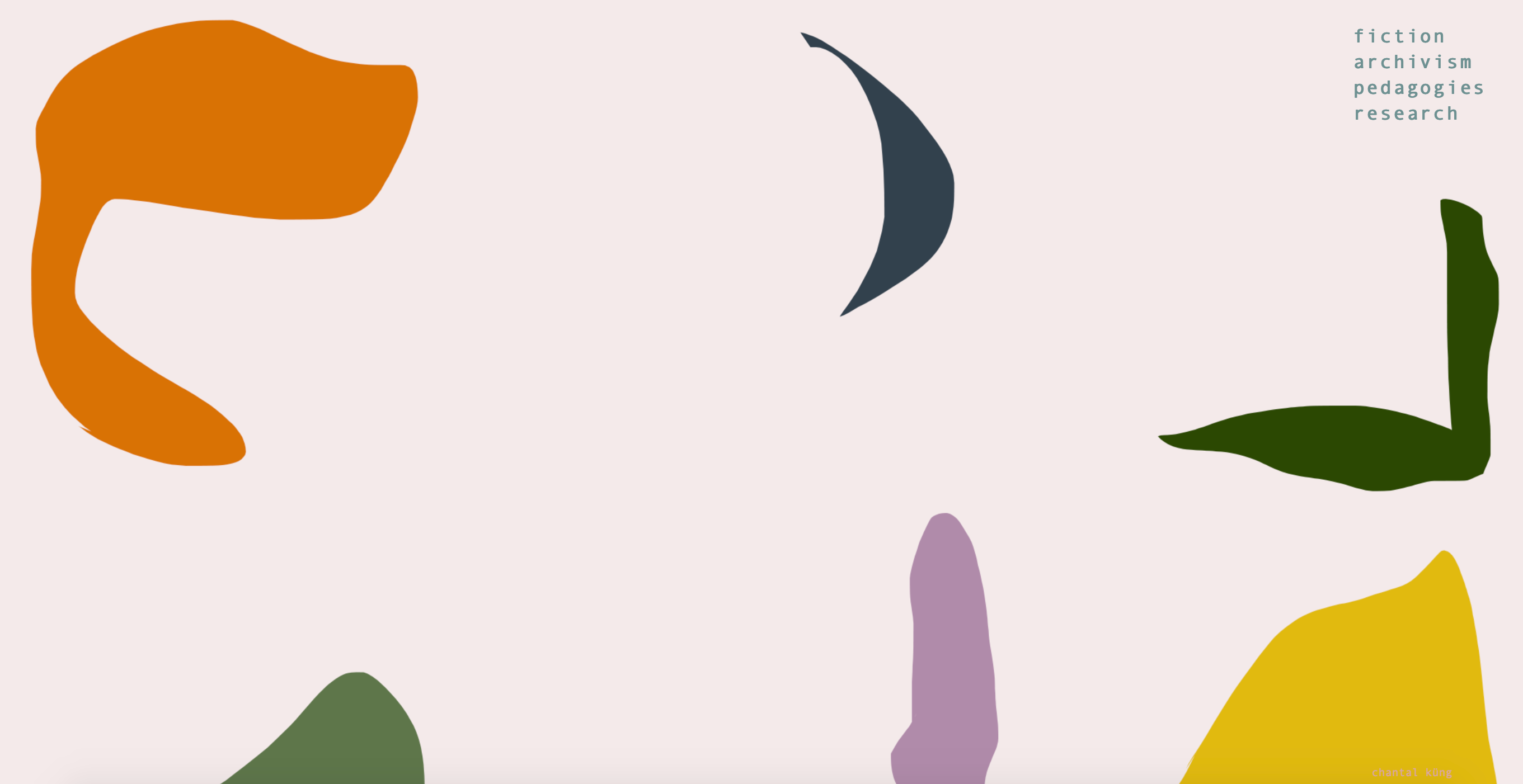
I changed my thumbnails and in my browser, I can see the changes: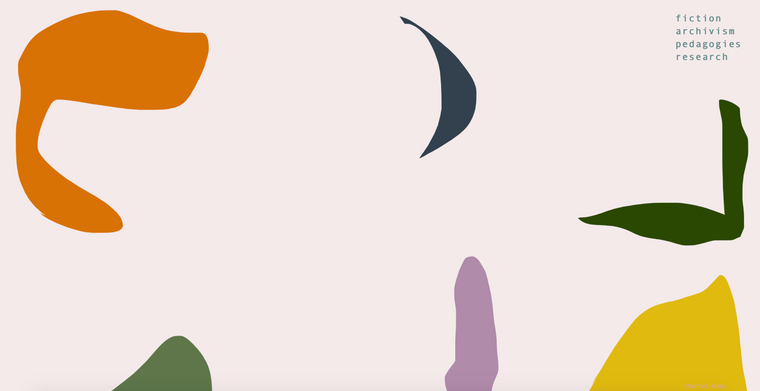
(the forms are the thumbnails)
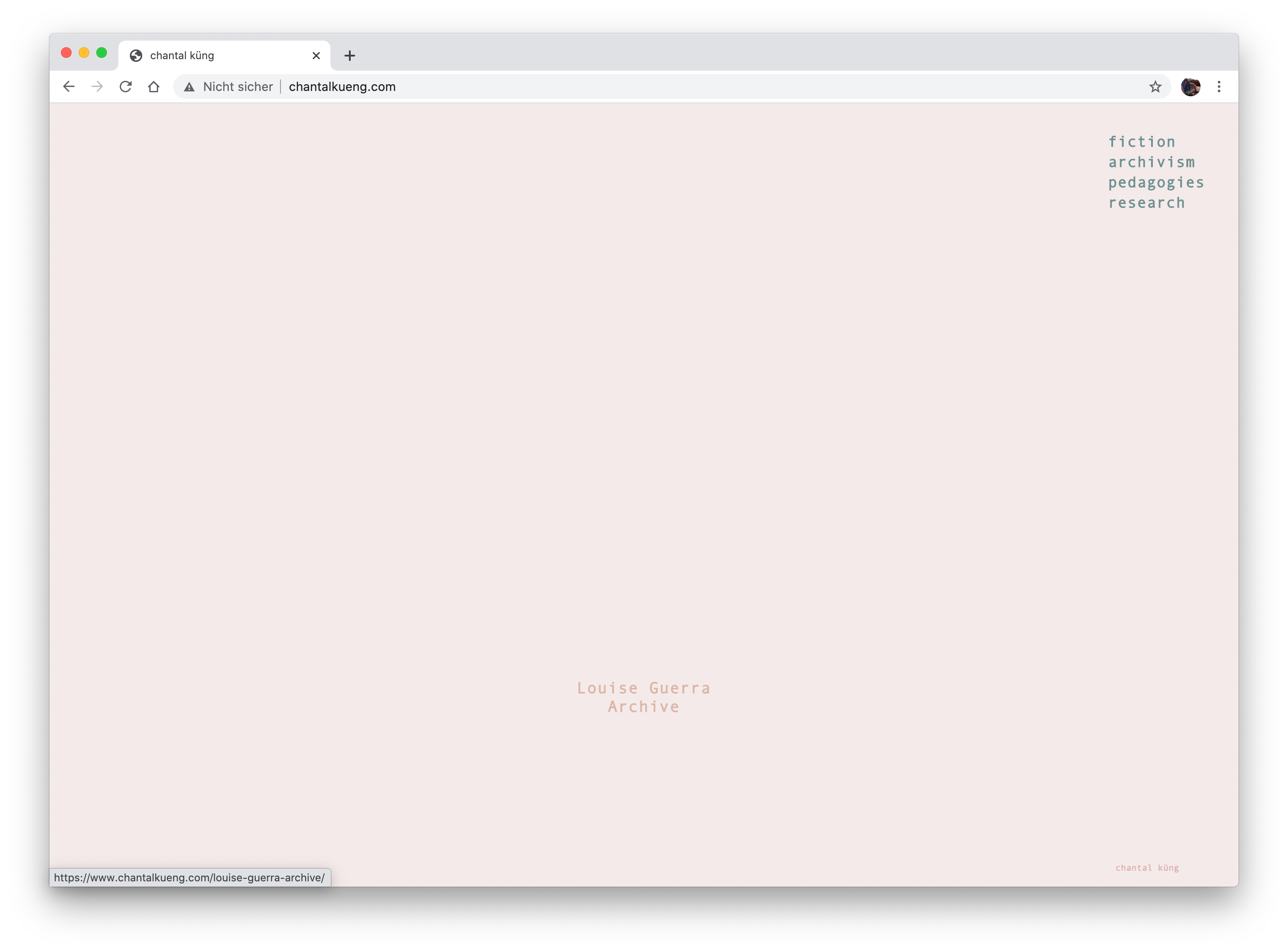
Whereas in other people's browsers they can't see them:
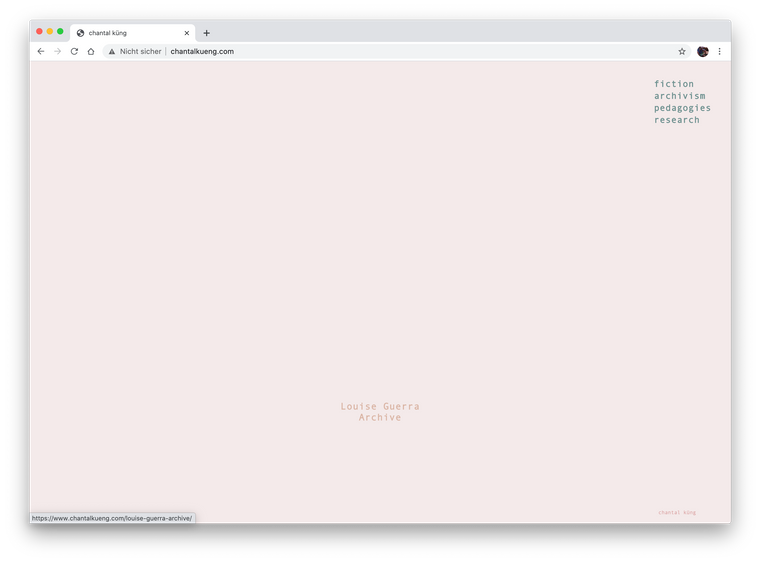
I already deactivated all plugins, cleared cache and have no custom CSS.
Can someone help me with this? -
...as well, I use Safari, but the problem is not browser-related...could you help @Armin-Unruh ?
-
Dear @chantal-k
Yes some error's in you console:

Just to be sure - Wordpress, Lay Theme & lay theme's plugins are all up to date?
( i know you have de-activated your plugins :)As a test are you able to load a new image into your Media Library and see if this also is not displayed on your homepage?
Let me know as I will forward this straight away to get the Bug sorted.
Thank you for using Lay Theme and have a wonderful day,Sincerely
Richard -
Dear Richard,
Sorry for my late response, I updated Wordpress, Lay Theme and plugins and just re-uploaded my old thumbnails, but as far as I can check, it's still not working. as well, my carousel plugin somehow disappeared?
I would be very happy if you could help!all the best
Chantal
-
Dear @chantal-k
Yes some error's in you console:
Just to be sure - Wordpress, Lay Theme & lay theme's plugins are all up to date?
( i know you have de-activated your plugins :)As a test are you able to load a new image into your Media Library and see if this also is not displayed on your homepage?
Let me know as I will forward this straight away to get the Bug sorted.
Thank you for using Lay Theme and have a wonderful day,Sincerely
Richard -
Dear Chantal @chantal-k
Have replied to you via Chats :)
Best
Richard
