where/how can I save the specific colours of a project?
-
-
Dear @JHT
Although the information is auto-filled to the next new row, you must interact with the Colour spectrum again for it to work.
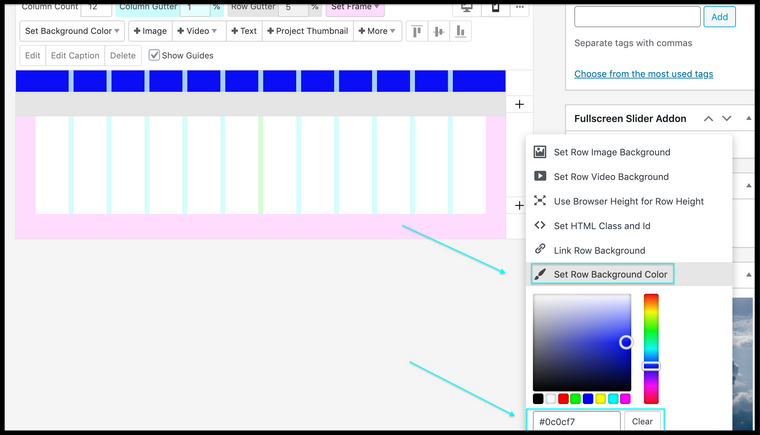
The background colour of each row is stored in the Gridder's JSON file.
This can be accessed via:
Screen Options ( found top right )
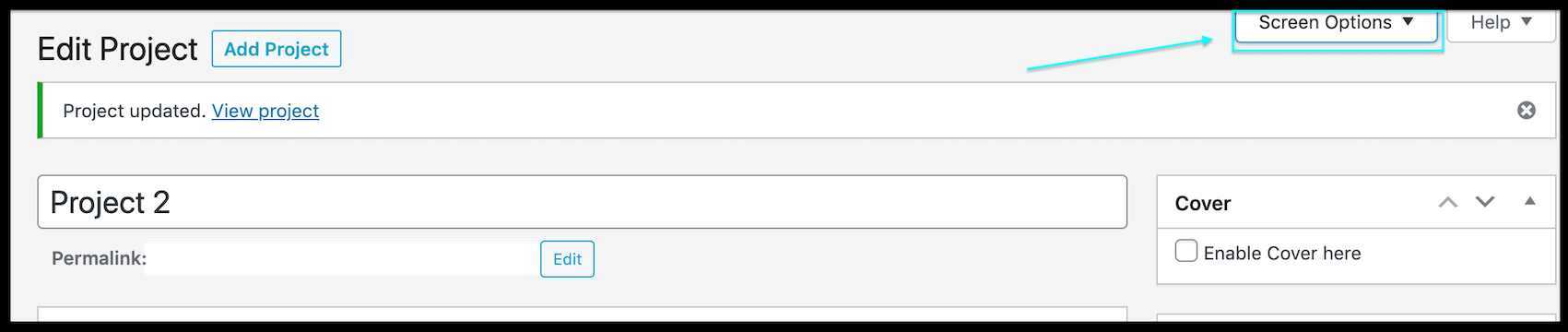
Gridder JSON
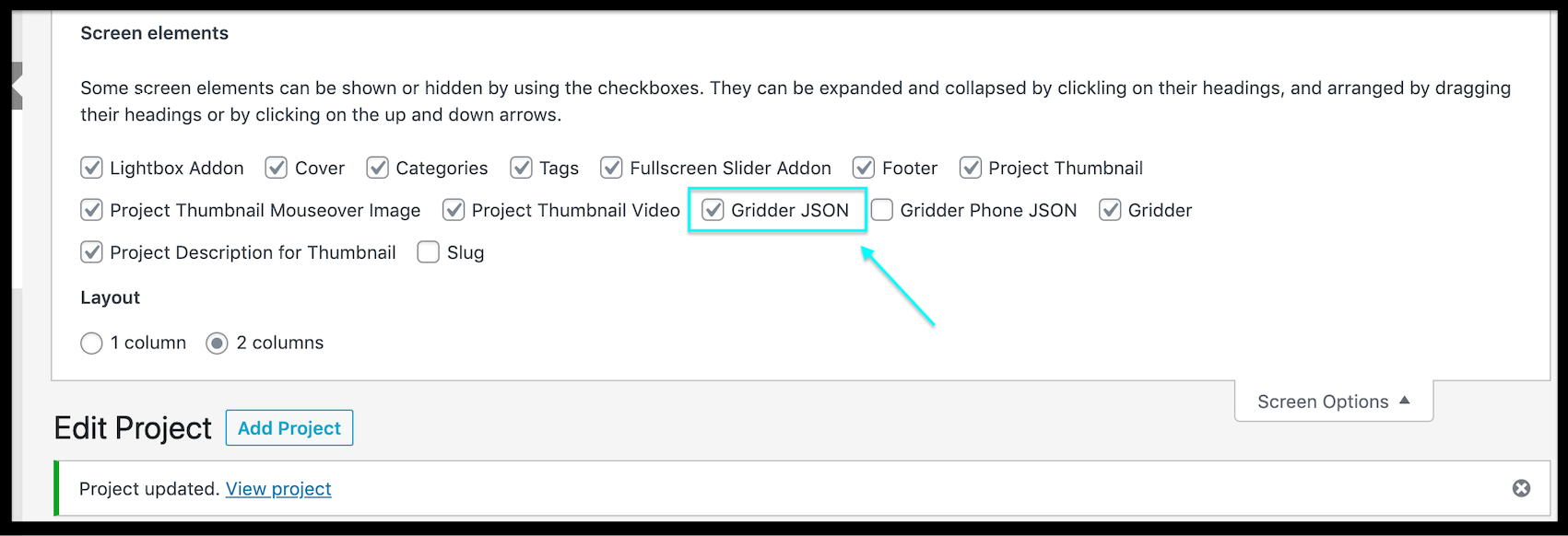
Gridder JSON Window
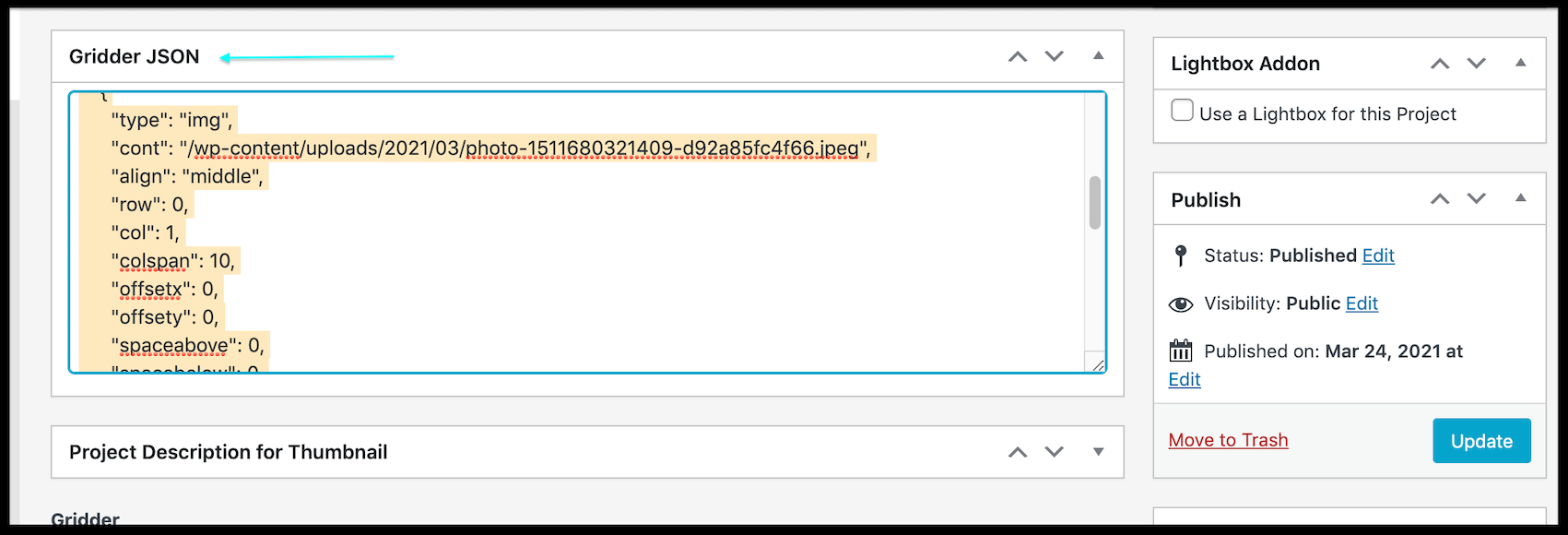
E.g " background-color #0000ff "
"rowAttrs": [
    {
      "bgcolor": "#0000ff"
    },
With this you may speed up your process.
If needed for a large amount of rows; you could use a Search & Replace function within a code editor.
Search
{ "bgcolor": "#0000ff" },
Replace{ "bgcolor": "#c7c7c7" },
Hope this helps @JHT, Let me know if you have any further questions :)
Best wishes
Richard
-
yeah this is a good point. i should create an option one day where you can define the default colors of the color swatches


Hello! It looks like you're interested in this conversation, but you don't have an account yet.
Getting fed up of having to scroll through the same posts each visit? When you register for an account, you'll always come back to exactly where you were before, and choose to be notified of new replies (either via email, or push notification). You'll also be able to save bookmarks and upvote posts to show your appreciation to other community members.
With your input, this post could be even better 💗
Register Login