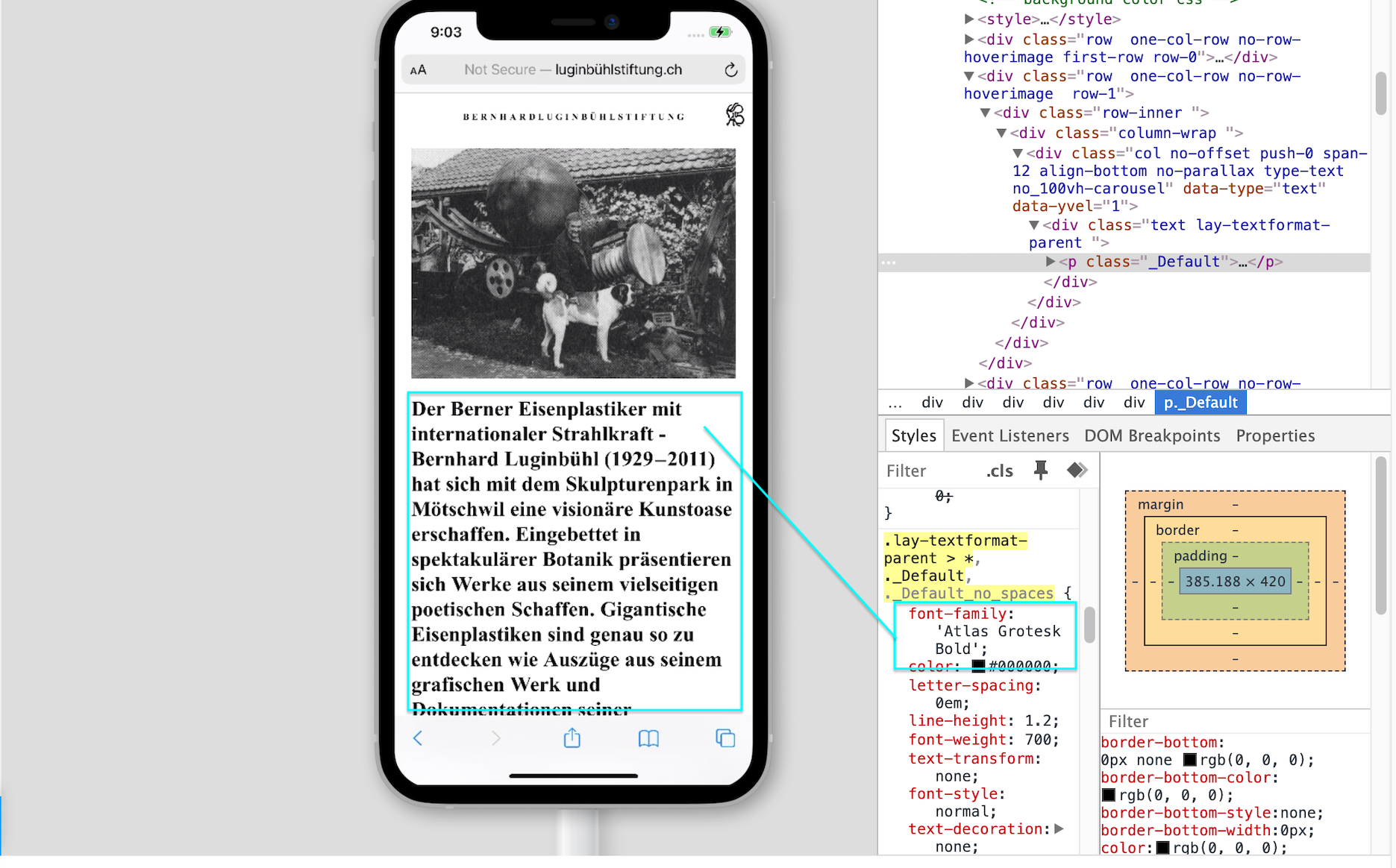
Webfont (Fontstand) is not working on mobile
-
Hi there,
We installed a webfont using Fontstand.
It works on the desktops but not on mobiles.put this in <head>
<link rel="stylesheet" href="https://webfonts.fontstand.com/WF-006220-37f441d695b881bcf04f7fd0b5b2c40e.css" type="text/css"/>and this in css:
element { /* replace with your selector */
	font-family: "Atlas Grotesk Bold";
}
heres the website:
luginbühlstiftung.chthanks for help!
JJ -
-
-
Dear JJ @Dodo
Could you please convert your font into .woff or .woff2 format and insert it via the Font Manager found within:
Lay Options > Webfonts
Rather than using the direct <head> method.
Within > Text Formats > Custom Classes can still be setTalk soon & best wishes
Richard

Hello! It looks like you're interested in this conversation, but you don't have an account yet.
Getting fed up of having to scroll through the same posts each visit? When you register for an account, you'll always come back to exactly where you were before, and choose to be notified of new replies (either via email, or push notification). You'll also be able to save bookmarks and upvote posts to show your appreciation to other community members.
With your input, this post could be even better 💗
Register Login