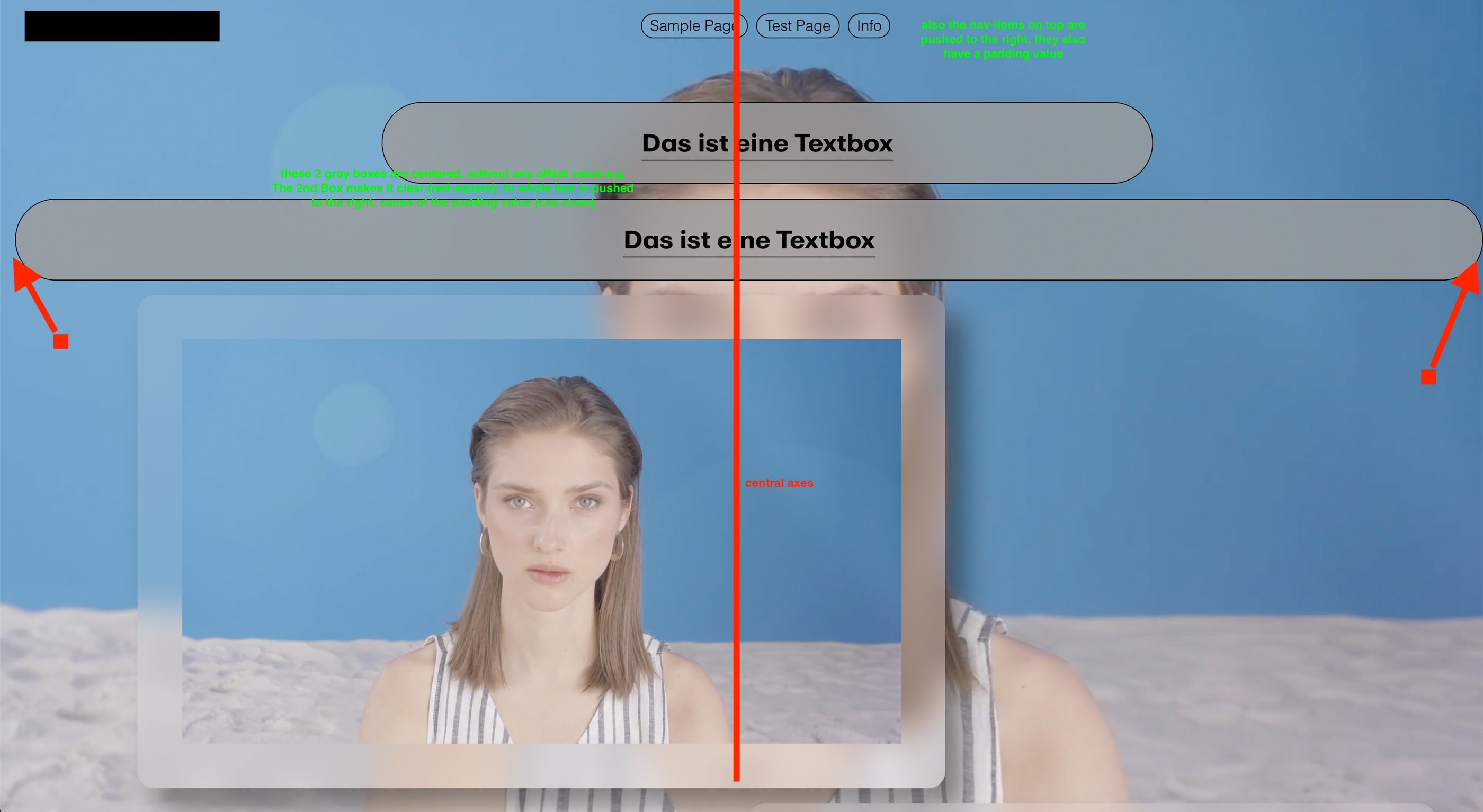
padding is pushing Content off center (via css class)
-
Dear Lay-team (@Armin-Unruh @mariusjopen) <3
I’m in an early stage of a new LT Page, looking forward to squish the best out of LT.
Problem right now:
- I have a css class "button" which include padding value (content in the box should have space to the edge of the box)
- i assign the class to a content box (no matter if it is a text-, media, or other content-box)
- the box get pushed out of the center/grid
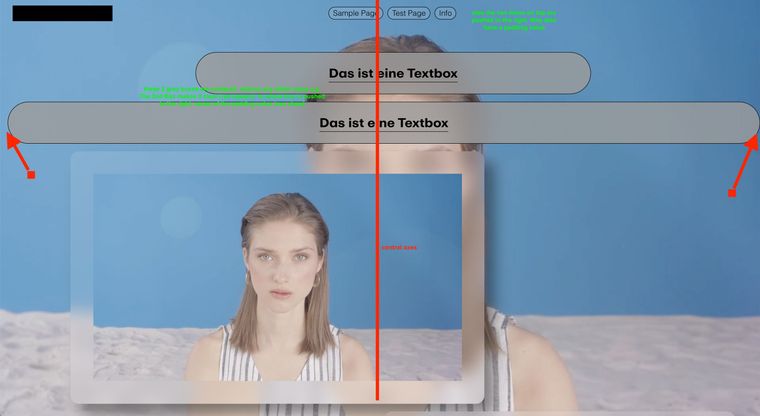
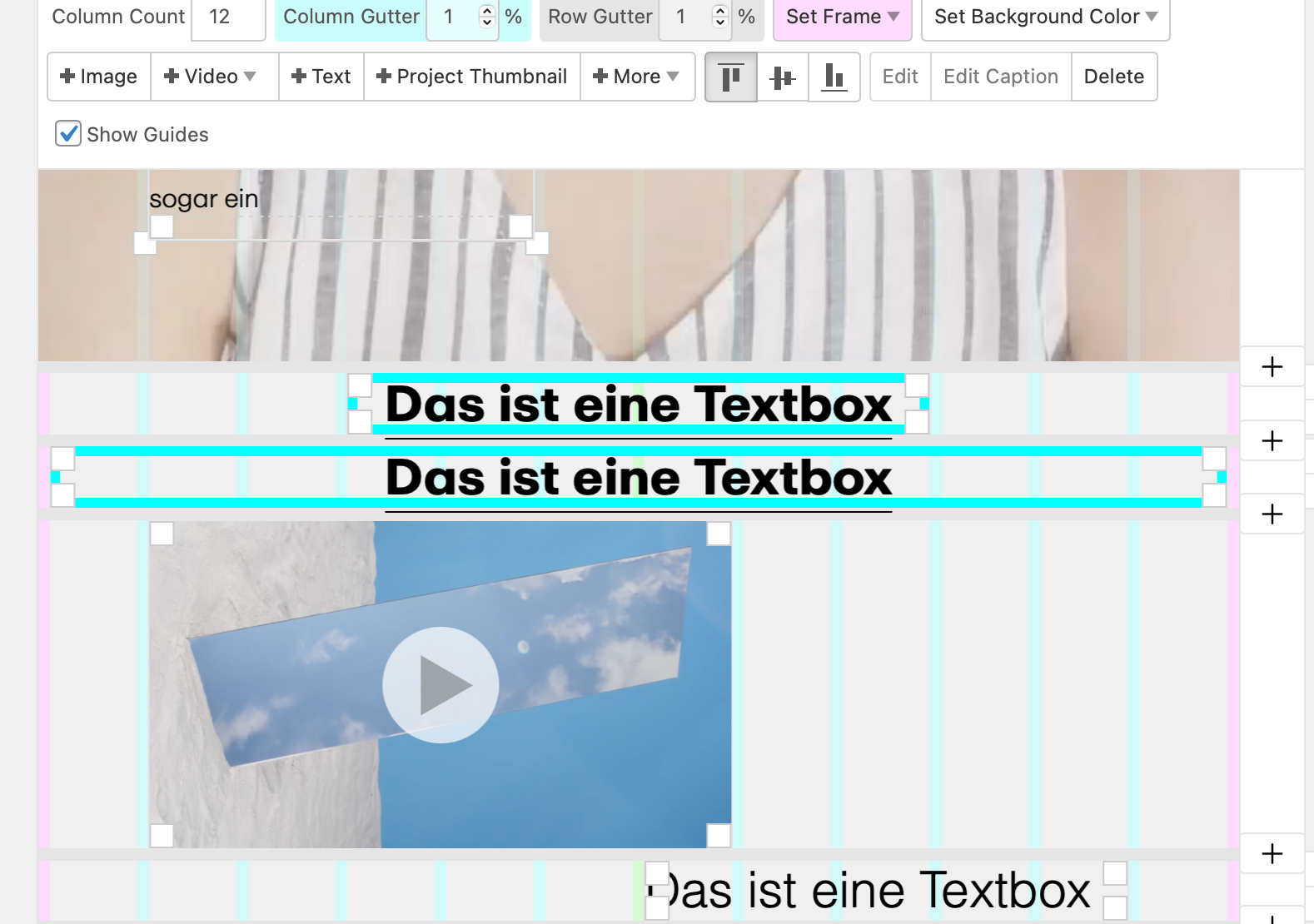
Hope this was clear enough. let ne know if not.
thx.
cheers. -
Dear @albrecht
Very helpful screenshots, thank you 🌝I understand the issue.
To make sure, is everything up to date? there was a Bug recently with the Left frame, fixed with version 4.0.4 :
"Fixed an error with element positioning when using pixels as frame left right measuring unit in "Lay Options" → "Gridder Defaults"
Secondly are you able to post a link to your website for better inspection? (maybe you are working locally) 🔍
If i could inspect the webpage and see what padding/margins are being added this would help.
Talk soon & best wishes Albrecht, sorry for such a delayed reply
Richard
-
Hey Richard,
sorry for delay... URL is
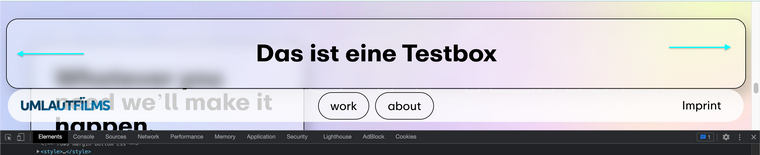
http://umlaut.albrechtgaebel.deI again put a textbox "das ist eine Testbox" in the layout so you can see the problem.
can you see the problem?
-
-
Dear @albrecht
I would suggest testing without the Custom CSS just to see if the Bug still occurs (vanilla environement) just to be sure.
However i see the added 4% Margin on "Das ist eine Textbox"
The following CSS resolves the issue:
#grid .push-0 {
    margin-left: auto;
    margin-right: auto;
}
You may need !important to override the native css but hopefully not, e.g:
#grid .push-0 {
    margin-left: auto !important;
    margin-right: auto !important;
}
If you do wish to make the test in Vanilla environment we could confirm it's a true Bug and i can get it forwarded for a Fix 🌝 Just need to see what works for you (maybe the css is all good if you only need it for that particular box)
Best wishes
Richard
-
-


Hello! It looks like you're interested in this conversation, but you don't have an account yet.
Getting fed up of having to scroll through the same posts each visit? When you register for an account, you'll always come back to exactly where you were before, and choose to be notified of new replies (either via email, or push notification). You'll also be able to save bookmarks and upvote posts to show your appreciation to other community members.
With your input, this post could be even better 💗
Register Login