Navbar blur + box-shadow?
-
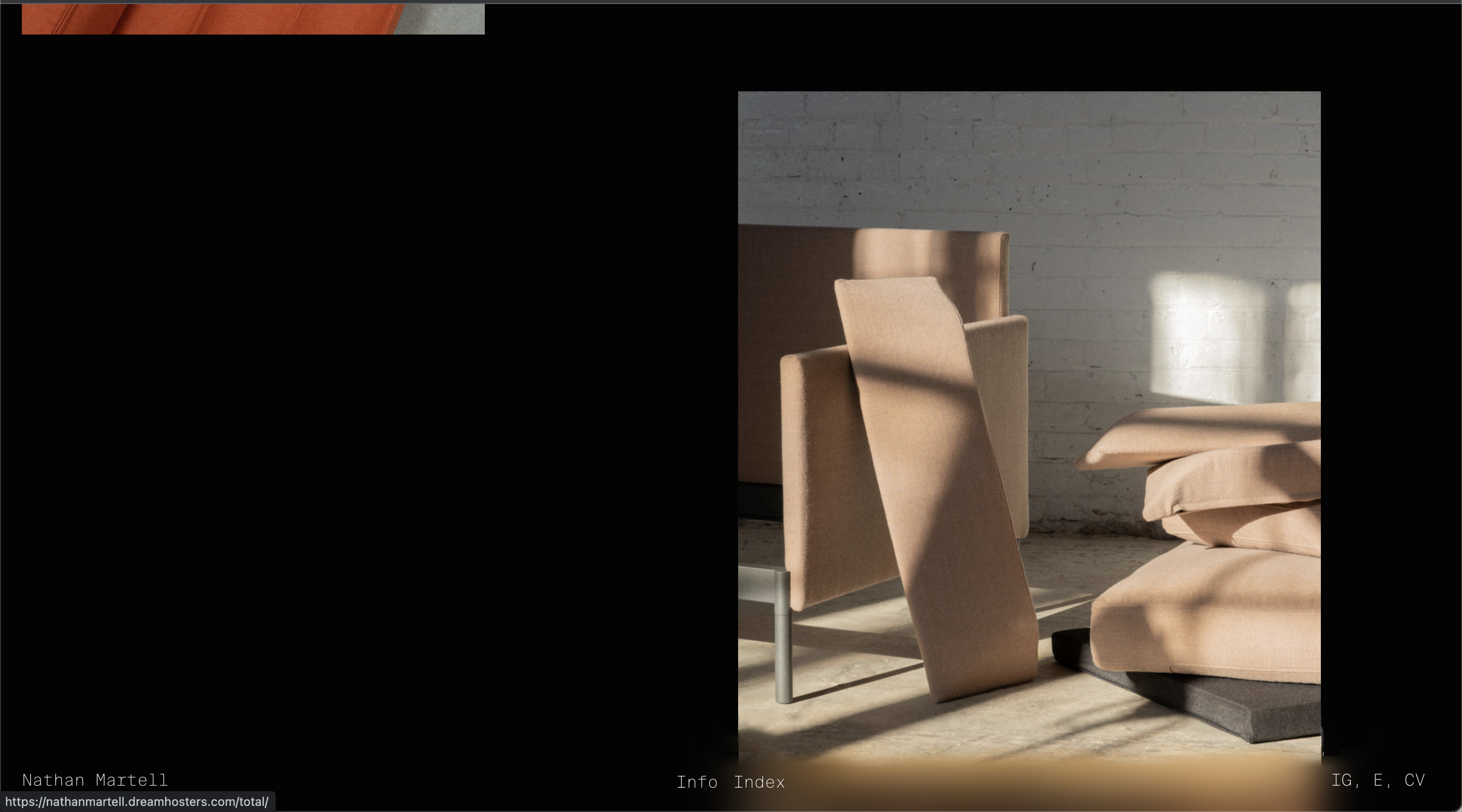
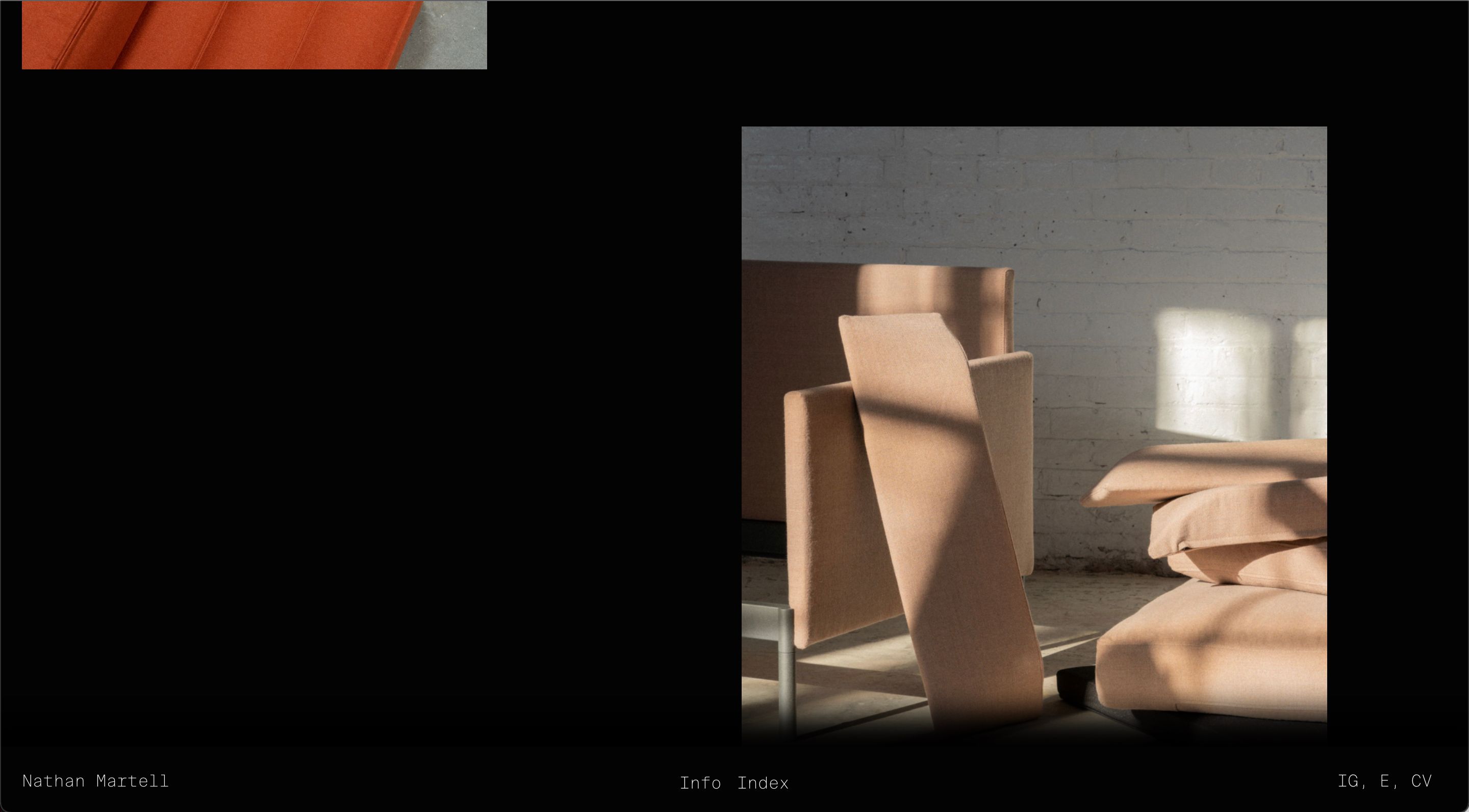
I would like to use the blur function of the navbar, but have it fade in opacity instead of having a hard edge. Not sure if this is possible?
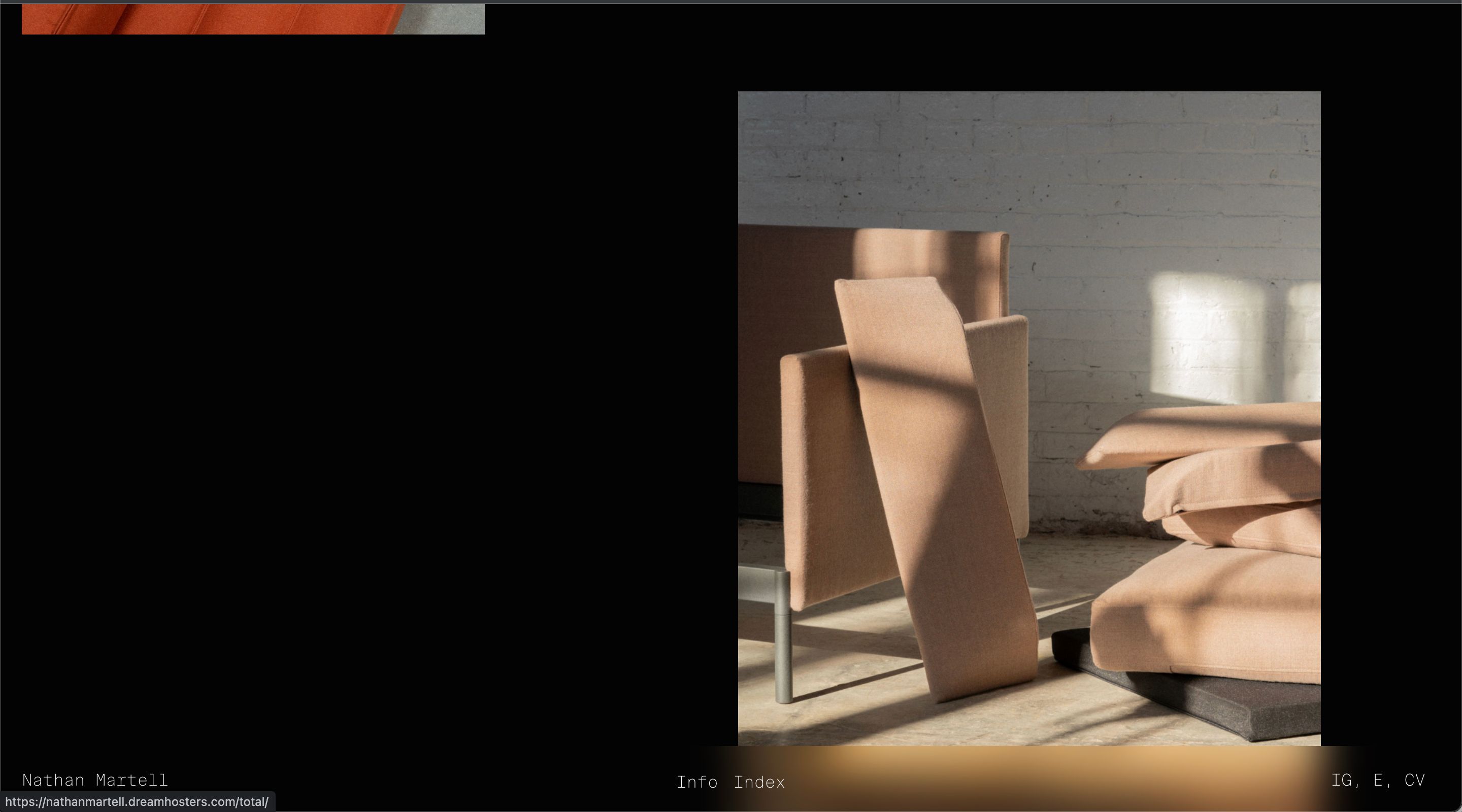
I have figured out how to do the following with a solid navbar background using the following code:
navbar {
    box-shadow: 0px -15px 30px 20px #000000;
}
ie:
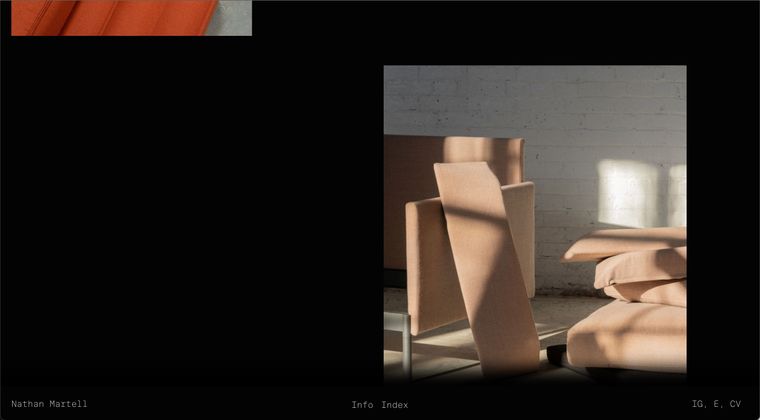
Is it possible to acheive a similar result with the blurred navbar, like this mockup?
ie:
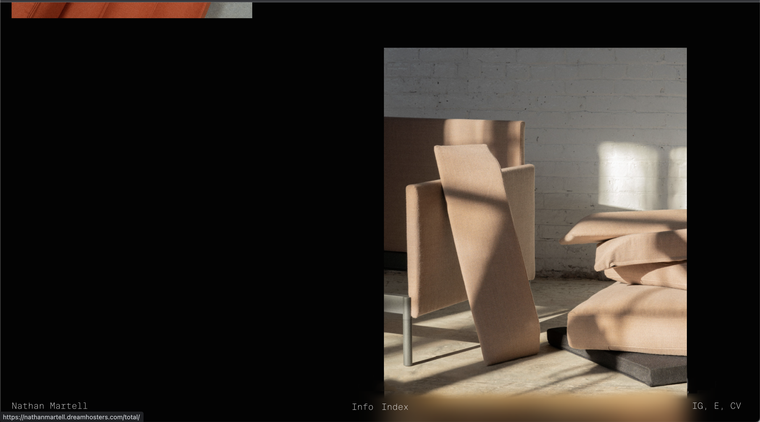
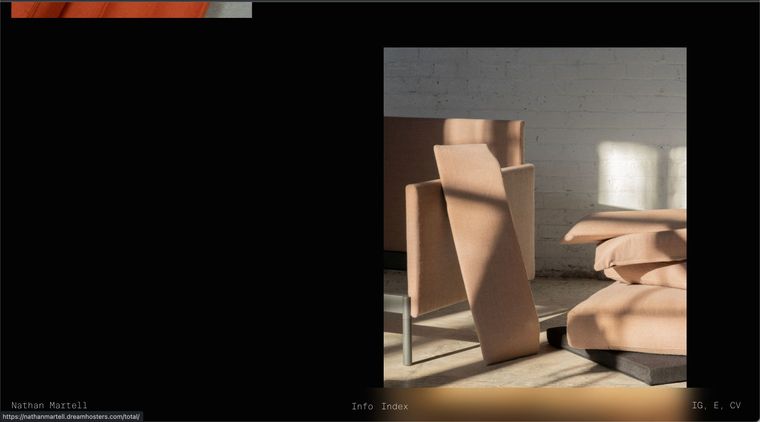
vs the default blur with hard edge:
-
-
Hey Richard,
Absolutely! It's not public yet, but the staging URL is:
https://nathanmartell.dreamhosters.com/
pw: almostdone
-
Dear Nathan
@nm
Yes this will be a bit tricky but you can get there, you can apply a nice blur using back-drop-filter:blur :
https://www.w3schools.com/cssref/css3_pr_backdrop-filter.asp
Result:

This is good when the Navbar is not interacting with another element behind it to blur off, i noticed this when using the standard 'filter:blur'.
The tricky part is the box-shadow but this thread outlines a possible solution:
https://stackoverflow.com/questions/52140378/using-a-shadow-together-with-backdrop-filter-blur
Even better would be to use the Blur function and Drop shadow in the same, for example with the backdrop filter you can apply multiple settings:
.element {
  backdrop-filter: grayscale(0.5) opacity(0.8) /* ...and on and on... */;
}
Outlined here:
https://css-tricks.com/almanac/properties/b/backdrop-filter/
So you could have blur and drop shadow together within the backdrop filter.
Best wishes and good luck! ⭐️
Richard

Hello! It looks like you're interested in this conversation, but you don't have an account yet.
Getting fed up of having to scroll through the same posts each visit? When you register for an account, you'll always come back to exactly where you were before, and choose to be notified of new replies (either via email, or push notification). You'll also be able to save bookmarks and upvote posts to show your appreciation to other community members.
With your input, this post could be even better 💗
Register Login