Content pushed left on mobile
Bug Reports
3
Posts
2
Posters
270
Views
2
Watching
-
Hi there Forum,
I’m currently working on a small website for a client and ran into a minor issue:
It seems like that the content (in a stack) in the first (browser height) row gets pushed to to left side: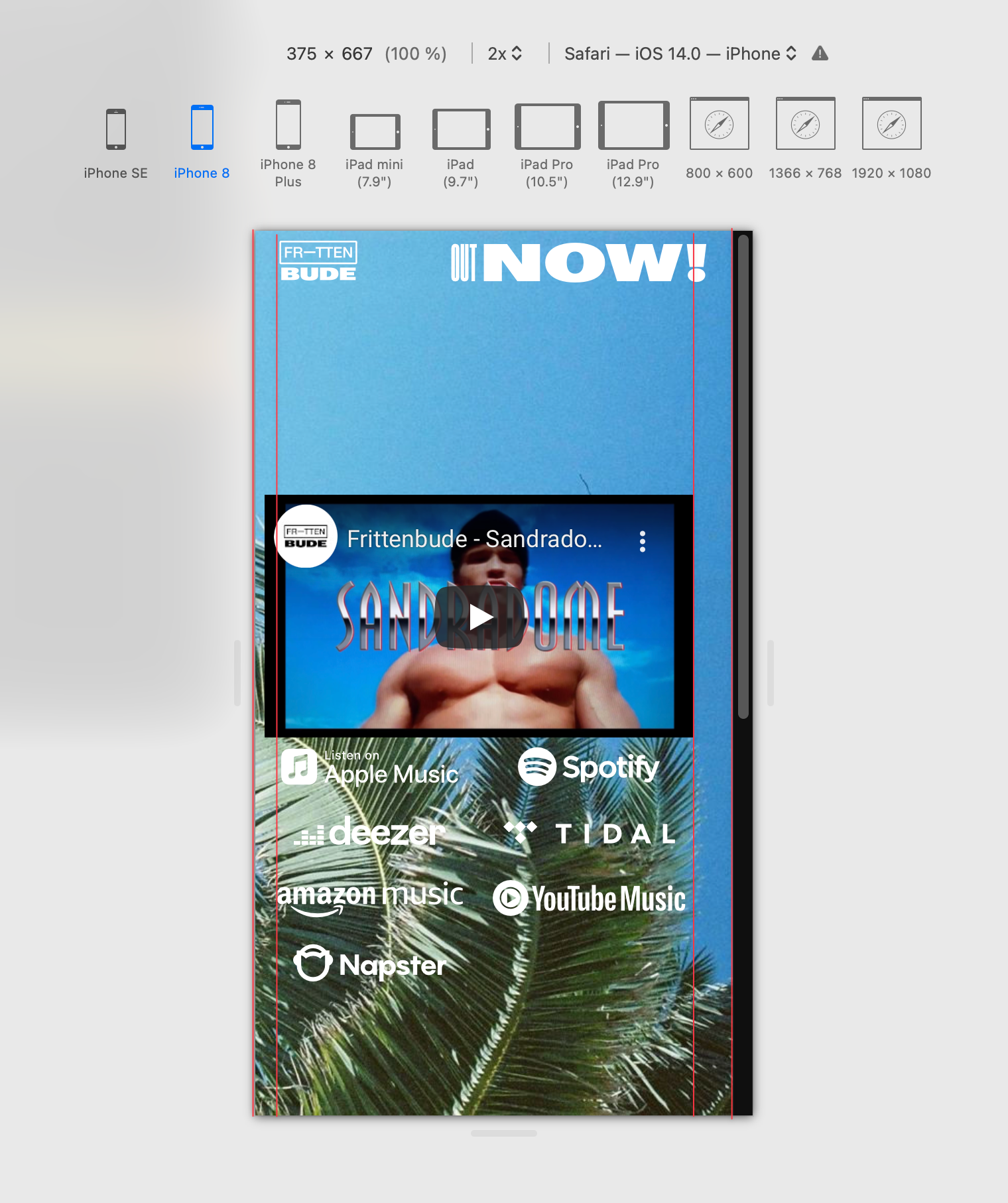
Left and right frame is set to be equally 5% and there is no offset applied to the content in question.
I assumed that it has something to do with the scroll-bar … but the behaviour can be replicated on desktop browsers as well as on a smartphone / iphone.Any help would be much appreciated!
💐 -
oh yea can u update lay theme?
then it will work -
Thank you @arminunruh!
I installed the update … still same issue, though.


Online Users
Forgot your key, lost your files, need a previous Lay Theme or Addon version?
Go to www.laykeymanager.com