videos not being shown
-
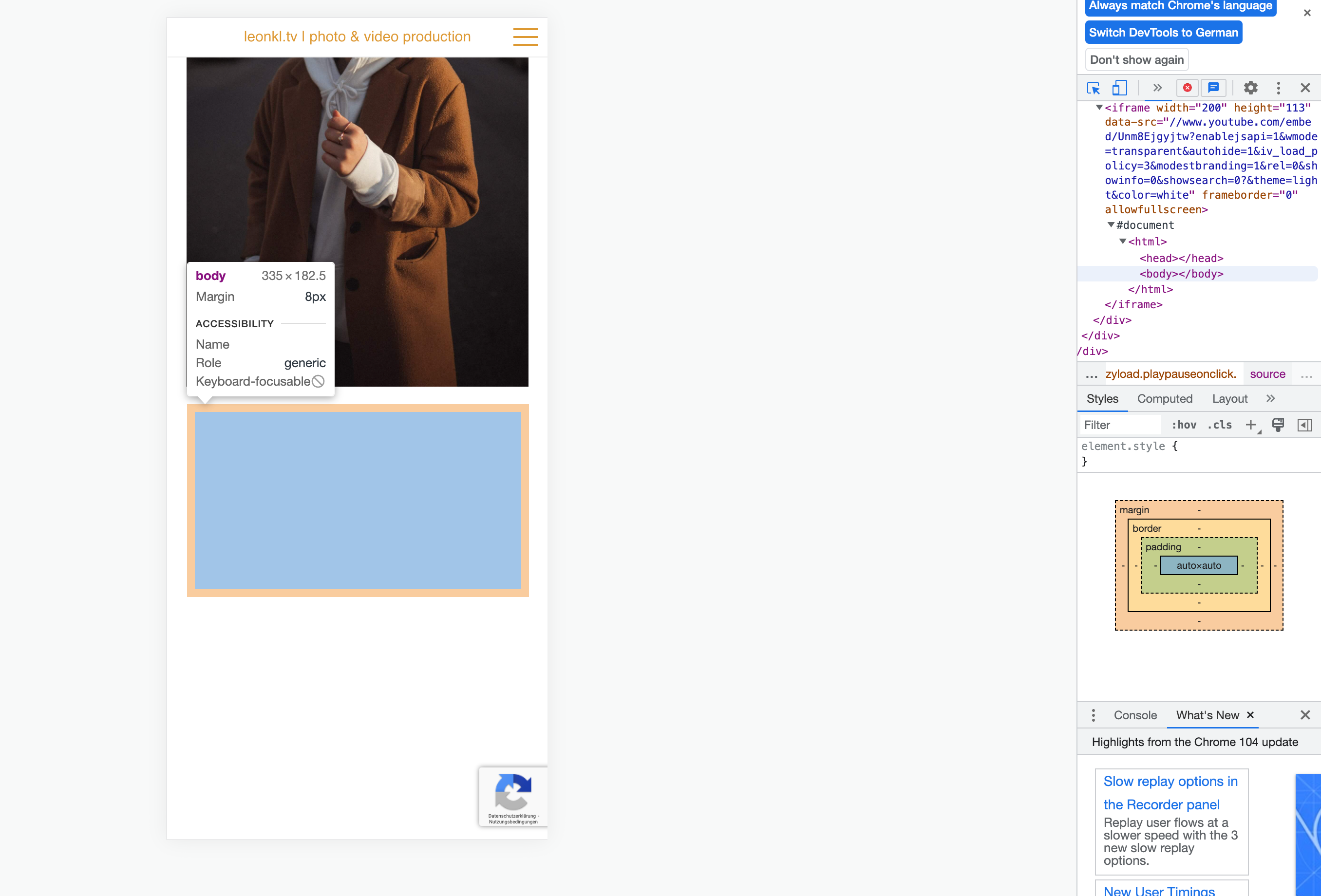
hey there, whenever I want to embed a video in my projects, it ends up not being shown on the actual site.
here's an example screenshot. i can make the designated location of the video show up in the code with the chrome page inspector, but the video just doesn't get displayed. this goes both for youtube videos and videos hosted on my webspace.can anyone help?
-
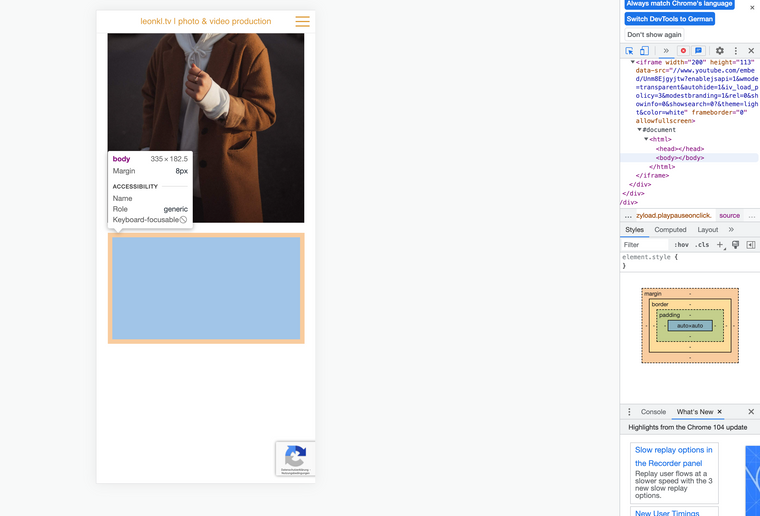
it seems like for the youtube videos, the Lay Youtube embedder uses the "data-src" property, while the original youtube embedder uses the "src" property. I can put a custom html in the gridder and embed the YT video with the original YT embed code and it works, but it would be great if you could fix the Lay embedding feature.
At the same time, I could not yet fix the problem with embedding other videos hosted in wordpress.
-
can you send your website address?
i need to lazyload youtube videos thats why im doing it like that
-
can you send your website address?
i need to lazyload youtube videos thats why im doing it like that
@arminunruh this is the page:
https://www.leonkl.tv/portfolio/Below I attached a screenshot of what the customizer is showing.
The only video that is shown on the live version is the one I html-embedded myself. The vertical photo next to the double videos (see screenshot) is supposed to be a video aswell, but it only shows its thumbnail photo.Another problem I am encountering is that links are not clickable on the page. The black and white picture on the bottom right and also the same picture on the top right of the grid are supposed to be href links to another project. when hovering, the link is seeable, but upon clicking nothing is happening. can you help on this problem aswell?
Thanks!!
Leon
-
can you do this:
- Go to Lay Options → Custom CSS & HTML, click "Turn Off All Custom Code ", click "Save Changes"
it seems there are some errors:
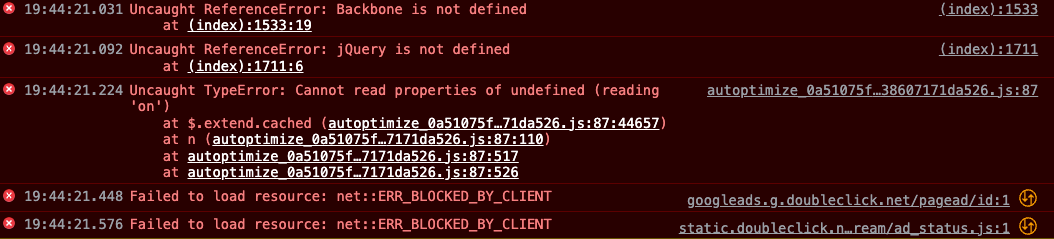
that lead me to believe maybe some of your custom code is malformed and prevents some of my code to load correctly
-
leonkl
hey armin,thanks for the tip. Instead of turning off the custom code (which is just the youtube embed), I deactivated the Autoptimize plugin which I saw in your screenshot. Now it shows the video/photo as it's supposed to. Great!
The other problem persists though. The two black and white pictures are supposed to be link and are shown as such, however they are not clickable.
"right click -> open link in new tab" works somehow, but not actually clicking the link..Can you help here as well?
cheers, Leon -
have you tried disabling your custom code? have you tried disabling all other plugins?

Hello! It looks like you're interested in this conversation, but you don't have an account yet.
Getting fed up of having to scroll through the same posts each visit? When you register for an account, you'll always come back to exactly where you were before, and choose to be notified of new replies (either via email, or push notification). You'll also be able to save bookmarks and upvote posts to show your appreciation to other community members.
With your input, this post could be even better 💗
Register Login