Cover + Footer + Background Image = Scroll Issue
-
Hej @arminunruh
Unfortunately I have a new problem when I use cover, footer and background images.
I explain everything in this video:
https://www.dropbox.com/s/opr6gj4x50f2mdh/Bildschirmvideo aufnehmen 2022-09-21 um 11.43.58.mov?dl=0If I switch off the cover function, I no longer have the problem.
Here is the Website: https://asf.uni-ak.ac.at/de/ueber-uns/
Thank you and best regards,
Fabian -
-
nice website!
haha ok i will work on it
-
 F fabiandraxl referenced this topic on
-
try this:
https://stackoverflow.com/questions/12046315/prevent-overscrolling-of-web-page
html, body{
    overscroll-behavior-y: none;
}
or this:
html { overflow: hidden; height: 100%; } body { height: 100%; overflow: auto; } -
try this:
https://stackoverflow.com/questions/12046315/prevent-overscrolling-of-web-page
html, body{
    overscroll-behavior-y: none;
}
or this:
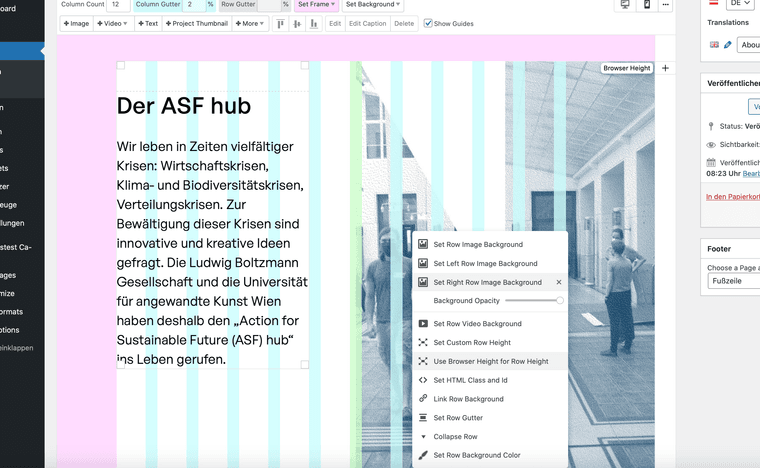
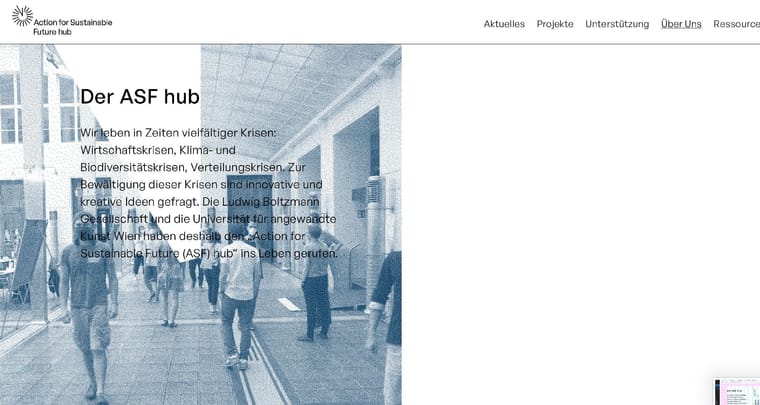
html { overflow: hidden; height: 100%; } body { height: 100%; overflow: auto; }Hej Armin, thank you for the Update. But now, alle the background Images moved sides ... please fix this. :S
-
try this:
https://stackoverflow.com/questions/12046315/prevent-overscrolling-of-web-page
html, body{
    overscroll-behavior-y: none;
}
or this:
html { overflow: hidden; height: 100%; } body { height: 100%; overflow: auto; }Did the new update first, will try it after the fix of the background images ... :P
thank you anyways ...

Hello! It looks like you're interested in this conversation, but you don't have an account yet.
Getting fed up of having to scroll through the same posts each visit? When you register for an account, you'll always come back to exactly where you were before, and choose to be notified of new replies (either via email, or push notification). You'll also be able to save bookmarks and upvote posts to show your appreciation to other community members.
With your input, this post could be even better 💗
Register Login