Imagehover without link
-
Hello,
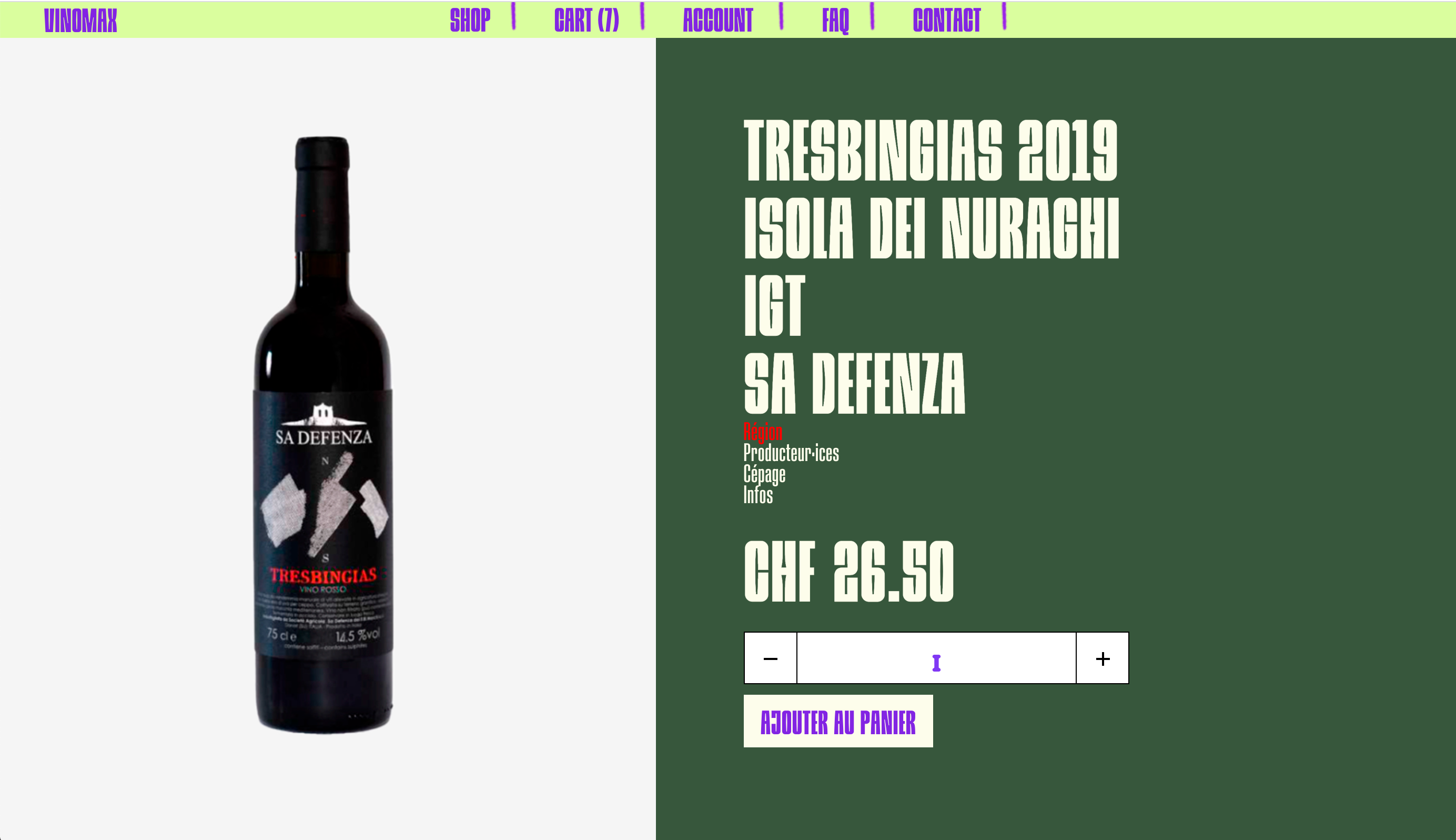
On a Woocommerce single product page, I want to hover a text on short description text, and that an small image+1word appear.
As the Woocommerce single product doesn't allow to use all the laytheme specificities as the image-hover, I don't know if it's possible? (see image, I set the "Region" word to be red on hover, and want to put hover image on the right).As I am here, I would also like to ask something else:
How can I manage to stick the "add to cart" button right next to the quantity box (on the right without margin between). (see also image below)Thanks a lot,
And also thank you for creating Laytheme, it makes me want to code even if I am not a developper 😅. Really a great theme.
Best,
Sofia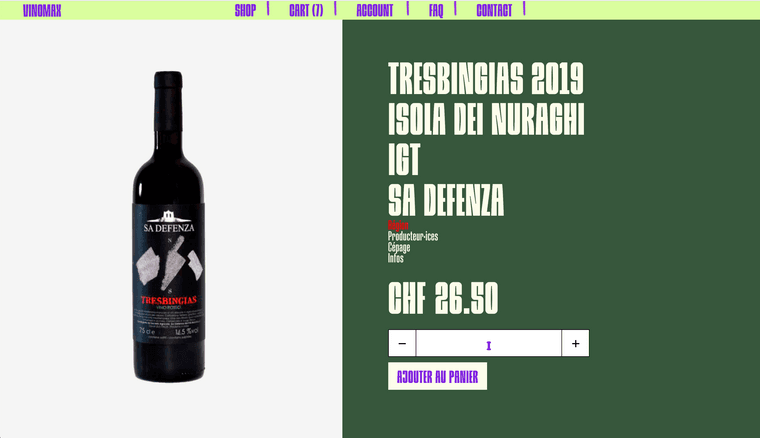
-
thanks sofia!
On a Woocommerce single product page, I want to hover a text on short description text, and that an small image+1word appear.
mh mh do you think also an accordion would work for this?
yea the imagehover addon doesnt work for this pageHow can I manage to stick the "add to cart" button right next to the quantity box (on the right without margin between). (see also image below)
Ah I see
maybe thats a bug, it should stick right next to it.
Could you send the URL to that product page?
-
thanks sofia!
On a Woocommerce single product page, I want to hover a text on short description text, and that an small image+1word appear.
mh mh do you think also an accordion would work for this?
yea the imagehover addon doesnt work for this pageHow can I manage to stick the "add to cart" button right next to the quantity box (on the right without margin between). (see also image below)
Ah I see
maybe thats a bug, it should stick right next to it.
Could you send the URL to that product page?
Hi @arminunruh
Thanks for the answer!I've just managed to do the hover thing via CSS.
My code:
.hide {
display: none;
}
.region:hover + .hide {
display: block;
float: right;
margin-left: 50px;
}For the buttons, https://vinaunaturel.com/nos-vins/tresbingias-igt-2020/
It is not online yet… would be on Wednesday, can't put it online before that. But it s a "detail" I can modify after this deadline.
Thanks a lot,
Have a great end of week-end! -
This post is deleted!

Hello! It looks like you're interested in this conversation, but you don't have an account yet.
Getting fed up of having to scroll through the same posts each visit? When you register for an account, you'll always come back to exactly where you were before, and choose to be notified of new replies (either via email, or push notification). You'll also be able to save bookmarks and upvote posts to show your appreciation to other community members.
With your input, this post could be even better 💗
Register Login