different secondary menus
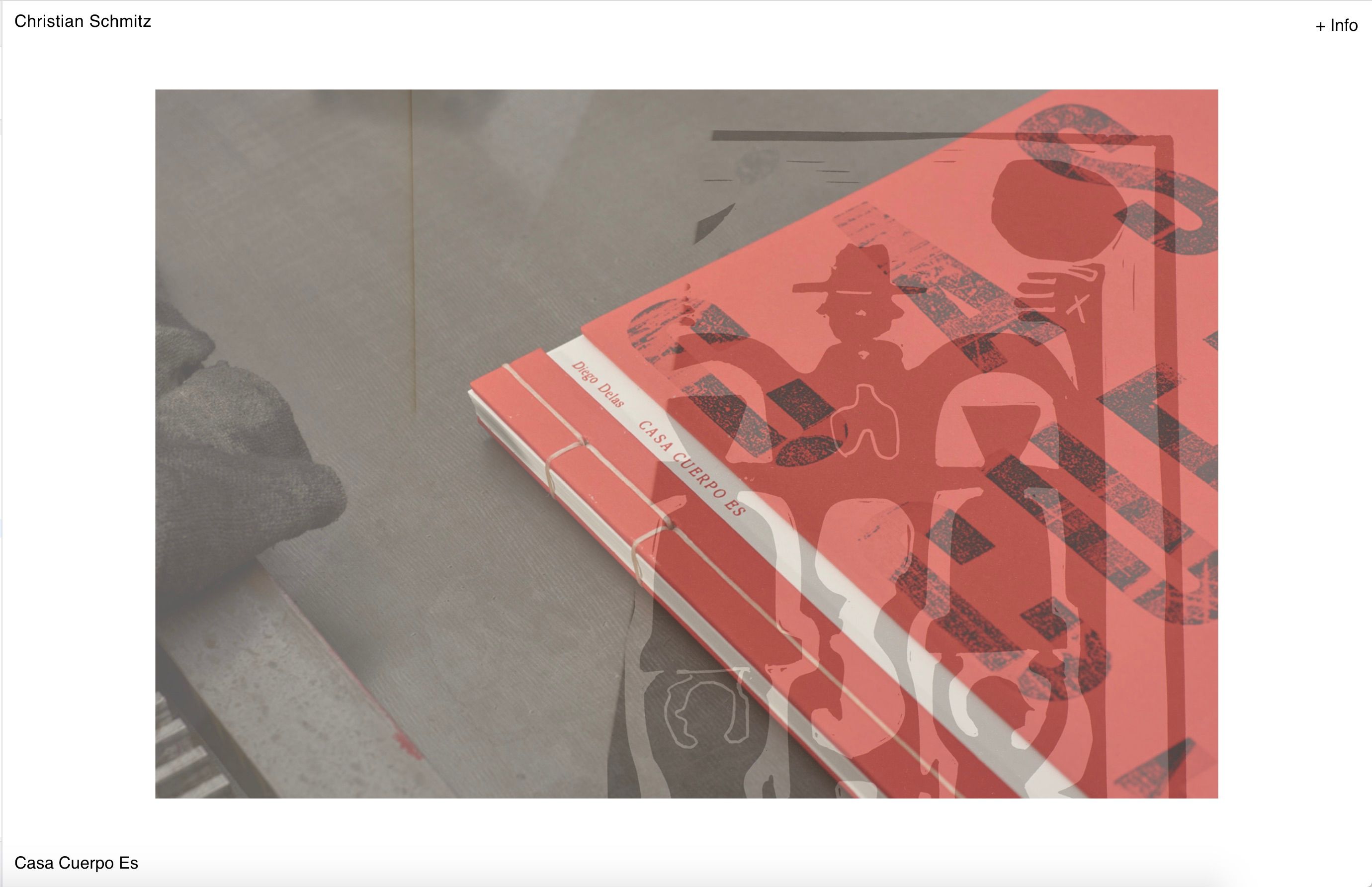
-
here you have an empty <p> </p> tag, causing your caption to be positioned differently
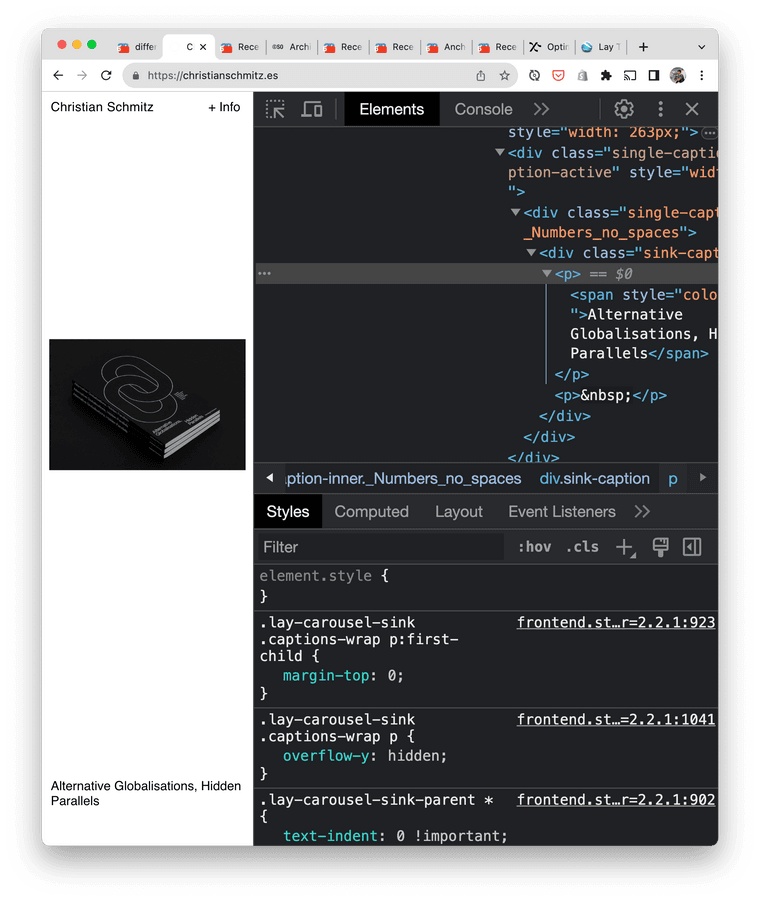
-
@arminunruh said in different secondary menus:
.lay-carousel-sink {
position: fixed !important;
bottom: 12px!important;
left: 12px !important;
z-index: 999 !important;
}Hi @arminunruh
Sorry but that only seems to be working for chrome but not for safari or mobile, screenshots attached...I worry that we're going in circles, is there any chance you understand what is happening, I am asked to share final site before the weekend?
Thank you!
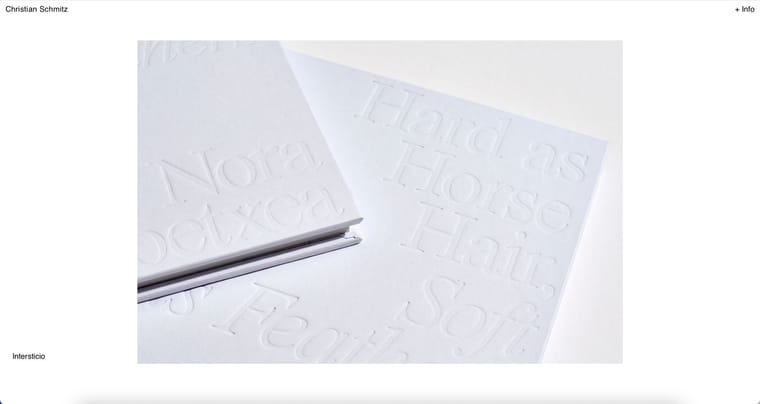
i will release an update today that will fix it
-
ok u can update now, then it should work
-
ok u can update now, then it should work
@arminunruh thanks Armin, just to clarify, what do I need to update on my side? The css you share has been applied both for Desktop CSS and Mobile CSS?
-
just update your lay theme and remove the empty <p></p>
tagthe css is correct already it seems
if it doesnt work:
can you send your website address, /wp-admin/ username and password and a link to this topic to info@laytheme.com?

Hello! It looks like you're interested in this conversation, but you don't have an account yet.
Getting fed up of having to scroll through the same posts each visit? When you register for an account, you'll always come back to exactly where you were before, and choose to be notified of new replies (either via email, or push notification). You'll also be able to save bookmarks and upvote posts to show your appreciation to other community members.
With your input, this post could be even better 💗
Register Login