Embed bandcamp code not saving
-
Hi,
Over the years, I've easily added the embed bandcamp code to each release page I've created - here are examples:
https://incienso.nyc/inc-016/
https://incienso.nyc/inc-019/For some reason, for the last two pages I've created, I haven't been able to add the embed source code:
https://incienso.nyc/inc-020/
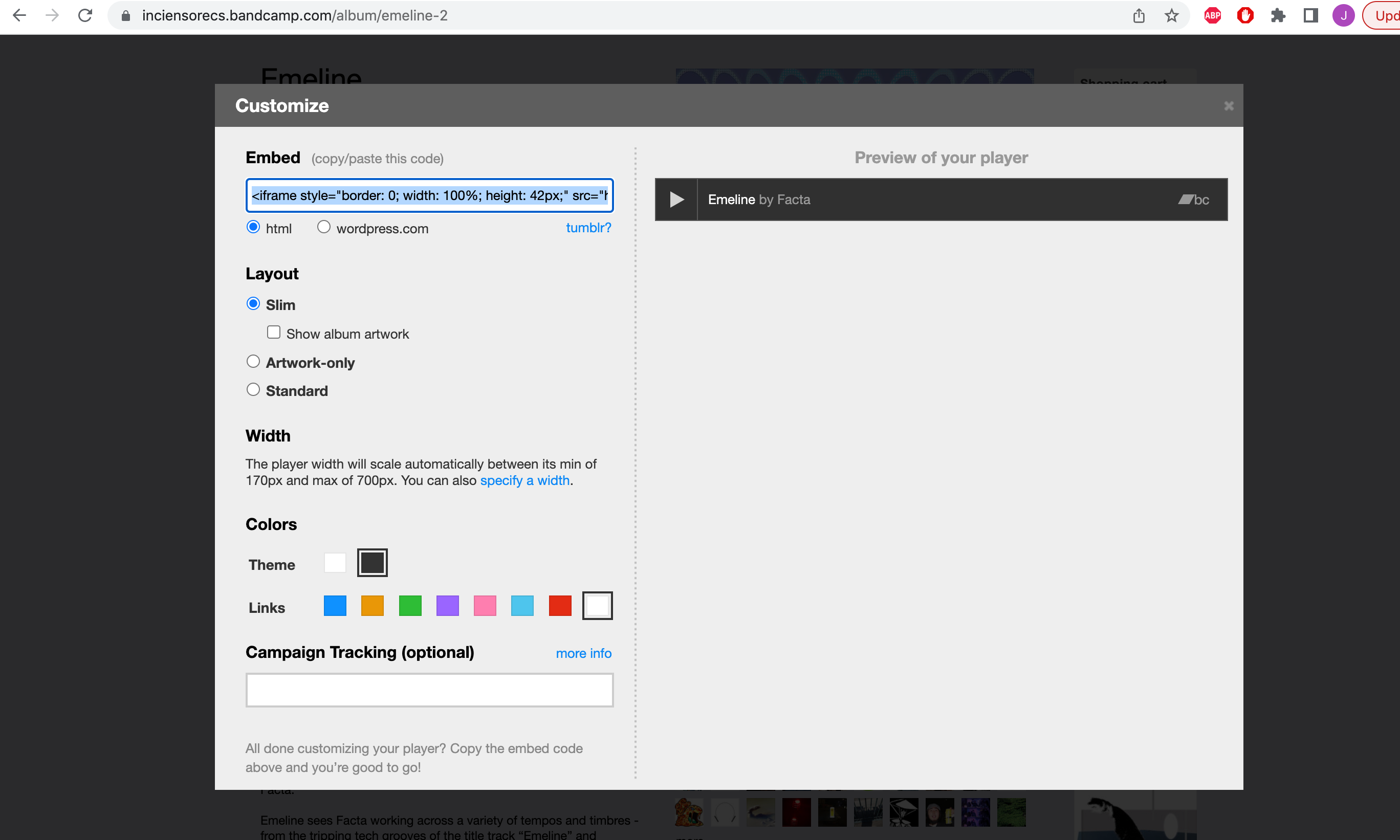
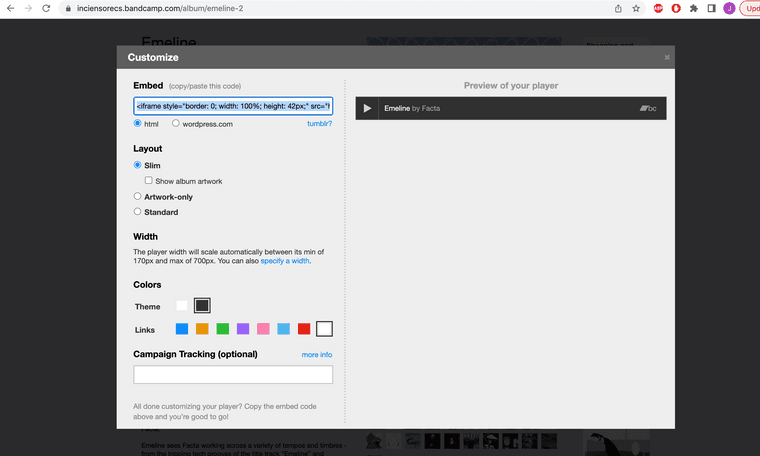
https://incienso.nyc/inc-022/Normally I copy the embed code and paste it in the text box beneath the rest of the html code. However, after I click OK, nothing happens and if I check the source code again, what I pasted there has disappeared.
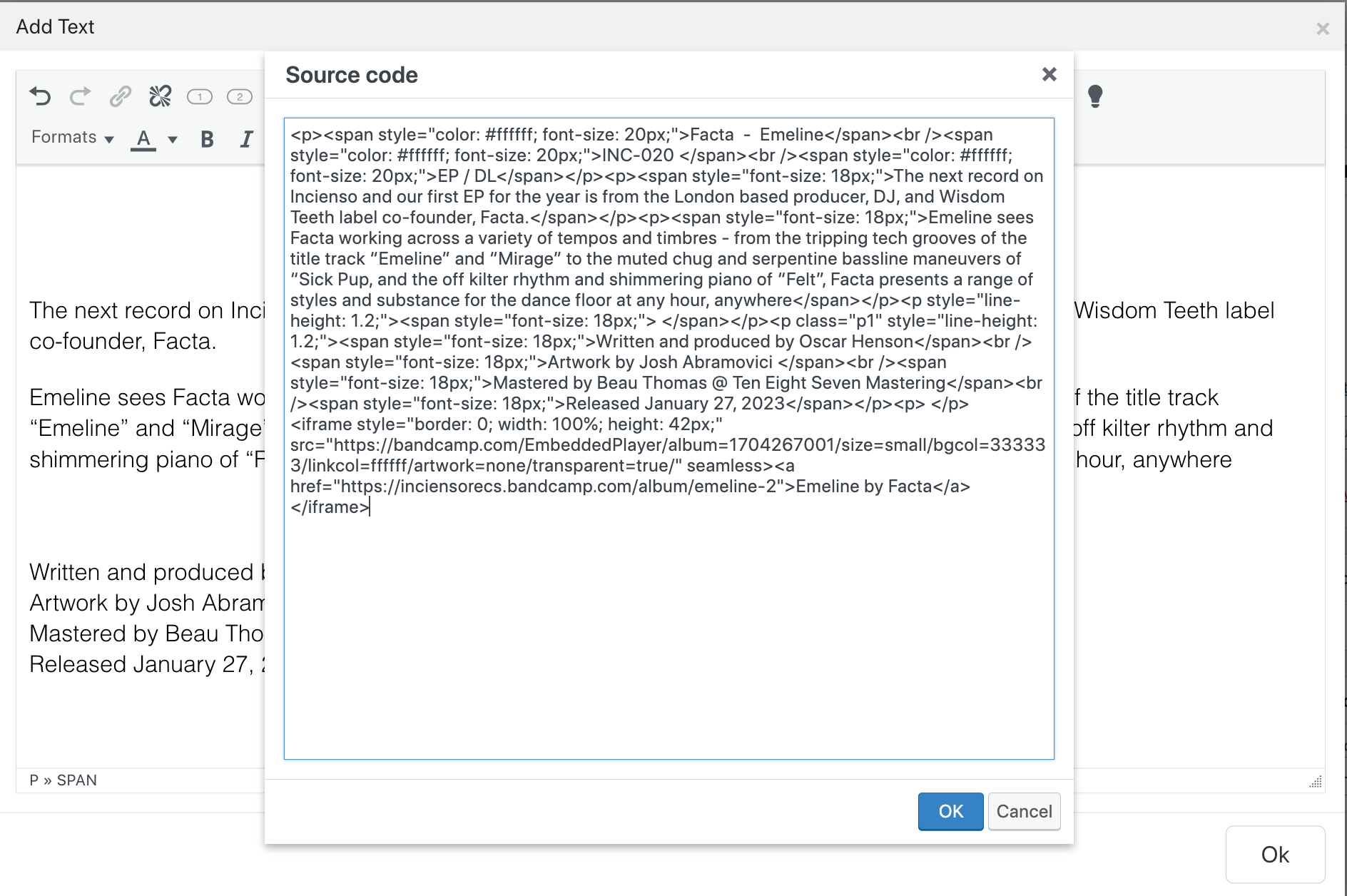
I checked my previous releases and what's weird is that the embed link still appears on the page but if you click the source code, that embed code doesn't appear anymore.
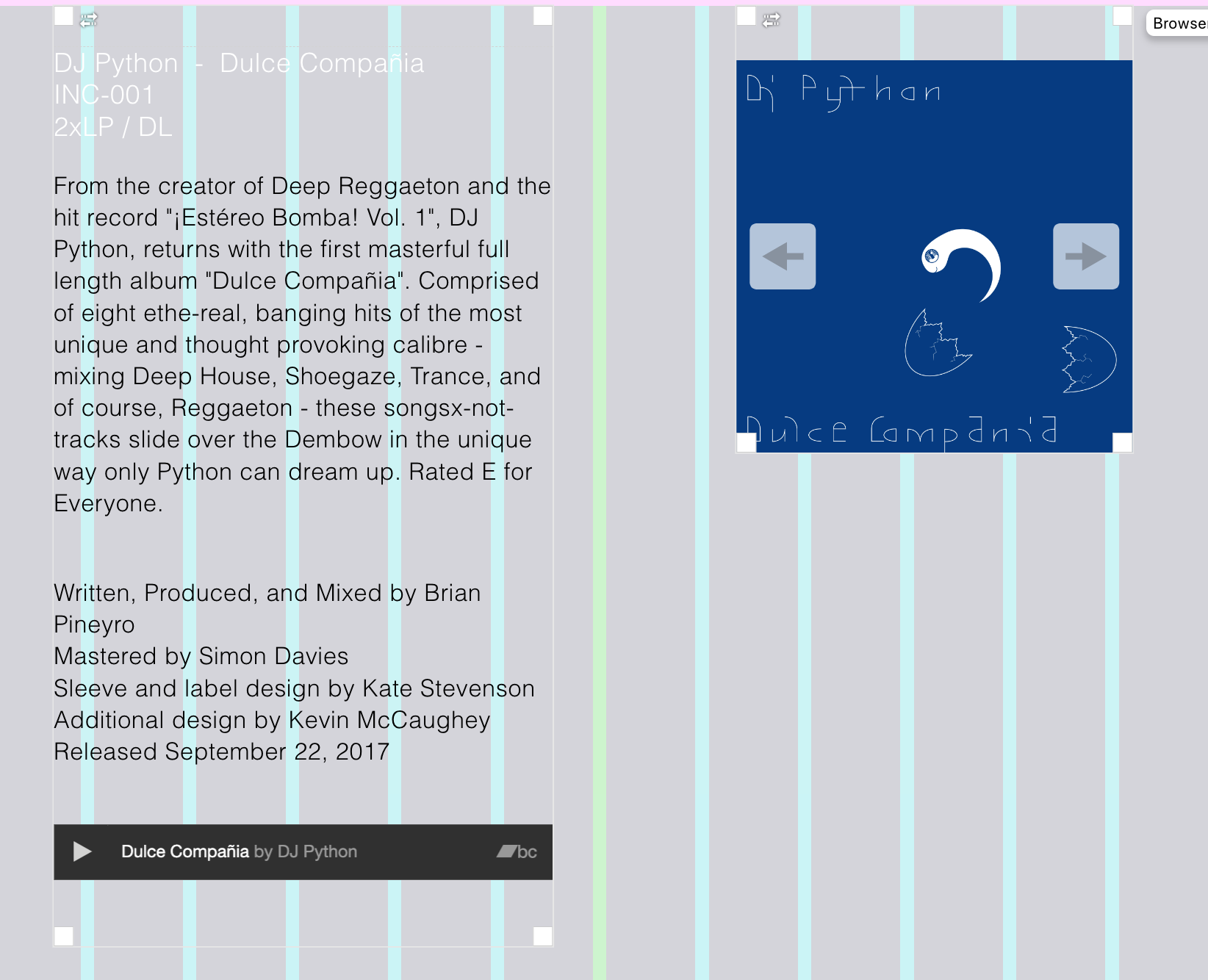
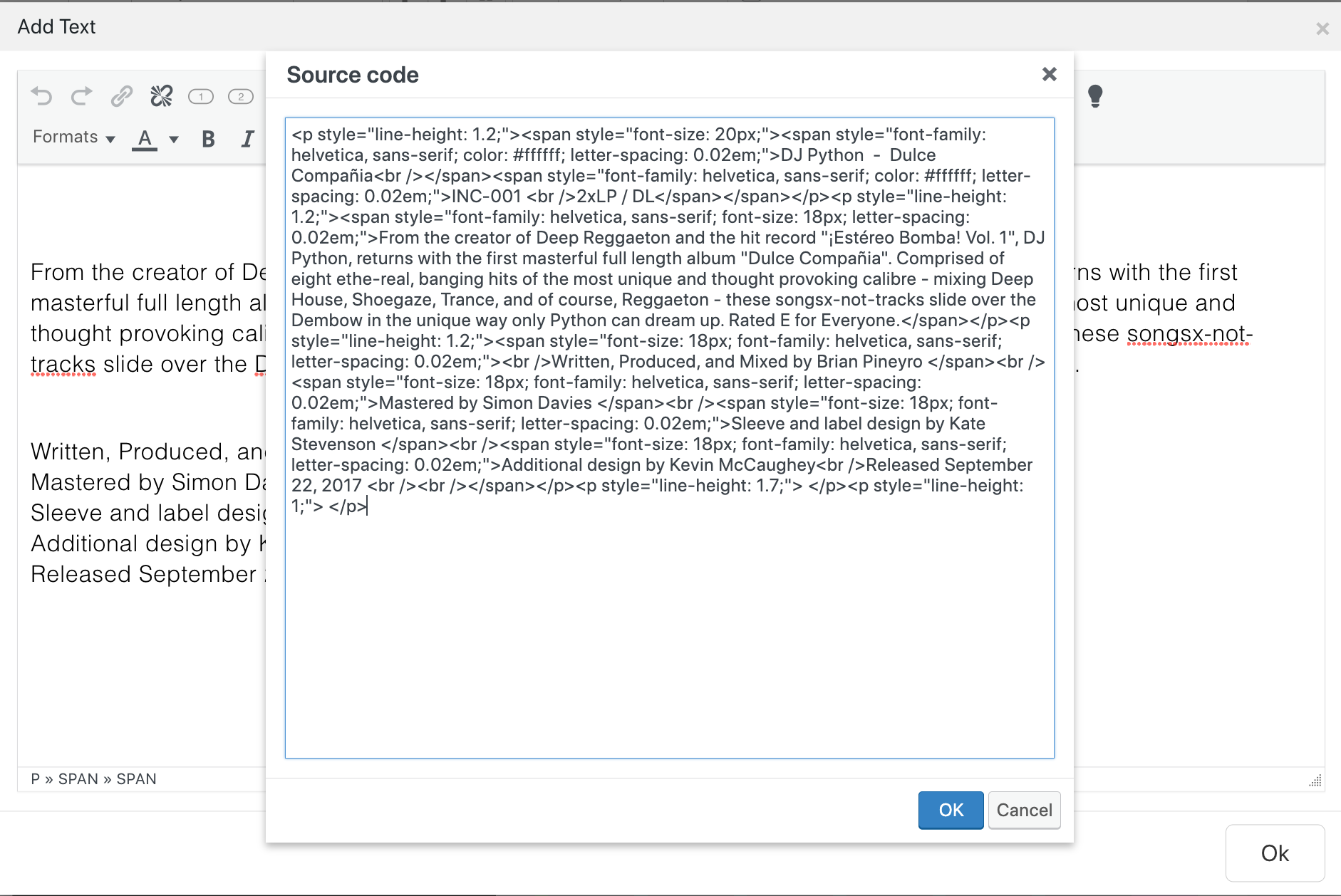
I know I could add the embed code on its own, as a separate html box, however I'd prefer not to do that as there can be overlap with the text box if the window is minimised.
Thanks for all your help!
-
hey can you use a stack element and put text on top and then either a html element or embed element under the text
-
That worked! Thanks so much for your help!
-
I am not familiar with website building. Can you elaborate on this? What is a stack element?
Can the embed code for Wordpress like the following works ? Or I should use HTML version? Thanks !
[bandcamp width=100% height=42 album=1934621805 size=small bgcol=ffffff linkcol=0687f5 artwork=none]
-
hello!
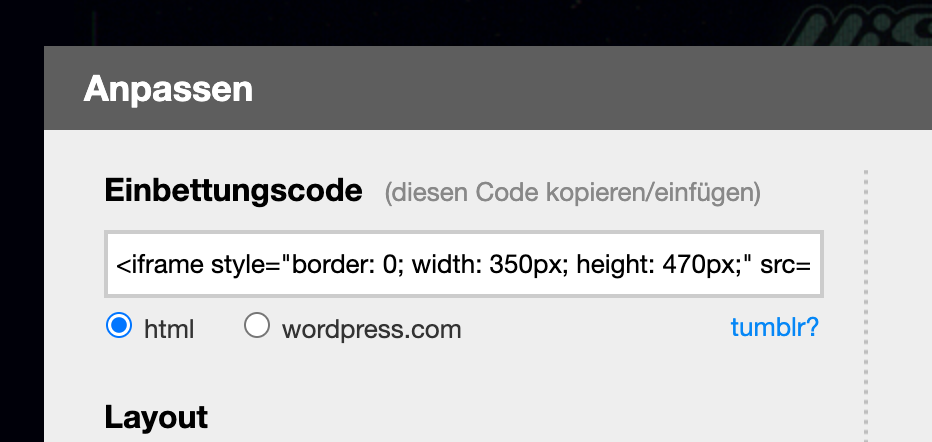
when i want to embed a bandcamp embed, i can choose html here.then i would copy the code:
<iframe style="border: 0; width: 350px; height: 470px;" src="https://bandcamp.com/EmbeddedPlayer/album=122232351/size=large/bgcol=ffffff/linkcol=0687f5/tracklist=false/track=2426005177/transparent=true/" seamless><a href="https://visolux.bandcamp.com/album/resorte-de-palisho">Resorte de Palisho von Elias Sternin</a></iframe>
then i would go to +more -> +html
in the gridder and paste this code and put it into the layout.
+more -> +stack element, thats just a way of putting elements on top of each other:
https://laytheme.com/documentation/gridder-elements.html#stack-element -
Awesome ! Success.
I was able to put the html code inside the stack element, and it came out nicely. Thanks !

Hello! It looks like you're interested in this conversation, but you don't have an account yet.
Getting fed up of having to scroll through the same posts each visit? When you register for an account, you'll always come back to exactly where you were before, and choose to be notified of new replies (either via email, or push notification). You'll also be able to save bookmarks and upvote posts to show your appreciation to other community members.
With your input, this post could be even better 💗
Register Login