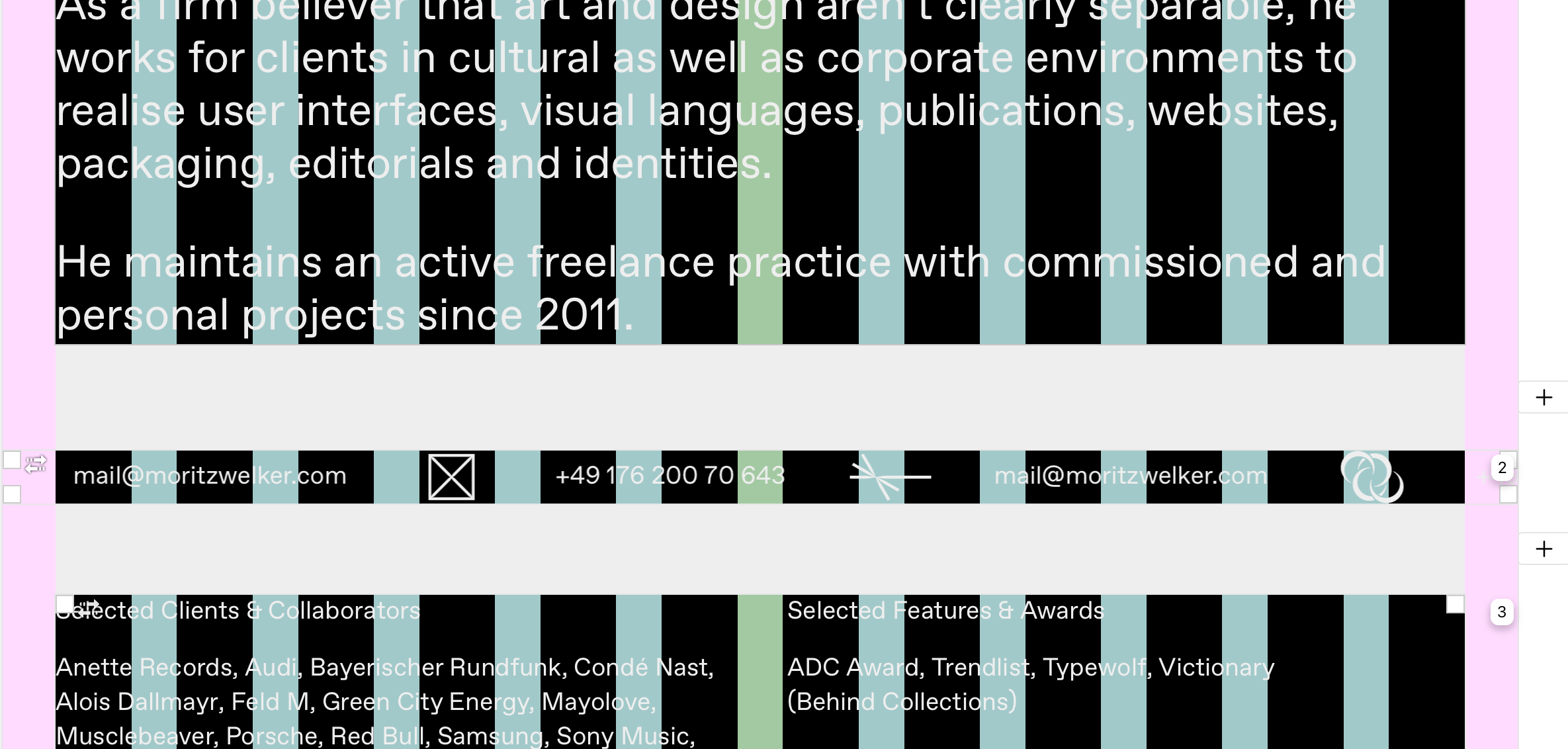
Marquee not working after update
-
-
i see will be fixed with the next update!
it seems like there is an image inside of your marquee that might have been deleted or sth! so the check i included that looks for if the image is on cloudfront dns doesn't work and crashes the marquee :D :(
-
i see will be fixed with the next update!
it seems like there is an image inside of your marquee that might have been deleted or sth! so the check i included that looks for if the image is on cloudfront dns doesn't work and crashes the marquee :D :(
@arminunruh Hmm … strange … there’s a few SVGs in there. All of them are available in the library and show up in the gridder, though. Anything I could do to make it work (again)?
Edit:
I just updated to 6.3.2 and it works again … any clues why that is? -
yea because i fixed the bug
yea you're right, you don't have missing images. maybe it was a bug that happened with svg's
-
yea because i fixed the bug
yea you're right, you don't have missing images. maybe it was a bug that happened with svg's
Thanks a ton @arminunruh 💐


Hello! It looks like you're interested in this conversation, but you don't have an account yet.
Getting fed up of having to scroll through the same posts each visit? When you register for an account, you'll always come back to exactly where you were before, and choose to be notified of new replies (either via email, or push notification). You'll also be able to save bookmarks and upvote posts to show your appreciation to other community members.
With your input, this post could be even better 💗
Register Login