Carousel Autoplay options not taking effect
-
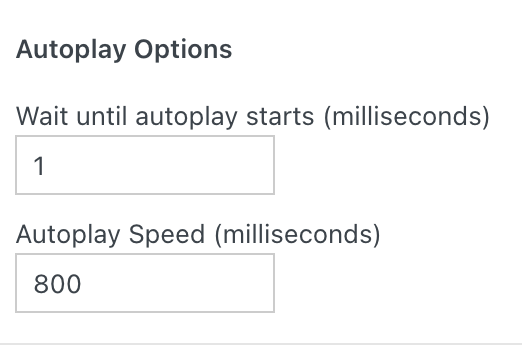
can you turn this off in the carousel just for a test:
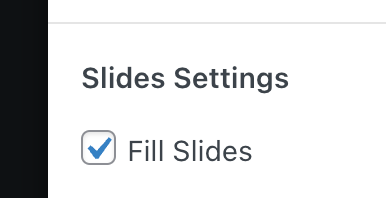
and lmk if it works then?
i think somehow this might break the carousel on ios safari at the moment -
actually yes i tested it on your site and this seems to be the culprit, im looking into it more now
-
alright can you update the carousel addon now, delete your caching plugin's cache or disable the plugin
then it should work
-
Thanks for checking arminunruh.
Title bug in Safari
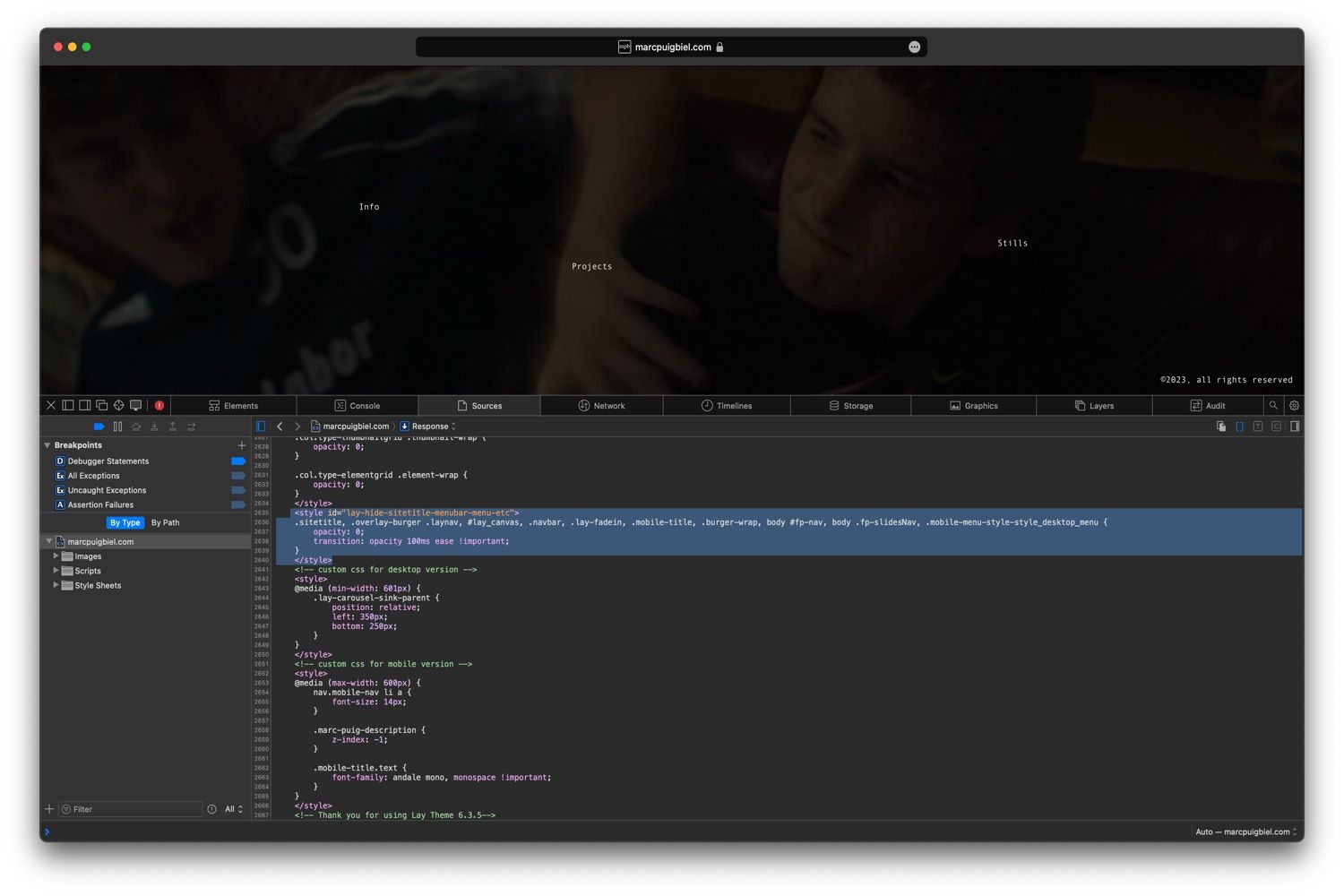
- I can't still see the title. I have overcome this with a bit of CSS. Strange bug, it only happens on Safari (Version 17.0) at least. Here's a screenshot of what I think the problem is.
Carousel
- Thanks, now the website loads on iOS.
- I can't seem to be able to apply the right speed. It's slower than expected. These are the settings:
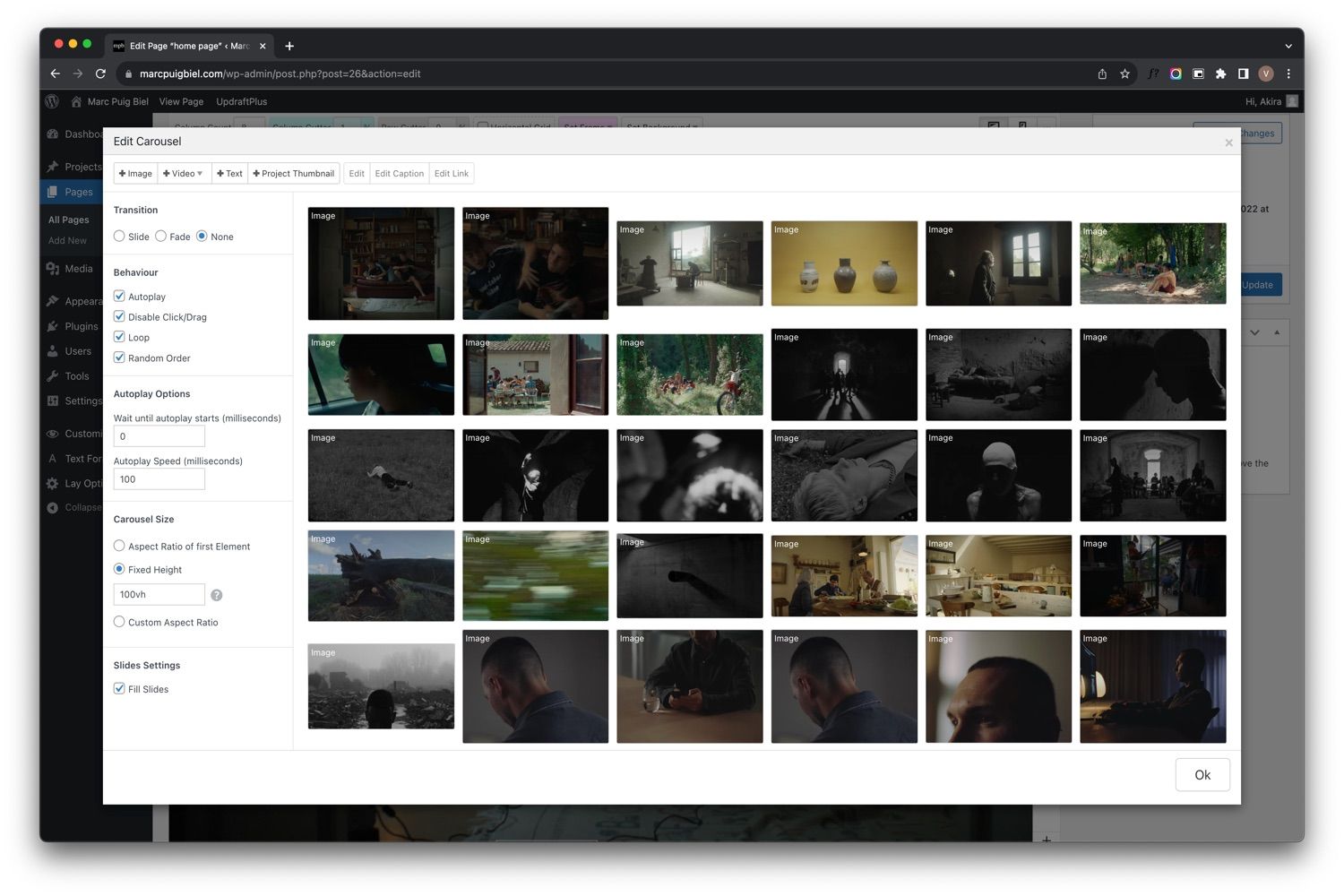
here's an example of what is expected: https://we.tl/t-KDmmDCb7nt
- I can't still see the title. I have overcome this with a bit of CSS. Strange bug, it only happens on Safari (Version 17.0) at least. Here's a screenshot of what I think the problem is.
-
-
you're right. the fix didn't work!
i fixed it and released a new update for the carousel. i updated it on your website. i disabled your caching plugin. you can enable it again if you like. -
-
which links exactly?
-
-
its probably because they are so small
on desktop they are also a little hard to click
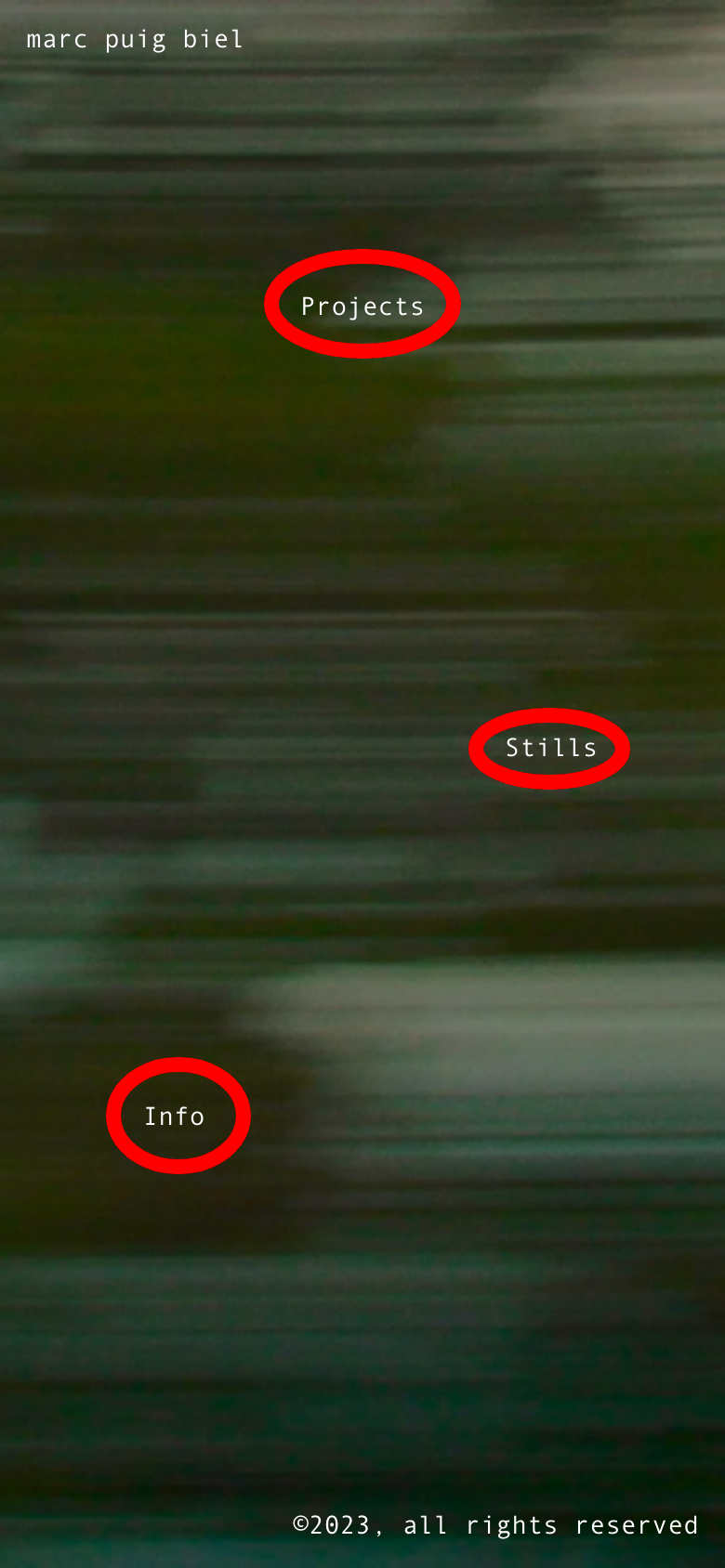
try this:.home .lay-content a{ padding: 15px; }this gives the links more clickable space around

Hello! It looks like you're interested in this conversation, but you don't have an account yet.
Getting fed up of having to scroll through the same posts each visit? When you register for an account, you'll always come back to exactly where you were before, and choose to be notified of new replies (either via email, or push notification). You'll also be able to save bookmarks and upvote posts to show your appreciation to other community members.
With your input, this post could be even better 💗
Register Login