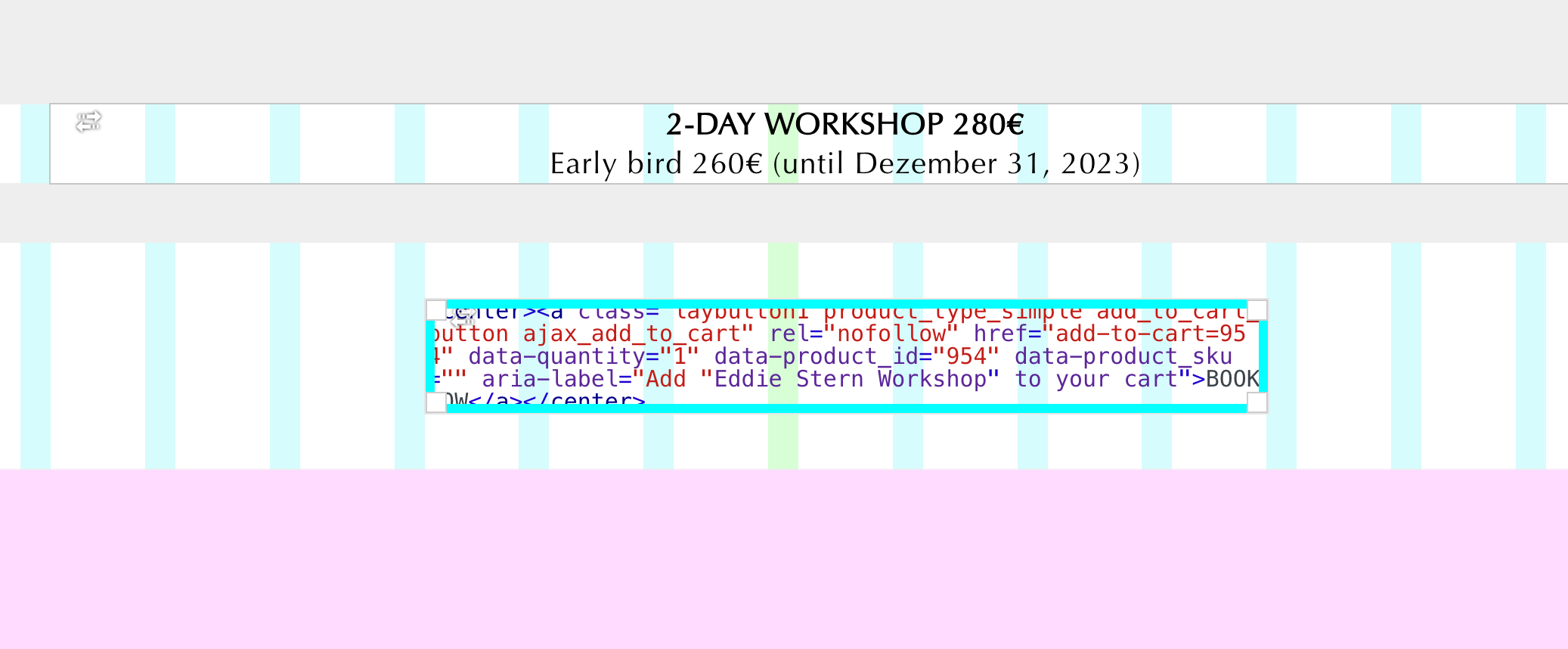
HTML element not editable anymore

-
Hey there,
I'm using several html elements in my gridder layouts on this side: www.practice.de
And now I see that these elements are not editable anymore.
Either they don't open at all when I click on them or they do open but show no content. Any idea what's going on?https://practice.de/schedule/ here I'm using an Eversports widget via the HTML element but when I open it, it seems empty. Although the widget works.
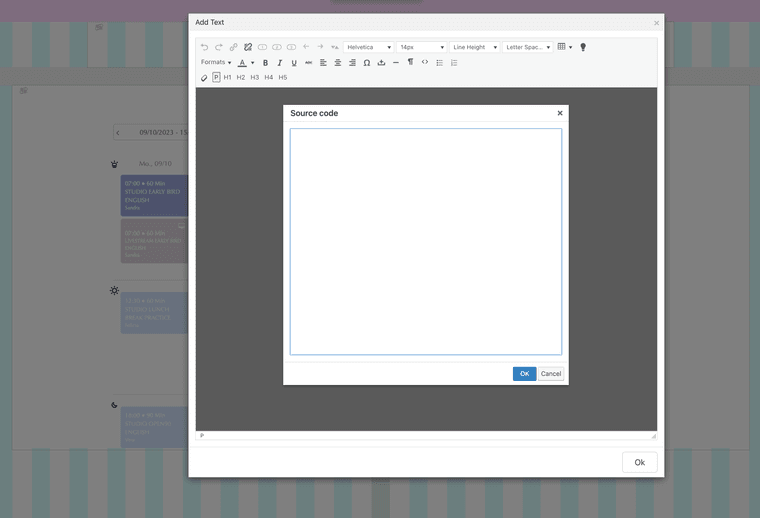
And that's another element on another page that just wont open when I double click:
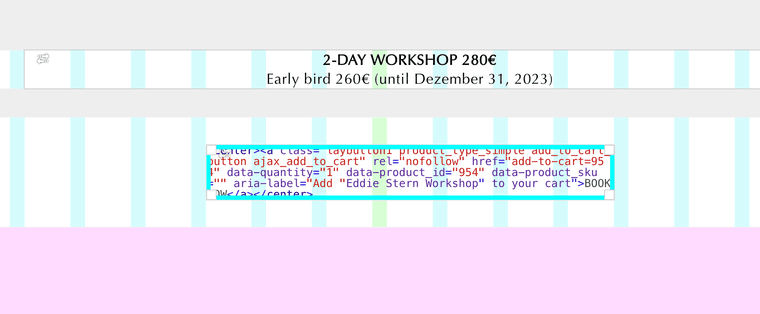
-
i see!
if you click on the html element once, and then click the edit button it seems to work
i will fix it!
-
the <> button in a text element seems to work correctly for me:
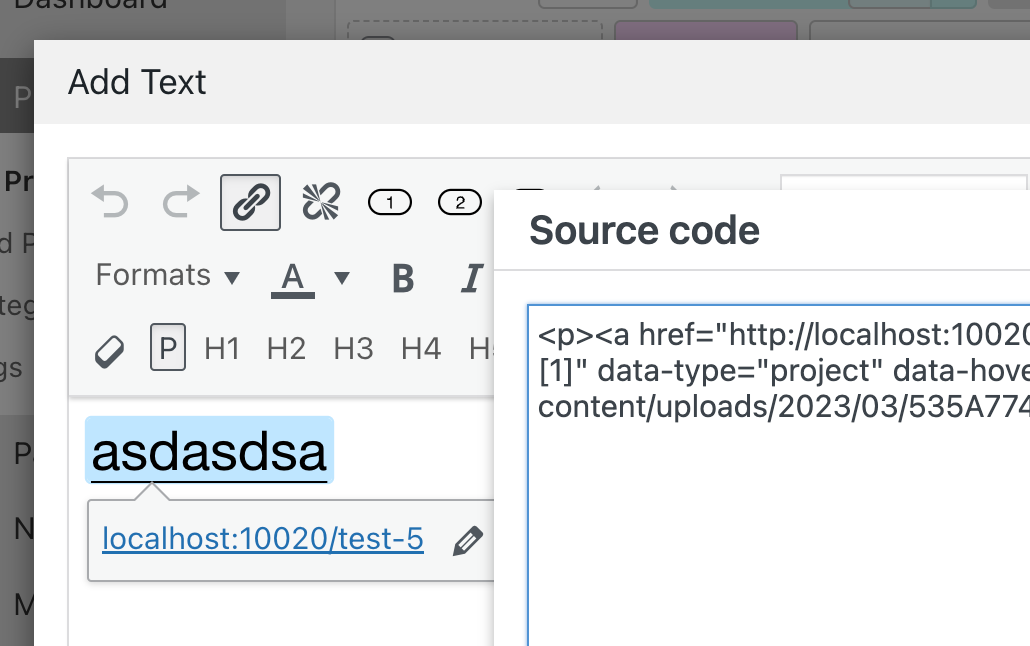
-
Thank you Armin.
Using the Edit button does open it. Great.Yet there's still this one element that is displayed completely empty. Although iut contains the Eversports widget. I don't get it: https://practice.de/schedule/
-
you could try to delete the text element and insert the iframe using an html element instead of a text element
or:
can you send your website address, /wp-admin/ username and password and a link to this topic to info@laytheme.com?
-
yeah, that's what I did now. Created a new HTML element.
Thanks for the help. -
i see!
if you click on the html element once, and then click the edit button it seems to work
i will fix it!Fantastic, had that issue several times.
Unfortunately, I haven't had the chance to write this down yet. Thanks for fixing it.❤️



Hello! It looks like you're interested in this conversation, but you don't have an account yet.
Getting fed up of having to scroll through the same posts each visit? When you register for an account, you'll always come back to exactly where you were before, and choose to be notified of new replies (either via email, or push notification). You'll also be able to save bookmarks and upvote posts to show your appreciation to other community members.
With your input, this post could be even better 💗
Register Login