can't upload fonts (.woff or .ttf's)
-
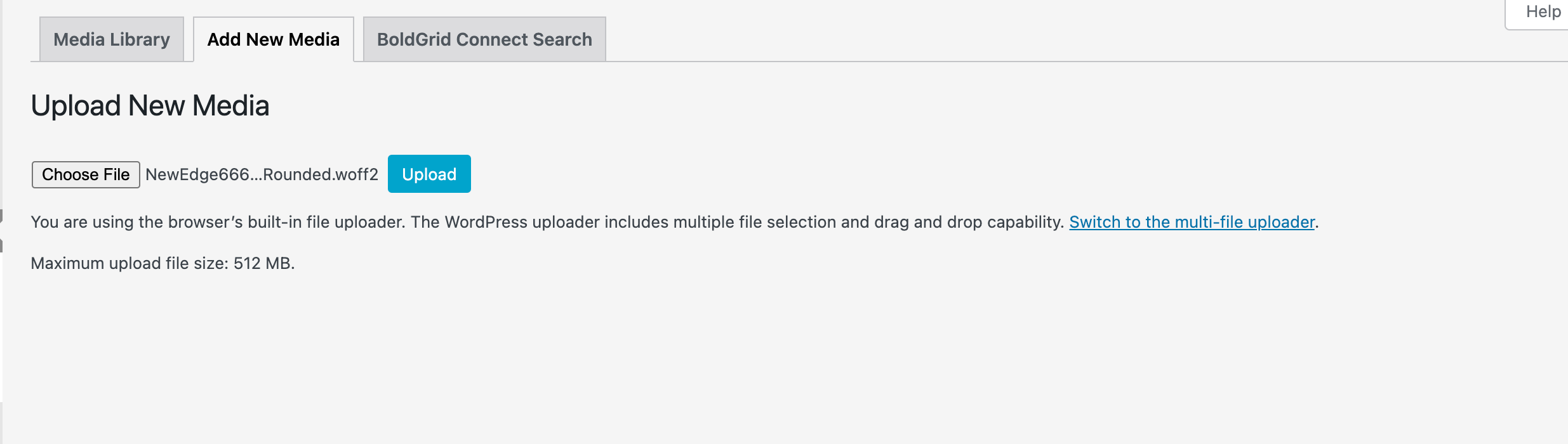
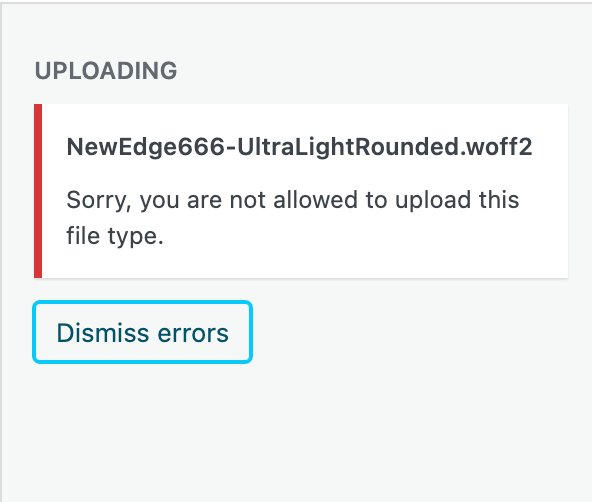
I have been trying to upload new fonts for a long time now and get error messages every time. I've tried uploading .woff2, .woff, and .ttf and none work. I also tried uploading from the Media Uploader since i'm working in Chrome (according to Troubleshooting page). Nothing is working and it's driving me crazy! I don't see any reason why these shouldn't be uploading. Does anyone have a solution?
-
oh mh! that is weird!
usually this shouldn't happen.can you send your website address, /wp-admin/ username and password and a link to this topic to info@laytheme.com?
sorry about the late reply!

Hello! It looks like you're interested in this conversation, but you don't have an account yet.
Getting fed up of having to scroll through the same posts each visit? When you register for an account, you'll always come back to exactly where you were before, and choose to be notified of new replies (either via email, or push notification). You'll also be able to save bookmarks and upvote posts to show your appreciation to other community members.
With your input, this post could be even better 💗
Register Login