how do I make over lays of different text boxes, sizes & fonts?
-
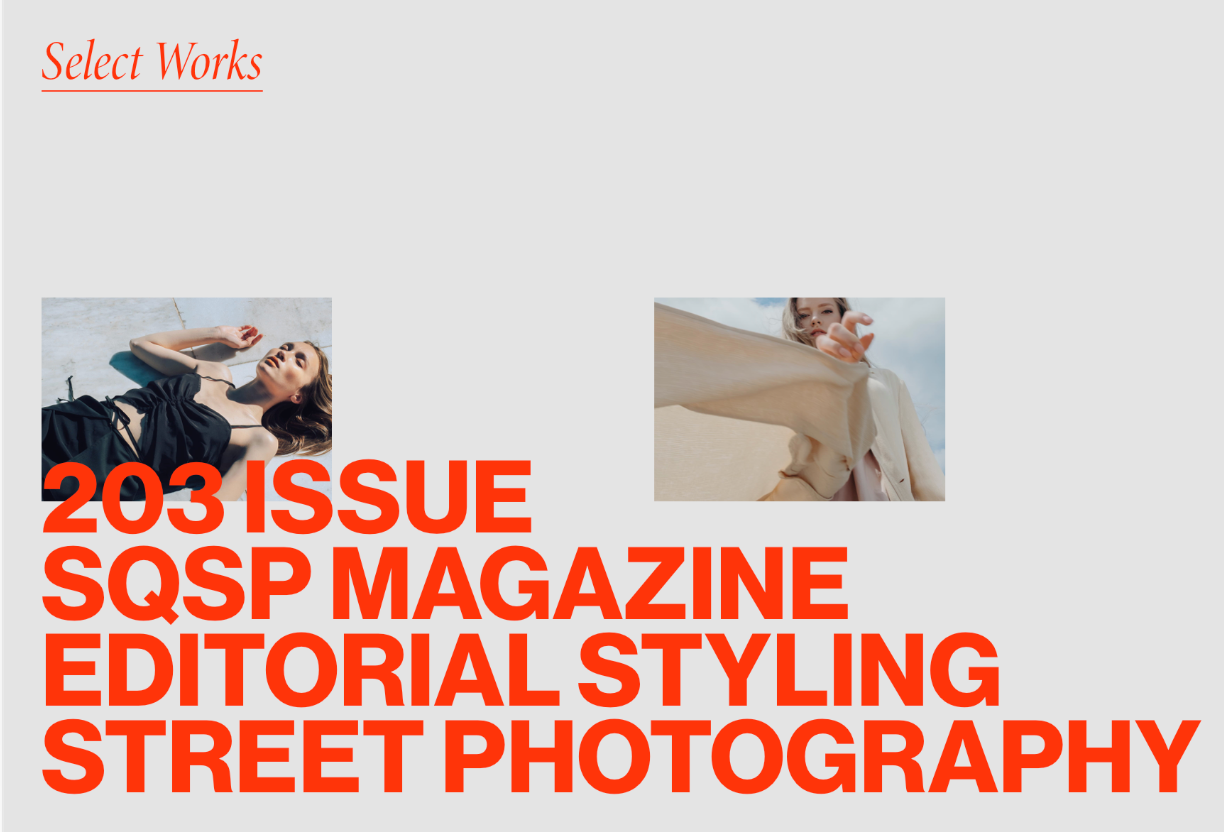
I haven't figured it out...I'm able to drag in several images in the same 'row' but not text boxes. Also -is it possible to place text above images?! -see ref pictures
Here's a current wip page;
http://lisoka.com/product-design-for-modern-classic-man-hm/?preview_id=902&preview_nonce=73e8730540&_thumbnail_id=904&preview=true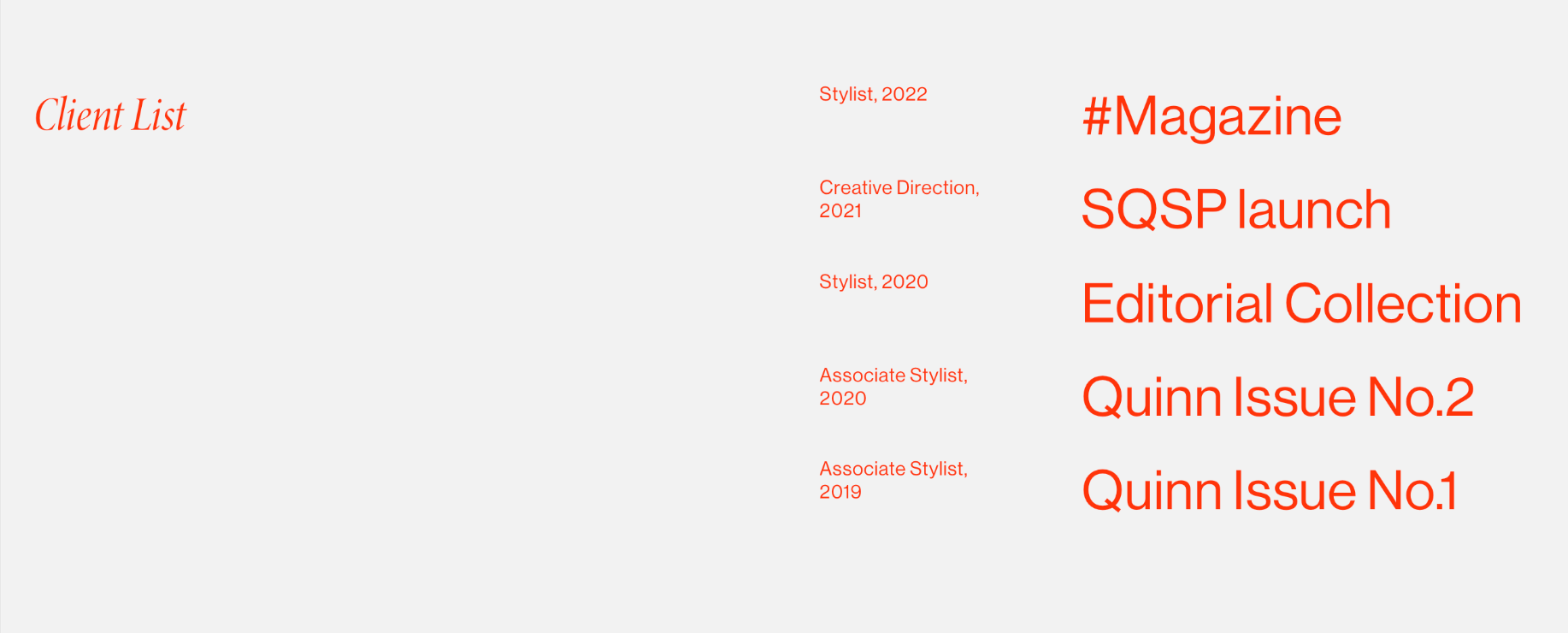
-
use the stack element: +more → +stack
with it you can put elements above one another inside a single rowpreview pages cannot be accessed when you're not logged in as an admin, so i cant view your link
I'm able to drag in several images in the same 'row' but not text boxes
not sure what you mean here. texts and images can be next to one another in a row.
what does this all have to do with overlays?
Do you mean this?
https://www.instagram.com/p/CvII57wrp7V/or do you just want to overlap elements?
if you want to overlap elements:
do this:
if your row has a custom row height (right click row, set custom row height) or browser height (right click row, set custom browser height), then all elements within that row can be placed anywhere, overlapping each other.or do this:
right click an element and click "position freely"

Hello! It looks like you're interested in this conversation, but you don't have an account yet.
Getting fed up of having to scroll through the same posts each visit? When you register for an account, you'll always come back to exactly where you were before, and choose to be notified of new replies (either via email, or push notification). You'll also be able to save bookmarks and upvote posts to show your appreciation to other community members.
With your input, this post could be even better 💗
Register Login